Latest version update, now showing as Free not Enterprise

Updated RDM for Windows late last week after prompt there is a new version update.
Now I see the my RDM version now shows as "Free" previously it was Enterprise with my current subscription. Checking the website seems to show only Free or Teams version, looks like I have missed this change.
How do I find out what my current subscription is for and how do I enable this?
All Comments (16)
Hello Dale,
Since the 2022.3 version, the Enterprise version was renamed Team, but it is still the same licensing as previously. Also, the licensing is performed at the data source level exclusively, you cannot register RDM locally. To set the registration, simply head to Administration – Licenses and enter your license: https://help.remotedesktopmanager.com/rdm_administration_licenses.html
Please note that if you use an individual data source, only SQLite and Devolutions Password Hub Personal can be registered.
The initial announcement was made on our blog, if you wish to consult it: https://blog.devolutions.net/2022/10/news-remote-desktop-manager-is-changing-for-the-better/
Best regards,
Richard Boisvert
Dear Richard
I have same problem, just I can't log in and I don't have "Administrator" menu in RDM.
I am the administrator, but I can't enter our Enterprise license code.
Thank you for your help.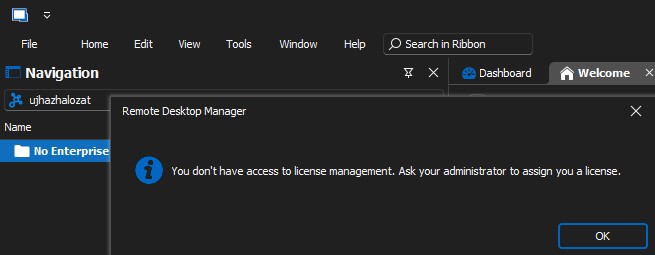
RDM problem.jpg
@simonjanos,
As per your screenshot, you are using Password Hub as your datasource. The license should be entered on the web directly.
See this article for the steps
https://helphub.devolutions.net/hub_register_password_hub_business_license.html
Best regards,
Jeff Dagenais
Dear Jeff
Yes, we use Password Hub.
In the online interface, the license is registered for both RDM and Password Hub.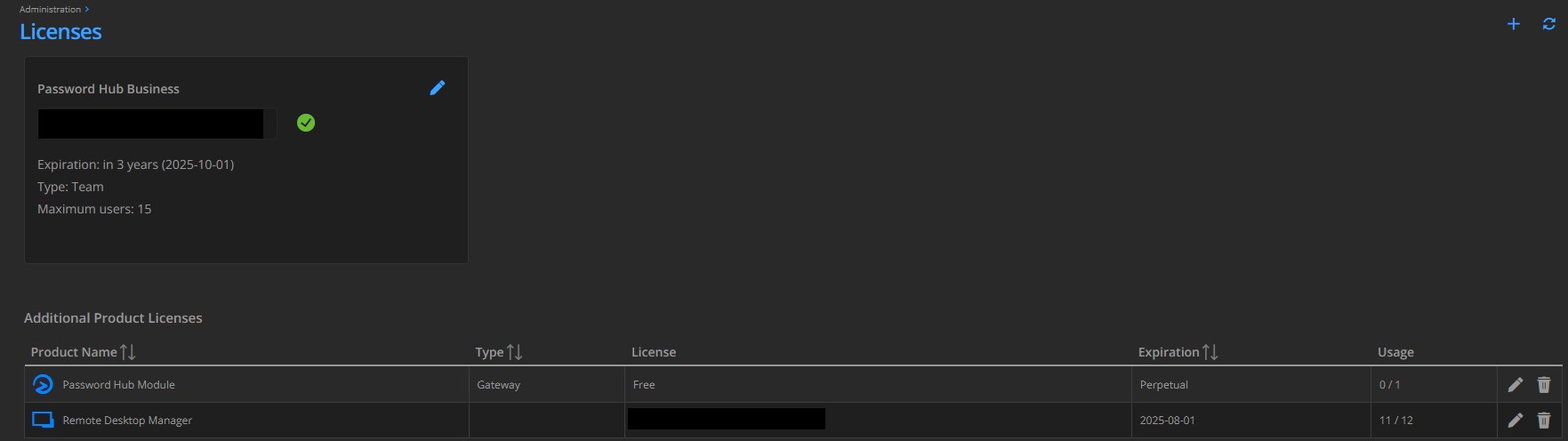
online licenc.jpg
Hello,
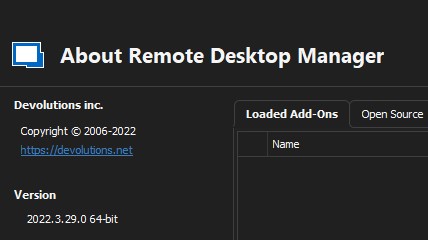
Which version of RDM are you running? Is it the latest?
https://devolutions.net/remote-desktop-manager/home/downloadenterprise
Best regards,
Jeff Dagenais
Dear Jeff
Updated today.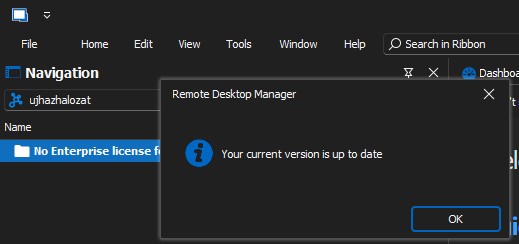
versio 1.jpg
versio 2.jpg
Hello,
Please make sure that the license is assigned to your users as explain here at step 4 and step 5
https://kb.devolutions.net/hub_no_enterprise_license_found_rdm.html
Best regards,
Jeff Dagenais
Hi
Thanks for this new idea, I checked.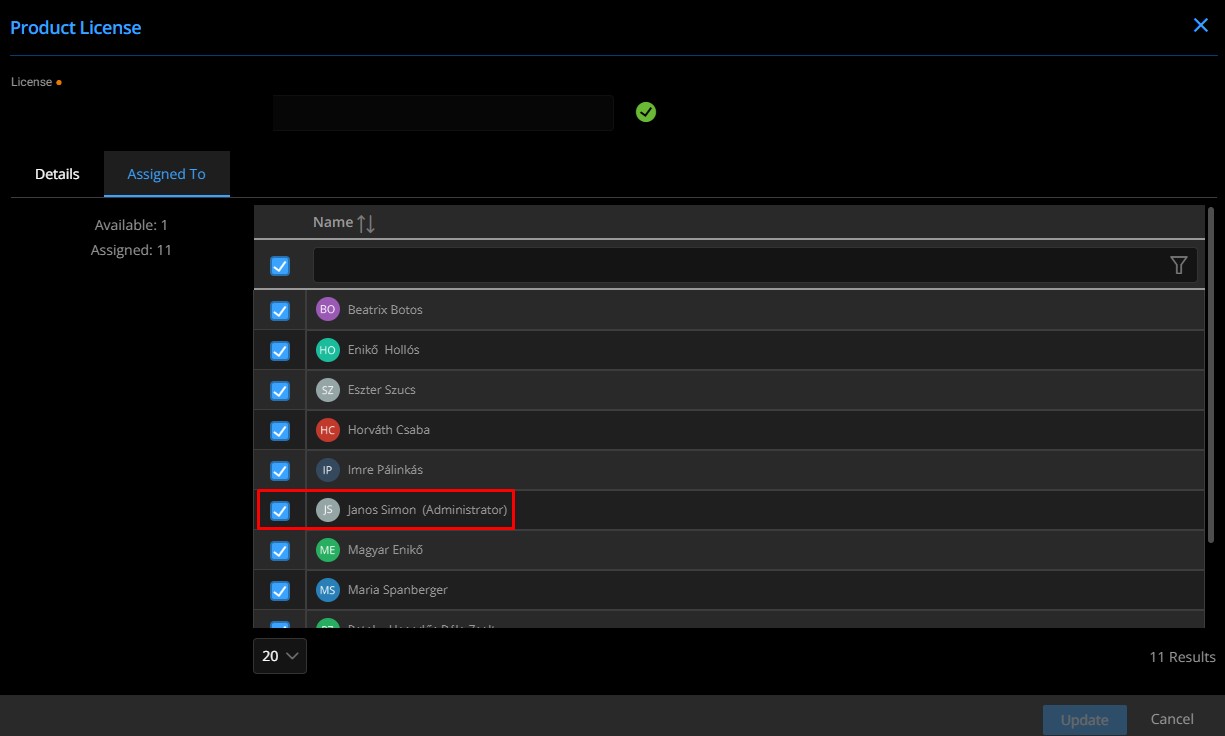
assigned.jpg
Hello,
Thank you for your swift reply!
Would it be possible for you to provide me a screenshot of your File -> Data Sources window via private message? Also, would it be possible for you to validate that the host you are using is correct?
Also, just to make sure, the only user that currently doesn't have a license assigned is not a secondary account that you might be using to perform certain tasks.
Best regards,
James Lafleur

@info59,
I replied inside the other thread to not mixed issue and to avoid confusion.
Best regards,
Jeff Dagenais
Hello James
I sent the message.
Thank you, Janos Simon
Hello Simon,
James is on vacation this week; would it be possible to send it to service@devolutions.net?
Best regards,
Richard Boisvert
Hello Richard
OK, I sent it.
Thank you, Janos Simon
Hello,
Thank you, I just replied. For now, we will continue in the service ticket, and we will report our finding here.
Best regards,
Richard Boisvert
Hello,
The antivirus of Janos was blocking the connection to the Password Hub Business data source, after disabling it, he confirmed it was working. They will create an exception for RDM to prevent the issue.
Best regards,
Richard Boisvert