RDM - ARD to Mac post update showing incorrect sizing

HI team,
After the latest update, when connecting back to my Mac using ARD, the sizing is off and I am not able to figure out the combination of settings to correct it.
Ive rebooted the Mac, swtiched between smart sizing on and off, scaled on and off, changed selected screen and still doesnt show anything useful has changed.
This worked perfectly pre update.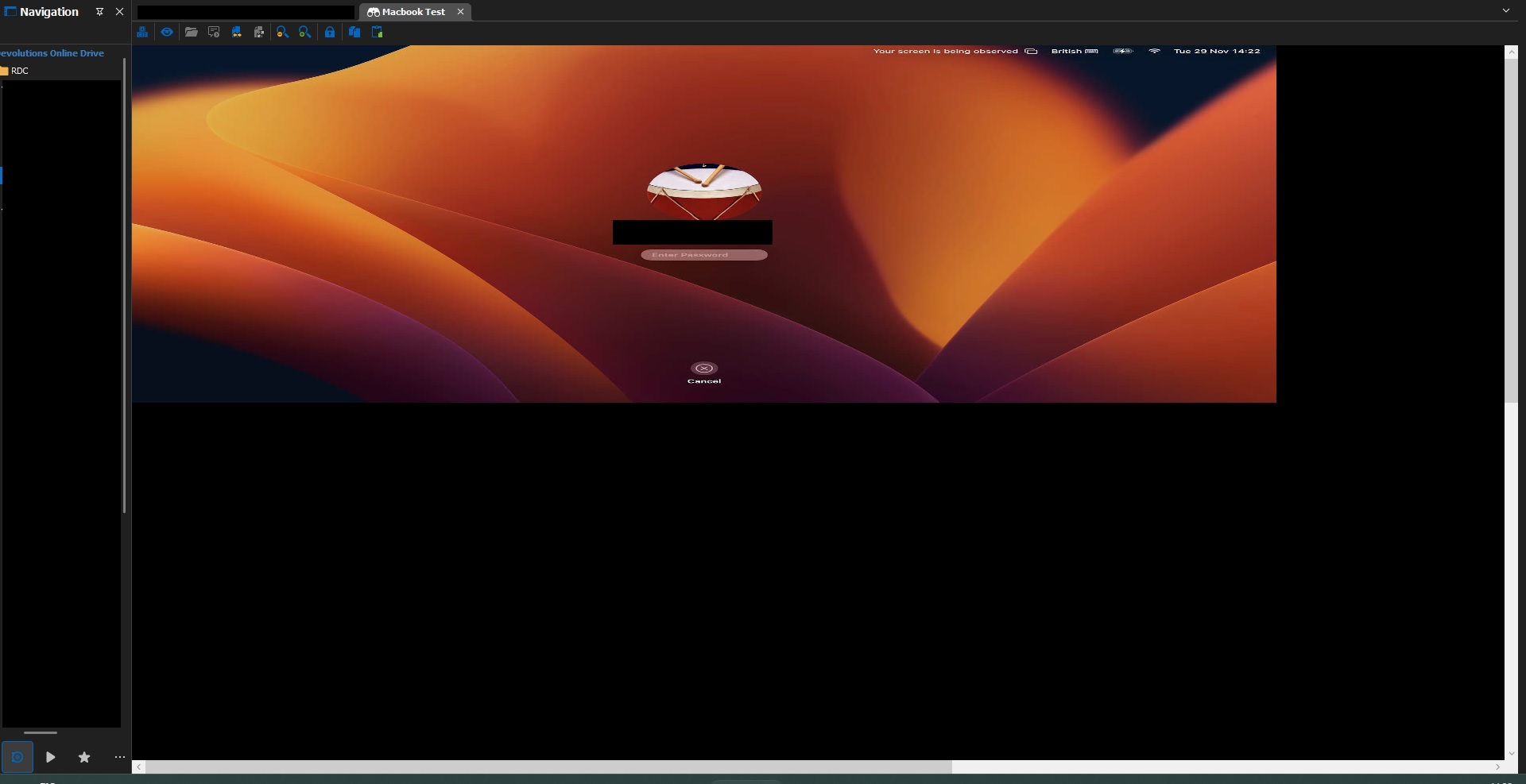
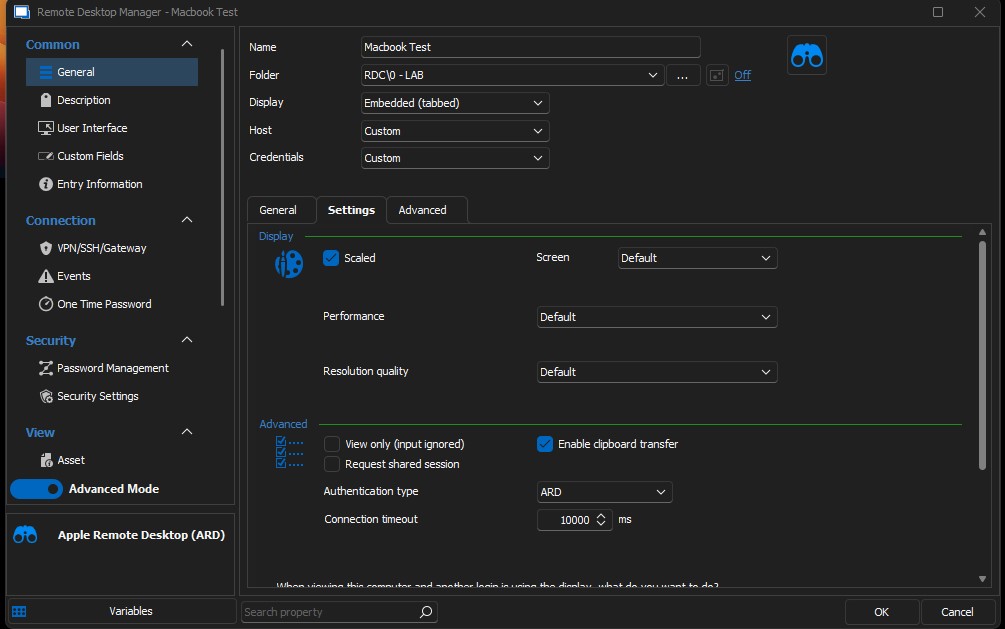
Any help greatly appreciated!
Thanks!
RDM_Sizing.jpg
RDM_settings.jpg
All Comments (11)
Hello,
This is not a behavior that seem to happen on my side, just to confirm, you are indeed running Remote Desktop Manager 2022.3.24.0?
Do you know what would be the resolution of the remote computer?
Best Regards,
Etienne Lord
Hi Etienne,
I am running 2022.3.24.0 64-bit
Local resolution is at 2560x1600 on 13.3 inch.
Thanks!
John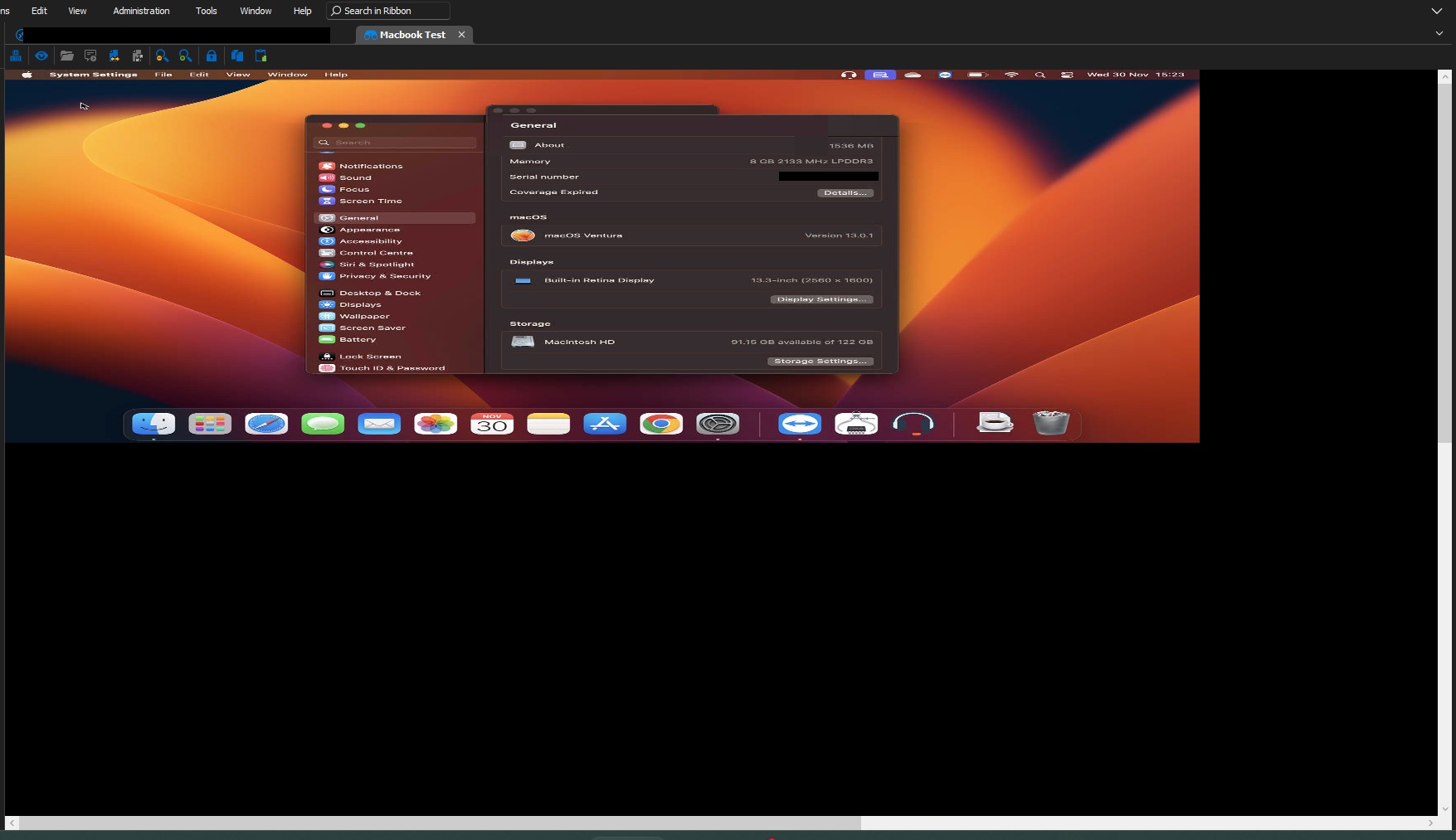
MacResolution.jpg
Hello,
Thank you, I will investigate with the engineering department.
Best Regards,
Etienne Lord
Hello
This looks like a regression on our side. Can you please let me know what you have configured on your Mac under System Settings > Display, for the scaling option?
It looks like you're using macOS 13 (Ventura); on my system the options appear like this:
Thanks and kind regards,
Richard Markievicz
Hi Richard,
I am running Ventura and my Displays section looks the same as your screenshot.
To get the resolution previously I had to go to "system Information" and then "Graphics/Displays" which confirms 2560x1600.
Thanks!
Hello again
Thanks for the update. So just to confirm - your scaling option is "Default"? Or one of the other is selected (from "Larger Text" down to "More Space")?
In RDM, can you switch the option VNC > Settings > Display > Resolution Quality to "High", and tell me if it changes something?
Thanks and kind regards,
Richard Markievicz
Hello again
You can disregard my previous message - I tracked down the regression on our side and am integrating a fix today. I'll update this thread once the fix is available.
I apologize for the inconvenience. You may have success working around the issue by configuring the "Resolution Quality" to "High", depending on the exact scaling settings of the remote machine, setting up VNC authentication and using the VNC connection type (although performance will be compromised) or temporarily reverting to the earlier version of RDM.
Once again I apologize for the inconvenience
Kind regards,
Richard Markievicz
HI Richard,
Nothing to apologise for!
Happy to help try and find and diagnose an issue and I'm in no rush.
Appreciate you getting back to me and figuring it out what it was.
Thanks very much!
John
Running into the same issue remoting into an iMac. Looking forward to a fix :)
Hi Richard,
Just updated to the latest version and the sizing and resolution is fixed!
Thanks for your help.
John
Hello again
My apologies for not updating the post; I had thought that this was slated for the following release.
I'm glad things are working well in 2022.3.26, and apologize for the inconvenience.
Please don't hesitate to post back with further questions or comments.
Kind regards
Richard Markievicz