Creating a tool for tigntvnc

Disabled
I'm creating a template for a command line tool to run vnc record via tigntvnс client. it looks like this.
"C:\Program Files\TightVNC\tvnviewer.exe" -host=$IP$ -port=5900 -password=$PASSWORD$ -scale=auto
unfortunately it doesn't work. at start tigntvnc swears that all parameters are not transferred. if you run the tool with the command line displayed, you can see that the password for the entry is not transmitted. what variable is responsible for this?
All Comments (7)
Hello,
Thank you for contacting us on that matter!
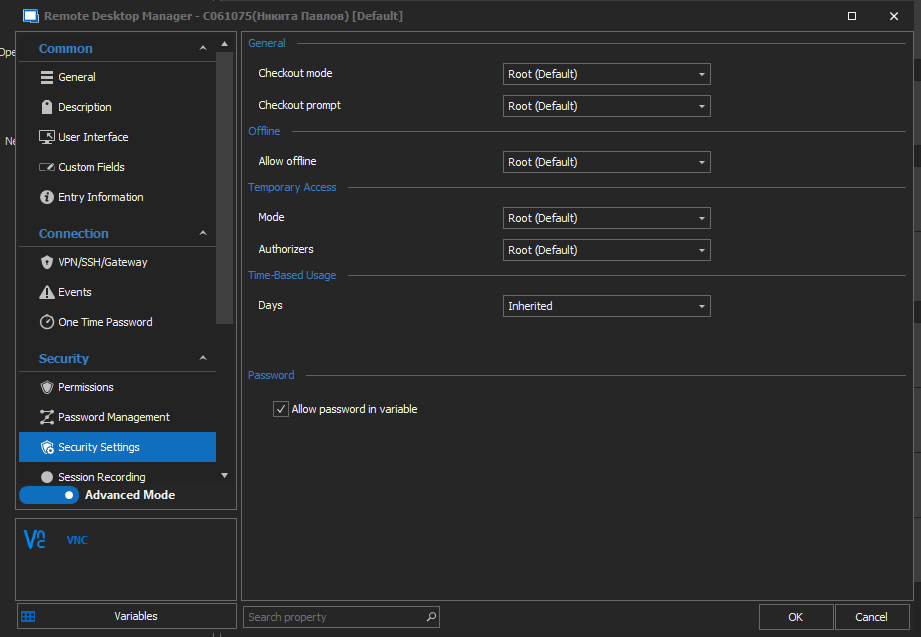
Would it be possible for you to confirm that the option "Allow password in variable" is checked on both your template and your VNC entry?
This option can be found under the "Security Settings" section of your entry.
Best regards,
James Lafleur
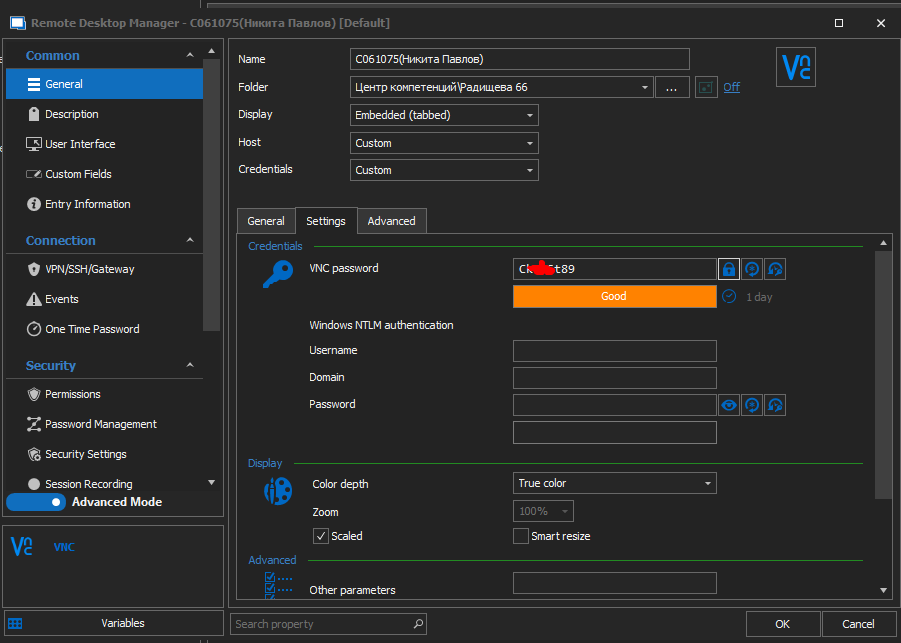
I enabled the "Allow password in variable" option, but it doesn't work anyway. i put the $password$ variable into the entry, however it passes an empty string. which variable provides the password in vnc entry? there is no option "Allow password in variable" in my template, only in vnc entry.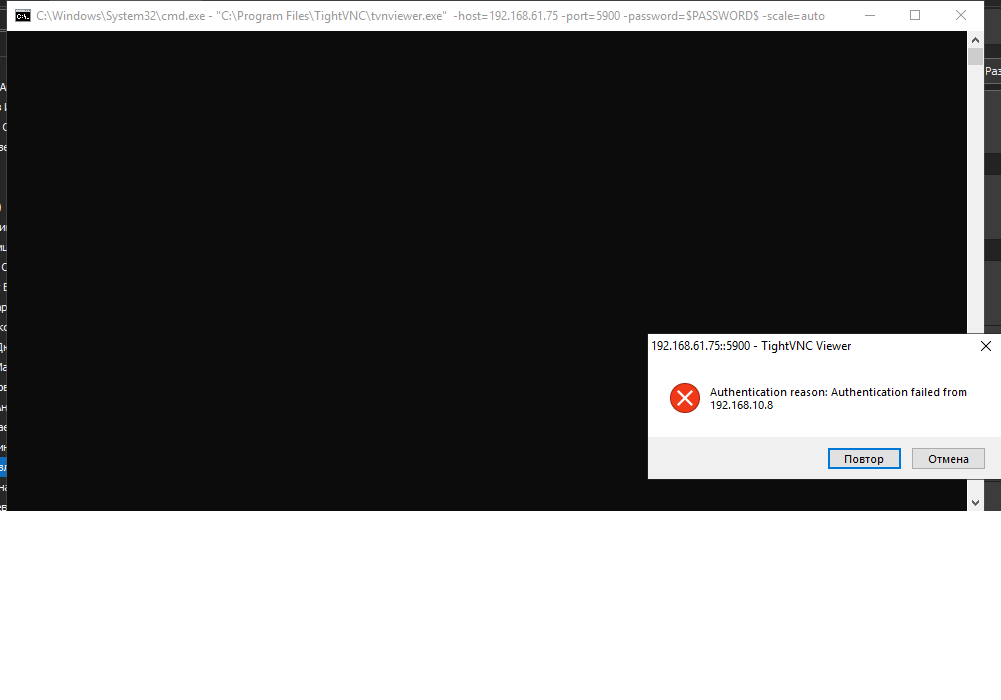
Untitled.png
Hello,
Thank you for your swift reply!
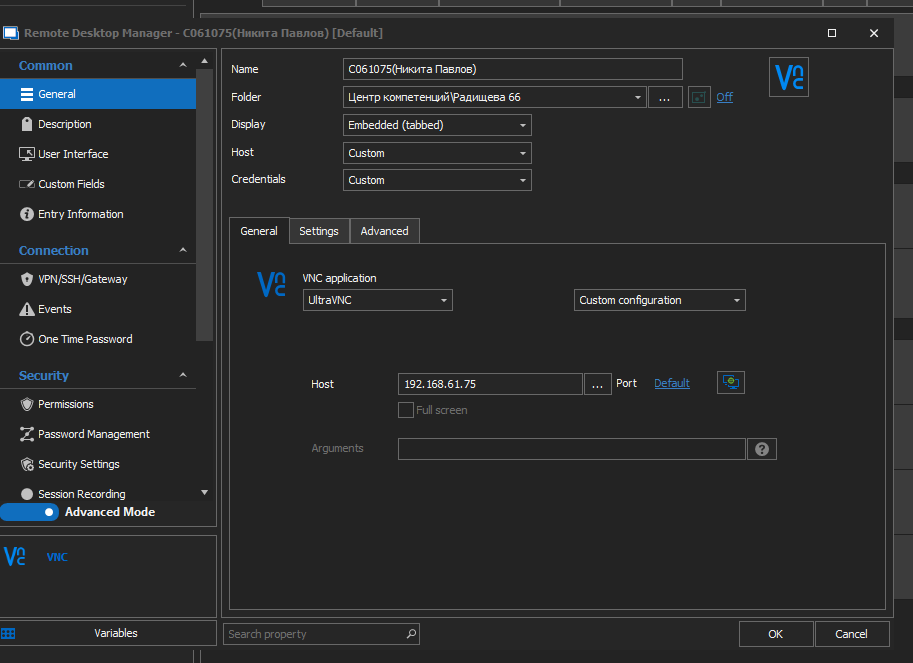
Would it be possible for you to provide me screenshots of the configuration of your VNC entry and of your template? These can be sent to me via private message if you do not wish to show them on the forum.
Best regards,
James Lafleur
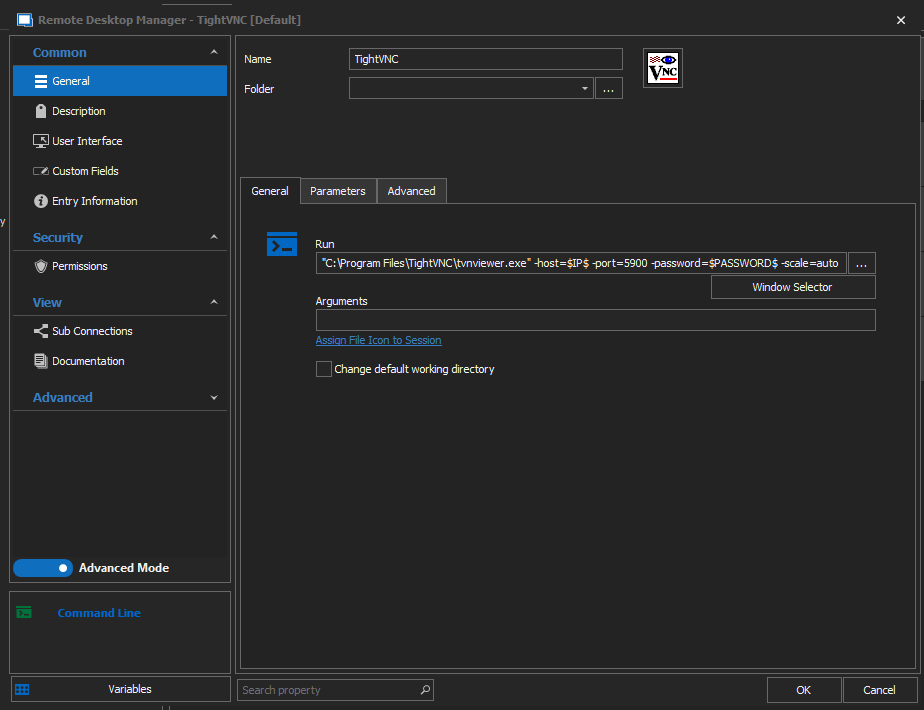
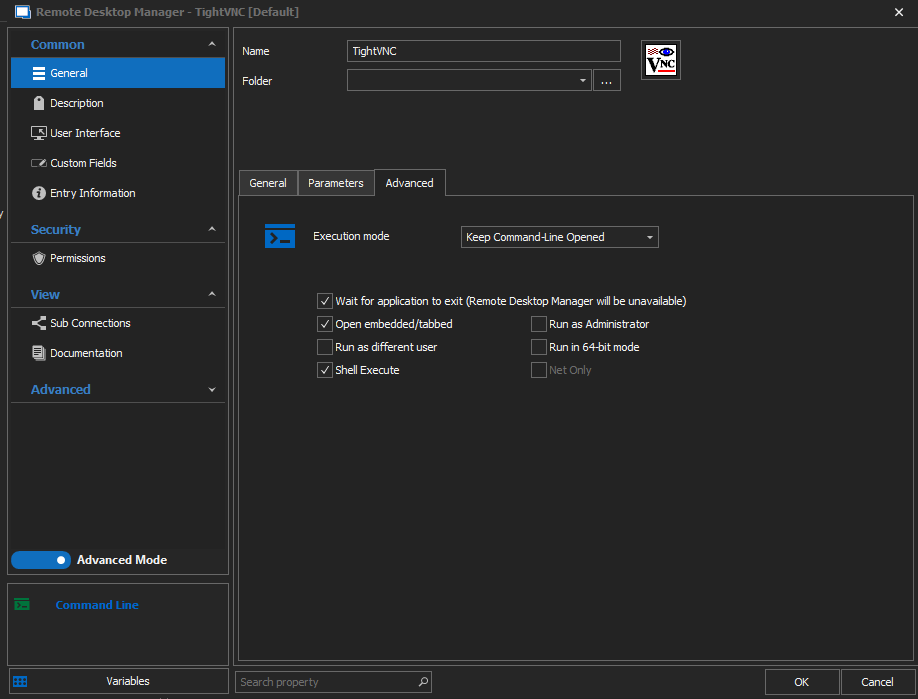
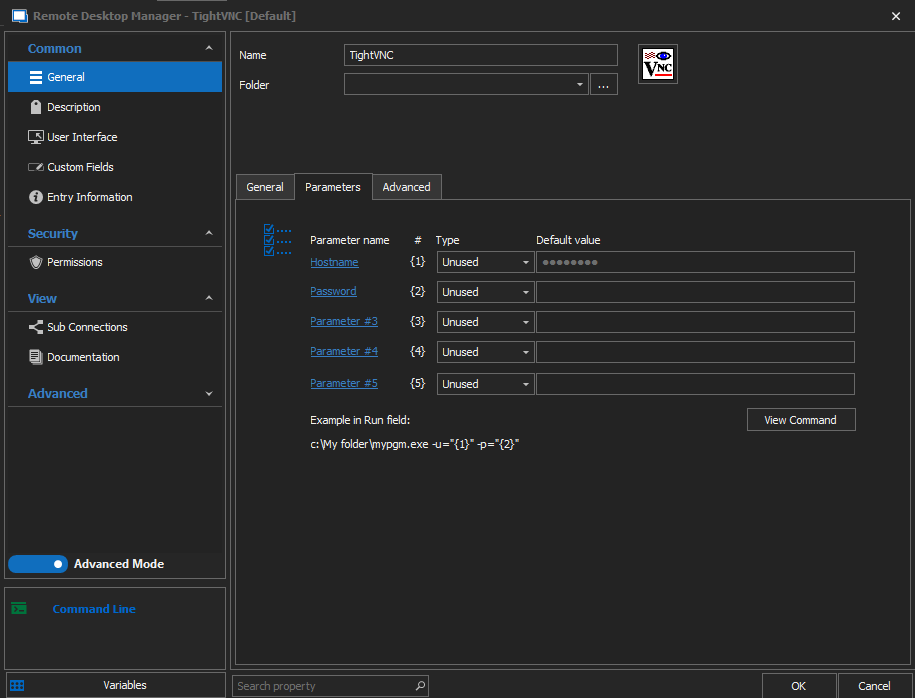
Screenshot_1.png
Screenshot_2.png
Screenshot_3.png
Screenshot_4.png
Screenshot_5.png
Screenshot_6.png
Hello,
Thank you for these screenshots!
Out of curiosity, is there a reason why you are running a TightVNC template on your regular UltraVNC entry instead of using TightVNC as the VNC application of your entry? This option is available if the "Display" of your entry is set to "External" instead of "Embedded. This could facilitate the use of your credentials.
Also, could you please go under Administration -> System Settings -> Password Policy and make sure that the option "Allow password variables for all entries" is checked as well?
Best regards,
James Lafleur
I didn't know about this possibility. Thanks! however, I would like the tightvnc window to be captured by rdm, as ultravnc does. I'm creating a template for already created 500+ posts. the "Allow password variables for all entries" option is enabled. I also enabled the option "allow password variable in macros" and after that the template worked. now I need to enable the "allow password in variable" option in all my 500 entries. how to do it?
also my question is why is there no built in tightvnc viewer in rdm?
Hello,
Thank you for your swift reply! This option can be enabled on multiple entries at once using the "Batch Edit" feature. To use this feature, please refer to this link: https://help.remotedesktopmanager.com/commands_batchedit.html
As for your question, it is mainly because we are working on our own embedded solution. Have you encountered any issues with the "FreeVNC" option? It is the other VNC application available to the VNC entry when the embedded display is selected.
Best regards,
James Lafleur
