Hotkey for search window
0 vote

Good day
Before we migrated to RDM/DVLS we had a software in which we could jump to the search field by using a hotkey (for example ctrl+q).
I really really miss this feature in RDM.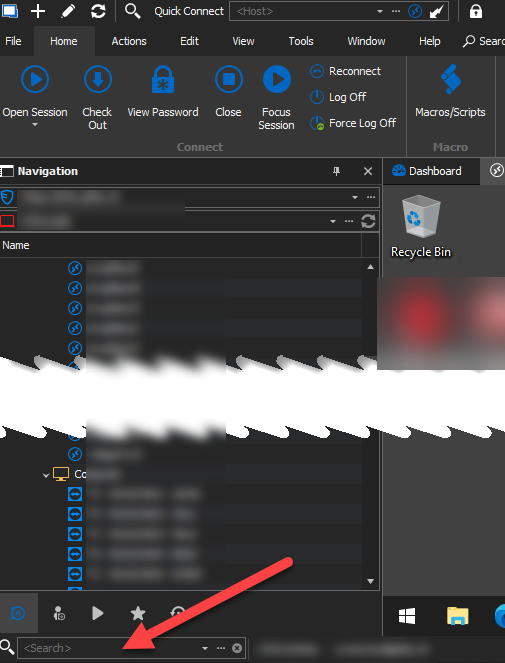
This should be a fairly basic feature request :)
Regards,
Alex
rdm.png
All Comments (3)
Hello,
This should already be available (and customizable), by default the key combination is Ctrl+F. You can edit the shortcut by going in File > Options > User Interface > Keyboard:
Let us know if this works for you.
Regards,
Hubert Mireault
Hi Hubert
Thanks for the reply. Indeed this seems to be working, but only if you have no session tab open (respectively, if you have the focus on the Dashboard tab).
Is there any chance, that this may work when a session is open, but for example has no focus, by clicking into (the empty part of ) the navigation list?
Regards,
Alex
If you change the mode from "When not in session" to "Default", does it help in your situation? The mode changes from what context RDM tries to catch the input of the shortcut key combination.
Regards,
Hubert Mireault