Update Available notification cut off

The "Update Available" notification appears to be scaled wrong or cut off for me. I end up having to undock the tab and then expand the window over a couple of monitors just to see the release notes and the various action buttons (see attachment). I've noticed this over a couple of 2022.1 versions, but haven't tried 2022.2 yet because of the database upgrade piece. We have that upgrade scheduled for this weekend.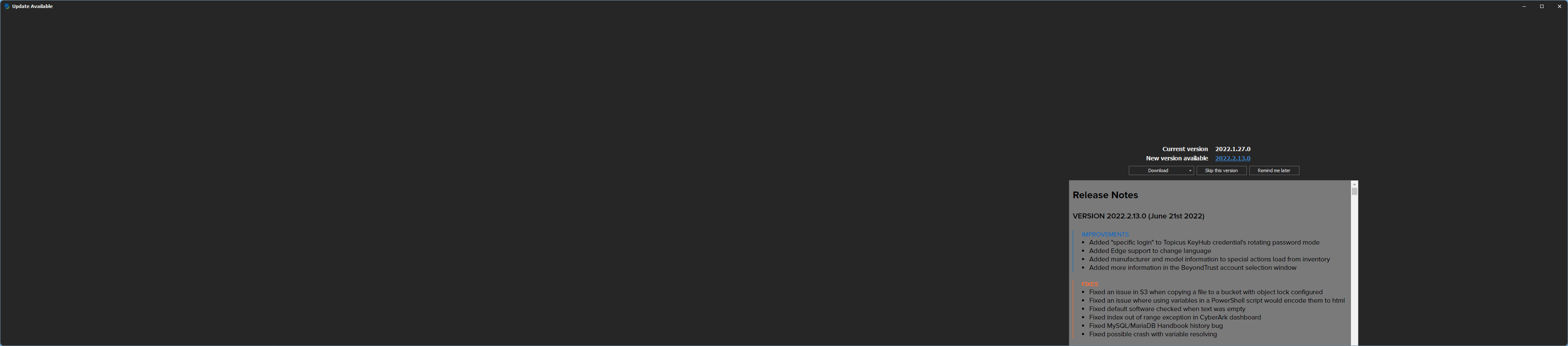
2022-06-22-Update Available.png
All Comments (7)
That is odd, if you hold CTRL+Mouse wheel up does it ajust the window well?
I got a 4k screen myself but your resolution seems even higher am I mistaken?
regards,
Alexandre Roy
CTRL + mouse only adjusts the text size of the release notes when the mouse is hovered over that part of the screen. If I'm anywhere else in the tab (docked or undocked), it does nothing.
No 4k monitors here - my resolutions are pretty well standard (1920x1200 & 2560x1440), but I do have multiple monitors and that attachment stretches the window across a couple of monitors just so that I can see the buttons.
With that screen docked as a tab, I can't see anything at all.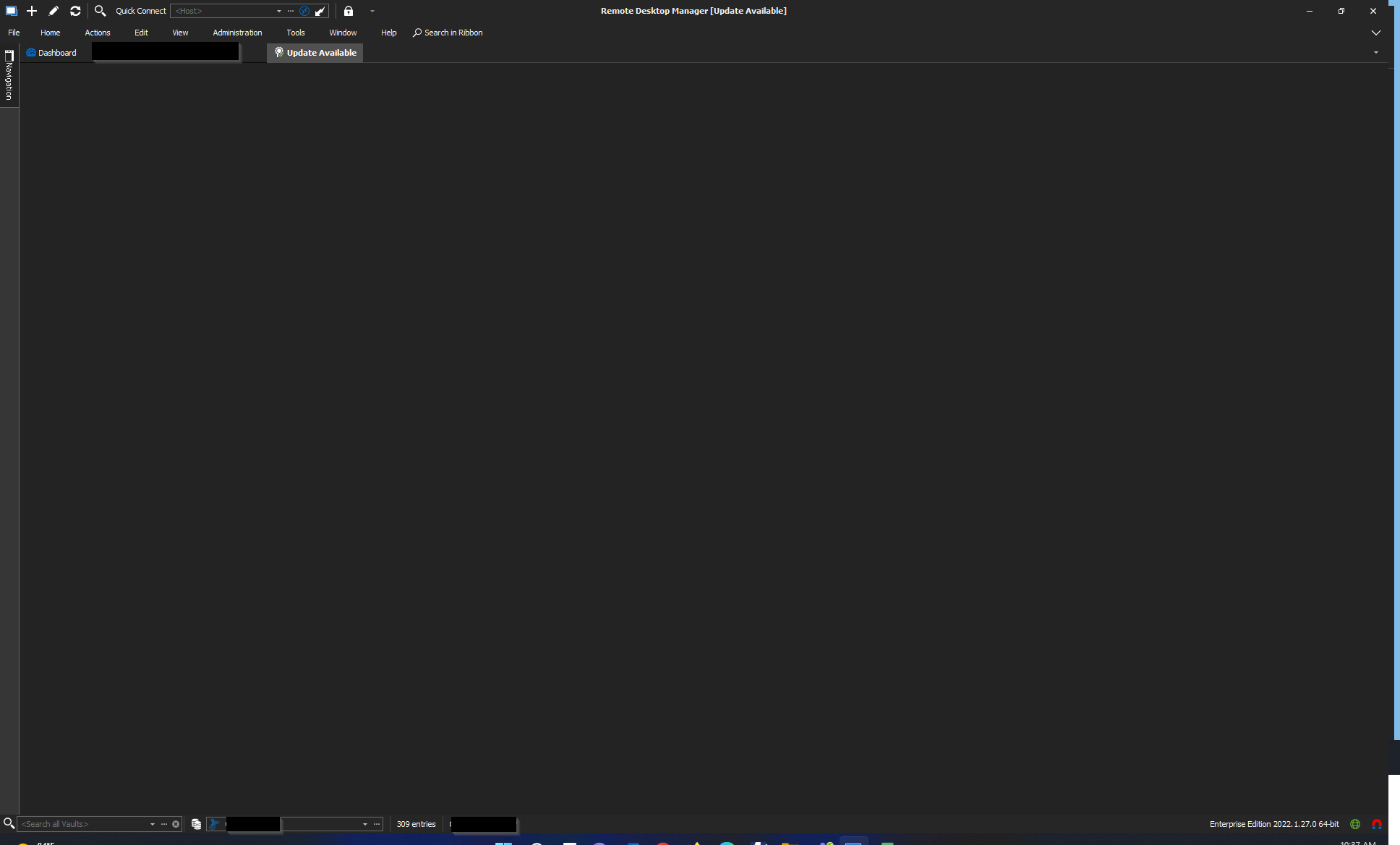
2022-06-22-Update Available.png
While RDM is closed could you navigate to %Localappdata% > Devolutions > RemoteDesktopManager and delete the .lyt files in there. That could potentially fix the issue.
Regards.
Alexandre Roy
Unfortunately, that does not appear to have helped. I deleted 13 .lyt files, re-opened RDM, and saw the same behavior.
I'm pretty sure that I could reproduce the issue if I had your config so I will have someone from the support team send you the instruction, I see your layout is very different from what I'm used to and I think it has something to do with it.
Regards,
Alexandre Roy
Hello,
Here's how to send your configuration file over :
https://kb.devolutions.net/rdm_sanitized_config.html and https://kb.devolutions.net/kb_sendfile.html
Thanks in advance!
Best regards,
Alex Belisle
Thanks, I've uploaded my config with the filename "cbrewer - bug report forum - 06232022.cfg"