Can't connect via WebDAV over SSL to Synology NAS (RDM Android)
Can't connect via WebDAV over SSL to Synology NAS (RDM Android)

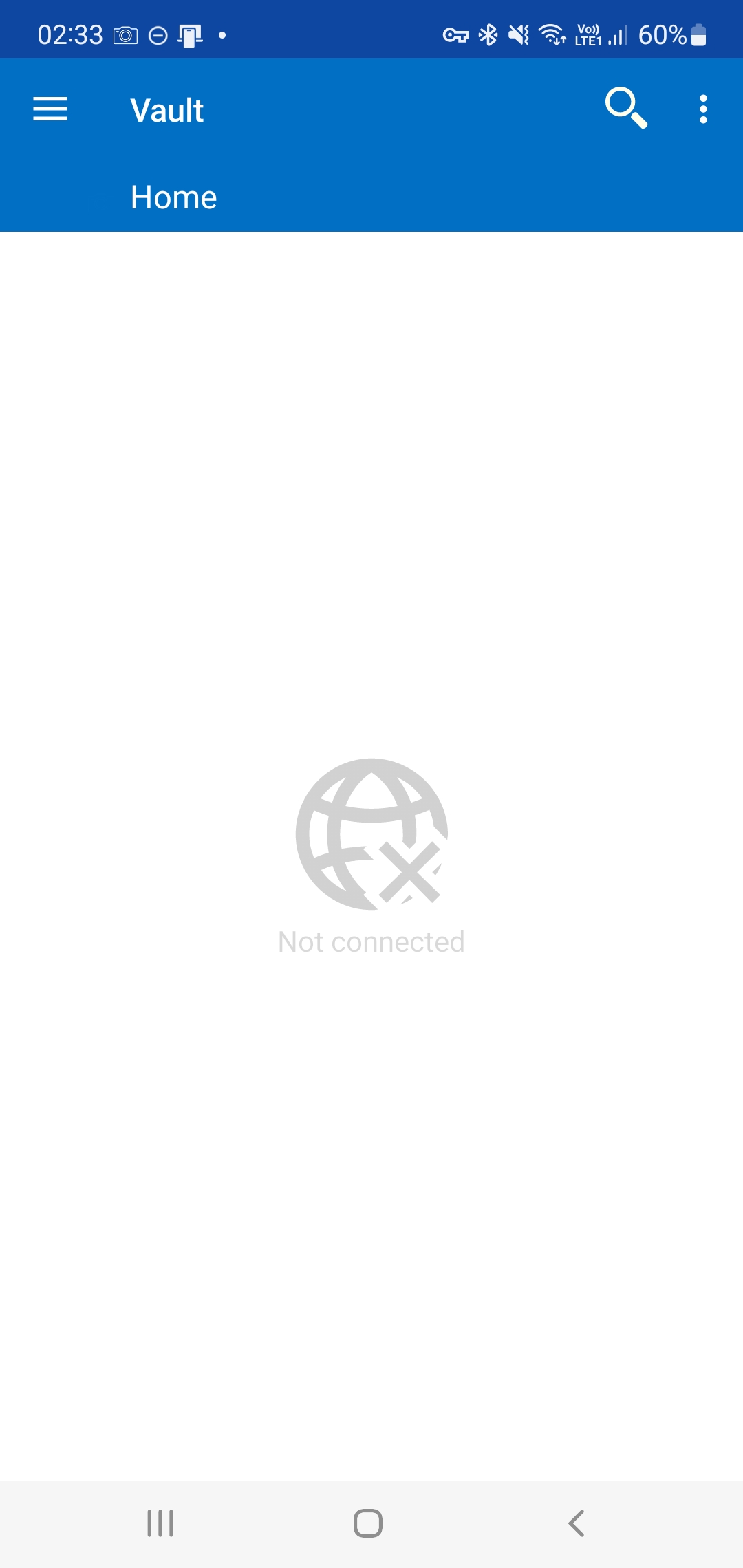
Hello! I downloaded and installed the android app. Trying to connect the data source via webdav to my Synology NAS. It connects without encryption. But if I select SSL, it does not connect. I have Synology certificate and I can connect with other android apps and also programs from my windows PC, but your RDM on my android will not connect with ssl on webdav. What can be the problem?
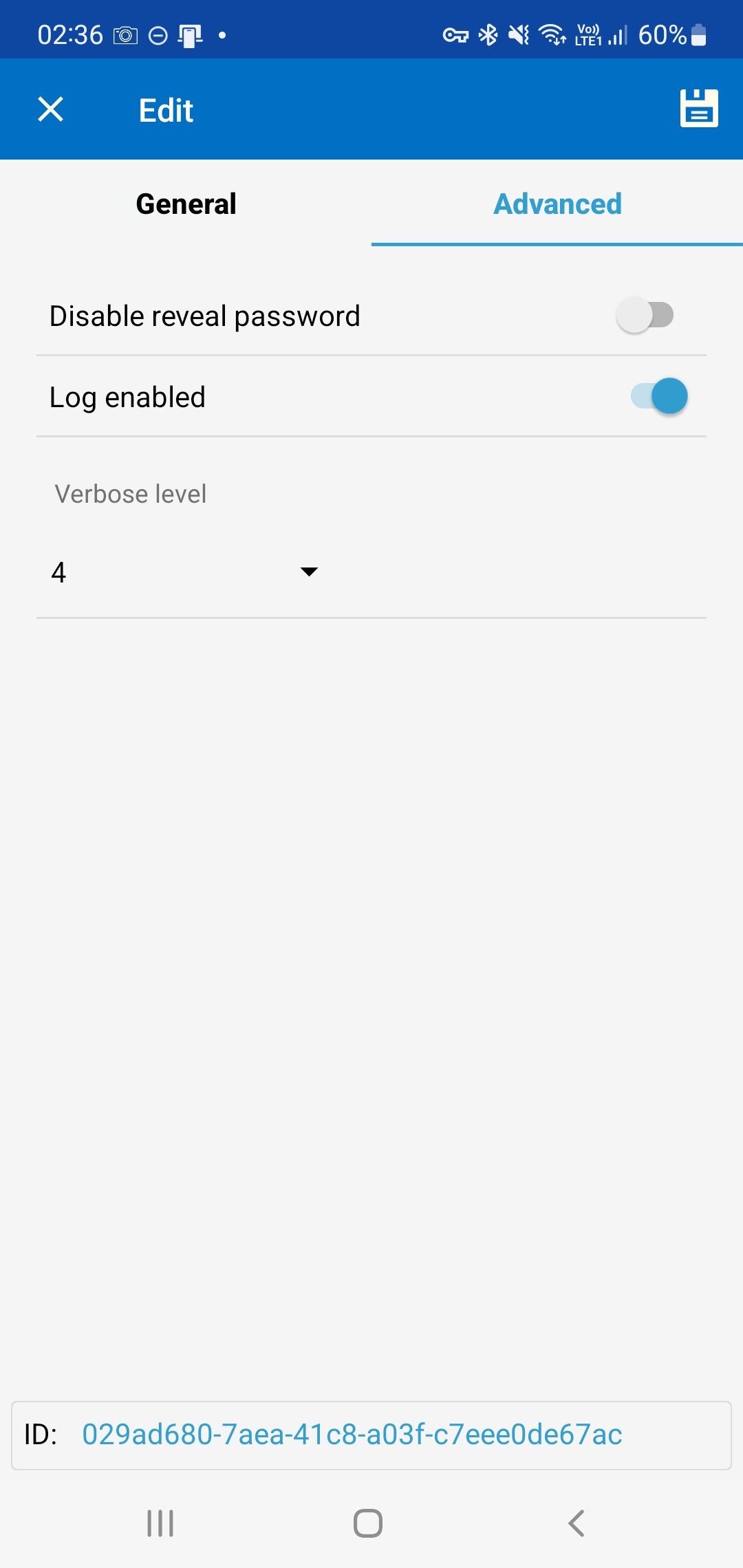
And by the way, I enabled Webdav connection logging, but I have absolutely no idea where they are saved on my android device.
See screenshots below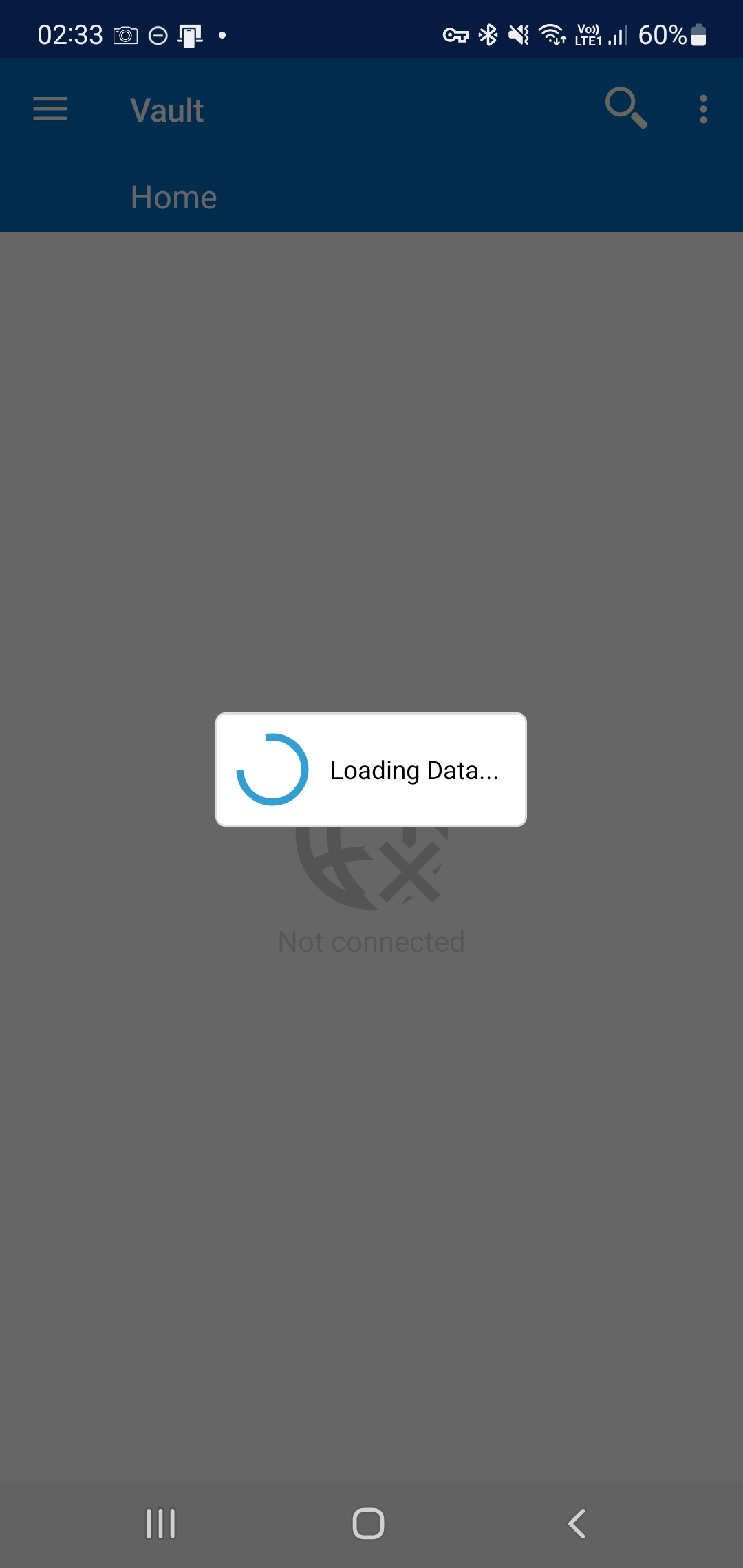
2022_05_27_02.33.43.jpg
2022_05_27_02.33.53.jpg
2022_05_27_02.36.23.jpg
All Comments (8)
Hi,
We will try to reproduce the problem on our side. Please note that the WebDav data source is deprecated and we do not know when we will be able to investigate the issue.
Best Regards,
Nicolas Dufour
Hello! Yes, I've already heard that WebDAV is deprecated, but you see, I want my XML file with passwords to be located not in some cloud storage or in your storage, but on my personal NAS, and I would like to connect to it via SSL connection, and this option was usually implemented SSL connection via WebDAV.
So, if it will be hard to solve the problems with WebDAV, is there any other option to use your personal NAS, connecting to it via SSL?
Although, maybe it's not connecting via WebDAV because of some overly stringent SSL certificate check on my NAS there, maybe you can make some option in your program that would disable or reduce such check?
And about the logs, can you tell me where I can see the logs of attempts to connect via WebDAV over SSL on my Android device? As I wrote above, I enabled saving them, but I can't find where to see them?
Hi,
If you want to manage your own storage, your need to use a Team data source like Devolutions Server or Microsoft SQL Server.
Both of these servers can be installed on-premise.
The logs are not working on the WebDav data source. Once we have release the current version we are working on, we could investigate
the log issue and send you a special version that you could test.
Best Regards,
Nicolas Dufour
I know about the SQL server, but for home use I think it is not very convenient. I need to install special software on my NAS, set up access to the database, etc. In this respect Webdav access is easier.
By the way, did some testing with a third party service. It's called Yandex.Disk (https://disk.yandex.ru/). I can connect to it via SSL via your android app. The server there is https://webdav.yandex.ru and then I enter the login and password from my Yandex account. I wonder why I can connect to Yandex.disk but not to my Synology NAS? Moreover I can connect from Windows to Yandex.Disk and to Synology NAS via ssl as I said before.
Once we have release the current version we are working on, we could investigate the log issue and send you a special version that you could test.
Great would be interesting! As for the new version with logs, it would be interesting to test it and see if I can figure out why it won't connect to my Synology NAS via SSL.
And how would I know about it? Will you post in this thread or can you let me know your email or will you send it to the email that's listed in my profile on this forum?
We will send you a private message via the forum.
Nicolas Dufour
Deal!
Thank you so much! It all worked out for me. The logs showed that when trying to establish a secure WebDAV connection, my Synology NAS SSL certificate was rejected by my android device (Samsung Galaxy Note 10+).
By default, my NAS uses the free Let's Encrypt SSL certificate for various services, including remote secure connections. And for my Samsung to trust it, I had to install the Let's Encrypt root certificate from https://letsencrypt.org/certificates/ in the android system. After that the secure WebDAV connection was successfully established. And, according to the feeling, the access speed is faster than to the file on Google disk. 😀
Thanks for the update!
Best Regards,
Nicolas Dufour