Remote desktop software is always incomplete and cannot be dragged
Remote desktop software is always incomplete and cannot be dragged

Remote desktop software is always incomplete and cannot be dr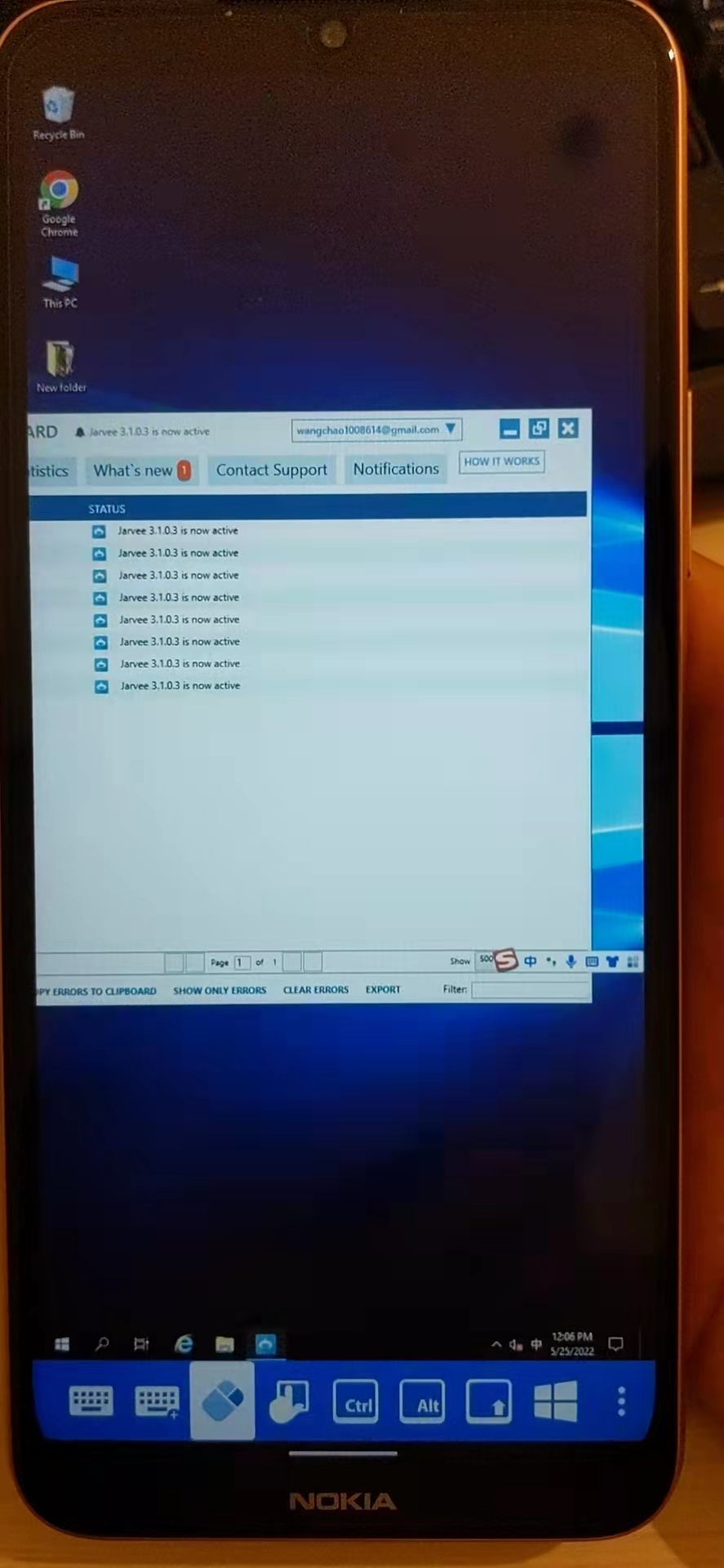 agged
agged
微信图片_20220525180637.jpg
All Comments (3)
Hello,
Just a quick note to let you know that I moved your thread into the RDM Android support section.
Best regards,
Jeff Dagenais
Hello,
What do you mean by the software is incomplete ? Could you elaborate please?
On my side, the screenshot that you have posted seems to demonstrate a complete screen area.
Best regards,
Jeff Dagenais
Hi,
In one of your posts you asked: Any settings to make the software fully display on the screen?
Would like the remote session to open in full screen mode?
If this is the case, you can open your session in full screen mode (this will hide the bottom toolbar) by doing the following:
1- Go in the application settings
2- Select User Interface
3- Enable 'Open sessions in full screen'
Best Regards,
Nicolas Dufour