Remote Screen always same size regardless of settings. Always has scrollbars
Remote Screen always same size regardless of settings. Always has scrollbars

No matter what combinations of RDP Display settings the remote screen is always larger than the local window causing scrollbars. The settings have no effect whatsoever.
I have tried every combination of the Remote Desktop Size and Screen Sizing Modes but nothing changes...
macOS 12.3.1
Version 2022.1.13.0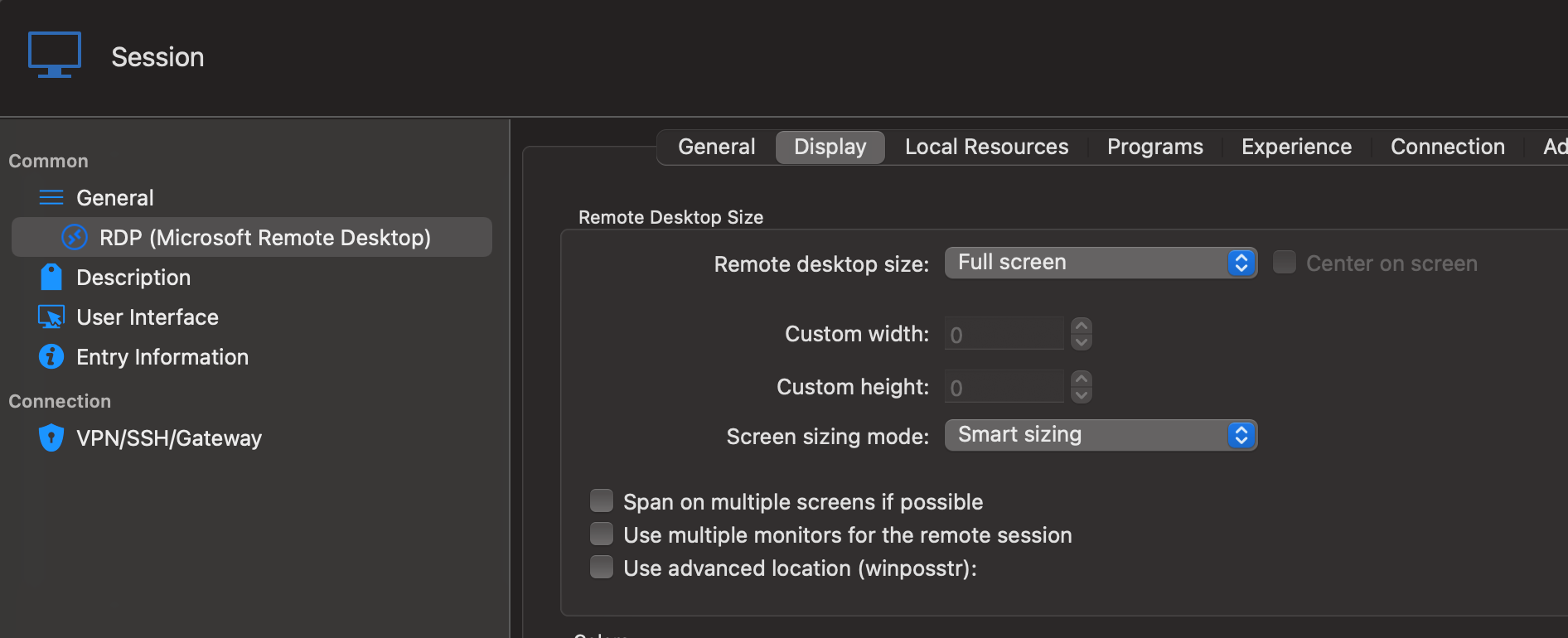
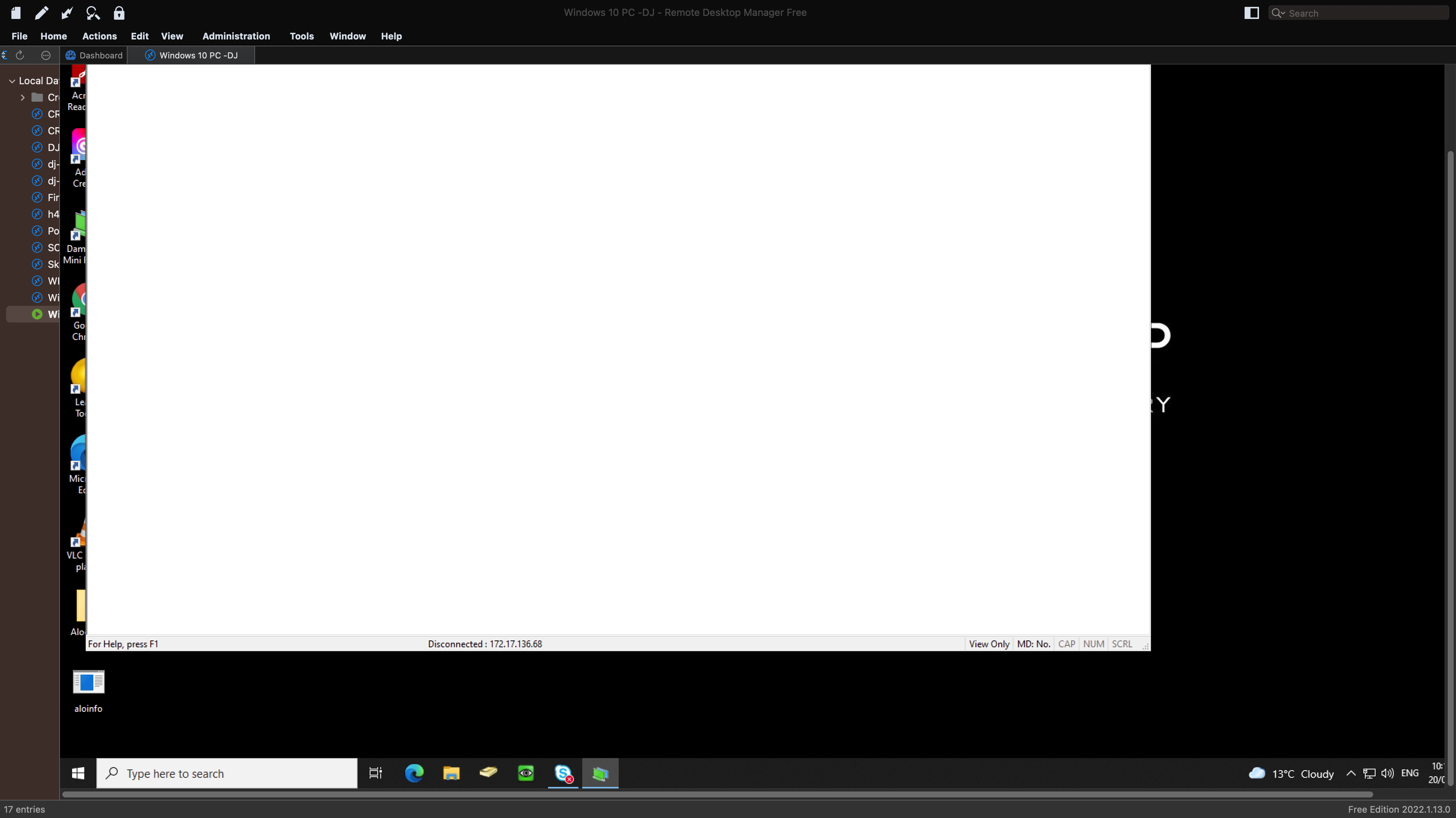
Screen Shot 2022-05-20 at 10.20.52 am.png
Screen Shot 2022-05-20 at 10.18.24 am.png
All Comments (5)
Hello,
Thank you for contacting us regarding this,
I'd like you to try the following in your entry "Properties" under the "Display" section, Change the "Remote Desktop size" to "Current Screen Size" do you still have the scrollbars?
I'm also wondering if you've tested using some of the available resolutions in the Remote Desktop size" field? Was this working for you previously?
Let me know,
Best regards,
Samuel Dery
Hi,
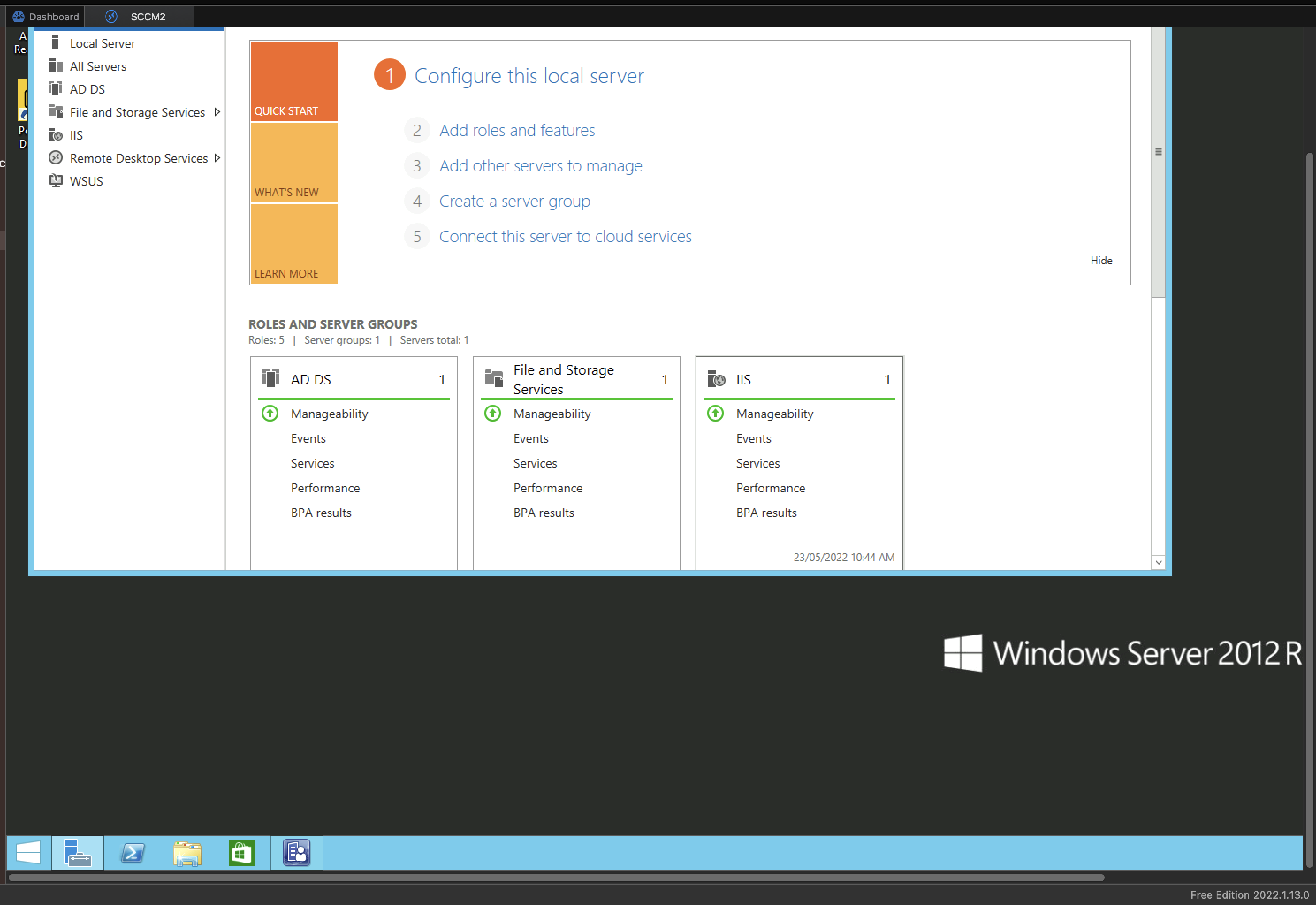
None of the settings make any difference. They seem to do absolutely nothing. This was never working, I have only just started using your product. The resolution options also do nothing.
Always scrollbars.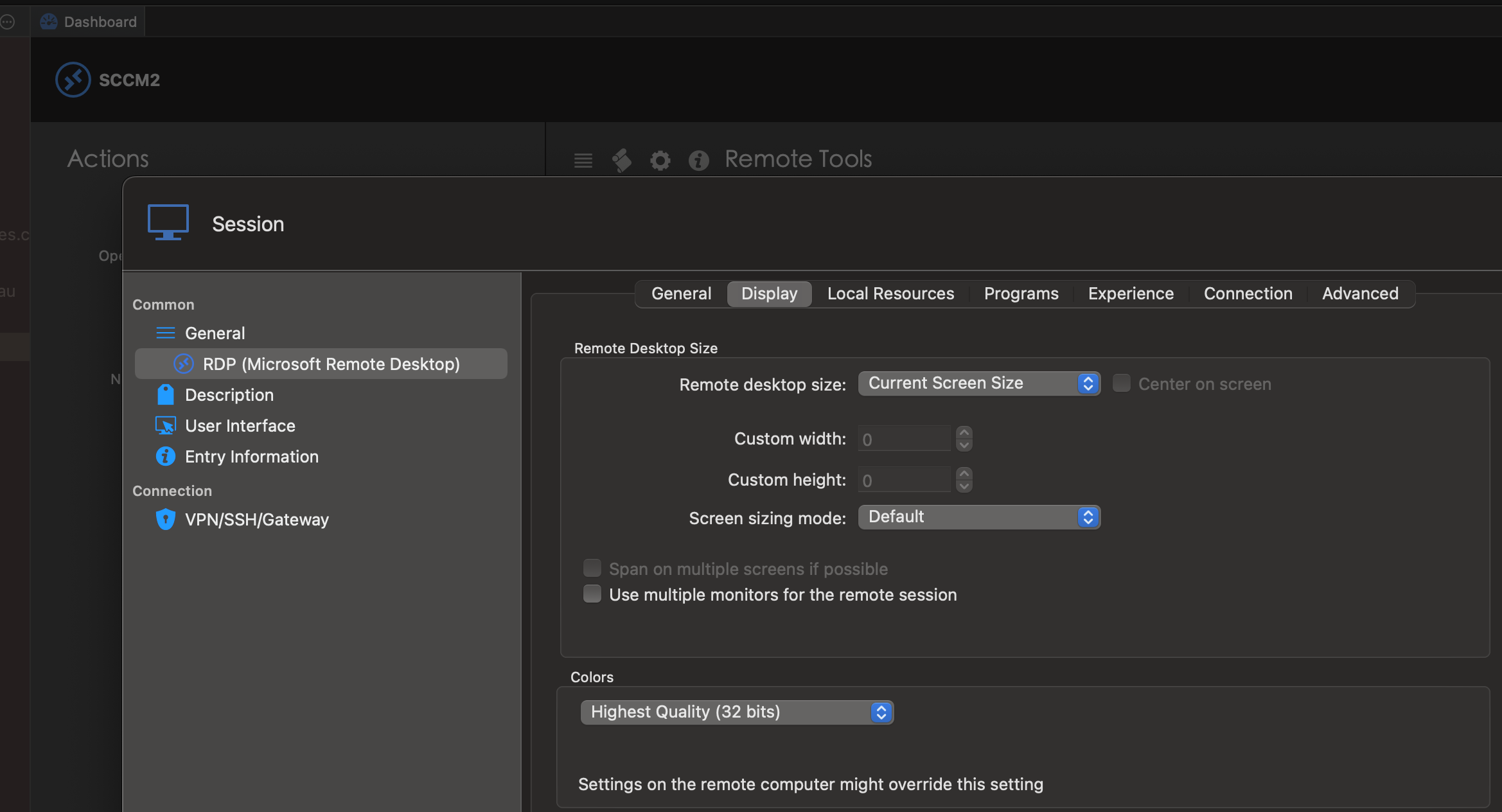
Screen Shot 2022-05-23 at 10.51.59 am.png
Screen Shot 2022-05-23 at 10.53.06 am.png
Hello,
Thank you for your reply,
I see, do you encounter this issue with all your remote hosts or only this specific one?
Let me know,
Best regards,
Samuel Dery
Hi Samuel,
Yes all hosts. They all end up with scrollbars regardless of the settings configured.
I've tried rebooting both local and host etc but no changes.
Hello,
Thank you for your reply,
I see, If you update to the latest version of RDM Mac 2022.1.16.0 do you encounter the same issue?
I would also like to confirm if you've been closing and restarting the connection after performing changes in your entry "Properties"? It would need to be done for the changes to take effect.
Let me know,
Best regards,
Samuel Dery