2FA and Fido2 Authentication options
0 vote

Hi All
Is there a way to have alternative 2FA options at login for Remote Desktop Manager? When I turn on FIDO or 2FA with a mobile app I am required to do both before I can access the RDM? I would prefer it if I could choose what form of 2FA I want to use at the point of login like if I have forgotten my Fido key, I can still use my phone and vice versa.
Kind Regards
Gaz
All Comments (14)
Hello,
Could you give us more information on your configuration?
- What platform of RDM are you using? (Windows, Mac, mobile)
- What datasource type are you using (SQL Server, DVLS, etc)
- What 2FA did you activate? It can be the application 2FA (located in File > Options > Security), the datasource 2FA (on an SQL Server for example, in the datasource's configuration, there is a way to configure 2FA), or on DVLS it can be forced server-side so anyone connecting has to have 2FA.
Regards,
Hubert Mireault
Good Afternoon
Thank you for your reply.
We are using RDM on Window 10 Platform.
The Datasource type is SQL Server.
The 2FA option are enabled in (located in File > Options > Security) I have enabled 2 forms of 2fa (Fido and Google authentication) but upon login I am required to pass both forms of 2fa before I can access the system.
What I am trying to achieve is having multiple 2FA options active with user having the option to choose what 2FA access they want.
Regards
Gaz
Thank you for the details. By Fido do you mean Yubikey/Duo in this section?
If we're talking about this section then I agree that this would be a good option to have and I can open a ticket so we can look into adding this to RDM. As you mention, at the moment they are all additive, which can be useful for some, but I would figure for the majority of users, an option to choose between multiple 2FA methods is more useful.
Regards,
Hubert Mireault
That's correct, we are using Yubico keys. If this could be implemented that would be great thankyou?
Regards
Gary
Perfect, I've opened an internal ticket for this request.
Regards,
Hubert Mireault
Would SSO (single sign on) be something else that could be implemented as an option?
Regards
Gaz
What exactly are you looking for in relation to SSO? Do you mean for the lock, or as part of logging in to your datasource?
Both Devolutions Server and Password Hub are datasources that support SSO. For SQL Server, if you are using Azure AD, it's possible to do SSO as well. There are also ways to force RDM to re-authenticate, by configuring the "Disconnect datasource" section in the System Settings.
Regarding the lock itself, I don't think having SSO functionality would be particularly useful, as it would make the unlock process trivial, unless I misunderstand what you're looking to achieve.
Regards,
Hubert Mireault
Good Morning
I think our idea is to have as many of our system integrate with AD SSO allowing our users to have a seamless login process then using Azure to force security processes on certain triggers, Our AD is currently a Azure Hybrid and we are only using the RDM Client with a SQL back end.
Are you advising that using A Devolution Server would be the best option to allow SSO to meet our needs?
Regards
Gaz
Hello Gaz,
Having a Devolutions Server (DVLS) would allow you to authenticate using Windows Authentication in RDM (SSO) as well as having 2FA configured. DVLS also allows you to choose, from multiple types of 2FA, which one you want to have for a specific user. In your case, you could have one of TOTP user and the rest using Yubikey, for example.
Last, but not least, you can also import your AD security groups and use them to apply permissions on your vault and entries, simplifying onboarding process of new employees.
Best regards,
Richard Boisvert
Thank you for the details. By Fido do you mean Yubikey/Duo in this section?
If we're talking about this section then I agree that this would be a good option to have and I can open a ticket so we can look into adding this to RDM. As you mention, at the moment they are all additive, which can be useful for some, but I would figure for the majority of users, an option to choose between multiple 2FA methods is more useful.
Regards,
This would be really helpful in the event of and internet/service outage for the 2FA that are internet required, Duo and Yubikey require talking to internet to function, so having the TOTP as a secondary option for those in the event of a failure to communicate you would be prompted for the code instead.
Hello,
Just to let you know, with RDM 2022.2, the default will now be to prompt for which 2FA you want to use if you configured multiple ones under File>Options>Security. The option can be changed back to the previous mode (checking against all configured 2FA methods, rather than choosing one), and it can also be forced for all users in the System Settings or through GPO.
Regards,
Hubert Mireault
Hi Hubert
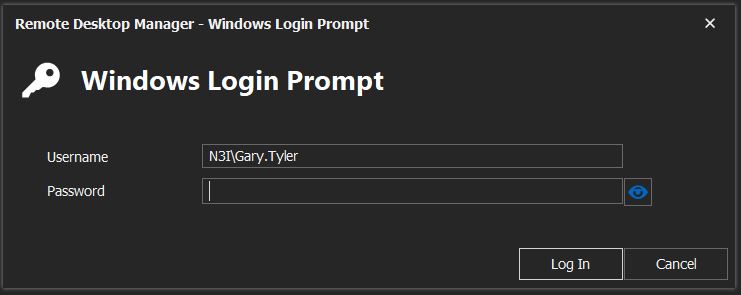
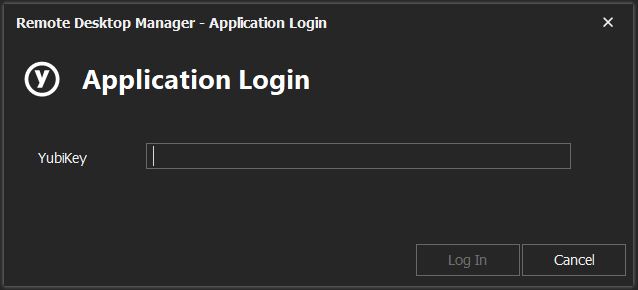
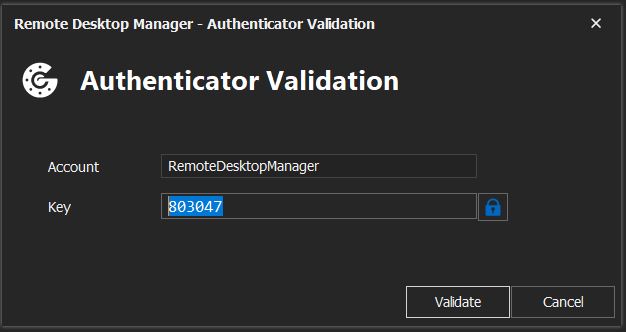
I have updated to the latest version 2022.2 but when enabling 2fa I am still required to ender both forms of 2FA before RDM will open. Is there something I am missing in relation to my RDM Settings? I have attached some image's of what I am seeing.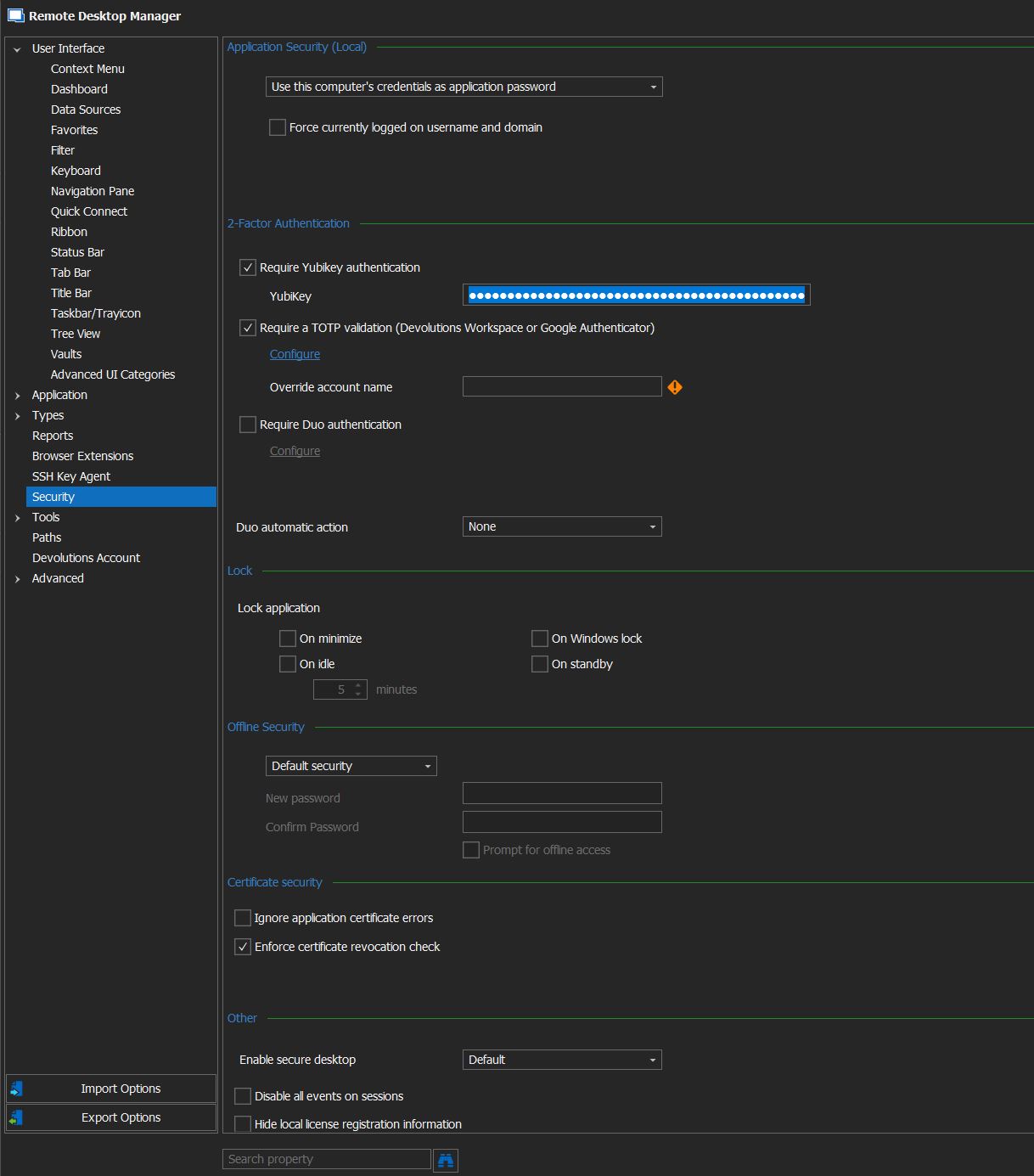
SETTINGS.JPG
Login.JPG
Yubikey.JPG
Authenticator.JPG
sorry just noticed that version Version 2022.2.8.0 is still in Beta testing, I will wait for General Release, thanks again
Hello,
If you're on the 2022.2 beta you should be seeing the following field in File > Options > Security, but it seems to be missing from your screenshot:
I downloaded the version from our website and I correctly see this option and the associated behavior, maybe something went wrong in your test, or I'm missing something.
No worry if you prefer waiting for the general release though, it should release in the coming weeks.
Regards,
Hubert Mireault