After Update: Report Views are broken (Dashboard Overview, Cred. References etc.)
After Update: Report Views are broken (Dashboard Overview, Cred. References etc.)

Hey there,
between the last 2 or 3 updates, the report view hast lost its template or however they are rendered.
Is there a possibility to reset them?
I have attached two examples.
Regards,
Daniel.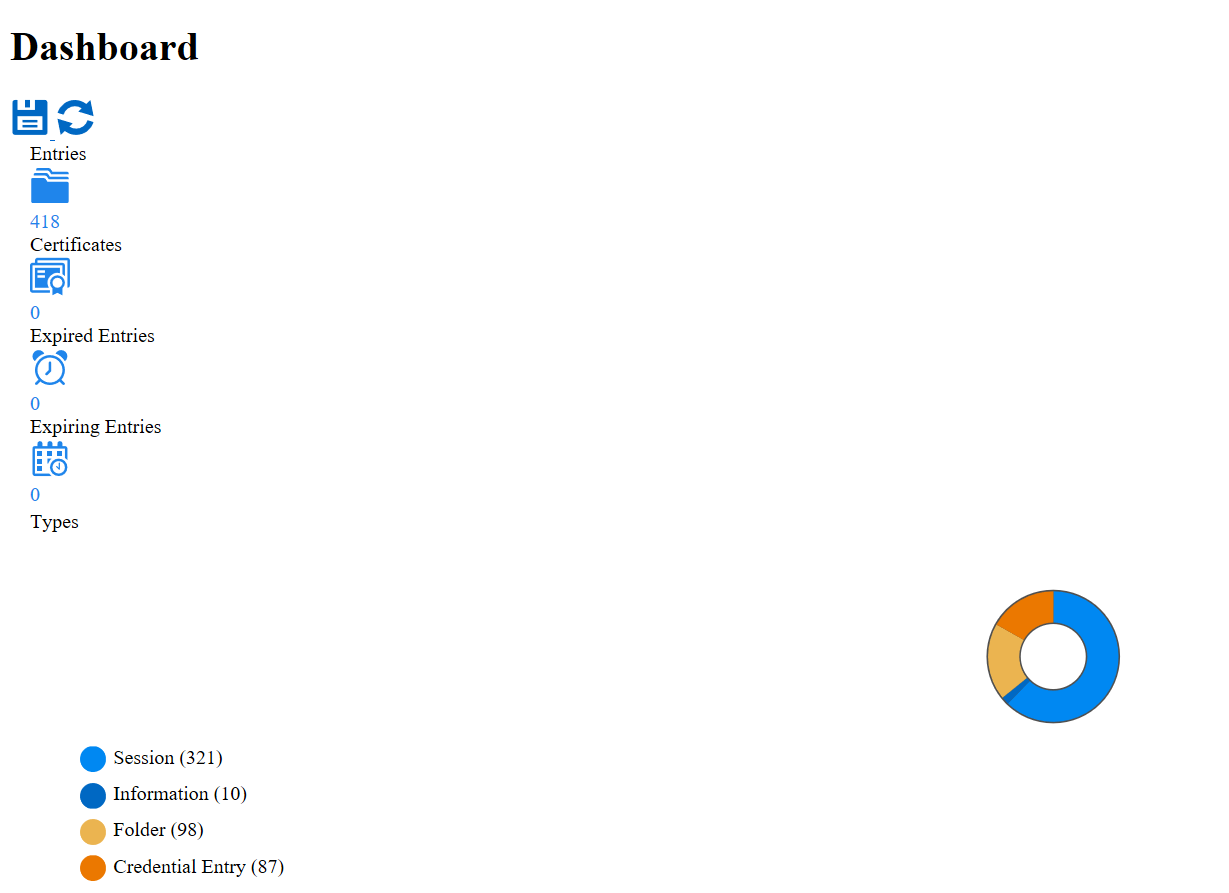
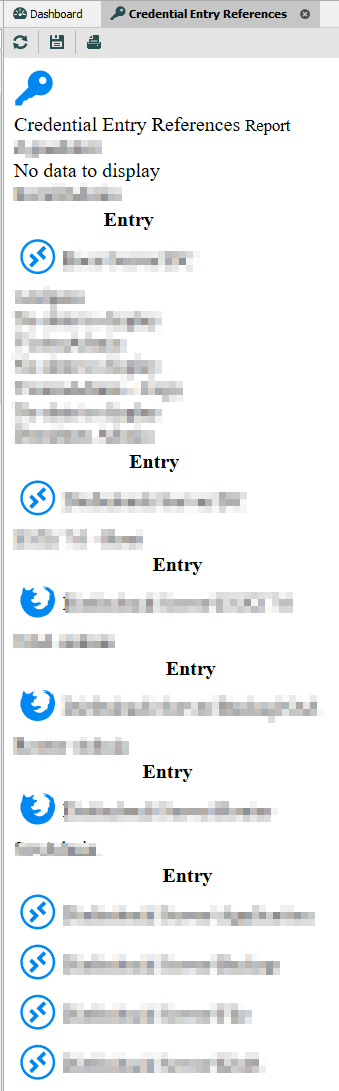
RDM_Dashboard.png
RDM_Cred_Report.png
All Comments (5)
Hello,
What version do you use? Could you verify the content of %temp%\RDM\? This is where we generate the local report. You should see another folder named HtmlAssets.
Regards
David Hervieux
Hi David,
I am using Version 2022.1.13.0 64-bit.
The Folder %Temp%\RDM is existant.
It only inherits the folder HtmlAssets.
I have removed the whole folder and started RDM again. After browsing the Overview Dashboard there are three files underlying:
- Devolutions.RemoteDesktopManager.Resources.CSS.dashboard.min.css
- Devolutions.RemoteDesktopManager.Resources.OpenSans-Regular.ttf
- {66079BB7-D174-4E0A-895B-CC9025F52975}.css
I am using Kaspersky Internet Security (with websecurity etc.).
Closing it doesnt change the beaviour.
Regards,
Daniel.
Hello,
You will also see an htm file with the dashboard html report. Could you opened it with your default browser?
Regards
David Hervieux
Another question. Do you have the WebView2 runtime installed?
Regards
David Hervieux
Great David, installing the Webview 2 Runtime Component (and restart RDM) solved my Problem.
I dont know when it got lost (or if I had installed it yet).
Thank you :-)
Regards,
Daniel.