Blank websites / Loading dialog in front of everything

We have two issues since a long time, and I decided to wrtie them down now, as they are getting annoying.
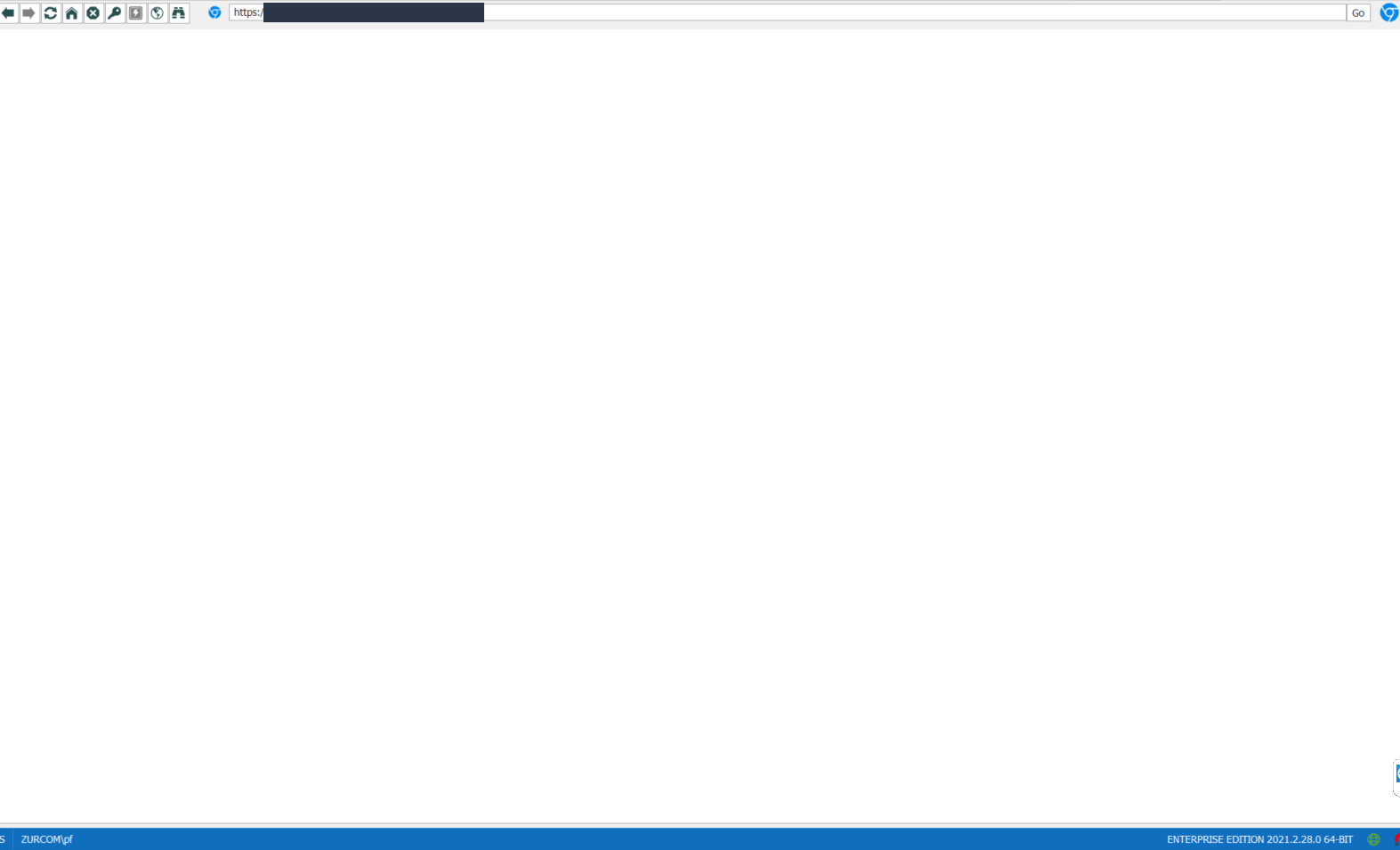
- When we open some websites (like logins to firewalls) it shows the url above but just a blank white page below. After closing and opening RDM, they show again for some time. But after a few, the problem occurs again. I attached you an example. We use Chrome for website in the settings of the entry.
- When we try to open a website which is not reachable, the loading dialog stays in front of all windows. I can even switch to word or into chrome and it still shows just the dialog of Loading in front, and we need to close the entry if we want get rid of it. Also en example attached.
We love RDM for many years and look forward when these to get fixed. The first one occured about 2 month ago, the second one as long as I can remember.
Best regards
Patrick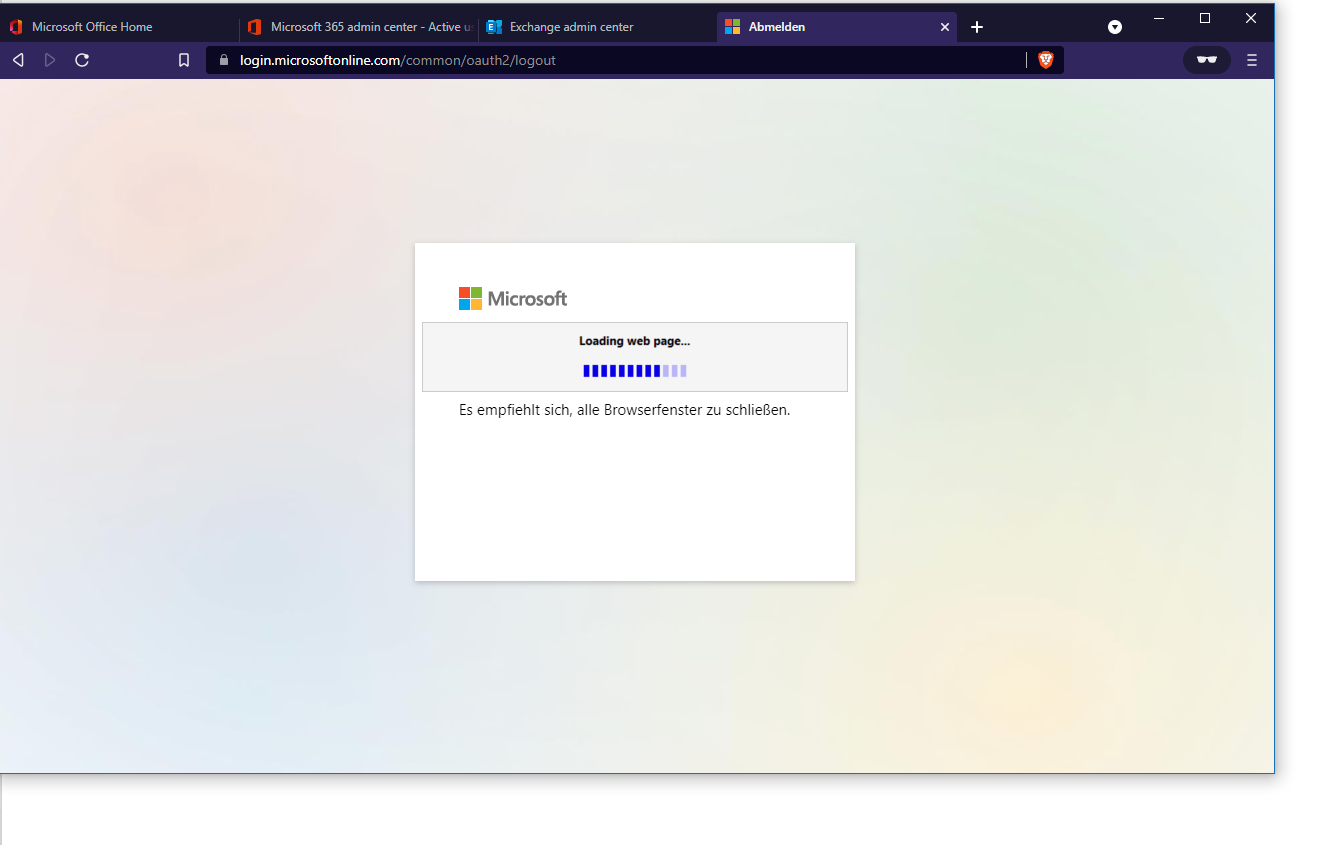
loading-dialog.png
blank-page.png
All Comments (5)
Hello,
Thank you for contacting us regarding this,
I have a few questions which you can hopefully answer.
- Which version of RDM are you using?
- Which type of data source are you using?
I’m also wondering if you're using "Website" or "Web Browser (HTTP/HTTPS)" entries? Perhaps you could provide me a screenshot of your entry "Properties" ?
Let me know,
Best regards,
Samuel Dery
Hi Samuel
RDM version: 2021.2.29
Data source: SQL
here is a screenshot of a website entry, if you need anything particular, let me know. And again, it works sometimes, but mostly when RDM is running for a few hours, it's just opening blank sites. It still changes the url for example if you go to a firewall, it will change it to IP\login but does not display anything. 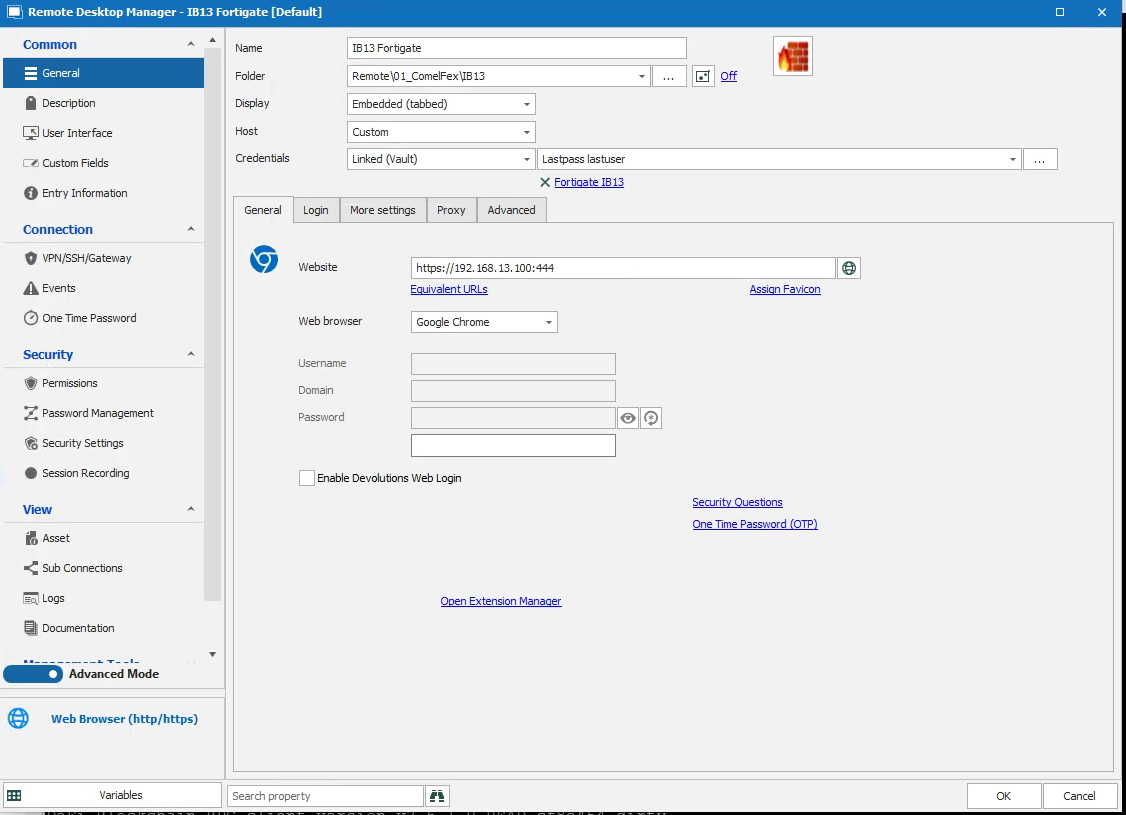
website.PNG
Hello,
Thank you for your reply,
I see that is odd indeed, I'm wondering if your other users are also experiencing this behavior?
Could you test with a portable instance of RDM to see if you experience the same issue? To do so, you will need to do the following:
1- Download the .zip file below:
https://remotedesktopmanager.com/home/thankyou/rdmbin
2- Create a new folder on your Desktop
3- Extract the content of the .zip file into the folder created at #2
4- Go in this folder once the .zip file has been extracted and run remotedesktopmanager64.exe
5- Enter your current serial
Let me know,
Best regards,
Samuel Dery
Hi Samuel
OK I will try it. Can you please also say something to point 2? That's something everyone has and it's since years.
Best regards.
Patrick
Hello,
Thank you for your reply,
Indeed, for now, you could perform a "Right-click" on this "Prompt" and select the "Visible" option, this should hide this prompt.
I will open a ticket to our engineering department regarding this and will keep you updated on any news I receive.
Best regards,
Samuel Dery
