Navigation Pane Missing - 2021.1.41.0

I am running 2021.1.41.0 on a Server 2019 TS.
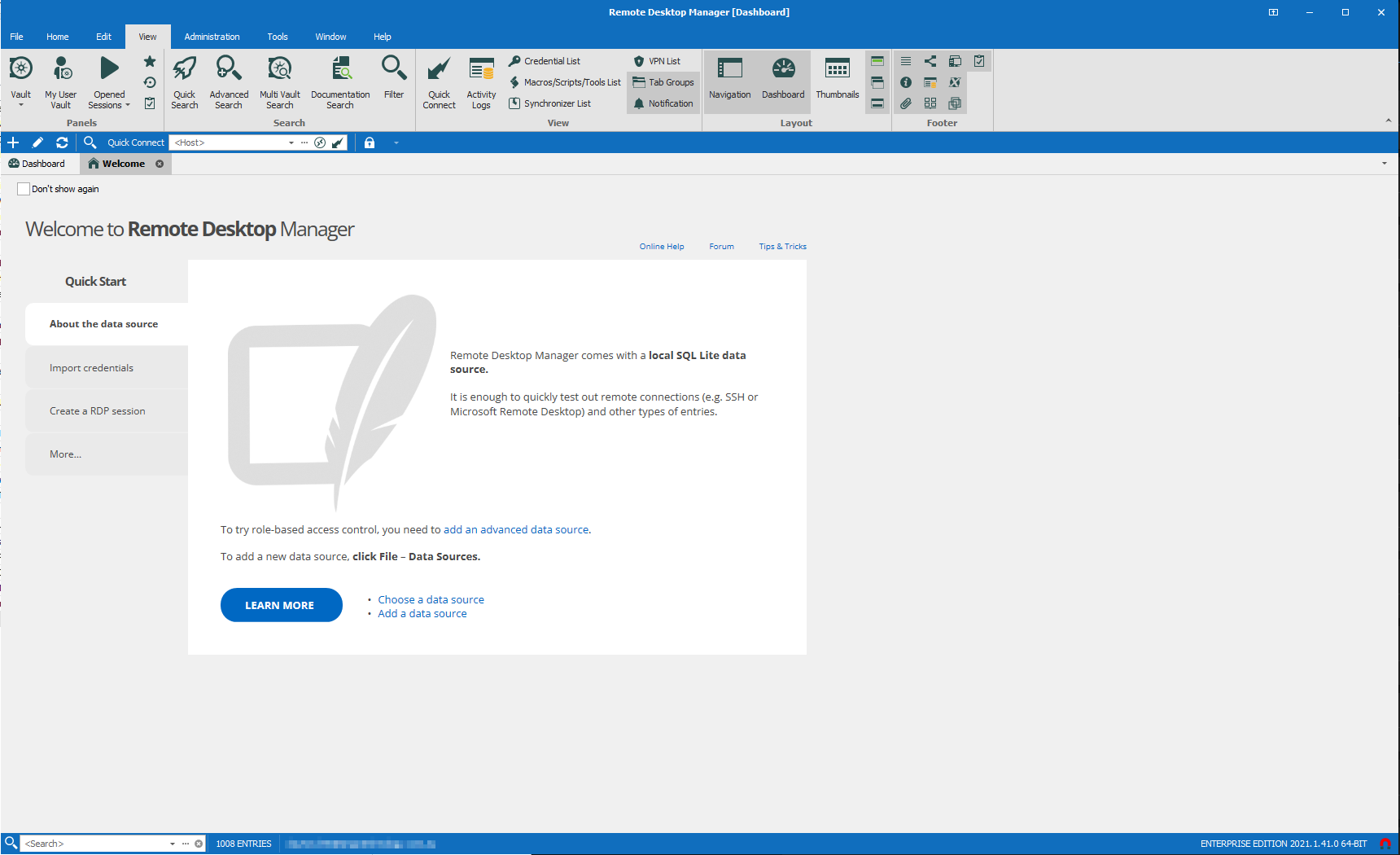
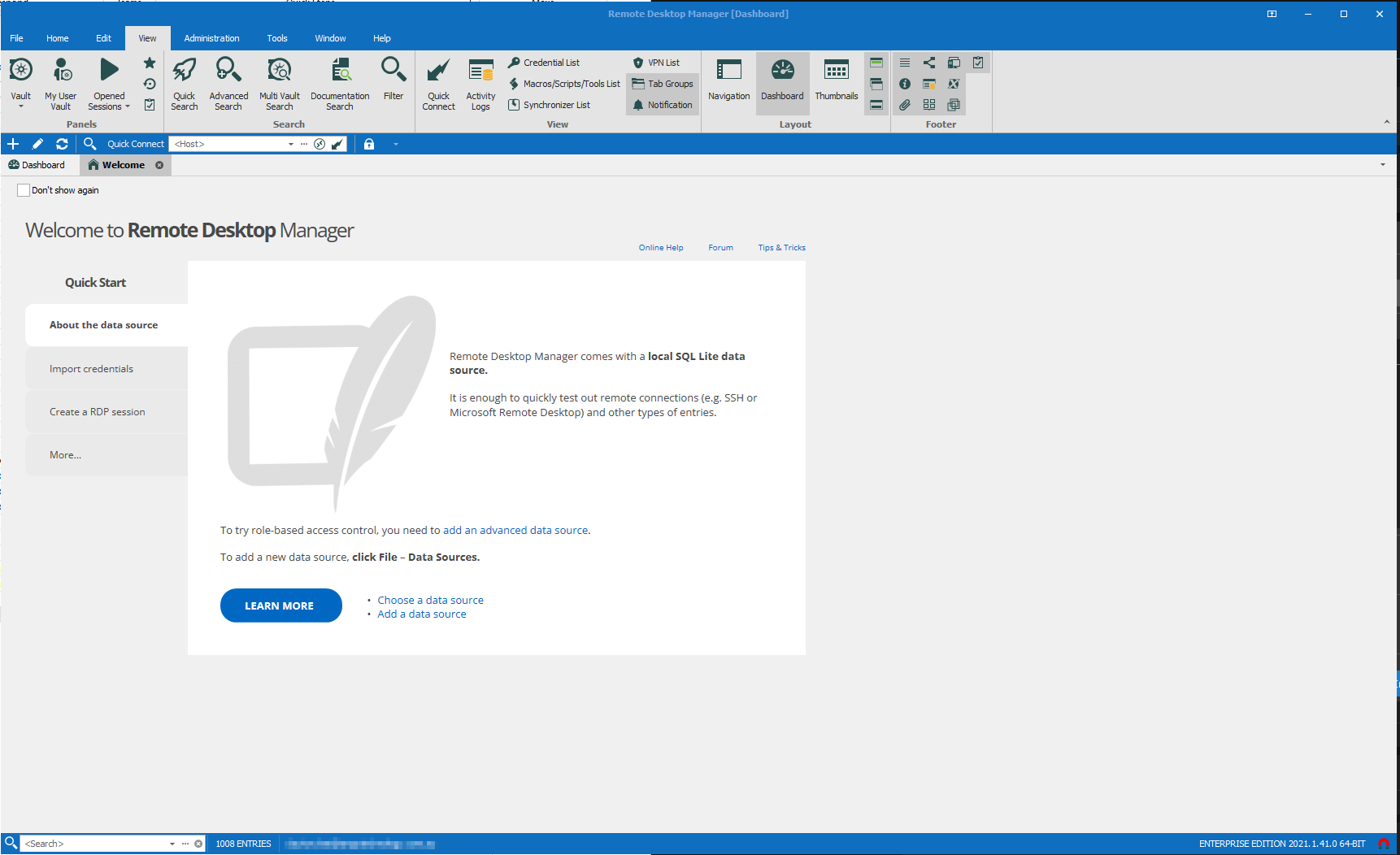
I have a bug from time to time where when I open RDM the navigation pane is kind of half popped out. From memory I closed the navigation pane altogether and now it won't come back :(
I have tried
- Closing and opening RDM
- Window - Reset layout
- Prayer
It also feels like my Quick Connect bar is in the wrong place now - I feel like it used to be down the bottom?
The only way I can switch between my vaults currently is with the task tray icon (I think).
I am in a multi user environment so uninstall/reinstall and reboots are annoying, but I can if I have to.
It is super inconvenient to work without it. Anyone have any suggestions?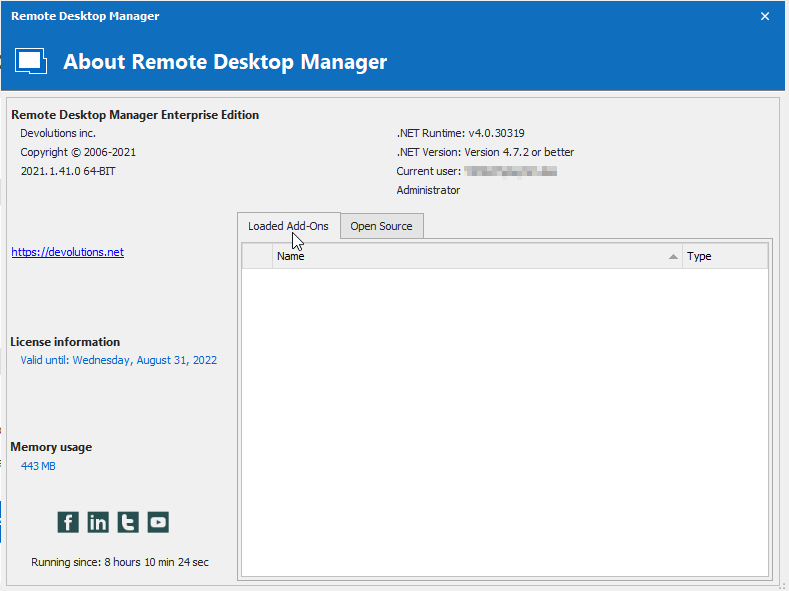
RDM - About.png
RDM - Nav On.png
RDM - Nav Off.png
All Comments (3)
Hello
Could you tell me what your Data Source is ?
Also I'd recommend going over this article to make sure everything was done correctly: https://help.remotedesktopmanager.com/installation_terminalservices.html
If it wasn't it could've corrupted the configuration files. Which, if that is the case, I'd recommend that you follow these steps:
-Update RDM to 2021.2.27.0
-go to your App Data and delete all the files ending in ".lyt"
-Close RDM
-Relaunch RDM
-Your layout should be back to default
Please note if you're using an advanced Data Source a database upgrade will be required as well: https://help.remotedesktopmanager.com/database_upgrade.html
If you have any further inquiries or issues, don't hesitate to contact us and we will be happy to help you.
Best Regards
My data source is a Devolutions Server.
Everything is as it needs to be per the article - we have been running RDS in Citrix for a number of years now.
My employee who looks after RDM for us is on leave until the 10th of Jan, so I YOLO'd my life by taking a snapshot of my citrix server and then renaming my .lyt files to .old.
I now have a nav bar back and am very happy with life. I'll prioritise getting updated to 2021.2.27.0 when he gets back.
That's great to hear ! If you have any further inquiries or issues, don't hesitate to contact us and we will be happy to help you. :)