RDP entry - how to configure Devolutions Gateway

Hi Team,
Currently trialing DVLS and RDM Enterprise. In DVLS, I've successfully installed and configured a (remote) Devolutions Gateway instance which is testing as healthy.
Next, I created an RDP session in the Vault (using Web) and wanted to configure it to use the Devolutions Gateway. I found no settings for this, so I figured I had to configure this in RDM.
Installed RDM and configured it to use DVLS as the datasource. When configuring VPN/SSH/Gateway for the session entry, I choose 'Always Connect' and set the type to 'Existing' > 'Gateway'. On the Settings tab, I should be able to choose a Gateway but the gateway doesn't show up in the list. Even when I click on the button next to the list (with the three dots), it doesn't come up in the list. See screenshots below.
What am I doing wrong?
Thanks in advance for the help!
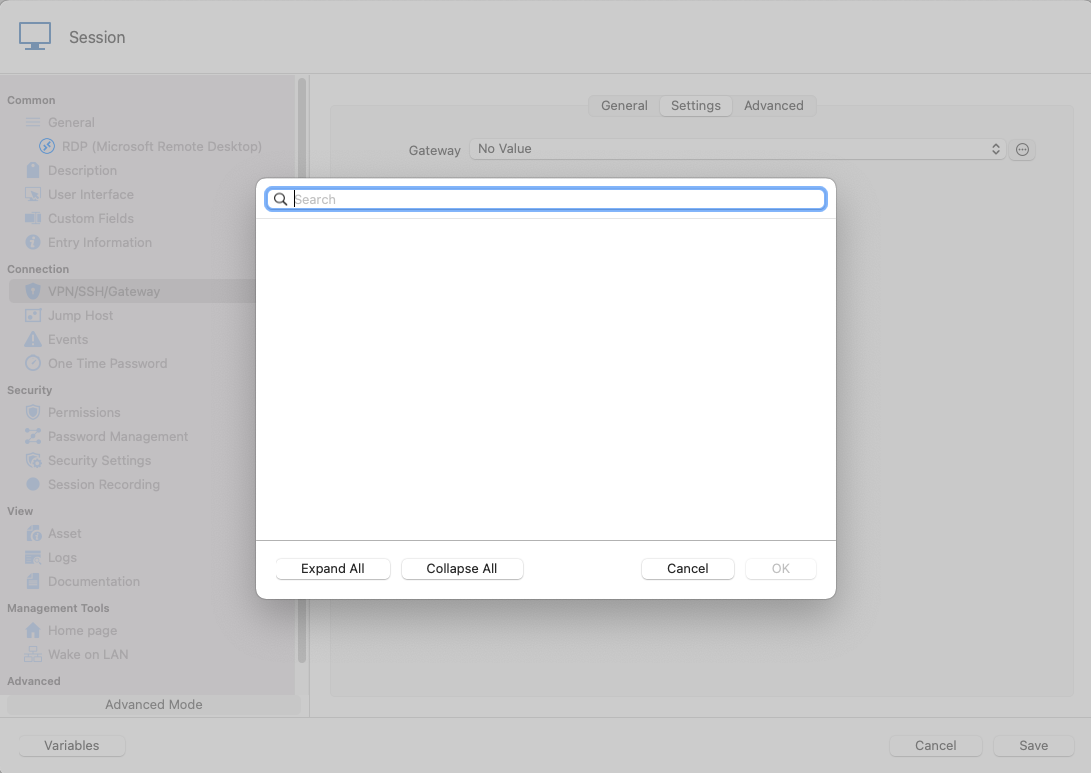
Settings tab.png
General tab.png
All Comments (5)
Hi Patrick,
The Devolutions Gateway as not been implemented on RDM Mac yet. It's only available on RDM Windows.
The Gateway tab your are looking at is for RDP Gateway. When available, it will explicitly called Devolutions Gateway: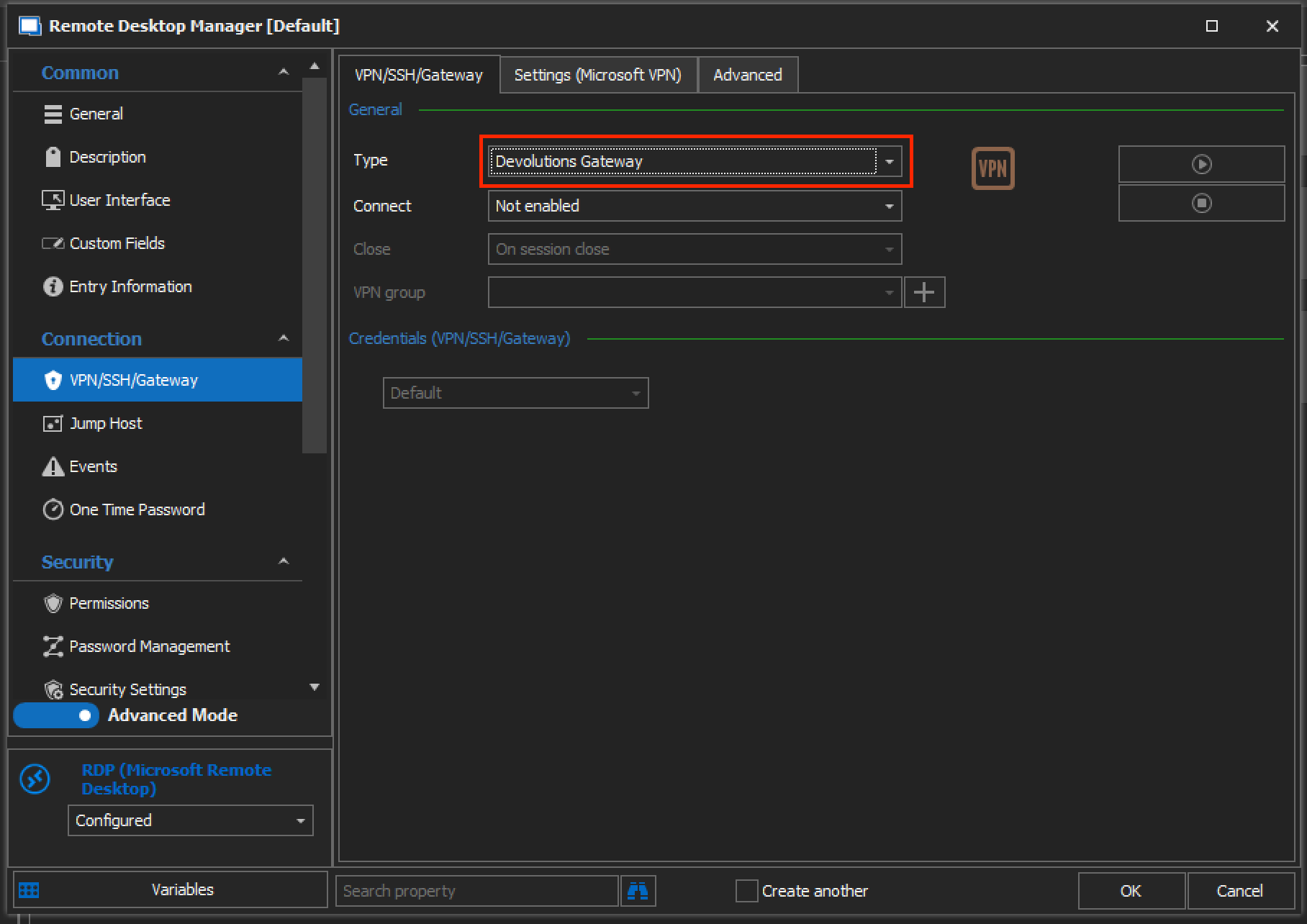
I'll post back here when the feature is available in RDM Mac.
Best regards,
Xavier Fortin
DevolutionsGateway.png
Hi Xavier,
Just to confirm: if configured on the entry on RDM Windows, would the functionality at least work on RDM Mac? Or is there no support at all?
Kind regards,
Patrick
There is no support at the moment. We've confirmed that we are missing some part of the code necessary to make it work (regardless of the missing UI). We'll try to have it available for the 2022.1 release (expected in January).
Best regards,
Xavier Fortin
Thanks for confirming. I will keep an eye out for that release.
Hi patrick,
As of today, RDM 2022.1.3.0 is available with support for the Devolutions Gateway.
Please, do tell us if it is not working as expected, or for any other issues.
Best regards,
Xavier Fortin