External Bash Copy and Paste
I have installed WSL, GIT Bash, Mintty Bash, when I open all of the apps I can update the properties to enable quick edit mode so I can simply click on the text to select it and then right click and paste when needed. When I disable quick edit mode then when I right click the context menu appears to copy and paste. When I add any of the apps as an external app within RDM, I lose the ability to select any text ( quick edit mode ) and or right click does not bring up the context menu. Thoughts?
All Comments (3)
Hello,
Thank you for contacting us on that matter!
Which version of RDM and what type of Data Source you are currently using? Would it be possible for you to provide us with screenshots of the configuration of your entries? If you prefer, you can record the behavior and send it to me via private message.
Best regards,
James Lafleur

James,
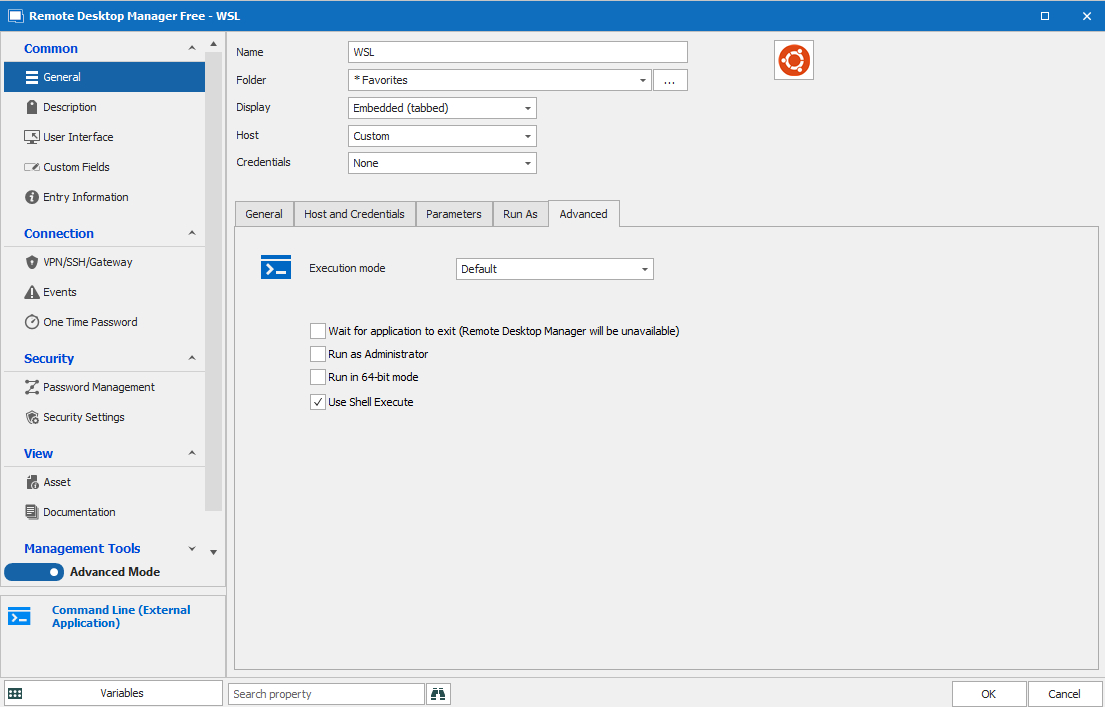
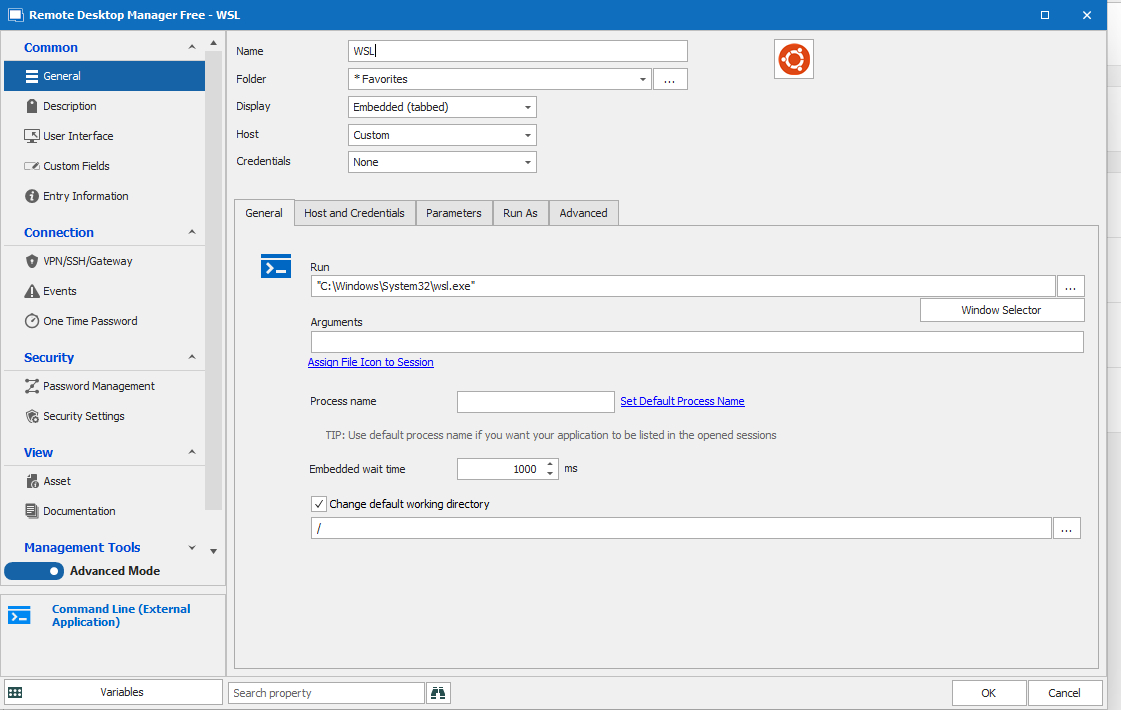
I have attached the screenshots and a video. I was able to select and paste but it is sporadic, I opened WSL several sessions and it was hit and miss.
Regards,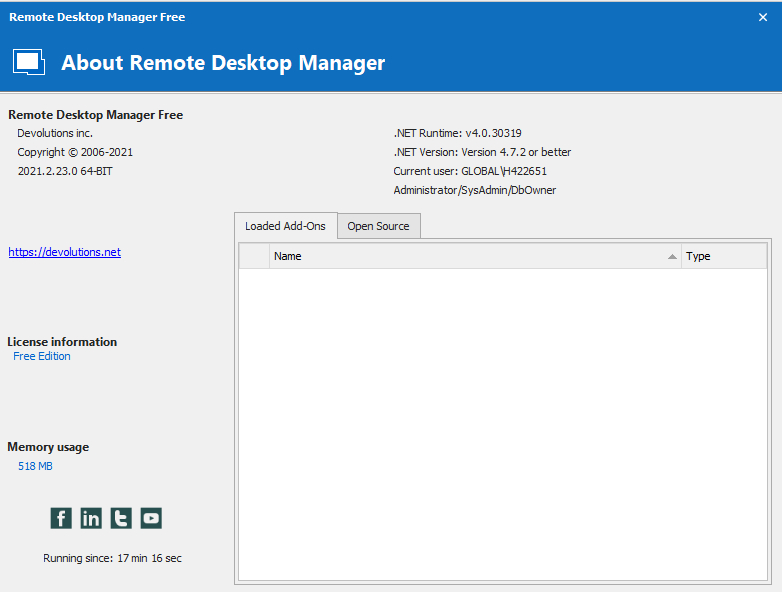
WSL.wmv
WSL - 4.jpg
WSL - 3.jpg
WSL - 2.jpg
WSL - 1.jpg
Hello,
Thank you for your swift reply!
Since the issue is sporadic, I am suspecting that this issue might not be related to RDM itself but could be linked to an external factor. Since WSL is launched using a "Command Line (External Application)" entry type, the only thing that RDM does is launch the command that you have configured in the entry and embed it in the application.
That being said, would it be possible for you to change the display to "External" and see if the same issue occurs? Since it does not happen every time, it might require a few launches to be sure.
Best regards,
James Lafleur