Vnc Not working

Dear Support,
I am trying the Free Trial of Remote Desktop Mnager and i am facing a problem with VNC .
When i am trying to connect with a VNC session , i saw only black screen. When i use the option Select Full Desktop / Switch Monitor ( from Actions) , only then i saw just the top of the screen of the pc i am trying to connect. After 5-10 minutes , i can see the full screen.
When i am using the VNC App for teh same connection , everything works instantly and fine.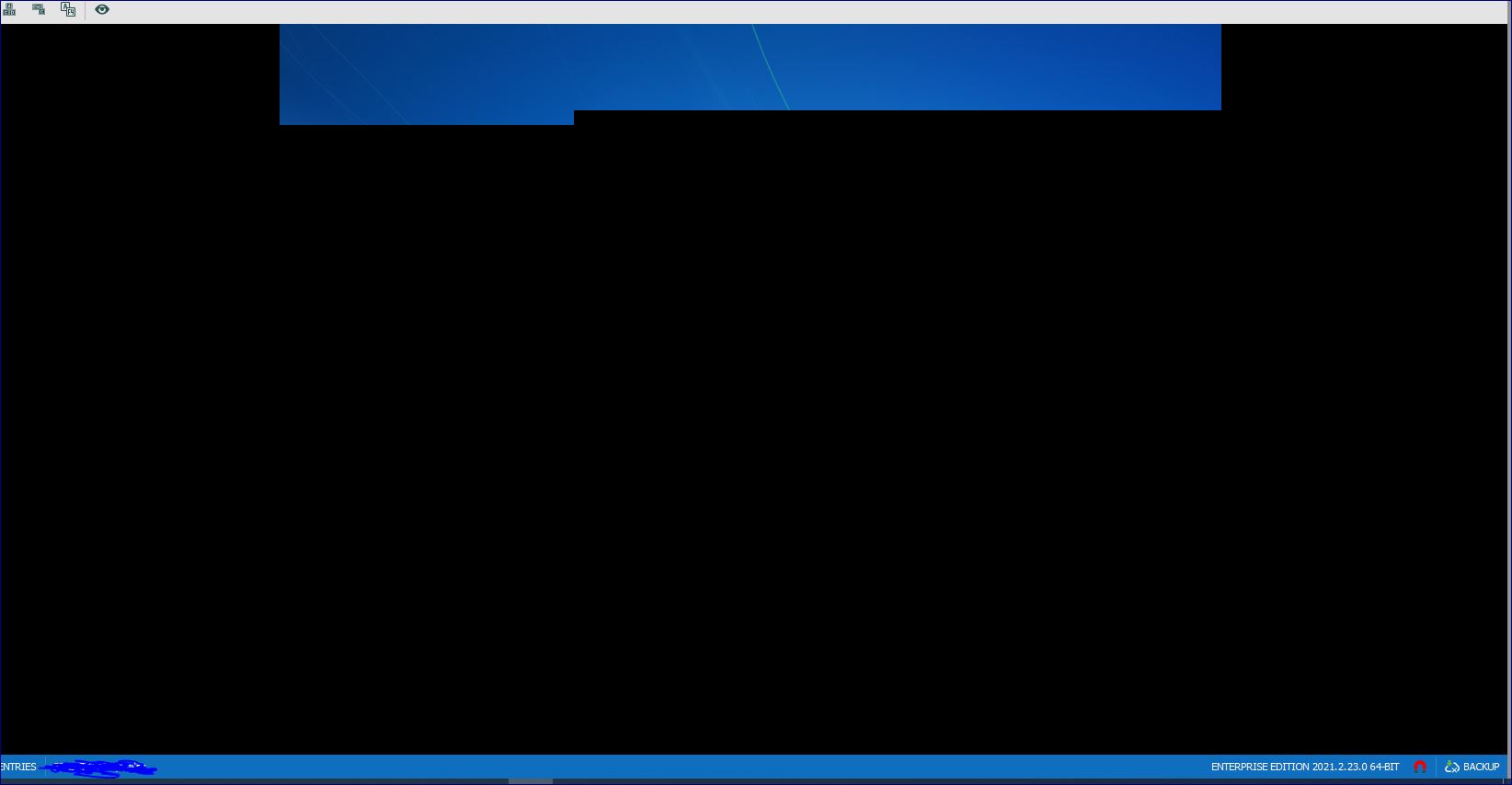
remote.JPG
All Comments (1)
Hello,
We have already discussed in a ticket, but I wanted to share the response I provided you on the forum in case other users could stumble on this thread and wonder what response you received.
Unfortunately, as you have experienced, our Embedded integration for VNC is somewhat limited and does not work well with all users. This VNC integration is in need of a complete rework as for the time being we are unable to troubleshoot the issues with the current integration.
For the time being, my recommendation would be to switch your display mode to External, to use a full-fledged VNC application.
Assuming that your VNC application is in the list of supported applications, this should allow you to work around the issue with the Embedded mode.
Best regards,
Gabriel Degrandpré