Navigation - Multiple Columns
0 vote

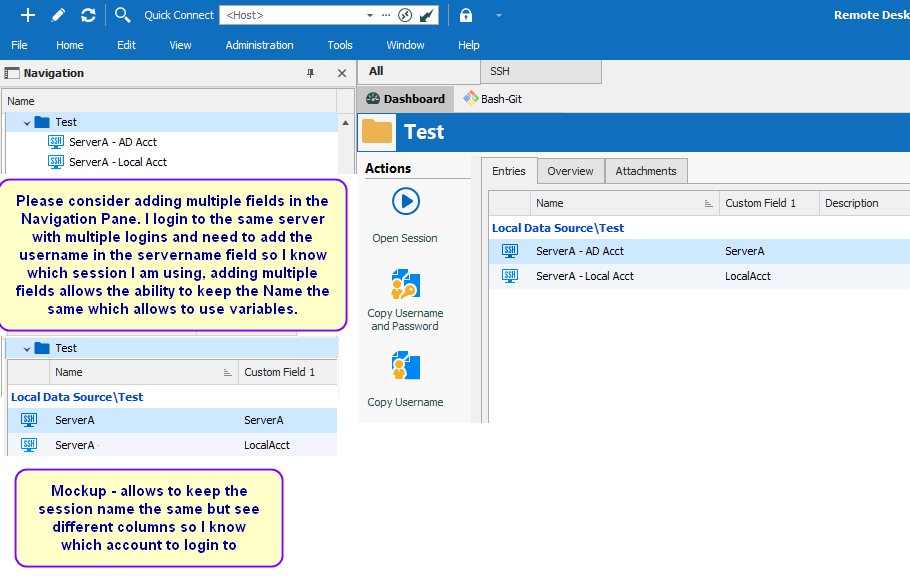
Navigation-Multiple-Columns.jpg
All Comments (5)
Hello,
What you wish to achieve should be possible through the "Column Chooser". If you wish to add a column to your navigation treeview, simply follow the following step :
- Right click the "Name" header of your navigation panel
- Select the "Column Chooser" option (this will open another menu through which you can select your desired columns).

- Double click the column you wish to add to your navigation pane and it will be added.

The end result should look like the Mockup shown in your original thread.

On a final note, if you ever wish to remove this additional column you can drag it out of the header and when you release your mouse click it should be removed.
If this isn't what you had in mind please do let us know and we will see what can be done.
Best Regards,
Michaël Beaudin
Missed that, looks great, thank you
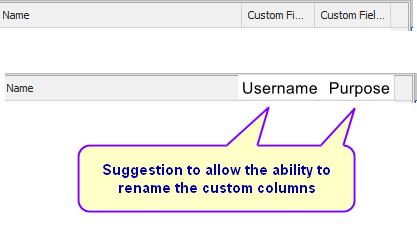
Navigation-Multiple-Columns2.jpg
Hello,
This change can be done in your vault setting's "User Interface" section as shown in the following image :
Best Regards,
Michaël Beaudin
Thx, using the free version I found it under Administration > Vault Settings > User Interface > Custom Field x