Move is disabled

Hi guys,
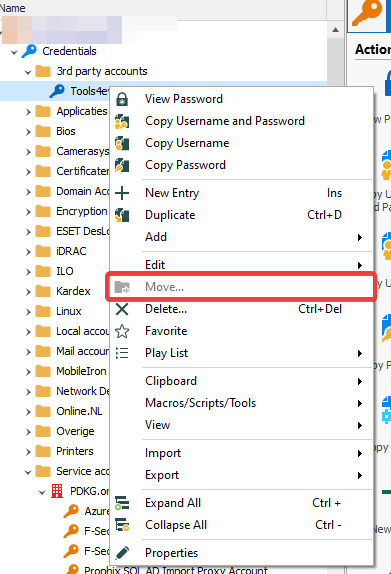
I'm having an issue with RDM 2021.1.44.0. The move option is disabled in the context menu of items and I'm not sure why. I've been changing things regarding rights which could have triggered it. But I can't find the exact setting.
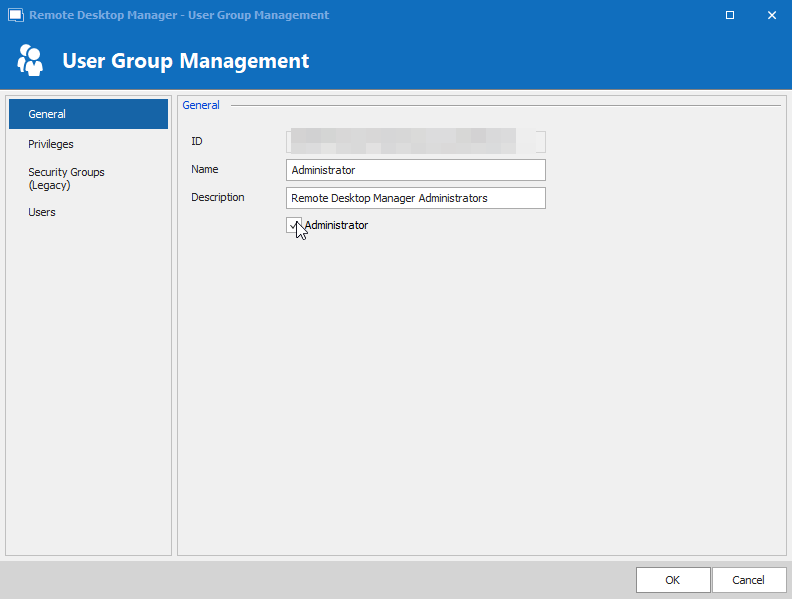
These are the general settings of the user group Administrator:
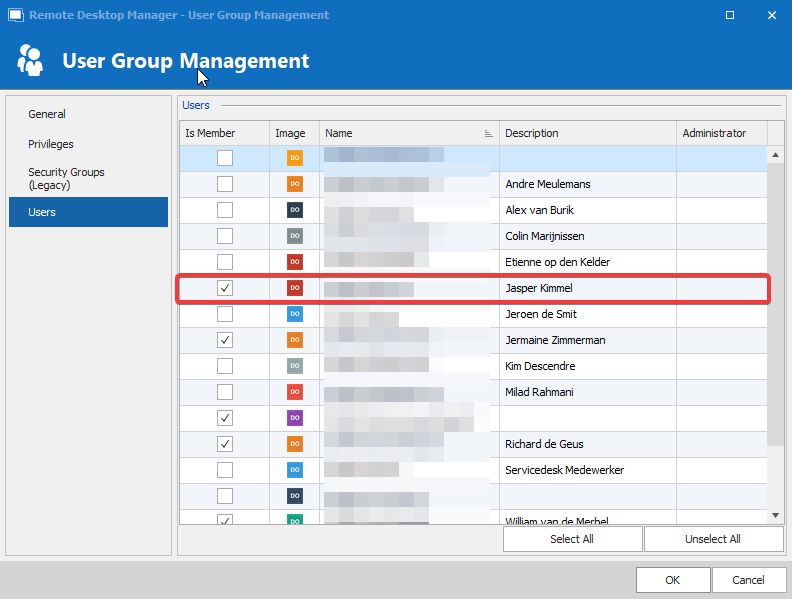
As you can see, I'm a member of this group:
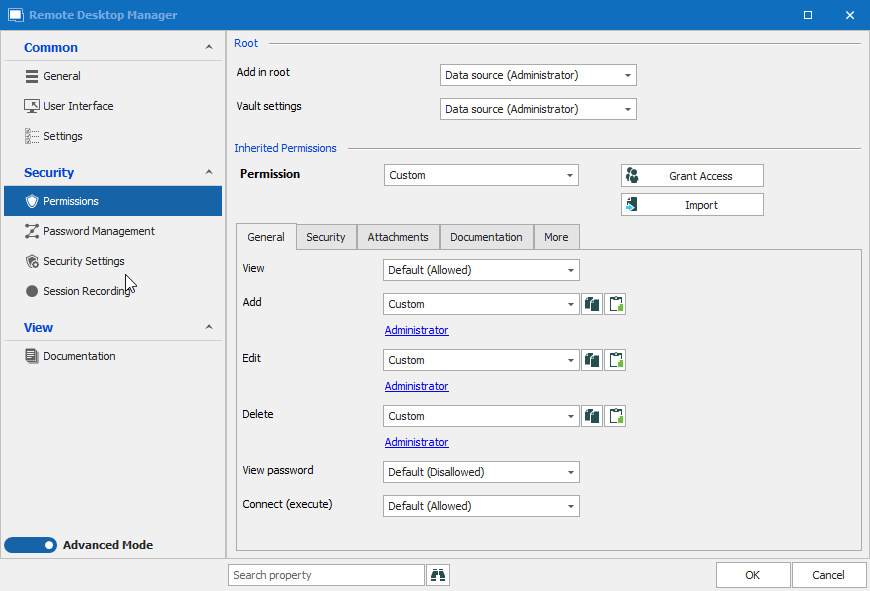
This shows the permissions set on the root of the tree:
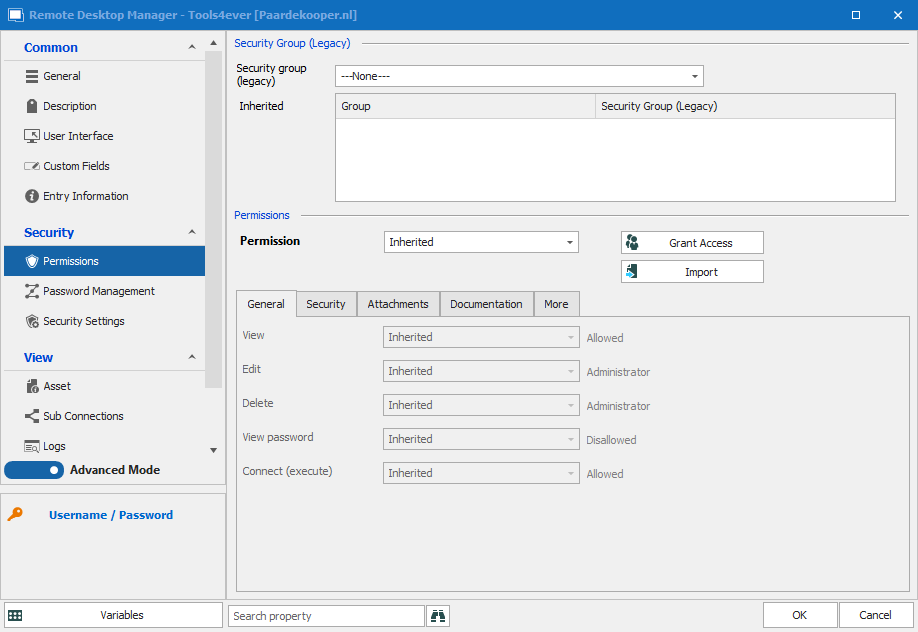
This shows the permissions set on one of the entries:
This shows the issue itself:
5.png
4.png
3.png
2.png
1.png
All Comments (5)
Hello,
What data source type are you connected to?
I tried to reproduce your issue using your configuration without success.
Could you please confirm that the Is administrator has a green check mark in File - My Data Source Information - More - General?
Best regards,
Érica Poirier
Hello,
I've found out that if your account User Type property is set to Read only, the Move option is grayed out. Please set the User type to User and that should do the trick.
Best regards,
Érica Poirier
Hi Érica,
Thanks for that last suggestion. That is definitely the case. My account is set to Read Only but when I change it to User the Move option is enabled.
What is the best user type to use in our case? Besides this question is there any need to set a user with the user type Administrator even when we are using a User Group to make the members an Administrator?
Best regards,
Jasper Kimmel
Hi Jasper,
Thank you for your feedback and glad we have found the issue in your environment.
If you use an administrator User Group, there is no need to set the user's User Type to Administrator. It is easier to set everyone to User and then grant administrator privileges in a User Group or denied access to vaults/folders/entries using the permissions.
Best regards,
Érica Poirier
Thanks Erica. Have a nice weekend.