RDM keeps asking for password, even when using SSH key

Hello,
I'm using Remote Dekstop Manager Enterprise Edition version 2021.1.41.0 with a datasources on a MS SQL server.
After I have to re-install my notebook, I can't see to be able to use SSH logins with using a SSH key. Whatever I try, I get an RDM password prompt.
Configuration:
Properties of host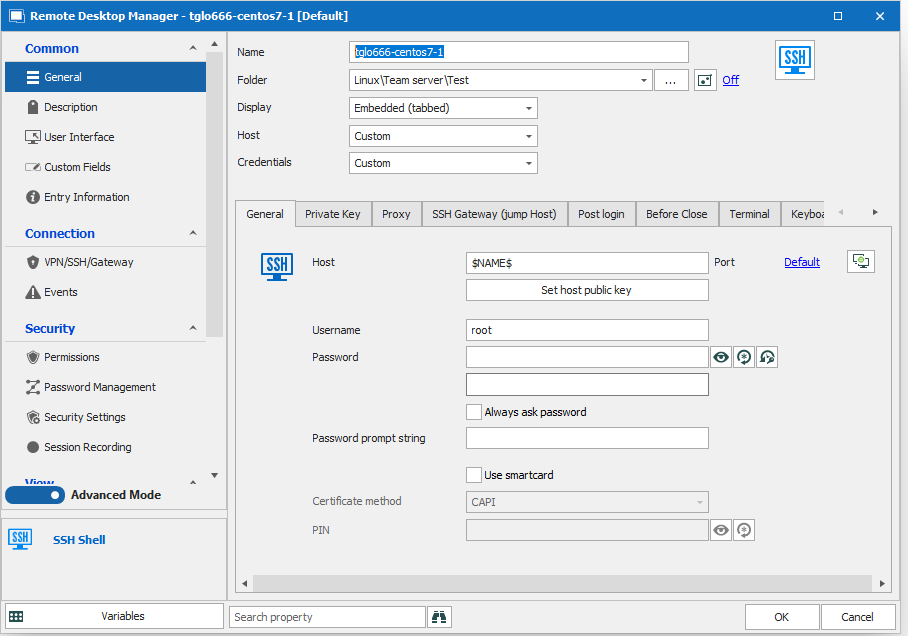
User specific settings for that host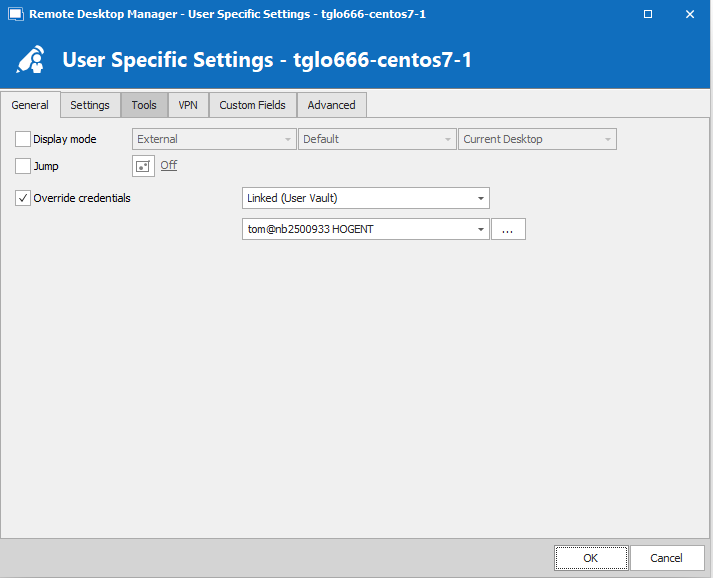
My user vault entry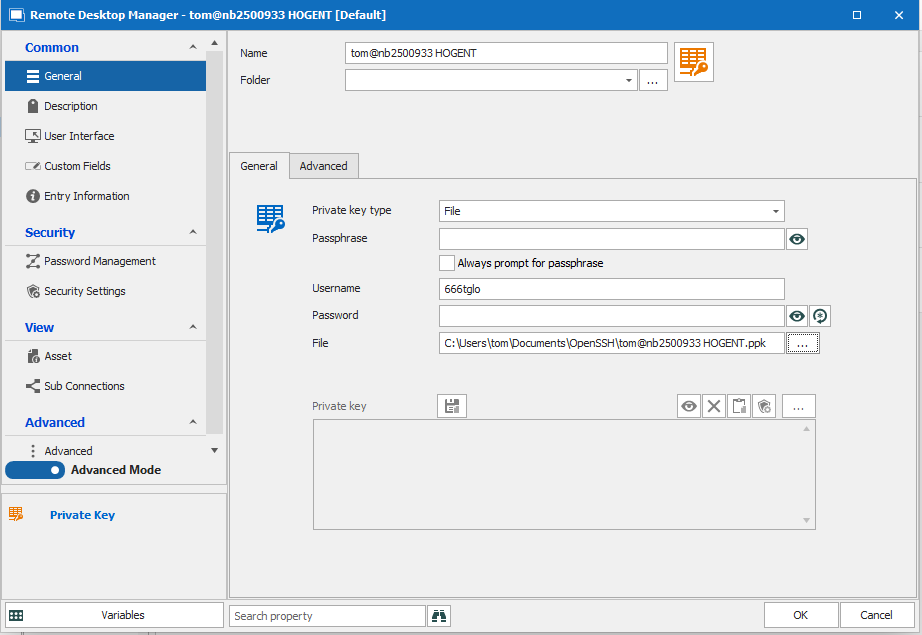
I of course had to create a new SSH key pair using Puttygen. Connections from within Putty with that key works just fine.
I've looked up the authentication logs of that servers and it seems password authentication is tried where it should key authentication. The user name from the personal vault entry is tried however.
It seems I'm missing something out there, but cannot find out what.
Any help appreciated
3.PNG
2.PNG
1.PNG
All Comments (2)
Hello,
Since you mention that you generated a new SSH key pair with Puttygen, I suspect that your key is in the new format, PPK3, which isn't supported in your RDM version. We've already made the changes internally to add support for this new format. This will be available in RDM 2021.2, which is planned for release in September.
At the moment, you could work around the issue by generating a new SSH key pair, and by specifying in Puttygen that you want to generate a PPK2 file. This can be achieved in Puttygen by going in Key > Parameters for saving key files and changing the PPK file version to 2 before generating the keys.
I hope this solves your issue!
Regards,
Hubert Mireault
Saving the private key in PPK2 format did the trick, indeed.
thanks!