Master Password

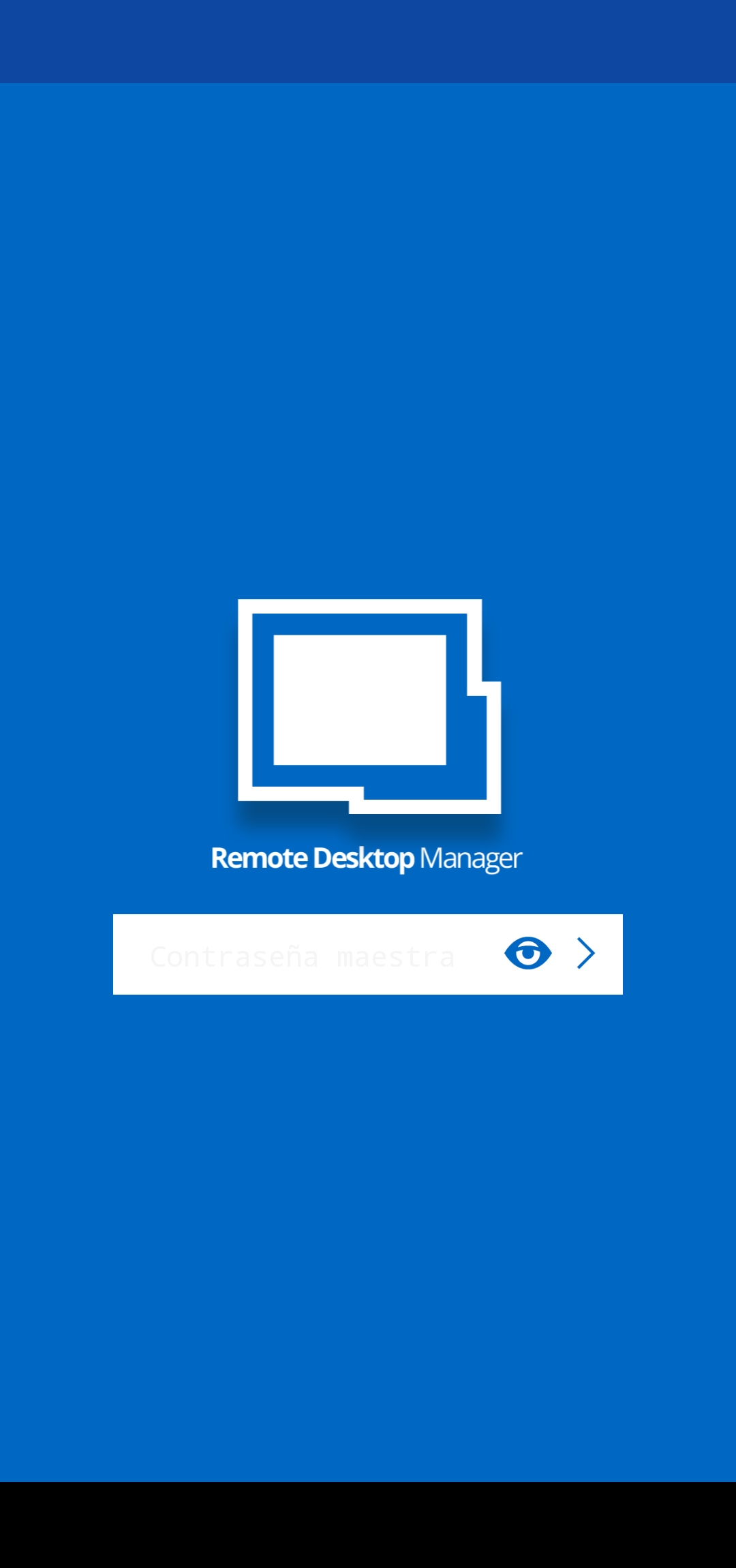
Hello, I can successfully connect to the RDM on desktop without a password, but in the android app it asks me for the master password.
I need a solution.
All Comments (5)
Hi,
The first time you open the application, a dialog is displayed allowing you to enter an application password. You can then skip the application password configuration or enter an application password. For security reasons, it is a good practice to set an application password. However, the application password must be remembered because we cannot recover a forgotten password. Here is the note that is displayed in the application password registration window: "Please choose an application password that you can remember. We cannot recover a forgotten password".
You must have entered a master password the first time you've used Remote Desktop Manager. If you cannot remember the application password, the only thing you can do is to uninstall and reinstall the application.
Best Regards,
Nicolas Dufour
Hello, delete the cache, the application data and uninstall the app, then restart the mobile and reinstall, and the same thing happens to me, and I can not enter without a password, when I think I do not have it.
Before I could enter without problems and without a password, because now he asks for the password?