RDM Error on opening Settings

Hi,
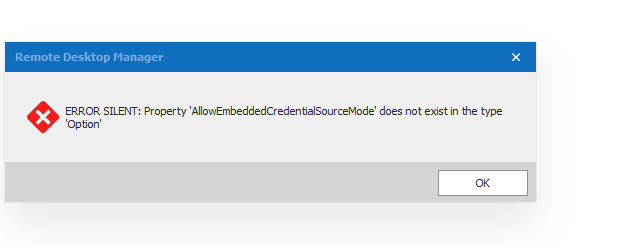
I got a user with following error message when opening Settings in RDM (see attached file):
ERROR SILENT: Property 'AllowEmbeddedCredentialsSourceMode' does not exist in the type 'Option'
Previously he was getting an error ERROR SILENT: Requested Clipboard operation did not succeed.
So I told him to enable 'secure' clipboard copy in Settings.
We already tried to solve it by deleting Appdata\Local\Devolutions\RemoteDesktopManager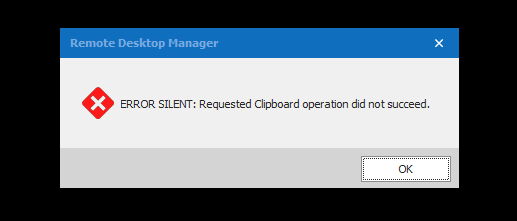
RDM-Version: 2020.3.29.0
Kind Regards
Markus
======================
RDM-errorsilent-nbguido02.png
RDM-errorsilent-nbguido01.png
All Comments (3)
Hello Markus,
Thank you for contacting us on that matter!
Would it be possible for you to go under Help -> Profiler -> "Debug Only" and make sure that your debug level is set to 0?
Error Silent should only be shown when a debug level is set in RDM.
Let us know if that helps!
Best regards,
James Lafleur
Hi James,
yes, thats it.
I wasn't aware, that these settings were exported too by creating a custom-installer.
Seems that I have to be more cautious.
Kind Regards
Markus
======================
Hello Markus,
Thank you for your feedback! I am glad to see that you no longer experience this issue!
Best regards,
James Lafleur