Sectigo RSA Domain Validation Secure Server CA

Launched RDM this morning and I see a certificate popup appear, when I close RDM the certificate popup automatically closes. When I relaunch RDM then the certificate popup reappears. Please see the attachment, not sure why this is appearing, I am going to see if I can block the certificate popup.
Sectigo Certificate.pdf
All Comments (12)
This is very strange. Do you have the Welcome page opened?
Regards
David Hervieux
I disabled the Security Alert with the following steps however why is RDM requiring this certificate?
Meanwhile, to disable the the security alert notification, refer to these steps:
- Go to Control Panel > Network and Internet > Internet Options.
- Click on the Advanced tab.
- Under Security, look for Check for publisher's certificate revocation and Check for server certificate revocation*, then uncheck the box beside those options.
- Click Apply, then OK.
Yes I had internal web pages opened but nothing external
I have an ssh session opened in RDM and nothing else when the cert popup appears
Could you post a print screen of you main window? You can blur the navigation panel.
Regards
David Hervieux
Screenshot 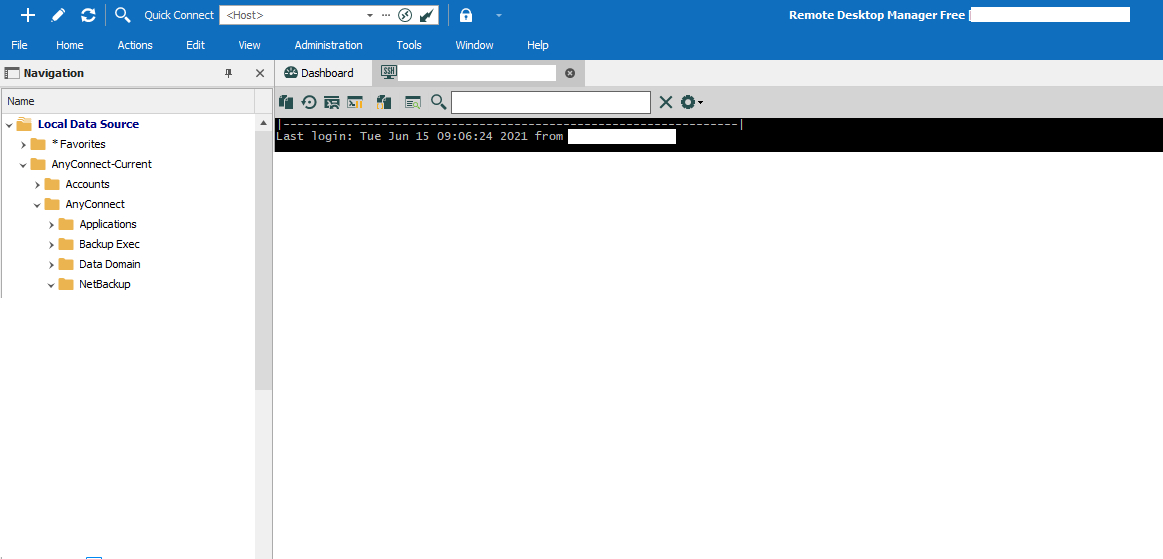
RDM.jpg
I do not use RDM to access web pages, it is mainly used for ssh and rdp. When I need to access http or https I use chrome externally ( not within RDM ).
I do have a few web sessions created to access the tape libraries but those were not opened upon RDM startup.
RDM Version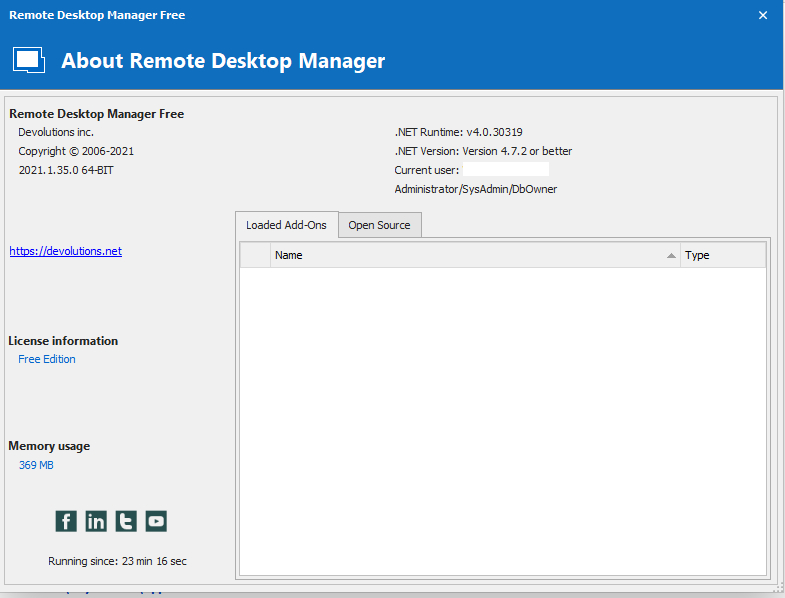
RDM Version.jpg
Could you try to disable the telemetry in File->Options?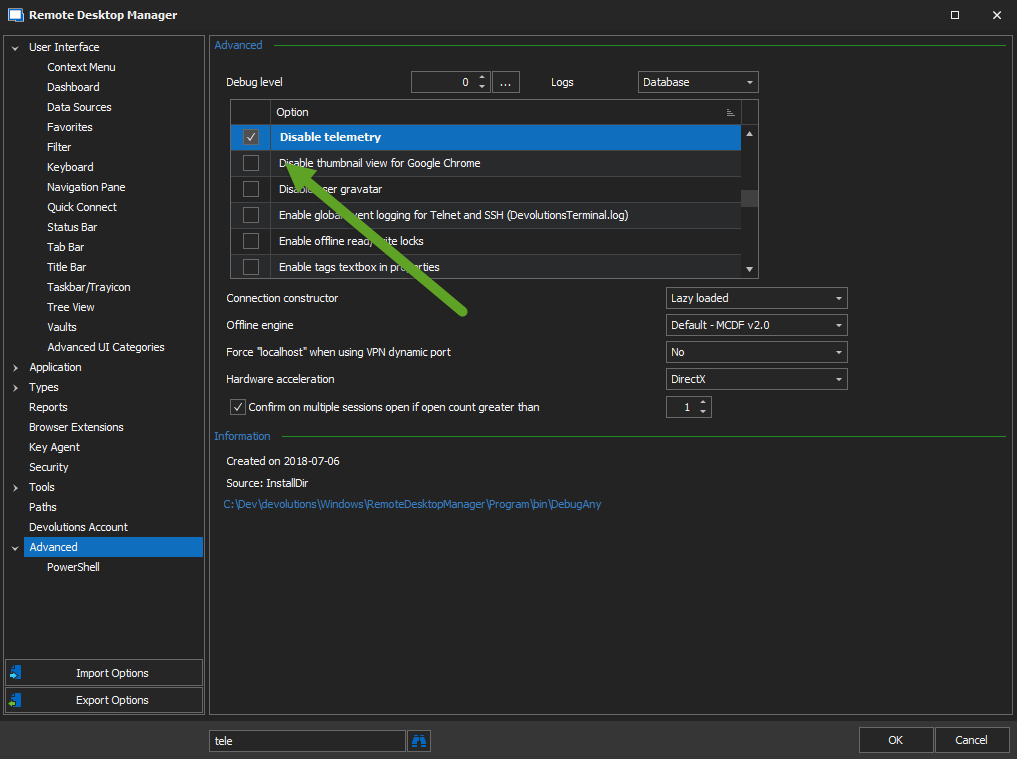
Zopim is the third party we use for the chat on our website. For an unknow reason, RDM is calling our website in background. That's why I was suspecting the Welcome page.
Regards
David Hervieux
telemetry.png
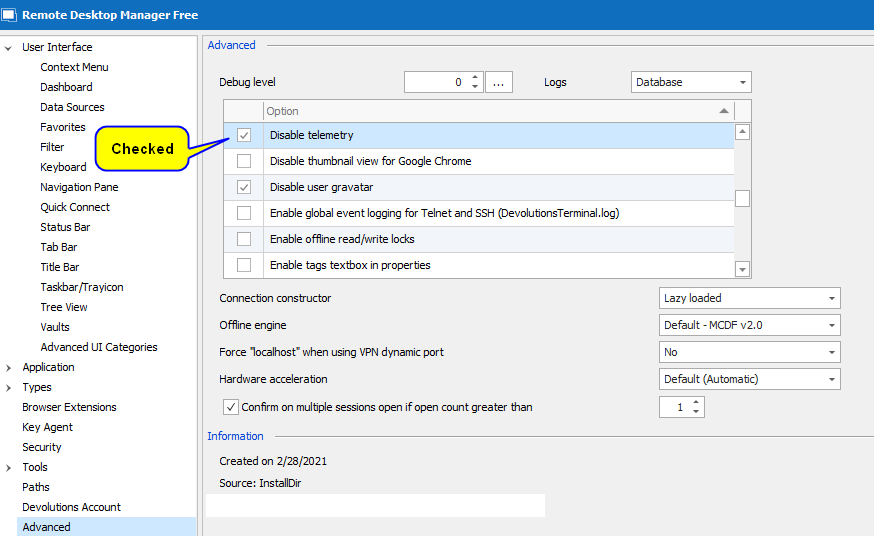
telemetry.jpg
Hello,
Could you try to go in File -> Options -> Security and check both options below:
- Ignore application certificate errors
- Check for server certificate revocation
For more information on certificate, you can also consult this article
https://kb.devolutions.net/rdm_certificate_validation.html
Best regards,
Jeff Dagenais