Starting RDM opend a new browser tab

Since the latest update, whenever I launch Remote Desktop manager (using Devolutions Online Drive) a new browser tab opens at https://login.devolutions.com/op/success?message=success.LUCID50001.message , with the message "Success! You can now close this page."
Can anyone tell me:
- Why?
- How to stop it?
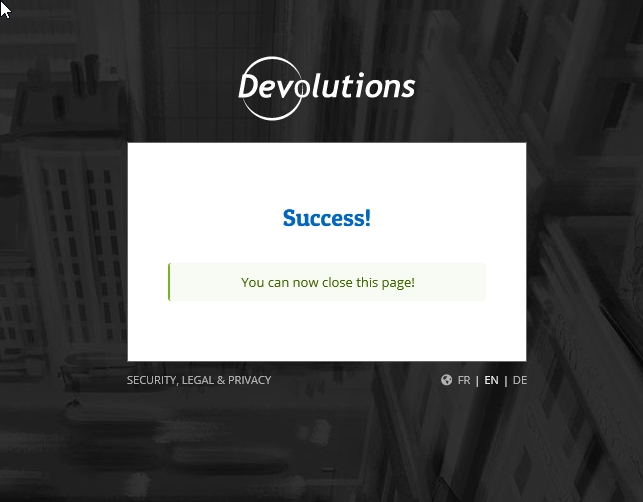
Screen Shot.JPG
All Comments (3)
Hello Steve,
Thank you for contacting us on that matter!
The message comes from the new authentication to the Cloud Portal that has been implemented in RDM 2021. This change was necessary because our previous authentication, which relied on Internet Explorer, caused authentication issues and syntax errors for some of our users.
The new authentication to the Cloud Portal opens a web page in your default browser asking you to enter the credentials of your Devolutions Account to authorize the connection to your Devolutions Online Drive Data Source. This behavior cannot be changed since it is required to connect to any Data Sources or features that require a connection to your Devolutions Account.
Best regards,
James Lafleur
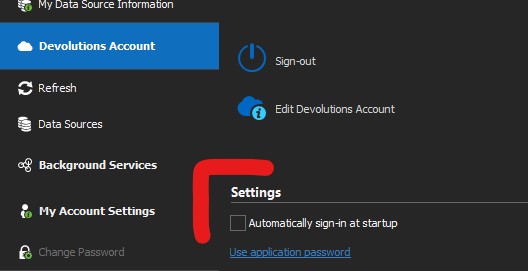
Screenshot 2021-05-02 143359.jpg
Hello @tnamuser,
The Devolutions Account section of your RDM screenshot is used to connect only if you need to use the Custom Installer Service. For more information on this service here is the link.
If you do not use this feature, it is not necessary to be sign-in this section.
Best regards,
Christine Breault