RDM after upgrade lost licence

Hi, we have Enterprise Edition with SQL Server as Data Source.
After update at 2021.1.20 some client (not all) have lost licence, and if I force to get licence from data source fails.
The only way is to enter the license directly on the client, but prefer to avoid.
Regards
Marco
All Comments (3)
Hello,
What was the previous version that you were running?
Do you get any error message when you attempt to set the license in Administration - Licenses?
Best Regards,
Etienne Lord
Hello, the previous version is 2020.3.29
what happens is that in datasource there are all entries but No Enterprise licence found 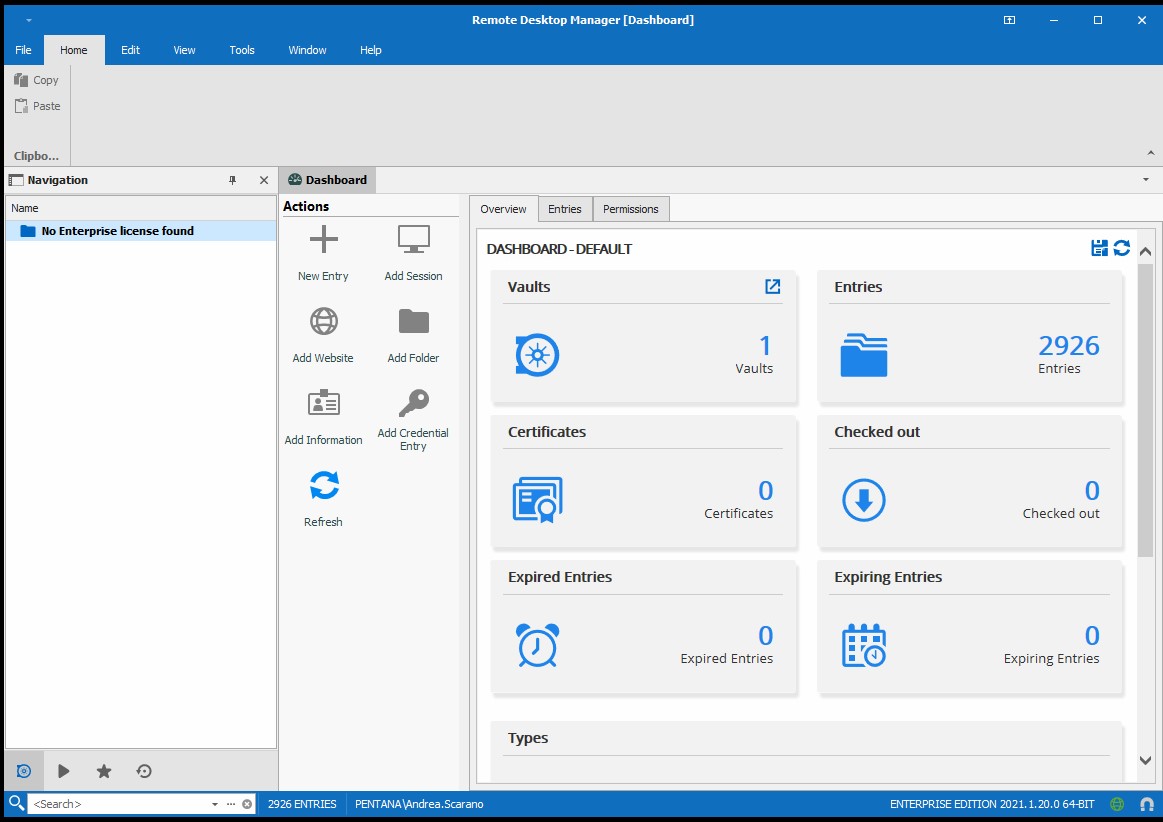
This are Data source Settings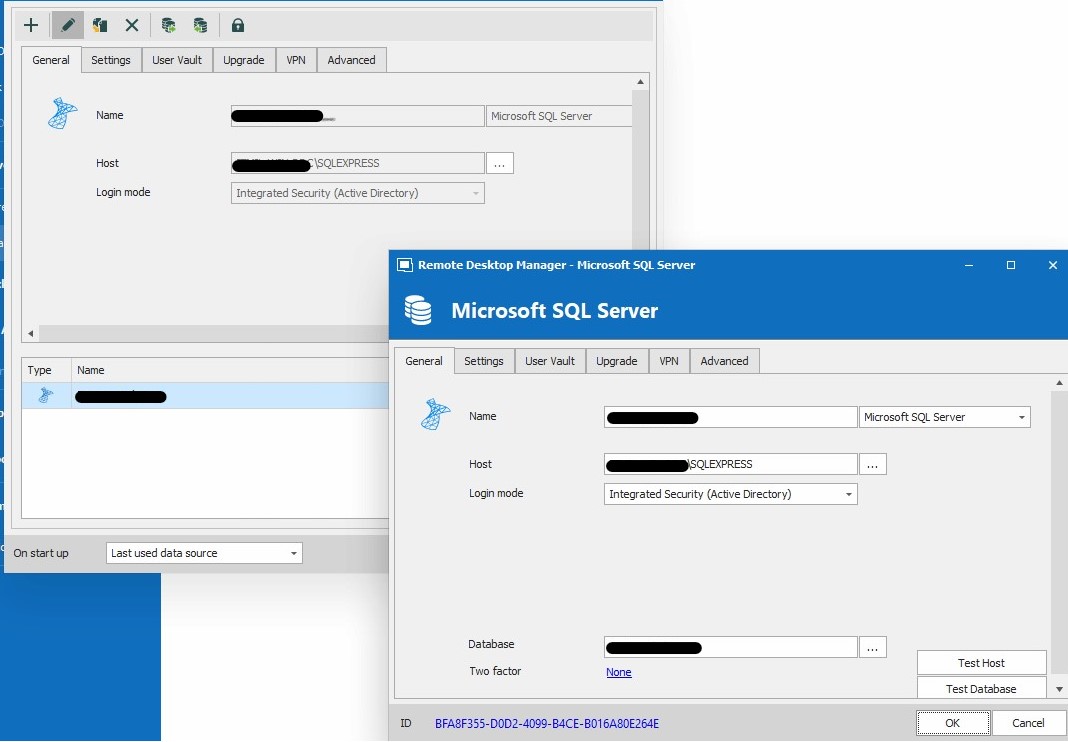
RDM 2.jpg
RDM 1.jpg
Hello,
If you have your Serial Number, you can set it up under Help - Register Product. Otherwise, you would need an Administrator of the datasource to assign the License to you. In both cases, you or they can refer to this help topic : https://help.remotedesktopmanager.com/installation_registration_enterpriseedition.html
(Manual registration would if you have the Serial number, registration from Data Source for the Admin)
Best Regards,
Etienne Lord