How do I resize main window and ribbon?

Hi,
I'm currently evaluating RDM for our company. My first question, how do resize the ribbon and the main window? I want the main window to be bigger and the ribbon to be thinner. I can't seem to just drag those windows up down.Thanks in advance.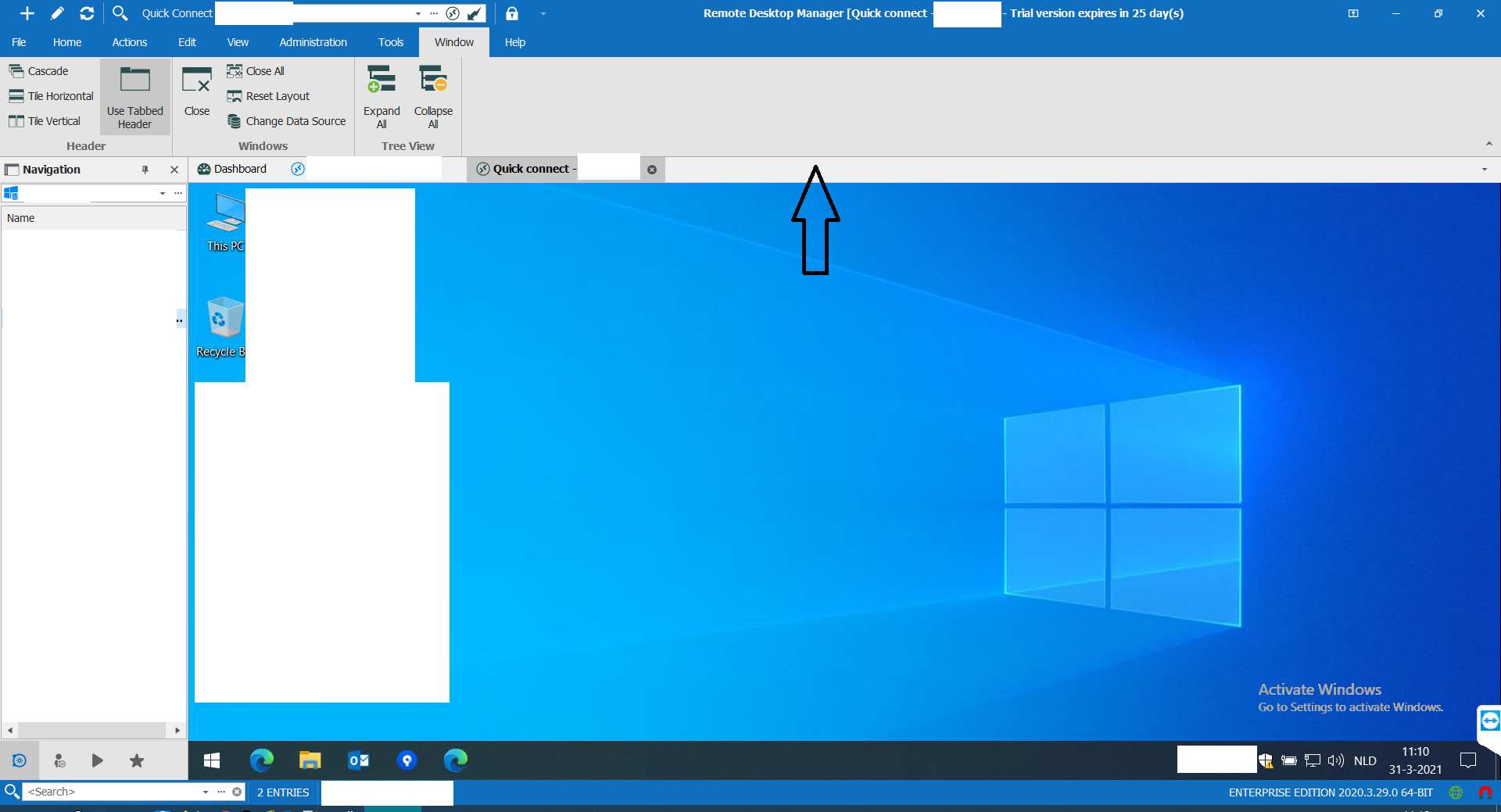
sc.png
All Comments (3)
Hello,
you can hide the ribbon on click on the marked arrow:
if you want to hide also the menu options and the top bar, you can use the setting with marked as 1
If you click on one of the menu options, the ribbon appears and will auto hide again.
Regards,
Min
Hello,
you can hide the ribbon on click on the marked arrow:
if you want to hide also the menu options and the top bar, you can use the setting with marked as 1
If you click on one of the menu options, the ribbon appears and will auto hide again.
Regards,
Min
Thanks for your reply. I already found that but that's not what I'm looking for since I don't want to completely hide an element. I want to drag the screen area up so it's bigger, whilst making the ribbon smaller (just like you can also drag the navigation area wider/thinner). Seems not possible...correct?
Hello,
Thank you for your quick reply and for this clarification.
You are correct, it is not possible to resize the ribbon that way.
Best regards,
James Lafleur