Alternate behaviour for duplicating sessions
0 vote

When configuring sessions in Remote Desktop Manager, I typically need to add a bunch of servers with names that contain a number, where the numbers are a consecutive sequence, such as "IQ-PHAPP100", "IQ-PHAPP101", "IQ-PHAPP102", etc.. For each subsequent server, I use the "Duplicate" option to make another session definition similar to the last one added, and I update both the session's Name and Host to the next server's info. But, currently, the standard behaviour of Remote Desktop Manager is to put "- Copy" at the end of the original Name. I then have to delete "- Copy", and I have to manually increment the number in Name and Host separately.
E.g., if I have a session defined for "IQ-PHAPP100", then I'll be wanting to add another session for "IQ-PHAPP101", and I have to edit the "100" to "101" manually in the Name and Host separately, and manually remove "- Copy" from the session name. This is quite tedious, especially when adding a number of servers.
I would love if, when creating new sessions by duplicating an existing session that contains a number embedded in its Name, instead of adding "- Copy", it could seek out the number and increment it automatically. The Host should be automatically updated similarly.
That way, if I right-click on "IQ-PHAPP100" and select "Duplicate", it'll automatically populate the form with "IQ-PHAPP101" in both Name and Host.
If there are people who would not want this, then it could be done as a configurable option. But, given that with the current behaviour, both the Name and the Host need to be manually edited every time, I think having this as a default behaviour shouldn't cause problems; the worst case is that the fields need to be edited manually, which is already the case now. In the best case, this significantly streamlines the process of adding a sequence of sessions with similar names/hosts.
All Comments (10)
Hello,
That's an interesting idea, I see how useful it would be. I would go with adding an option to achieve something like this. We already have a way to configure the suffix (the "- Copy") of the duplicated connection in the options (see attached image), so it would make sense to have further options to customize the behavior when duplicating entries.
Thanks for the request, I've opened a ticket.
Regards,
Hubert Mireault
2021-03-05_8-04-49.png
Awesome, thanks :-) One thing I'd add for factoring into the implementation is that sometimes the numbers have leading zeroes, and the width of the number is what needs to be preserved, at least in our case -- so, when duplicating a session whose Name/Host contains "009", the next one should contain "010", when duplicating "098", the next one should be "099", and when duplicating "099", the next one should be "100".
Hi Jonathan,
I found this feature request quite interesting so I figure why now implement it over the weekend.
First is the new settings, you will need to
- In File > Options > Types > Duplicate Entry
- Set Method to "Increment number suffix"
- Set the "Start at (number format)" to something (examples "001" or "-001")
- This is only used if the duplicated session name has no numbers in the name
- Enable "Synchronize name & host name"

Now when you duplicate a session the new name will follow this logic.
- Find the last number of the name, may not be the last part of the name, examples (below)
- No such numbers? Then append the "Start at (number format)" & done
- Increment the number to the next available 01 -> 02, but if 02 already exists go to the next
- Synchronize the host name, if enabled

Results examples:
IQ-PH01APP => IQ-PH03APP
IQ-PH01APP002 => IQ-PH01APP003
IQ-PH05APP => IQ-PH06APP
IQ-PHXYAPP => IQ-PHXYAPP001
IQ-PH99APP => IQ-PH100APP
So the code is done but it still needs to be approved & merge into the main build.
Let me know what you think.
Best regards,
Stéfane Lavergne
Stefane, get a life :)
David Hervieux
That sounds perfect :-) Awesome!
As an aside, this forum uses an icon for "Log In" that my brain interprets as "Exit". It feels kind of weird :-P

Hello,
I will check with our graphic designer what we can do for the login button but if you search for "login icon", you will see a very similar image.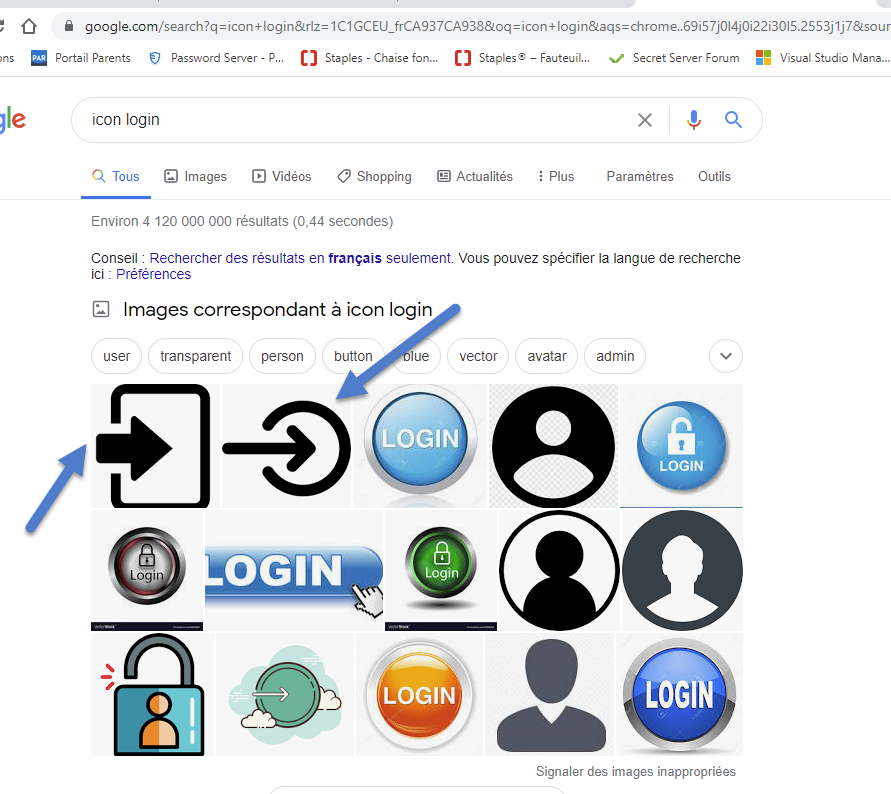
I think we could use a circle instead. What do you think?
Regards
David Hervieux
2021-03-07_11-06-45.png
Huh :-) There is only one conclusion: human beings are inconsistent and insane :-)
I think the iconography I am most familiar with for logins is a generic person icon that gets replaced by the actual user avatar after logging in. But, when I search around to try to find this in practice, what I'm finding on sites like AzDO and GitHub is that they don't actually use iconography for the login function per se. They just have a hamburger menu and one of the options (usually at the end) is just "Login" or "Sign In" in words.
I think that you right. We should simply add the word Login. I have send the request to the dev.
Regards
David Hervieux
Jonathan,
The code is done but with one small change. "Synchronize the host name" has been removed. Instead use the $NAME$ variable as the host and the entry name and & host will always be synchronized. The "Synchronize the host name" option was actually giving us issues in a few instances and I think the $NAME$ variable serves the same purpose while being easy to use.
This will be in an upcoming v2021.1.x release. Until this is released you can set the "Duplicate entry suffix" to empty & use $NAME$ as the host. I won't be perfect but a start.
Best regards,
Stéfane Lavergne
That is awesome, thanks so much :-)