Save a Session layout and or Broadcast input?

I have 4 ssh sessions that I would always like to open as a embedded Quad pane. i.e. 2 x 2. Then additionally add to broadcast input. Is this even possible or at least one or the other? Can you save a session layout as something? Then in the future just a double click away?
I know I can drag and drop each embedded tab to the create the layout in the screen shot below but can I save it?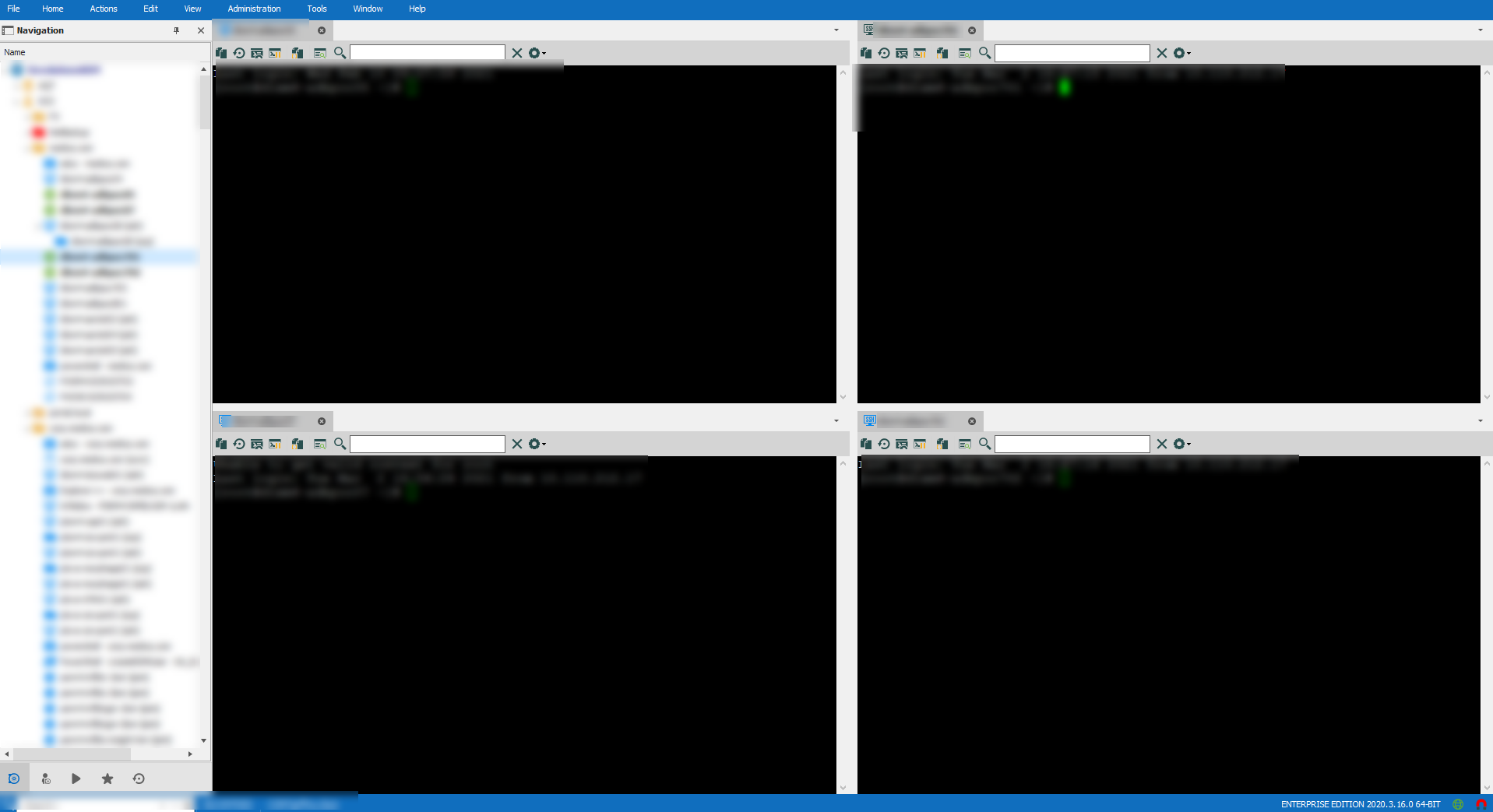
2021-03-02_17-05-47.png
All Comments (8)
Hello,
We actually do support the broadcast feature with our SSH Shell entry. You can activate it by right clicking one of your opened SSH tabs > Broadcast Input > Manage Broadcast. From there, you can select the SSH entries you want to broadcast to, and the keystrokes will be shared between the selected SSH entries.
Let me know if this works for your scenario.
Regards,
Hubert Mireault
Is there a way to "save" the layout and broadcast selection? e.g. I have a web farm of 4 servers and I want them effectively treated as 1 'session' so save the layout and broadcast selection.
I perform a control select on the Navigation pane, right click open sessions (4). In order to layout the windows currently I am using the drag and "drop zone" feature:
https://help.remotedesktopmanager.com/view_embeddedsessions.html Is there a better way? Something like right click open session tiled? Or one open can you tile them via the menu? tile vertical and horizontal almost work but always seem to include the dashboard (even when the dashboard is off)
Hello,
You can do right click > Open with parameters > Open in pane, but this requires already having the panes "configured" (so already having dragged the tabs and made your own layout), so for your scenario I don't think it would work.
I've opened a ticket to see how we could work this out, at the moment there is no way to save/load specific layouts.
Regards,
Hubert Mireault
Maybe a feature request for the Playlist? Embedded --> tiled? Or Maybe a ribbon section to setup pane templates? you could make a 4 up or 6up or 2x1 type layouts. And then assign sessions to them?
Those are good ideas, I've added them to the ticket. It would indeed be a good fit for the playlist feature.
Regards,
Hubert Mireault
Hello,
The tile layout feature will be available in version 2024.3.20.0. It will also be supported with the "broadcast all" feature for SSH sessions.
Saving specific sessions for each layout (e.g. with playlists) won't be added yet, but if it's something that would still improve the flow for you, please let us know.
Regards
Jonathan Del Signore
d6180a62-f8a1-4096-98ec-4d6a337e9a41.png
I also would like to see a feature that allows me to save session layouts. I have a suite of products that overlap heavily and I often need to see four or more sessions at the same time for cross referencing and double checking. I typically pop-out one tab, then drag and drop three more onto that pop-out so they are arranged in a 2x2 grid. RDM is typically not very responsive so the time sink is a couple of minutes to open each session, pop-out the first, then drag and drop the remaining sessions. Its tedious and time-consuming relative to how quickly one can do the same thing with native windows.
The 2x2 grid feature would help, but only if I don't pop all of them into a separate window. There is no ribbon on the pop-out and and changing the layout with the tile buttons only affects the main window. As it should be, but we should also have the options on the separate undocked window.
Ideally I'd like to see all the session list and layout saved to a new session type, or even a playlist.Then I can open it undocked and let it do the rest.
But alternately, if we can add the "open undocked" as an option to playlists, so that all of the playlist is opened in a single undocked window AND add some way to force the cascade type on that window, either by adding an explicit window option or button, or by adding the ribbon to that window; that would be good enough.
But while we're on the subject, it would also be useful to modify the "Open in Pane" option to allow for specifying both the window and the pane, rather than just the pane, which is relative only to the main window.
This was my original post (since moved to another company) This is great. The 2x2 makes quick work of arranging the windows. I do have one question about the use: Can you select which tabs? It seems to take the first 4. Can it be switched to most recent? Last 4?