Remote Desktop Manager Free - unable to login
Hi,
After the installation of the Remoter Desktop Manager i'm unable to login with the free user.
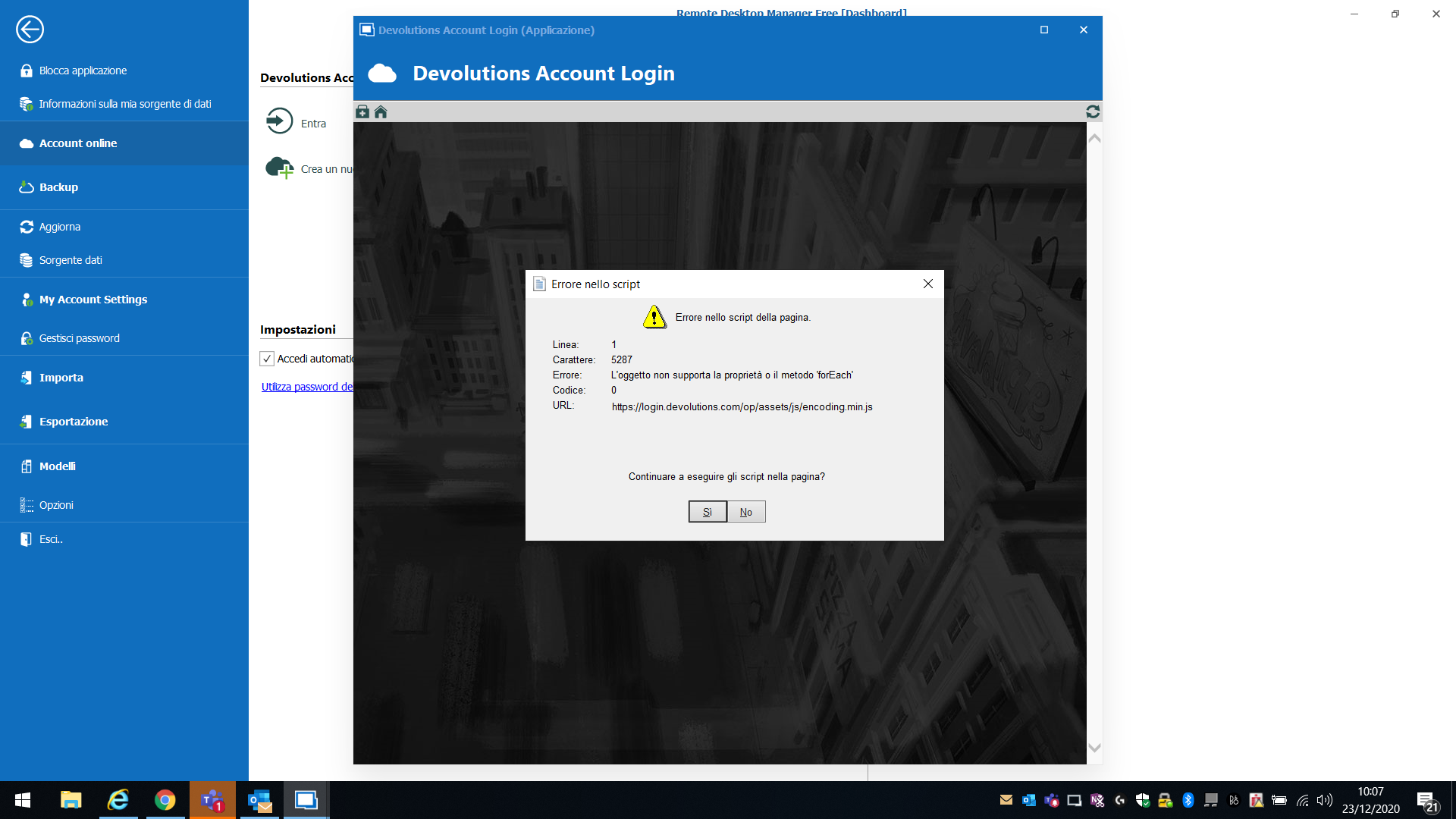
After the web login page display i have a JS error and not form appears.
How can i fix?
Thanks
Devid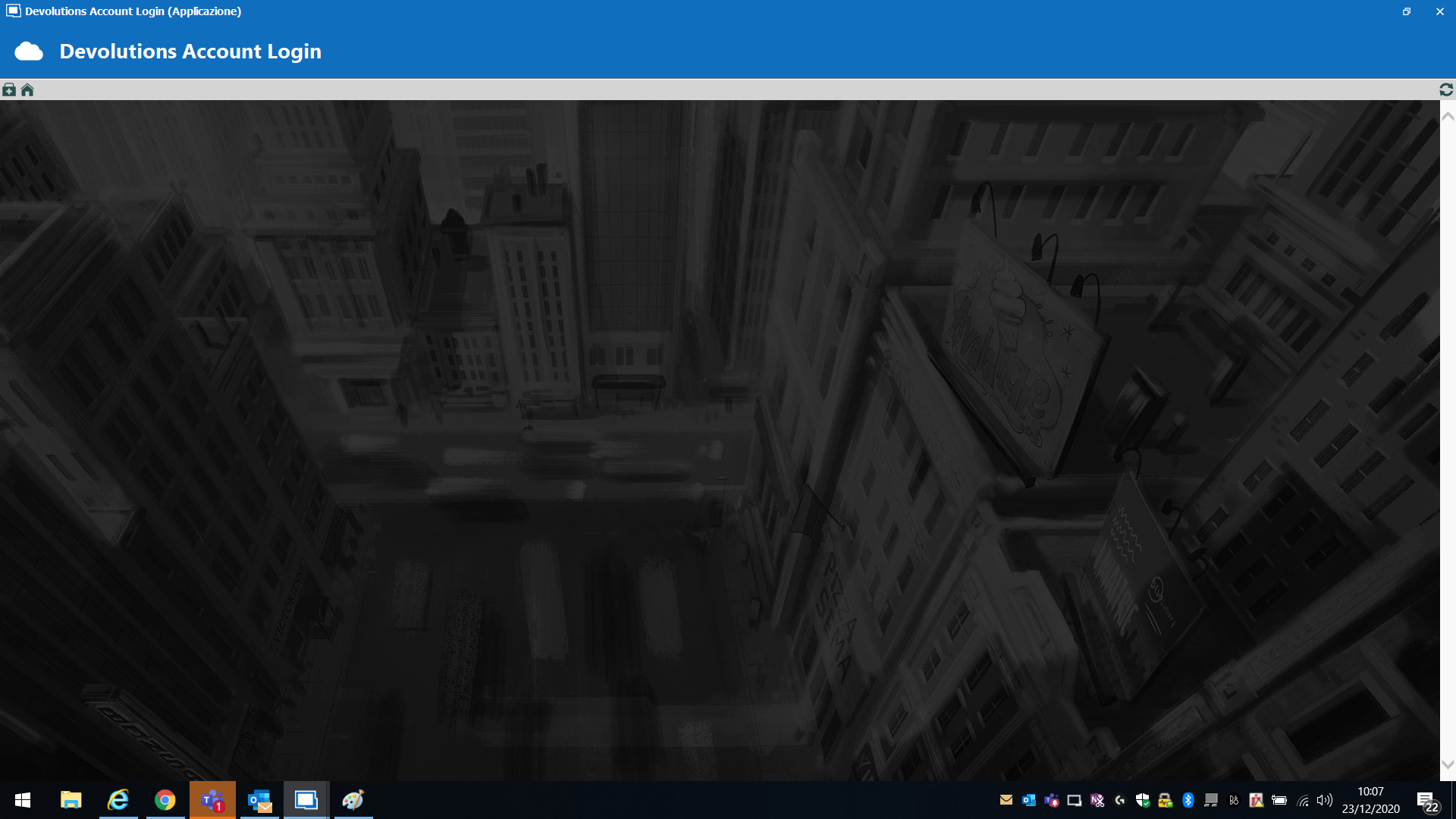
error2.png
error1.png
All Comments (11)
Hello Devid,
Thank you for contacting us on that matter
Would it be possible for you to go in RDM, under File -> Options -> Types -> Web, and make sure that the "IE mode" is set to "Internet Explorer 11"? If it is not the case, please set it to this mode and press on "Apply':
Once this is done, restart RDM and see if this issue still occurs.
Best regards,
James Lafleur
HI,
Yes it is.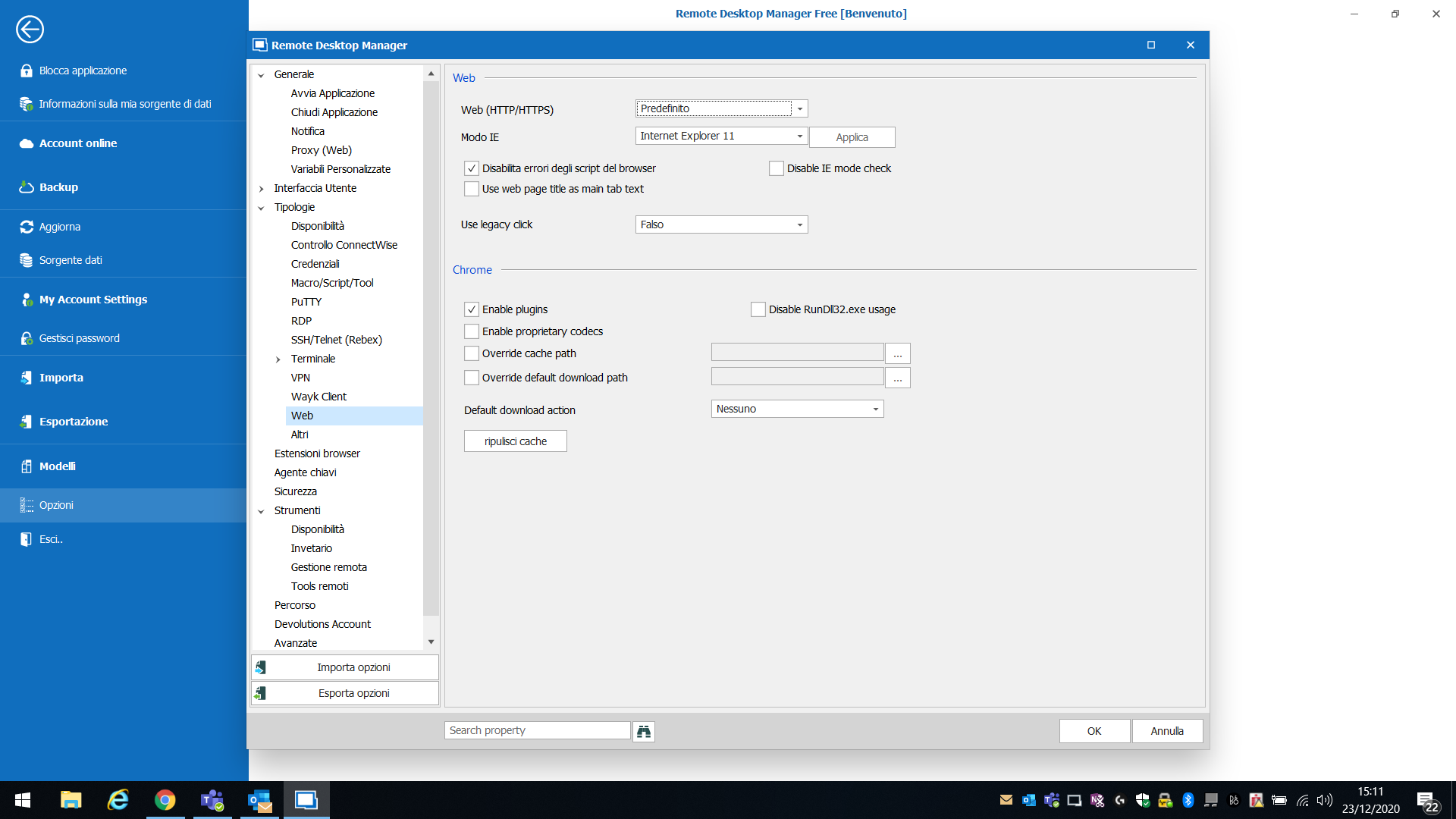
ieMode.png
Having the same issue after reinstalling Remote Desktop Mgr Free this morning. Tried a few combinations of settings under Options/Types/Web. Still getting the js error.
Thanks,
Hello everyone,
According to the information we have gathered on that matter so far, this issue seems to be caused by the "Compatibility View" options of Internet Explorer.
For this reason, could you please make sure that the option “Display intranet sites in Compatibility View” is unchecked in Internet Explorer?
This option can be found under the Cogwheel → Compatibility View Settings:
Best regards,
James Lafleur
Still getting the error after updating that setting in IE.
Hello Jason,
Thank you for your swift reply!
Still in IE, could you please go under the Cogwheel → Internet Options → Security → Custom Level and make sure that the “Active scripting” is set to “Enable” for the “Internet” zone?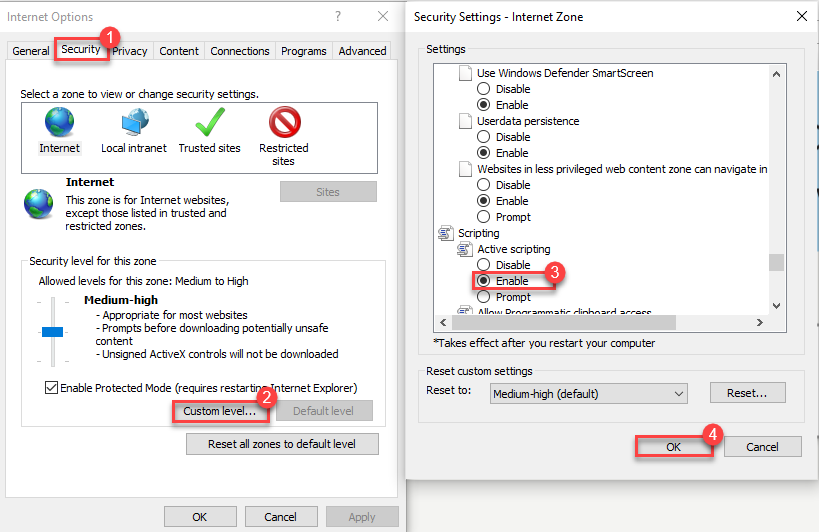
Best regards,
James Lafleur
ActiveScripting.png
Hello again,
If this last step does not work for you, I recommend using the following workaround until our Engineering Department is able to find the cause of this error.
Please note that this is not a final solution, only something that we can use until the cause of this issue is found.
1- Go here https://account.devolutions.com/security/app-passwords and use the "+" sign to create an application password.
2- Go under File ->Devolutions Account -> Use Application Password
3- Enter the email address of your Devolutions Account along with the "Application Password" you have configured at step #1.
Best regards,
James Lafleur
Our Internet Options/Security settings are locked down by GP.
The app password workaround did get me logged in.
Thanks.
The workarround worked also for me
Thanks

Disabled
+1 with the same exact JavaScript error.
Only workaround that helped is the last one, with creating "Application Password" and using it for login.
Also IE settings are managed by corporate GPs, not possible to change.
Hello,
In the past, you have encountered an issue with the authentication on our cloud portal via RDM because of errors with our Internet Explorer implementation. This is now resolved in RDM 2021.x, since the authentication method is now completely changed. You can download the proper version (free or enterprise) here https://remotedesktopmanager.com/home/download . Please note that if you are running an advanced datasource, a database upgrade is required - https://help.remotedesktopmanager.com/database_upgrade.html
If you we're using the Online backup with Devolutions and that you had switch to a local backup as a workaround, you can reactivate the Online backup by going in File – Data sources – Edit – Backup tab and select Online backup.
Best regards,
Jeff Dagenais