Need UNC and File path links in DOCUMENTS
0 vote

Need UNC (\\server\share\some_folder) and File path (P:\some_folder) links in DOCUMENTS so we can quickly access DOCUMENTS tha tneed to be updated. HTTP links are great but do absolutely nothing for managing DOCUMENTS. Else change the name from DOCUMENTS to URL'S.
All Comments (5)
Hello,
You should already be able to reference a UNC path in a document type entry: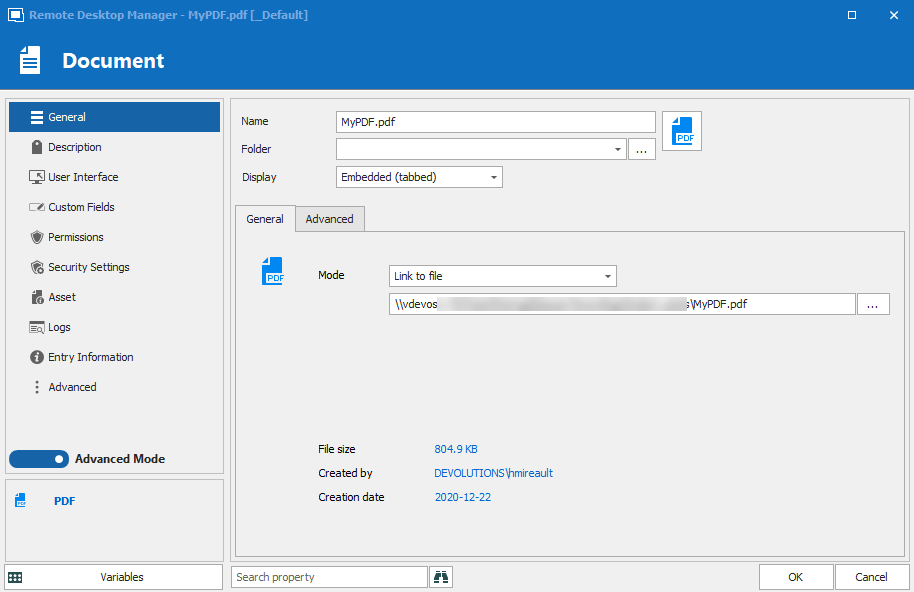
I used a PDF as an example, but it should be the same for other document entries.
If this is not what you were talking about, could you describe your situation and add screenshots?
Regards,
Hubert Mireault
2020-12-22_7-59-54.png
Yes,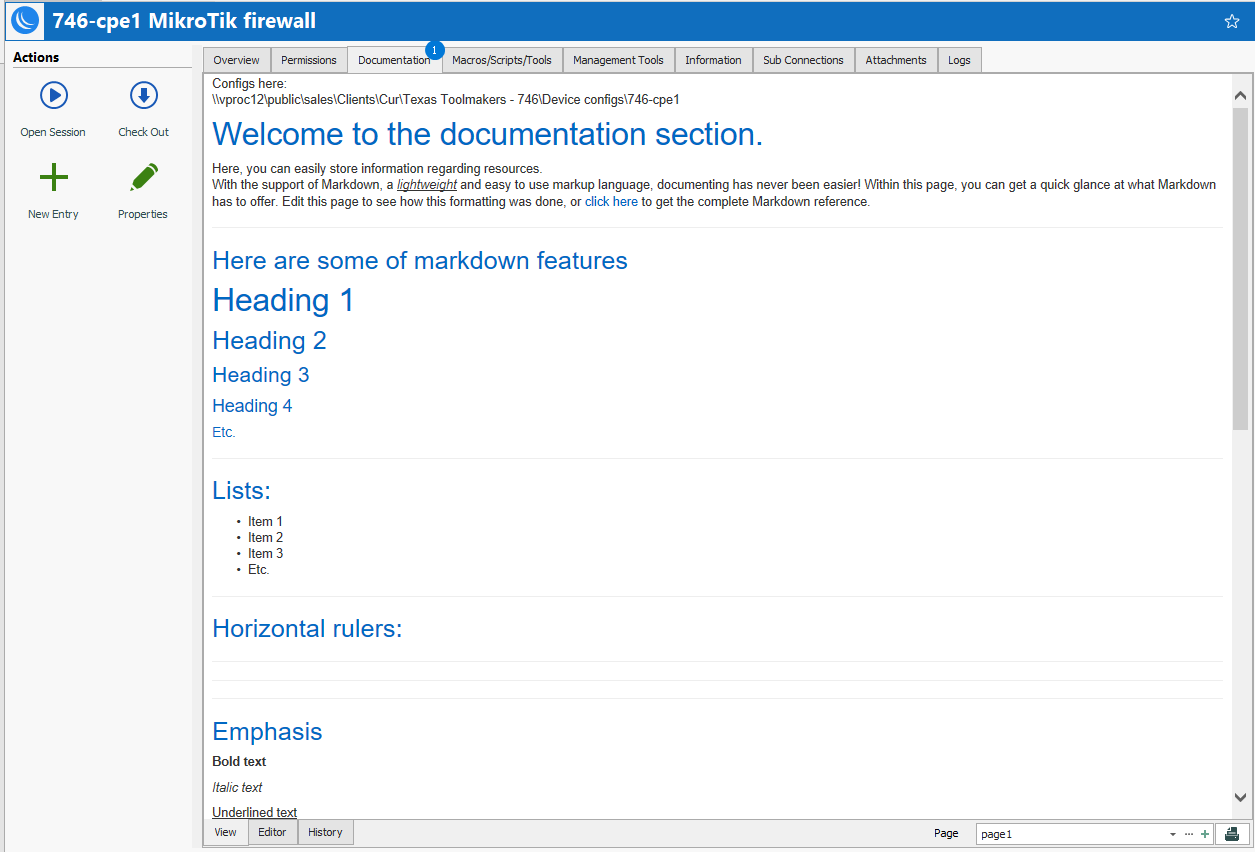 your document solution works for a single document (with a tremendous amount of overhead) but it does not allow for opening of a location. See attached screenshot of what we need and which is much more efficient and quicker to implement and manage.
1.png
I understand, you mean being able to open a UNC path from the documentation tab.
Since the documentation is markdown, which supports HTML, how about using something like this:
<a href="\\mySharedDrive\path">Configuration Files</a>
Then you will be able to click the link and it will open the list of files located there. Would something like that work for you?
Regards,
Hubert Mireault
Success with one addition. Add target="_blank" inside the <a> tag to force an external Windows Explorer window to open (standard HTML):
e.g. <a href="\\server\share\folder" target="_blank">Config Files Here</a>
Thanks
Glad this works for you! If there's anything else we can help you with, let us know.
Regards,
Hubert Mireault