REAL VNC Session save the config file in the database
REAL VNC Session save the config file in the database
0 vote

The possibility for a VNC session to save the configuration file in the database. In the current situation you make a reference to a local file on your local pc or network share. When RDM is used on another system and this path is not available, you cannot start the VNC session. This problem is solved when you can include the Configuration file in the RDM database. Because we use RealVNC and want to log in directly to the system without entering a password, we are forced to do this via a configuration file. If I add the configuration file as a document, I can place it in the datebase. Only this I cannot use as a sub connection.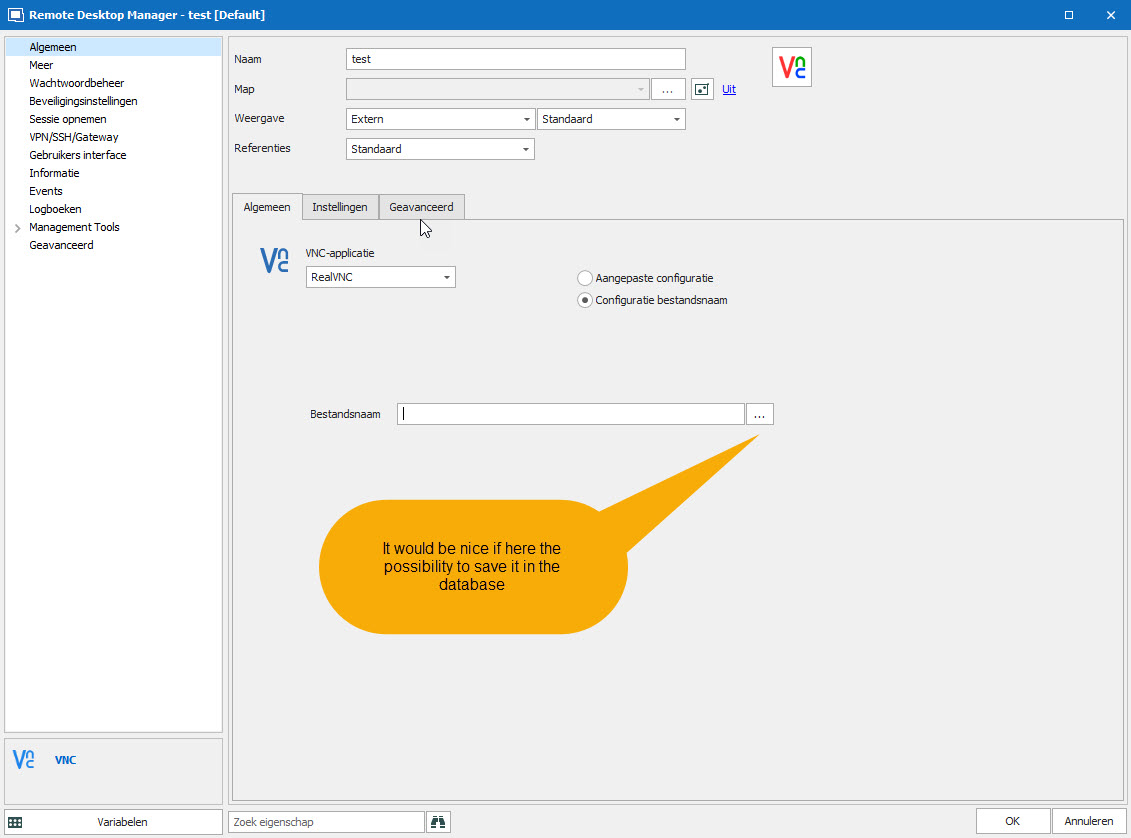
2020-12-08_14-25-10.jpg
All Comments (1)
Hello,
Thanks for the idea, we've opened a feature request ticket.
Regards,
Hubert Mireault