Active Directory Dashboard

How does it work, because I entered everyhting what was needed but still nothing: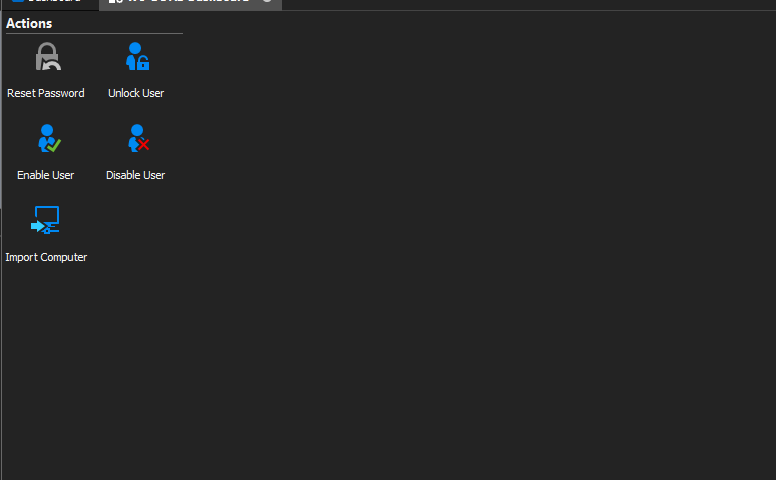
Best regards,
Kaj Graficom
2020-12-03 15_37_51-Remote Desktop Manager.png
All Comments (14)
Hello,
Thank you for contacting us on that matter!
Would it be possible for you to send me screenshots of how your entry is configured via private message? I will need to see every tab that does not have their default values.
Best regards,
James Lafleur
Hello,
Thank you for contacting us on that matter!
Would it be possible for you to send me screenshots of how your entry is configured via private message? I will need to see every tab that does not have their default values.
Best regards,
I Have PM send the screenshot
Best regards,
Kaj Graficom
Hello Arcangel,
Thank you for these screenshots!
Could you please go under the "User" tab of your entry and check the "Show users on the dashboard" option and see if this issue still occurs? Given that the set of credentials are valid and that the user you are using in your credential repository has the right to see the users in the Active Directory Dashboard, you should be able to connect and see a list of all of your users.
Best regards,
James Lafleur
I tested that, but RDM keeps loading after that.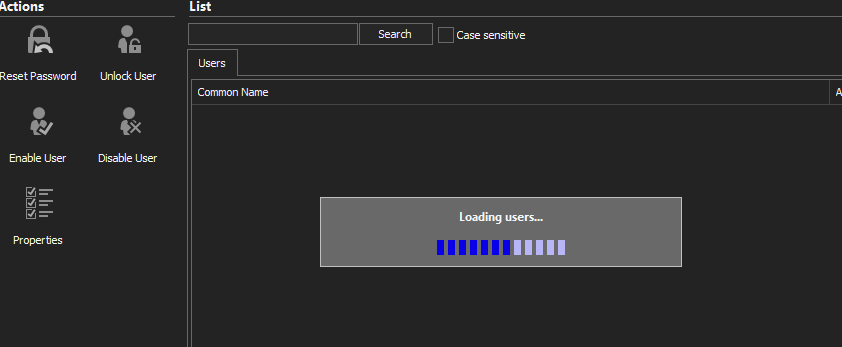
Best regards,
Kaj Graficom
2020-12-04 14_40_27-Remote Desktop Manager.png
Hello Arcangel,
Are you able to connect to the Active Directory Dashboard outside of RDM using the same set of credentials?
Also, as a test, could you please enter your credentials directly in the entry instead of using the credential repository feature? I would like to know if the same issue occurs.
Best regards,
James Lafleur
Hi James,
I tried that and we are able to connect through LDP.exe with no problem
Best regards,
Kaj Graficom
Hi James,
It Works after long wait, is there a solutions that not all users are loading but only when you search?
Best regards,
Kaj Graficom
Hello Kaj,
Unfortunately, the only way to filter the user's list is to set the filter under the "User" section of the entry. It is not possible to change this filter once the connection is established:
Best regards,
James Lafleur
Not friendly tool :) We want that you don't have to login if setting a users password.
Best regards,
Kaj Graficom
Hello Kaj,
Once the connection is made and that your users are shown in the Dashboard, you should be able to select any one of them and either use "Properties"(1) to configure it or "Reset Password"(2) to reset his password.
Is that not what you are trying to achieve?
Best regards,
James Lafleur
Yes what want to achieve is searching for an user in AD quickly now we need to wait for the hundreds of users being loaded.
Best regards,
Kaj Graficom
Hello Kaj,
Thank you for your quick reply!
I will contact our engineering department on that matter and see what can be done.
I will be in touch shortly.
Best regards
James Lafleur
Hello Kaj,
A ticket has been opened to add the possibility of filtering the users in the Active Directory Dashboard.
This feature request has been added to their to-do list and we will contact you once we have an update on that matter.
Best regards,
James Lafleur
Hello Kaj,
We redesigned the User Interface for Active Directory in the latest releases of RDM, can you please let me know if this new version resolved the issues you were having. You should be able to search quickly and find a user without the need to load all the users first.
Thanks,
Paul