RDM Intel AMT Remote Power on

Hello,
SInce 2020.2.15.0 the Intel AMT Support is deprecated, but it should be possible to reaktivate them with the ingormations from the blog
https://blog.devolutions.net/2020/06/deprecation-of-support-announcement-for-intel-amt
The for me relevant feature of the Intel AMT was the very Easy use of Remote PowerControl ( which was perfectly integrated in the Entry menu). But this Entry is also gone and with activation of Showing Deprecates Entrys there comes not back - and the AMT Add-on has only KVM-Features and not the Powerstates.
Is it possible to bring back the powerstate-control for the entrys ?
Thanks
Sven
All Comments (9)
Hello,
Thank you for the information. We'll see about rolling back the changes regarding the powerstates, since they are still working. Intel AMT support will still be considered deprecated as a whole, though.
We have opened a ticket for this.
Regards,
Hubert Mireault
Actually, I might have jumped the gun and thought we mistakenly removed the entry. Do you not see the entry when adding a new session, if you have checked "show deprecated entries"?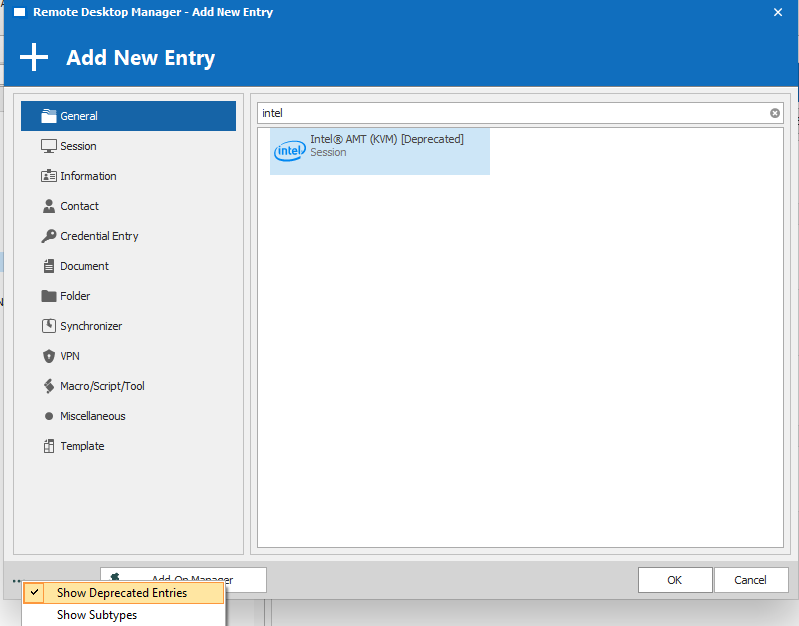
You also have access to the menu on a per-entry basis: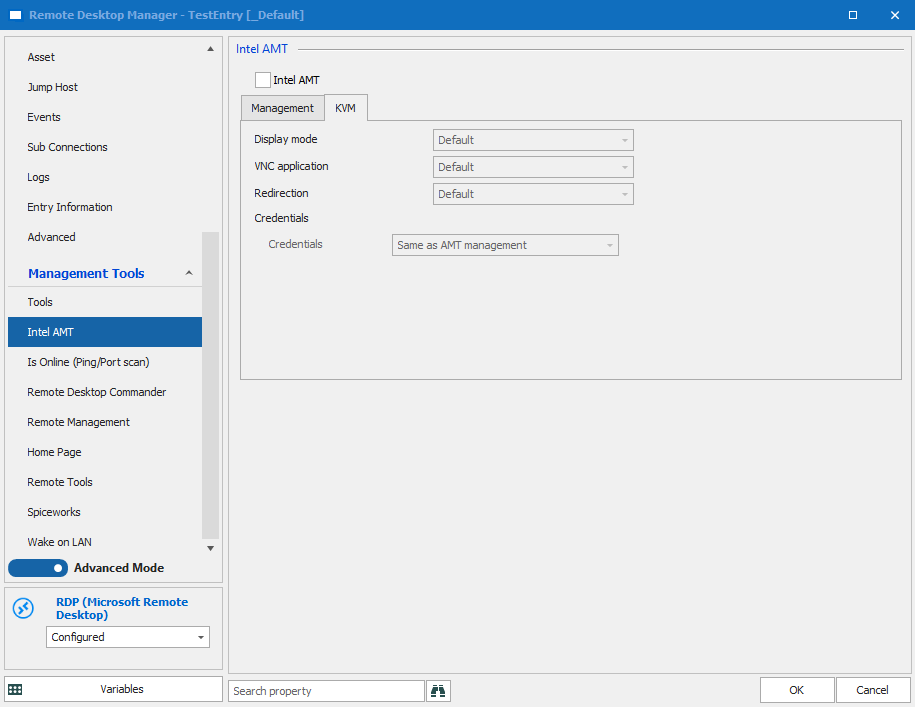
Am I misunderstanding what you're looking for?
Regards,
Hubert Mireault
2020-09-28_8-19-09.png
2020-09-28_8-17-09.png
Hi, on your system it looks good - but on my Version (2020.2.19.0) i can't see the Intel AMT section under Management Tools. Thats my problem ....
Create a ne Session with Deprecated CheckBox: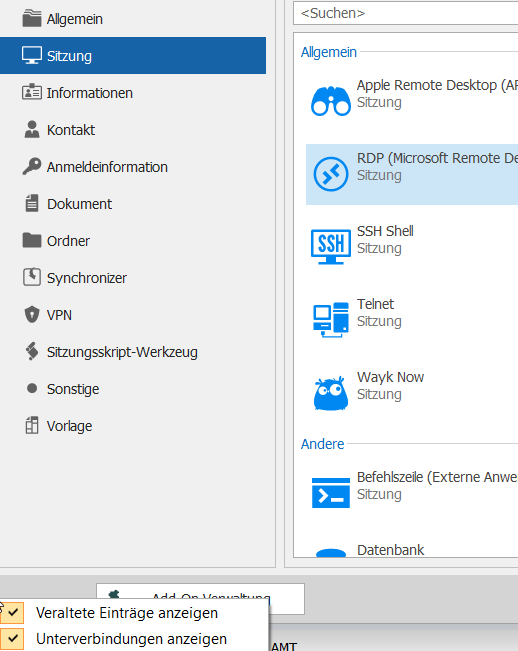
... but no Intel AMT Entry :-(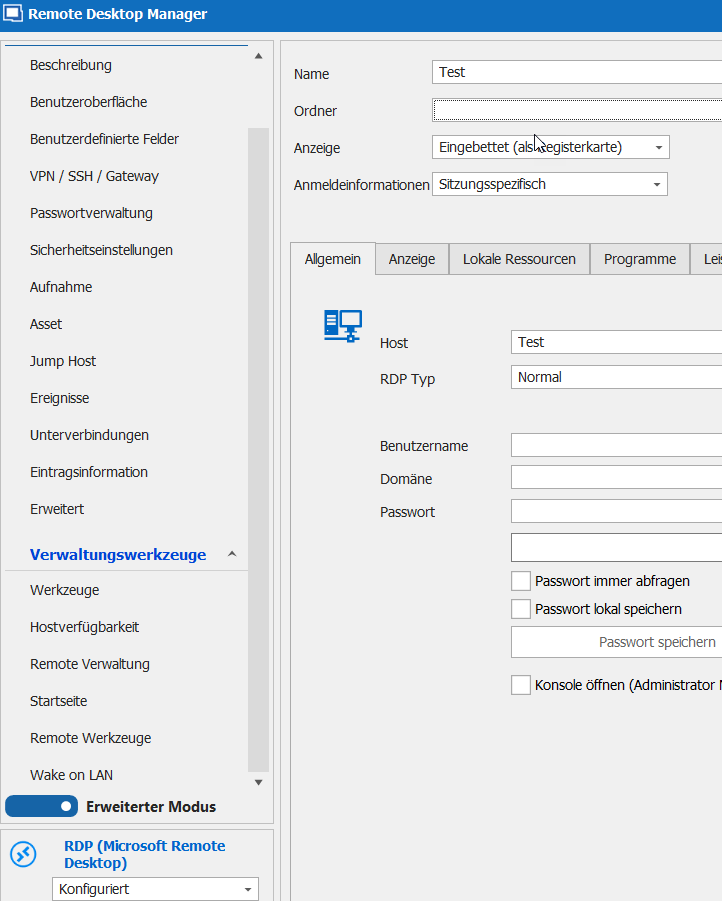
28-09-_2020_22-19-46.png
28-09-_2020_22-18-31.png
Hello,
which datasource do you use?
Regards,
Min
I'm using an xml-File.
Alright, can you please verify if this two options
- Datei => Optionen => Werkzeuge => Verfügbarkeit => Intel AMT (veraltet)
- Datei => Optionen => Typen => Verfügbarkeit => Sitzung => Remoteverbindungen => Intel® AMT (KVM)
are enabled?
Regards,
Min
Wow !!!
Datei => Optionen => Werkzeuge => Verfügbarkeit => Intel AMT (veraltet) was not enabled !
That was it.
Thanks !
My pleasure!
Thanks for your feedback!
Regards,
Min
Glad it's working for you now. And thank you Min :)
Regards,
Hubert Mireault