Global Session Log recording does not record SSH screen output or keystrokes
Global Session Log recording does not record SSH screen output or keystrokes

I found the feature to record session logs in Help -> Session Logs. I use SSH sessions.
When I enabled Recording by itself, no logs were ever created when I opened and closed session with some output. I also tried restarting App.
If I enabled Logging then I did get new logs saying generic entries like opening connection.
I'd like to use Recording feature so I can review everything I saw or typed.
Am I misunderstanding this feature or is it broken?
All Comments (3)
The Session Logs window really exist to trouble shoot issues while connecting or using sessions (e.g. connection failure).
For what you want, you can either
1) Configure the logs directly in the session (under the Advanced tab) with the "Log mode" set to "Printable output".
2) Use the session recording feature (under the Session Recording tab) that will record the session in a house format (.trp) that can be viewed through the Tools -> Playback (TRP) window in RDM.
Best regards,
Xavier Fortin
Thanks for pointing to that screen. I did try setting a trp file logging and it did generate a file with a few KB when I tried some SSH sessions.
But the Playback TRP is acting weird. It would show blank and even after I pressed play it never showed any output.
Here is how it looks.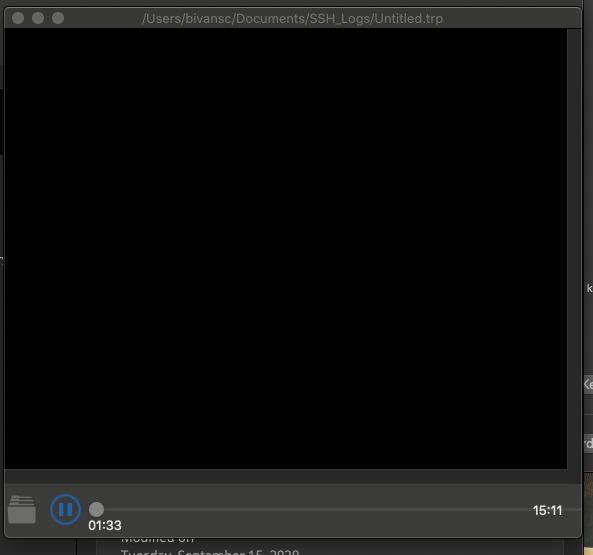
Screen Shot 2020-09-15 at 12.24.57 PM.png
If you move pause and move the cursor manually, does it show something? I don't seem to have any problem on my side. What were you doing in the session? Using any particular command (one that would hijack the terminal for instance, I'm thinking of midnight commander for instance)?
Best regards,
Xavier Fortin