Active Directory Console

I am trying to limit the AD to a single OU it gives error. Under OU/Container name I type in the OU name i want to access but it gives error. If I leave blank it works and shows users and computers for the whole AD which i don't want.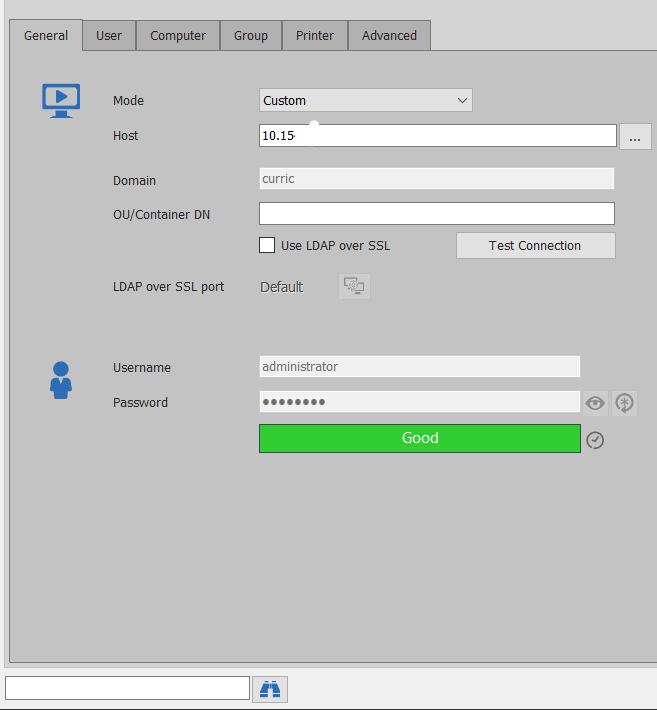
I have also worked out how to see the users in RDM but is there a way to show a list like i would on the server in AD. I want to see the School ou and then the OUs listed underneath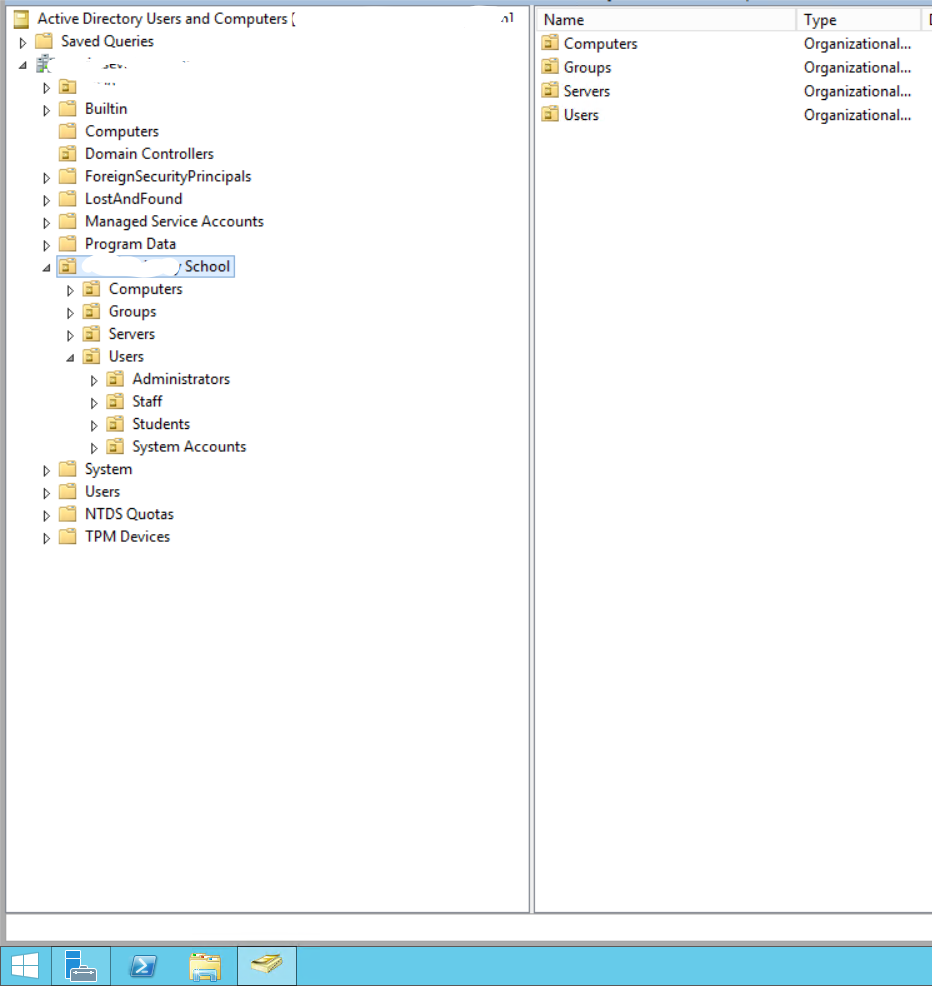
6.png
5.png
All Comments (6)
Hello,
for the first one you have to enter the LDAP path, not only the name from the OU.
Regards,
Min
Cheers. So I've put in an LDAP path and it only shows users and computers from everything in that OU - not every OU. My next thing is - can I group the results of pcs and users etc so i can tell what subtree in that ou they are in.
If I right click the user or computer I can see the properties and the full DN name and can see that sub tree etc it comes from but I would like that on the session view.
So I can see every computer under the school ou and the ou's under that. But it is just one view - i would like another column or for it to display like it does in AD so I can tell what OU the computer is in. Hopefully that makes sense. So thats the list I get - some of the Computers our in the Computers OU underneath school OU. I want to see that instead of right clicking on each pc and checking the properties. 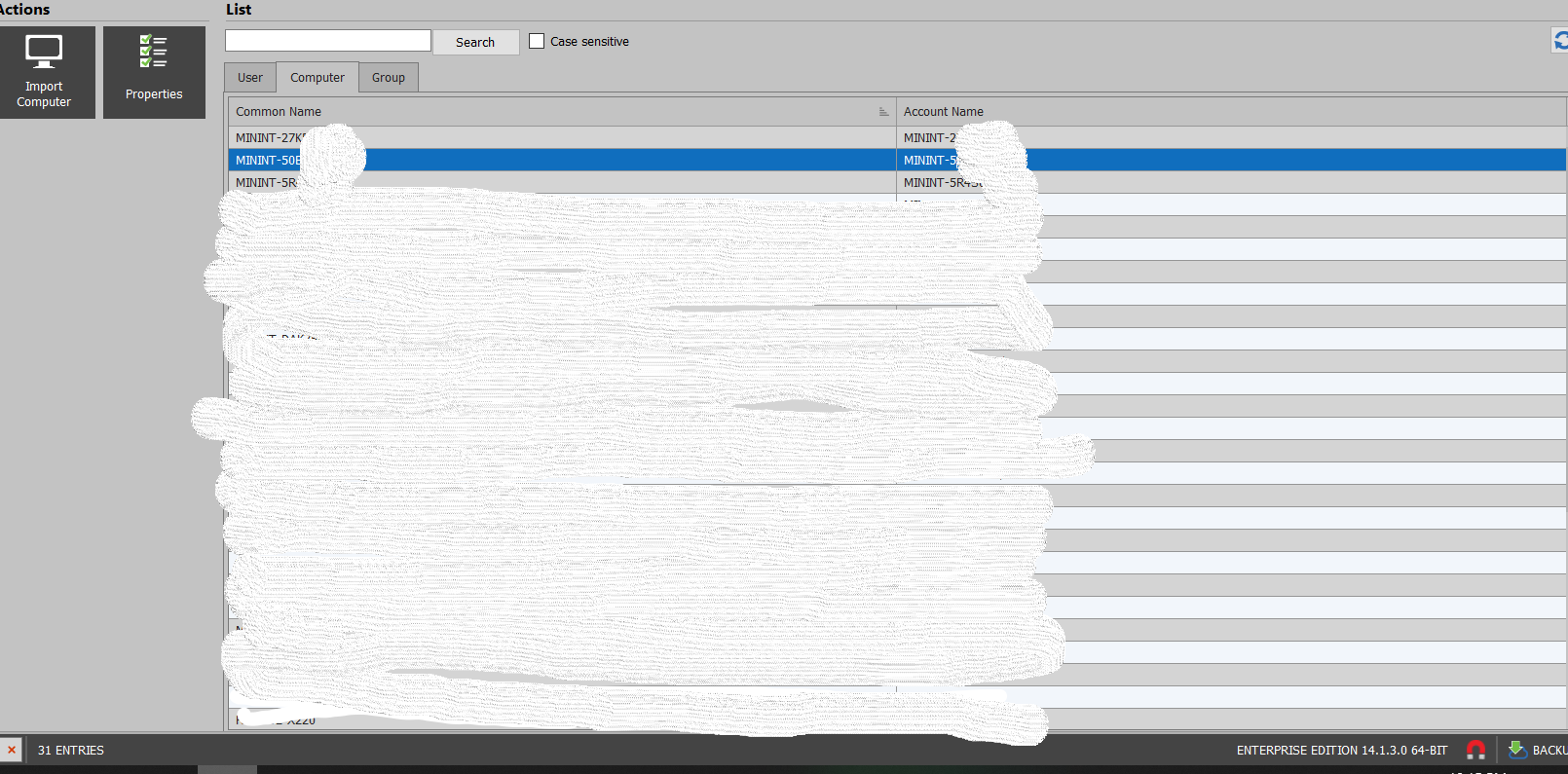
7.png
Hello,
I will contact our Engineering Department on that matter and see if that is something that can be achieved.
That being said, could you please confirm that you are using an Active Directory Dashboard entry type?
Best regards,
James Lafleur
Hi James,
I'm using the Active Directory Console entry type. I don't see an Active Directory Dashboard entry type.
The only other type i see is Active Directory Synchronize
Hello Cameron,
Thank you for this information and sorry for the confusion.
In RDM 14.1.3.0, the entry you are using is called "Active Directory Console (left)" while in the latest version of RDM it is called "Active Directory Dashboard session (right)" :
That being said, I have opened a feature request with our Engineering Department in order to add another column to allow you to display the OU this object belong to. I will be in touch as soon as I will have an update on that matter.
Best regards,
James Lafleur
Hello Cameron,
I just wanted to let you know that our Engineering Department has added an "OU" column to the Active Directory Dashboard entry.
This improvement should be available in RDM 2020.3.4.0.
Best regards,
James Lafleur