Keyagent not loading all keys for all users

There are a number of rsa keys in our RDM database. They all have the "Automatically load key to agent" box checked in advanced settings.
Various users do not get all of teh keys loaded.
They have permissions to view the key by manuall opening selecting it.
One of the users that does not get all of the keys loaded is even an admin.
All Comments (6)
Hello,
Thank you for contacting us on that matter!
That being said, which version of RDM and what type of Data Source you are currently using? Also, would it be possible for you to provide us a screenshot of the configuration of one of your "Private Key" entries? I would like to confirm that my test environment uses the same parameters. Just make sure to hide any sensitive information it might contain.
Best regards,
James Lafleur
Hi James,
Version is 2019.1.41.0 and the datasource is MariaDB.
Below are the settings. The permissions are all inherited and the users have full permissions to the folder.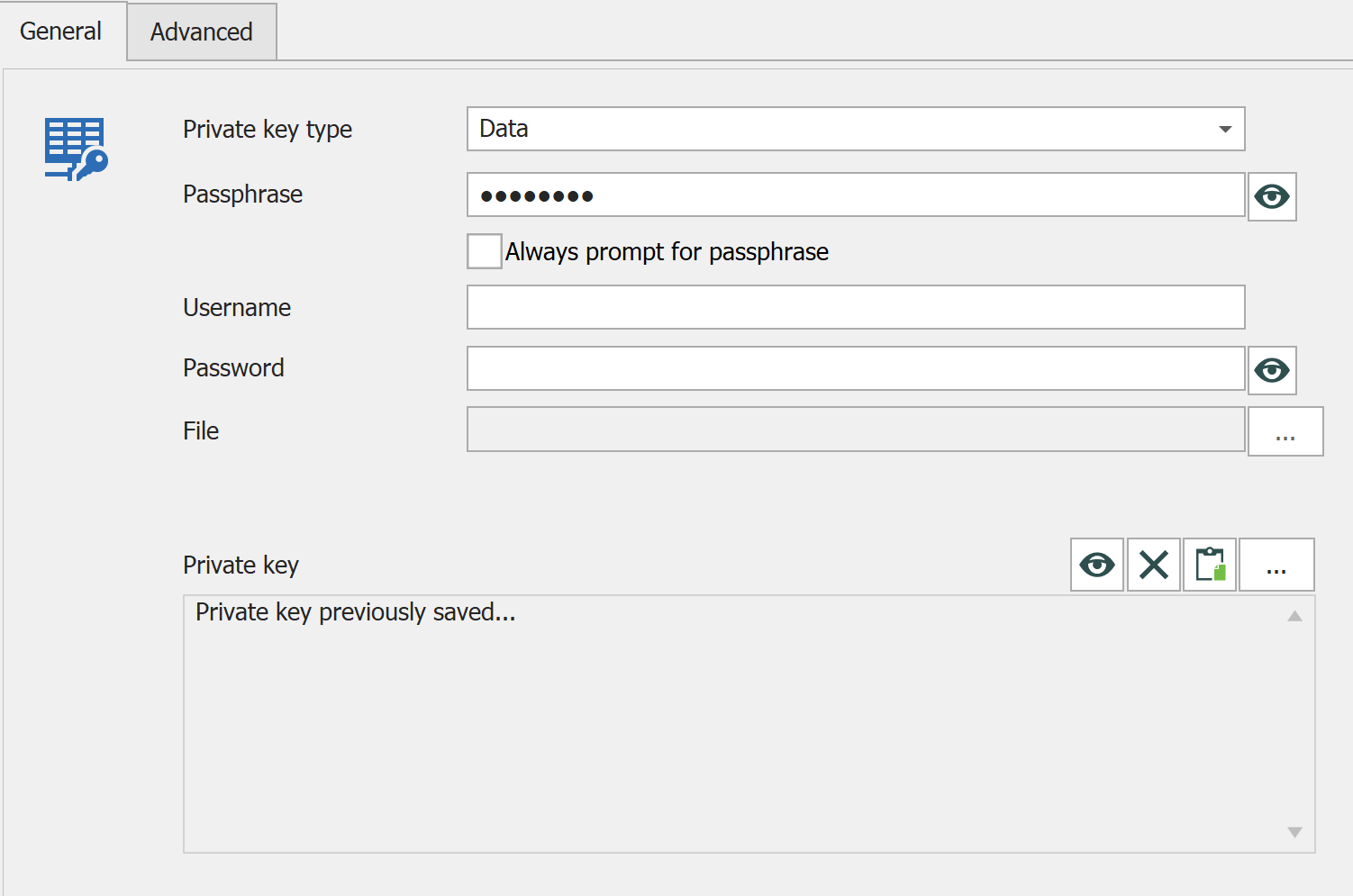
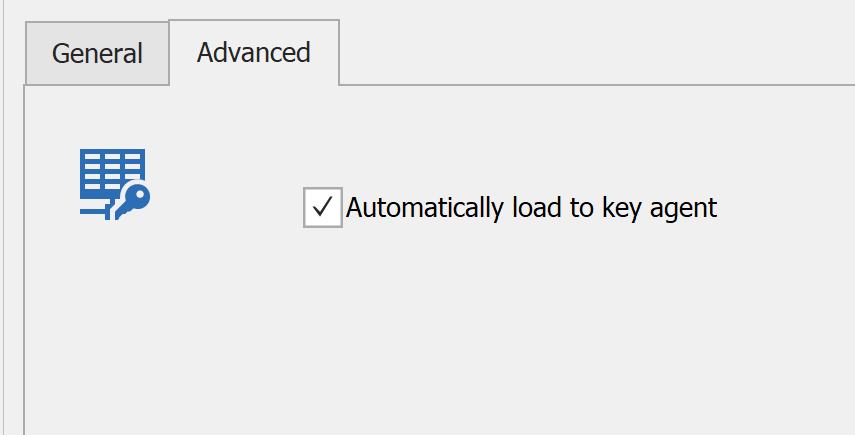
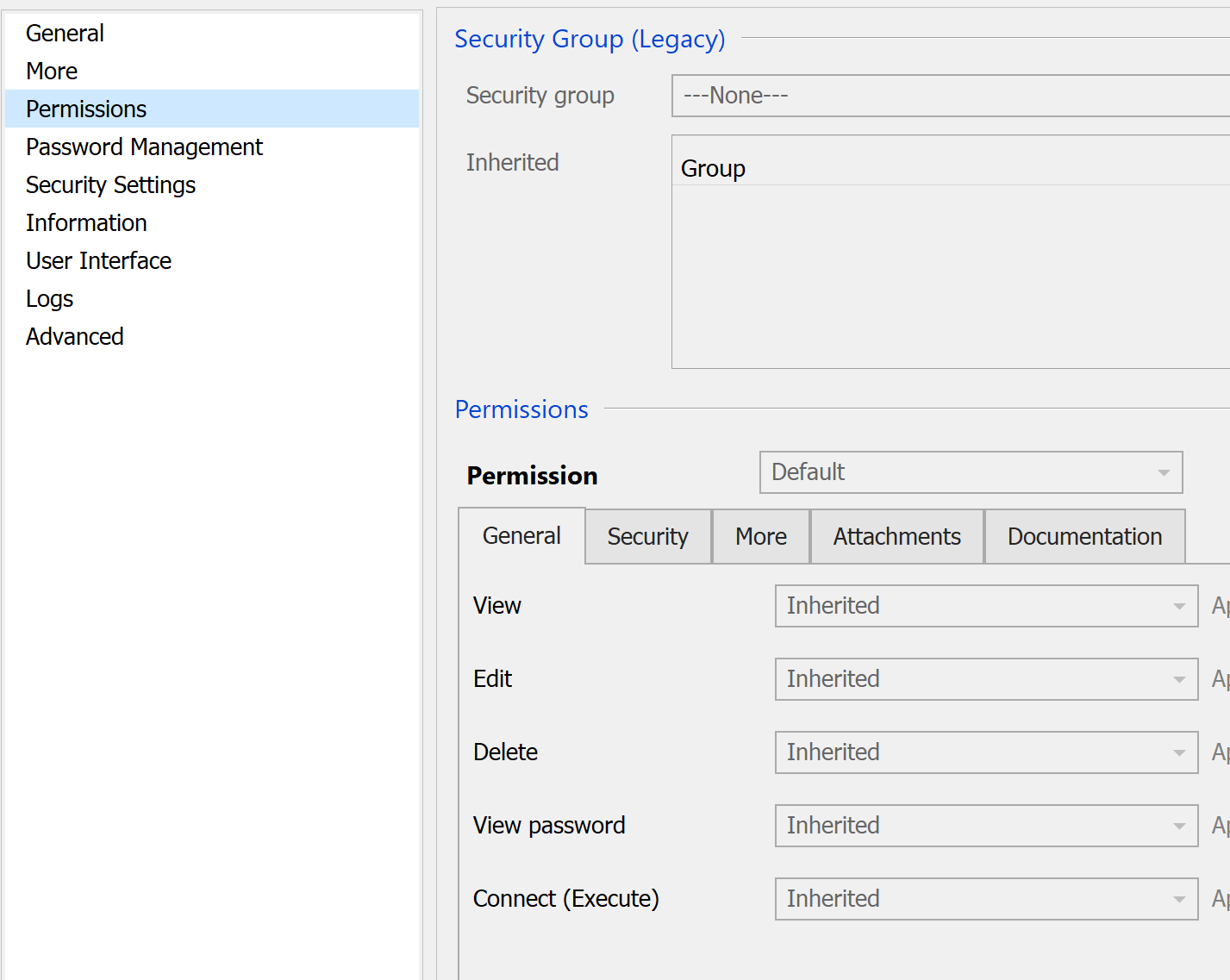
1.png
2.png
3.png
Hi James,
I made a dev copy of the database and downloaded the latest version of RDM to see if the later version fixes the issue - it doesn't.
If I dupliate the private key record it does not fix the issue. But, If I view the key, copy it to the clipboard and then create a new key then that one will auto load into the key agent.
F.
Hello,
Thank you for this information!
I would like to see a recording of this issue if you do not mind. For this reason, would it be possible for you to go under Help -> Submit a support ticket in RDM? Doing so will automatically create a ticket in our system and through it I will be able to provide you a secure link for you to send us this video.
Creating a ticket this way will also provide us more details about the configuration of your RDM and of your Data Source.
Best regards,
James Lafleur
DEVO-25112
Hello Fabian,
Thank you again for opening this case, you should receive my first reply shortly.
This forum will be updated once a solution has been found.
Best regards,
James Lafleur