RDP from Mac on Second Monitor

Hi,
I am having an issue using RDM on Mac OS 10.15.6 - 2020 MacBook Pro 13. When I have RDM running on my second monitor the interface of the application is perfectly clear and sharp but RDP sessions to Windows 10 and Server clients are blurry. Does anyone have any tips to make the experience as clear as possible?
All Comments (5)
Hi,
What version of RDM Mac are you using? What's the resolution of the screen? Can you provide a screen shot displaying the behaviour?
If your screen has a High DPI (e.g. 4K), you might want to turn on Preferences -> Session Type -> Display -> "Optimize for Retina displays".
Best regards,
Xavier Fortin
Hi Xavier,
I am using RDM Version 2020.2.3.0. The screen has a native resolution of 3840x2160 but I currently have it set to 3360x1890. I have ensured that 'Optimize for Retina Displays' is set to True in RDP Session Preferences. I have included a screenshot below. However, when I look at it on my MacBook screen it appears as I would expect, when it's on my secondary the RDP session looks blurry but the GUI is fine.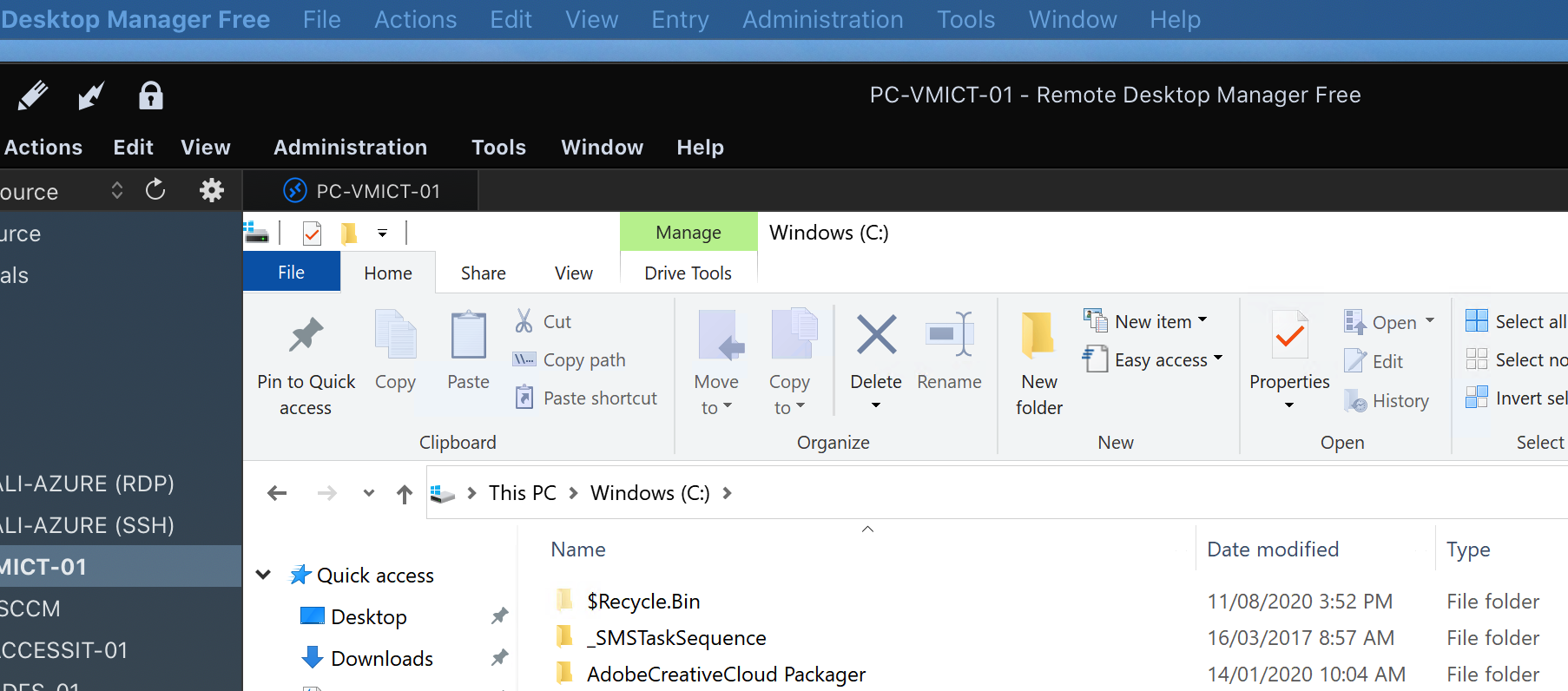
Screen Shot 2020-08-12 at 9.08.14 am.png
You screenshot appears fine to me. Obviously if I move it to a screen with a lower DPI, the image appears less sharp. For instance, in my case I have 3 screens. The native screen of my MacBook which is a 3072x1920, a 4K external display and a standard 1920x1080 display. The two higher resolution screens show the images quite sharply while the lower resolution one does not. This is because of scaling.
Since you've set your secondary display to 3360x1890, there is not a lot of scaling going on. That being said, I've tried to configure my 4K display as such, and I don't notice any particular blurriness in an RDP session when moving my application from my MacBook display to the external screen (naturally, the images ends up being noticeably smaller though). No issue either when launching the session directly from the external screen.
Do you manually move RDM between your two screens when you notice the issue? Or launch your sessions directly in it? What's the OS version of the servers you are connecting to. Note that "Optimize for Retina displays" only works properly for Windows 10, Windows Server 2016, and later.
Best regards,
Xavier Fortin
Hmmm I don't know what to say, when I screenshot or take a photo using my phone the fuzziness can't be seen. When I open the RDM app and a Microsoft RDP app session side by side the RDM is no where near as sharp. I have changed my graphics settings to OpenGL today and this has made it slightly better but still not where I would expect it to be.
To help with the troubleshooting, if you set your external screen to 3840 x 2160 (instead of 3360x1890) or to1920 x 1080, do you still notice the same blurriness?
Best regards,
Xavier Fortin