Remote Desktop manager + ed25519 = asking for passphrase, even there's none
Remote Desktop manager + ed25519 = asking for passphrase, even there's none

Hello,
I'm using Remote Desktop Manager 2020.2.18.0 which should support SSH keys with ed25519 algorithm.
When I import an private key with ed25519 algorithm - generated by Puttygen - in my Private Vault, I get a question for a passphrase (which is never accepted). Connecting with the same key from within Putty just works fine.
Even if I generate a new key pair in ed25519 directly from within RDM without any passphrase, I still get the passphrase question upon connection to a SSH host. Even when I uncheck "always promt for passphrase" in de private vault credential entry.
I used RSA keys with 4096 bit key length in the past (generated in Puttygen and imported in RDM private vault) which always works just fine.
Am I missing something here?
thanks!
All Comments (9)
Hello,
Do you have a Passphrase in your Private Key? If you have one, did you enter the Passphrase in your Private Key entry in RDM after unchecking "Always prompt for passphrase"?
Best Regards,
Etienne Lord
Yes, I do have a passphrase in use. When I uncheck the "Always prompt for passphrase" and fill in the passphrase, I get "Invalid passphrase"error. Same private key using Putty just works fine with that same passphrase.
Hello,
Would you be able to send your logs and verbose after recreating the issue : https://kb.devolutions.net/rdm_send_ssh_logs.html
Note that Logs are now in a separate tab, verbose remains in the "Advanced" tab
Best Regards,
Etienne Lord
Hello, I do not have the options as described in your link:
Advanced tab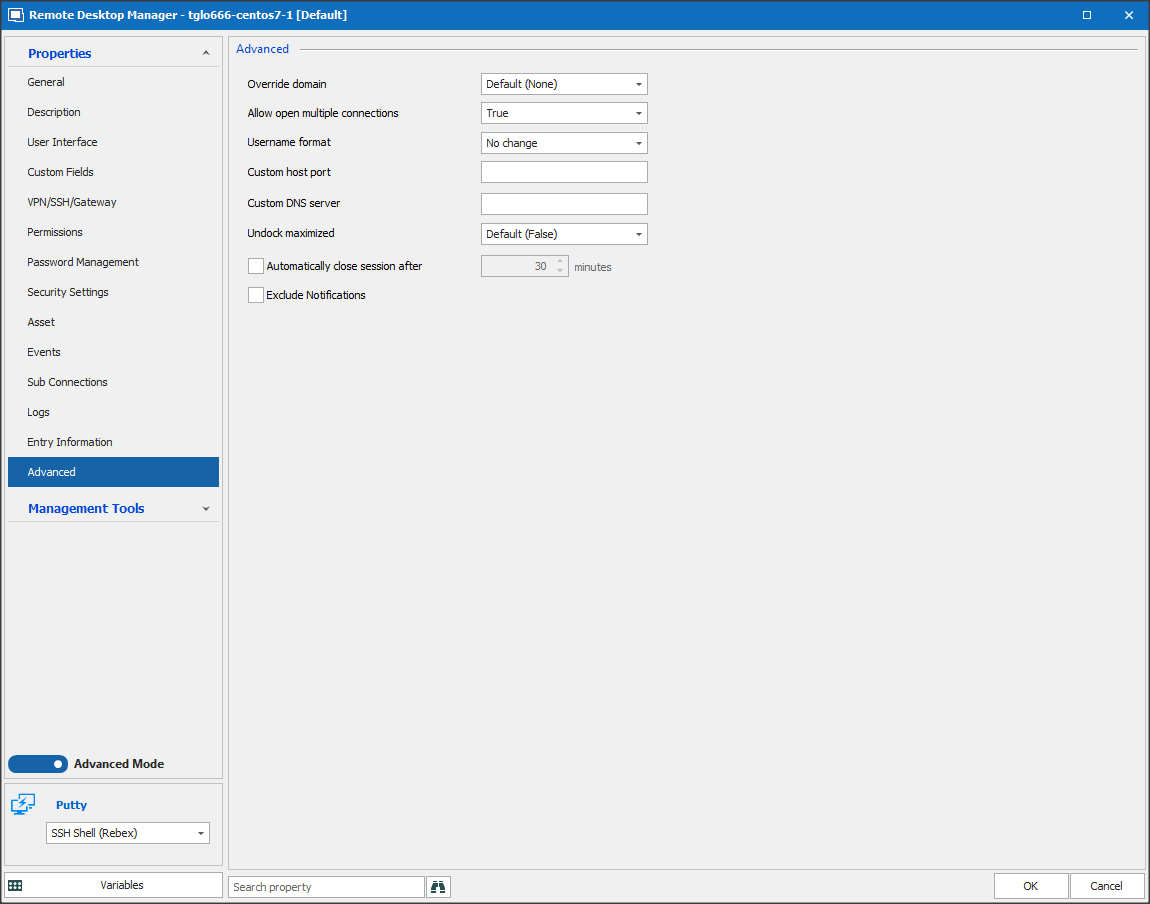
logs tab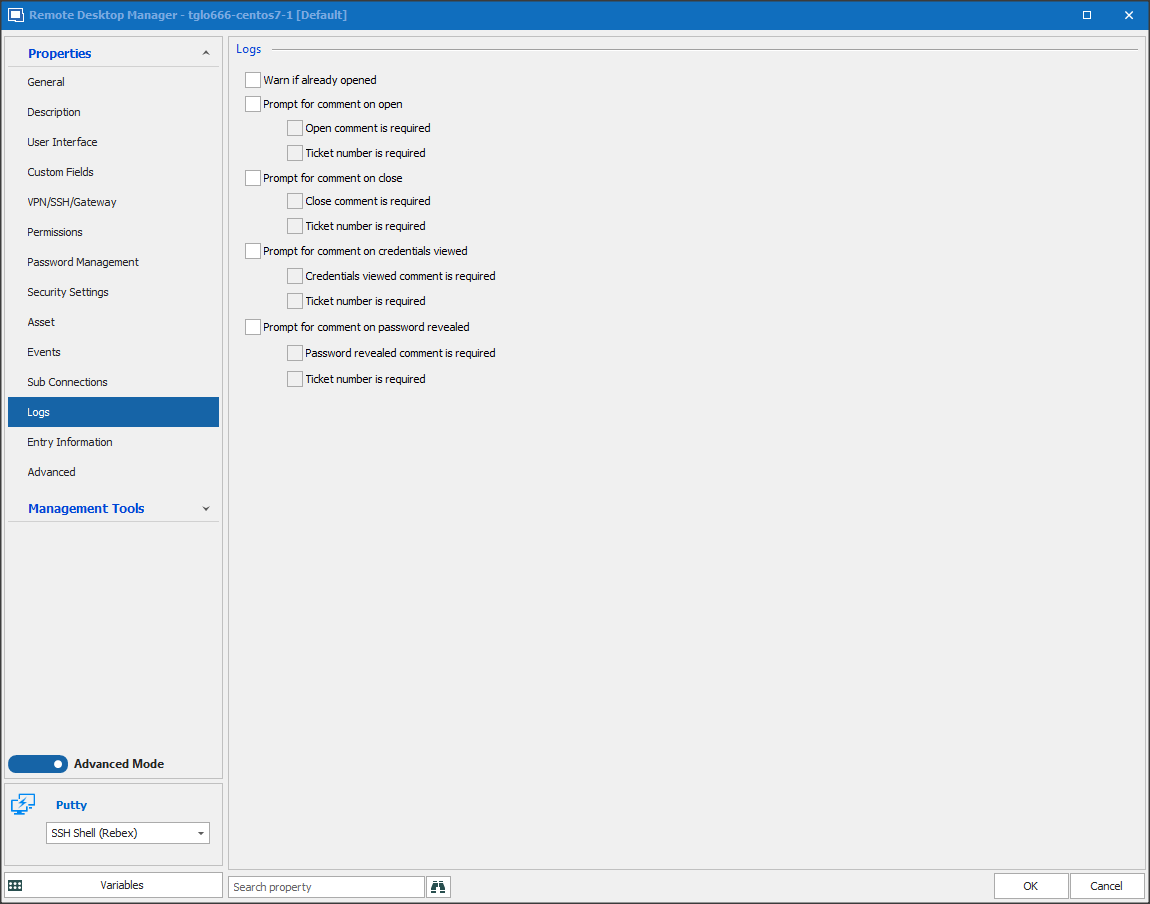
In left colum general, no tab logs to see and no verbose option under advanced ..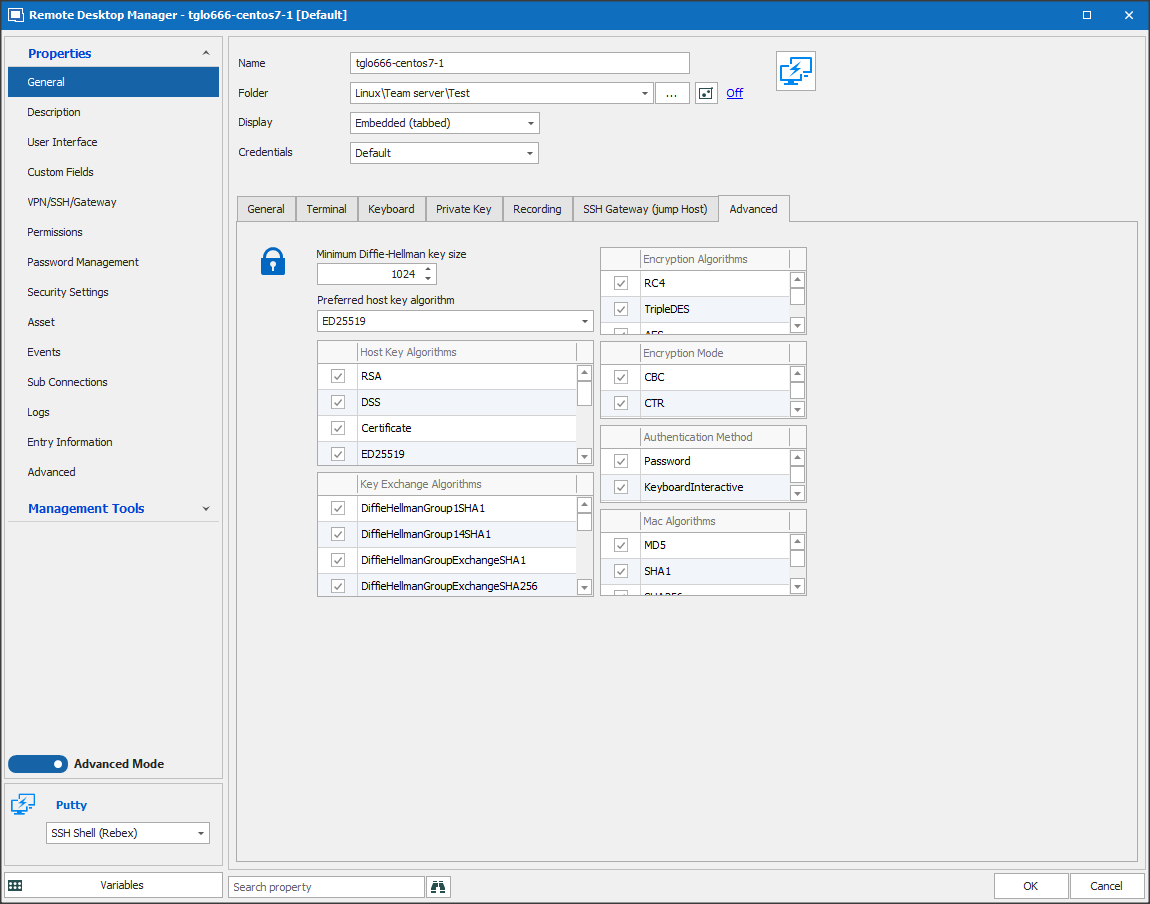
Snap 2020-08-14 at 15.58.28.png
Snap 2020-08-14 at 15.55.15.png
Snap 2020-08-14 at 15.53.59.png
Hello Tom,
this is caused by the fact that you are using the Putty - SSH Shell (Rebex) session type.
The setting which Etienne mentioned is only in the (native) SSH Shell session available.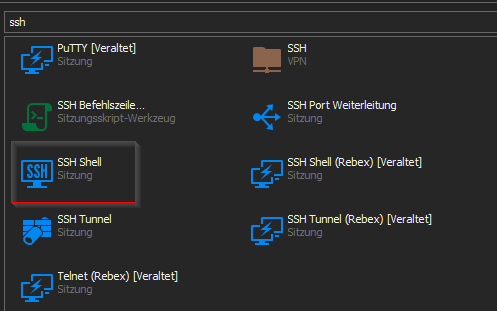
Regards,
Min
ssh.png
Is there a way to convert all or current session entries from Putty - SSH shell (Rebex) to the native SSH shell including the user specific settings (especially overriding credentials with ones from the private vault)?
Hello,
indeed - this can be fullified with the Batch Edit feature.
You'll find a similar sample here (in your case Convert Putty/Rebex Sesstion to SSH)
Please try this first on 1 entry - and create always a backup before you execute a batch edit.
Regards,
Min
Thank you, I've converted already a couple of sessions.
My private SSH key is protected with a passphrase. I therfore have an entry in my private vault. When I used the Putty/Rebex Sessions, the passphrase prompt happend only upon the first connection and is not thrown as long as Remote Deskop Manager is opened. So upon consecutive sessions, I didn't re-enter the the passphrase for every session.
Upon the first connection after starting RDM, the password prompt looks like this:
Unfortunately, this behavior has changed by switching to the built in SSH sessions. I'm now prompted for the passphrase upon every connection using that same private key from my private vault.
What's more bizarre: this time it's in my local language (Dutch), even if my operating system and Remote Destkop manager is English. Still, the message means the same.
I would like to keep the behavior of only one passphrase prompt for every private key as long as Remote Desktop Manager is active. How can I achieve this?
Hello,
This behavior is intended, as checking "always prompt for passphrase" should prompt it on every usage, on the same basis as the "always ask for password" checkboxes we have in certain entries. In this case the problem is that the passphrase prompt window is misleading, it shouldn't say that it will be remembered. The Rebex entries still function this way because they are deprecated entries that will eventually be removed.
If you would like to only receive a passphrase prompt once, the only way I can think of is to store your private keys in Private Key entries without a passphrase, and mark them to load in the key agent automatically. Then, use the key agent in RDM, as RDM will load the keys in the agent only once until you close the agent/close RDM. Your SSH entries will need to be configured to use the key agent if you choose to work this way.
Regards,
Hubert Mireault