VPN with Forti Client v.1.0.1037

Hi,
We need to connect to our clients' VPN server before connecting to their remote desktop terminal. Currently we use Forti Client v1.0.1037, obtained from Windows Store. We then open windows Settings / Network & Internet / VPN / find the connection, and click connect.
How do I add this type of connecting in Remote Desktop Manager?
Using FortiClient VPN / SSL add on, it asks for the FortiClient (ipsec.exe) installation path which we don't use since we use the FortiClient from Windows Store
Thanks
William
All Comments (3)
Hello,
Maybe you can try to use the Custom VPN entry type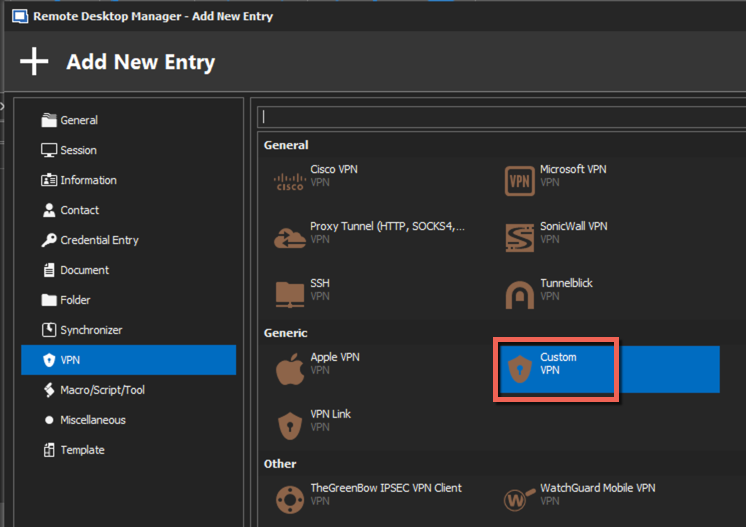
Best regards,
Jeff Dagenais
2020-08-03_22-11-26.png
Thanks Jeff,
Do you have a documentation re. what values to stipulate on the different fields on Custom VPN connection type? I've double checked the online help, couldn't seem to find it.
Thanks
William
Hello,
There's no official documentation regarding the populating of those fields, but I would suggest by starting by populating the HOST and Executable fields.
In the Host field, enter the name of the VPN server.
In the Executable field, you can click on the ellipsis button to select the proper .exe for the VPN.
Best regards,
Jeff Dagenais