Blank window

Hi,
when I am logged in to account cloud I always see blank window on the left just upon the application start.
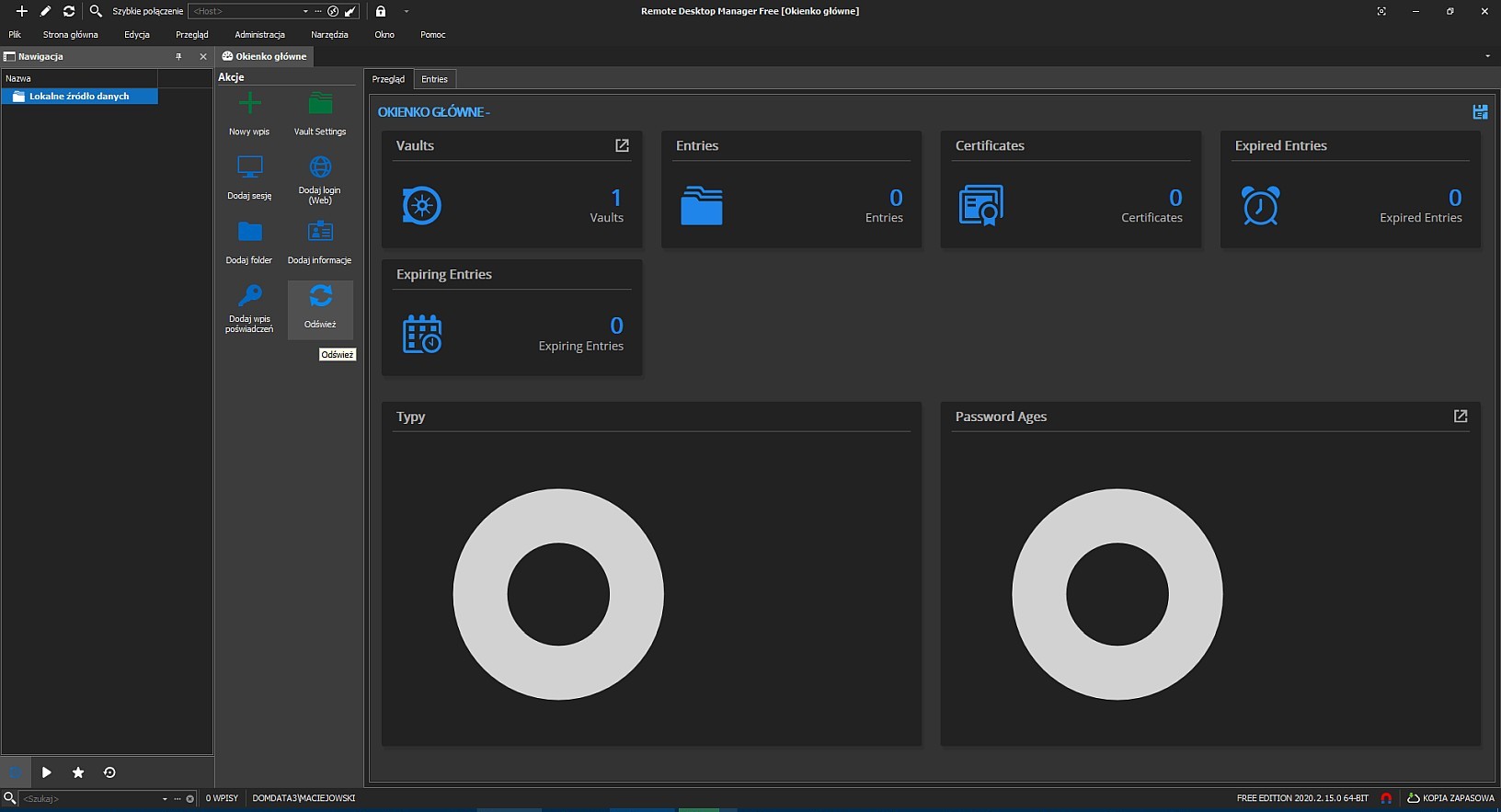
After changing node from root to folder the window returns to normal state with graphs.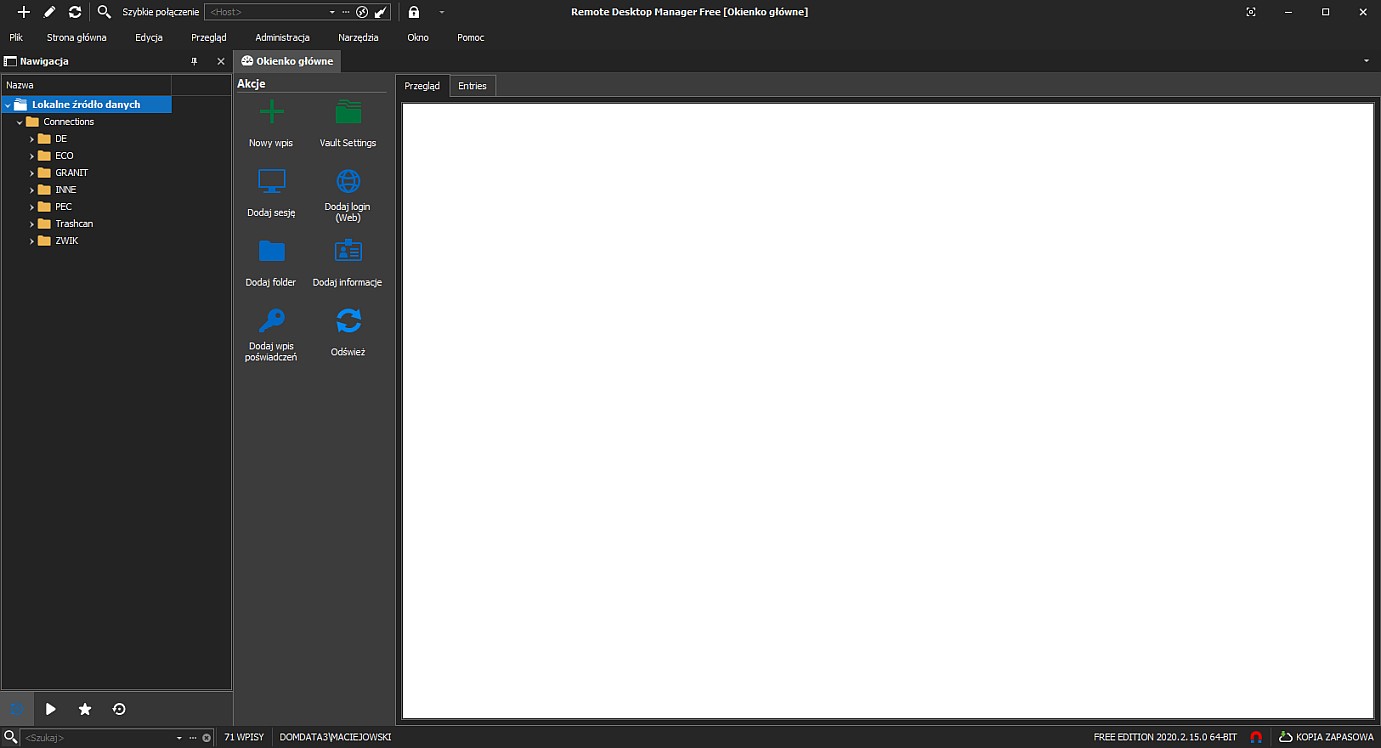
When I am not logged in I see window with graphs on the left just upon application start.
It should work this way regardless of whether I am logged in or not.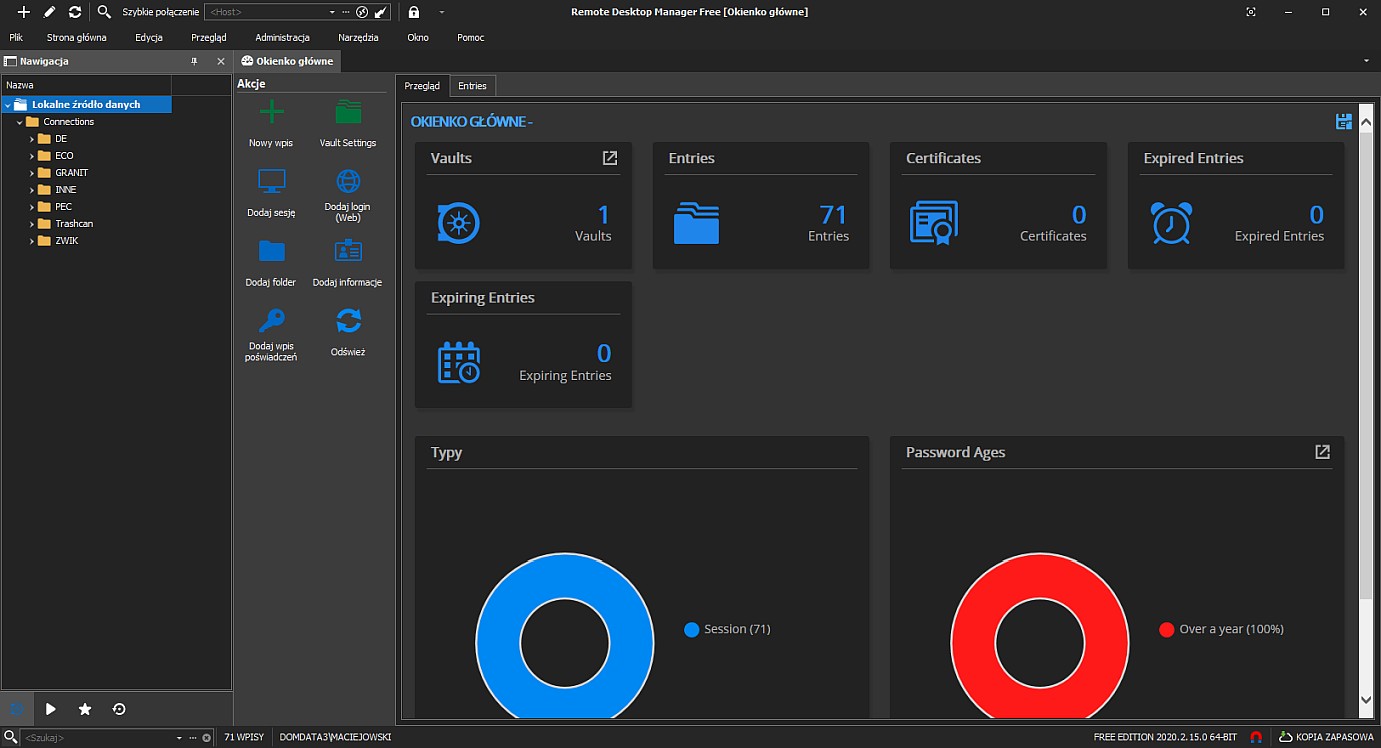
Best regards
errorsys
Schowek02.jpg
Schowek01.jpg
All Comments (6)
Hello,
What type of datasource are you using? Is it Online Drive?
Best regards,
Jeff Dagenais
I think it's a local database (SQLite?), I really don't know details, look below: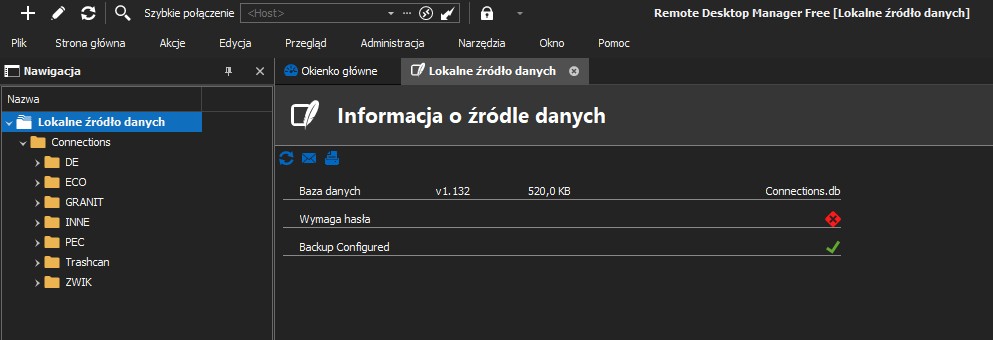
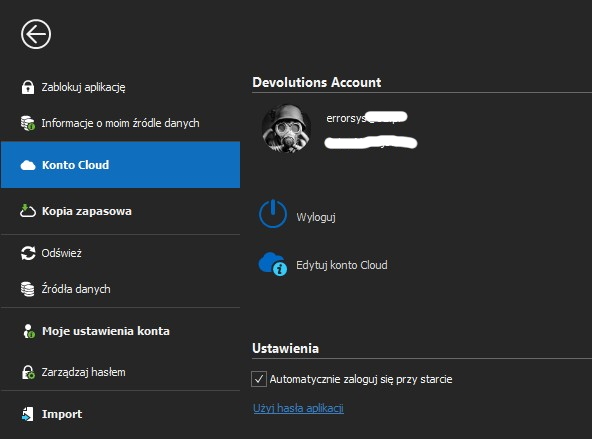
This is the Polish language version so you need to find similarities to the original development version.
Schowek04.jpg
Schowek03.jpg
Hello,
If you create a new SQLite or XML datasource, do you encounter the same issue?
Best regards,
Jeff Dagenais
Hello,
Our QA department has been able to reproduce your issue.
A ticket has been opened to our engineering department.
Best regards,
Jeff Dagenais
Thanks a lot.
With new datasource is the same. But after clicking the Refresh button (from Actions panel), the window on the right fills up.
So I think that the simplest solution is a programmatically refresh after running the application.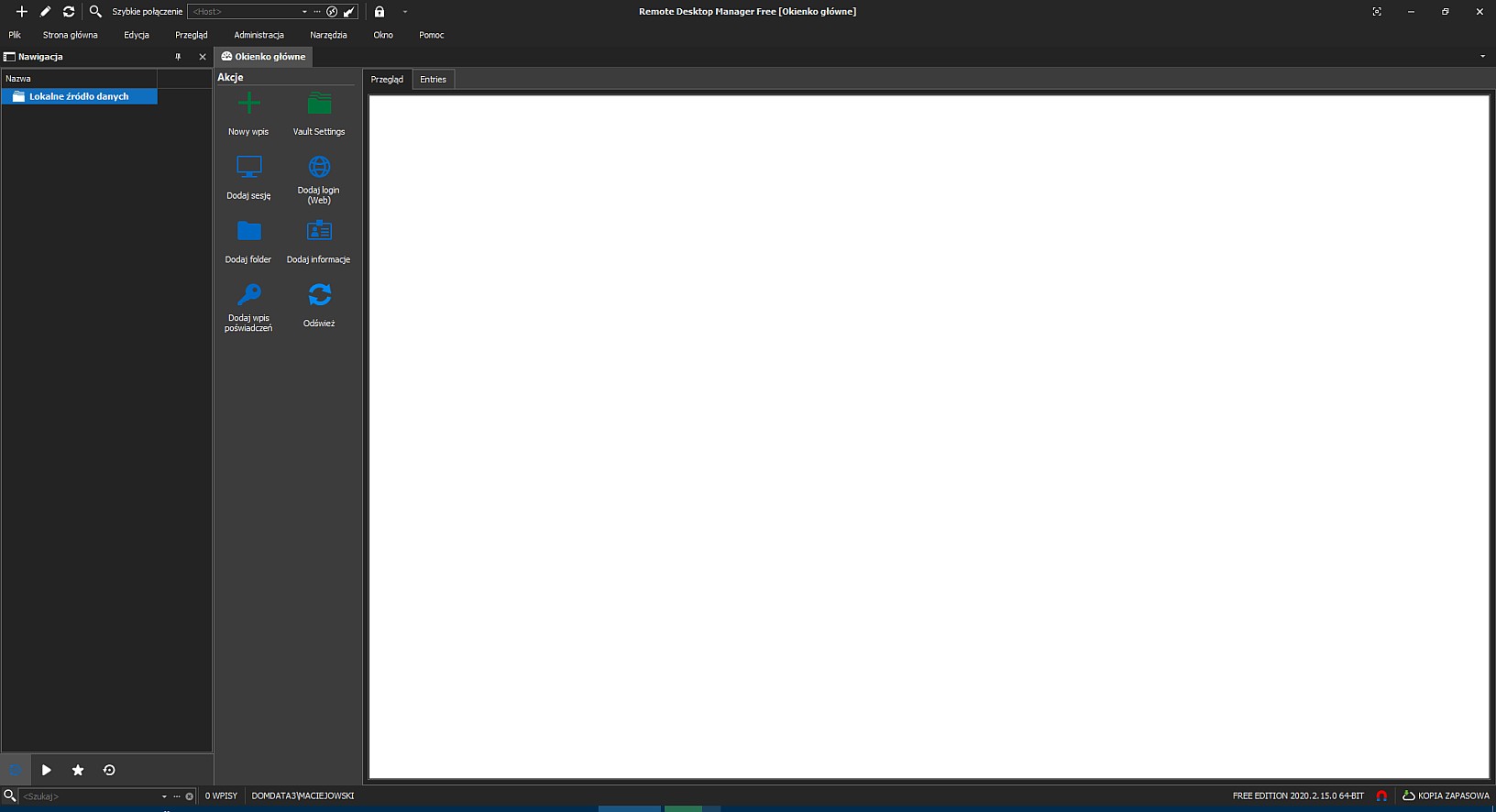
Kind regards,
errorsys
Schowek2.jpg
Schowek1.jpg
Hello,
FYI, the ticket number is RDMW-5586.
Best regards,
Jeff Dagenais