dual monitor setup with differnt dpi scaling

Hello, i just noticed this behaviour and was wondering if this is a bug or a windows "feature".
I use a dual monitor setup with one external monitor set to 100% scaling and a high dpi notebook display set to 150% scaling.
Wehn i open Remote Desktop Manager (2020.02.15) on the notebook display and make a right click on the taskbar icon (next to clock and network settings) the rdm menu is shown in the correct scaling.
When i move the rdm window to the external monitor and do a right click on the icon it is displayed smaller with the 100% scaling of the main window, even if the taskbar is located on the high dpi monitor. And the menu is not placed near the icon but in the middle of the screen.
Other programs don't change the scaling of the kontext menu when i move the window to the second monitor.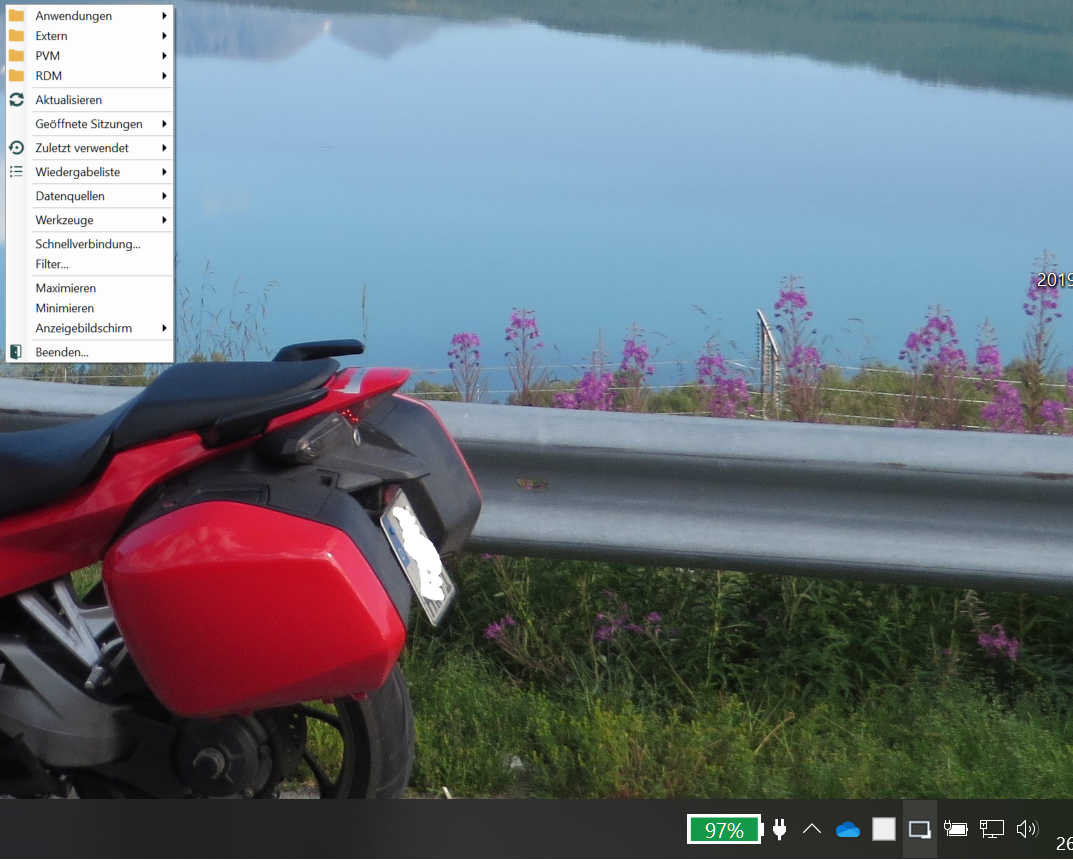
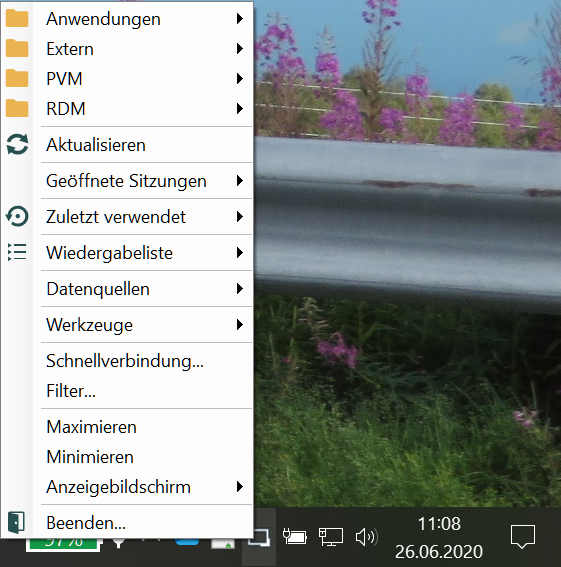
RDM2.png
RDM1.png
All Comments (1)
Hello,
RDM does not support per monitor DPI awarness.
https://docs.microsoft.com/en-us/windows/win32/hidpi/high-dpi-desktop-application-development-on-windows#:~:text=Per%20Monitor%20(V1)%20DPI%20Awareness&text=It%20is%20recommended%20that%20desktop%20applications%20use%20Per%2DMonitor%20v2,Windows%2010%201703%20or%20above.&text=Top%2Dlevel%20HWNDs%20are%20notified,bitmap%20stretch%20the%20application%20UI
This is not a simple task in an application like RDM but it's on our todo list.
Regards
David Hervieux