CPU load after several sleep/work cycles

Hello!
My laptop runs on Windows 7 SP1, RDM Free 2020.1.20.0 64-bit, the RDP list is on Google Drive. I have configured to sleep after 20 minutes of inactivity and exit from sleep by clicking the mouse or keyboard. After about 7-10 sleep/work cycles, an open RDM starts to put a constant load on the processor, regardless of whether the RDP session was opened before the sleep cycle or not. After completing the RDM process and opening it again, everything works fine for a while, but then the situation repeats. Can this be fixed somehow? I don't want to constantly close RDM.
Screenshot_1.png
All Comments (22)
Hello,
Is it possible for you to go in Help -> Profiler and see if there's information's in this area when your CPU load?
Best regards,
Jeff Dagenais
I only see this information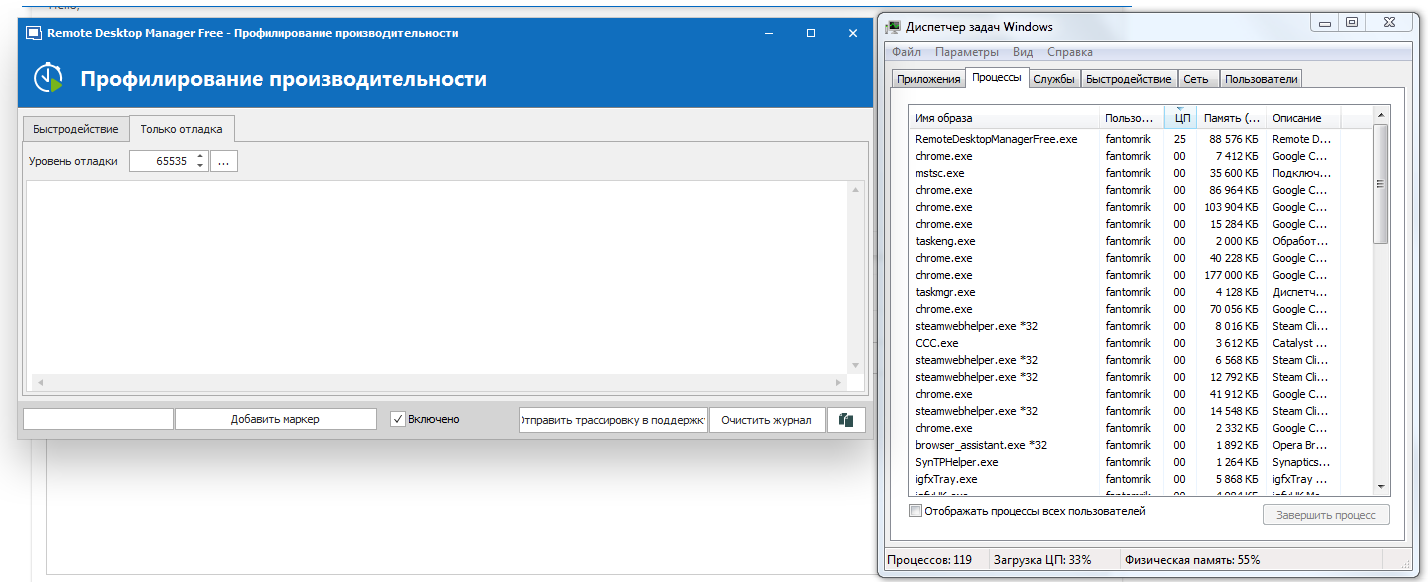
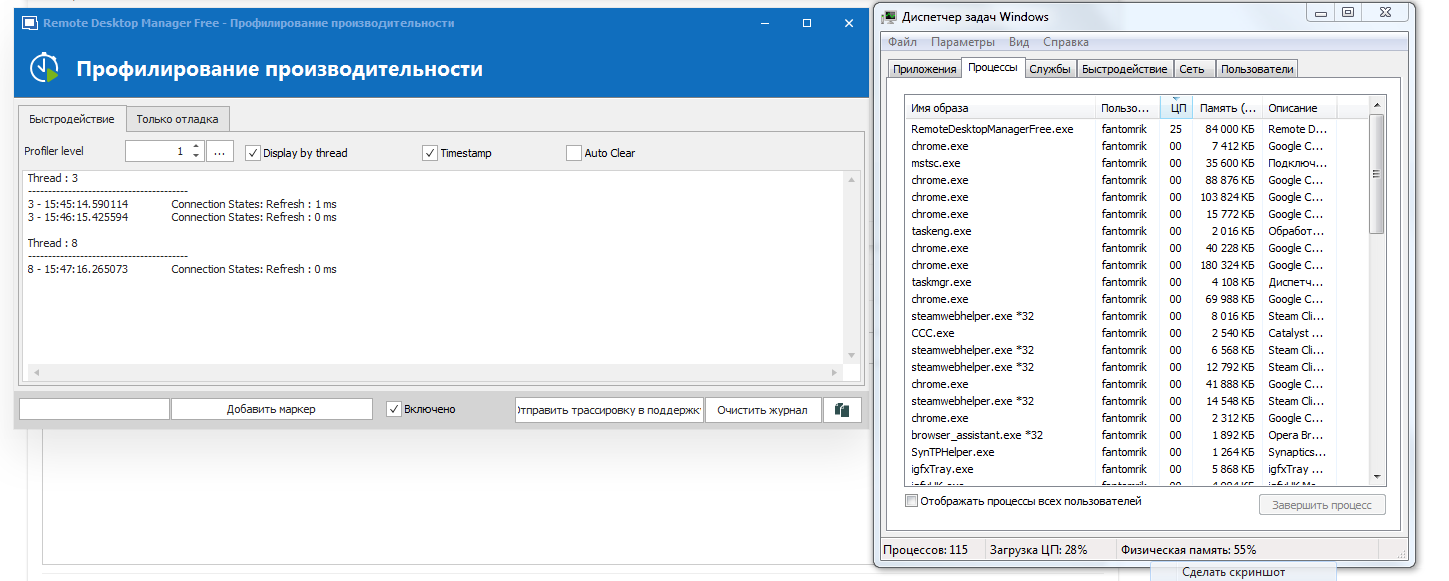
Screenshot_4.png
Screenshot_2.png
Hello,
Is it possible for you to go in Help -> Profiler and see if there's information's in this area when your CPU load?
Best regards,
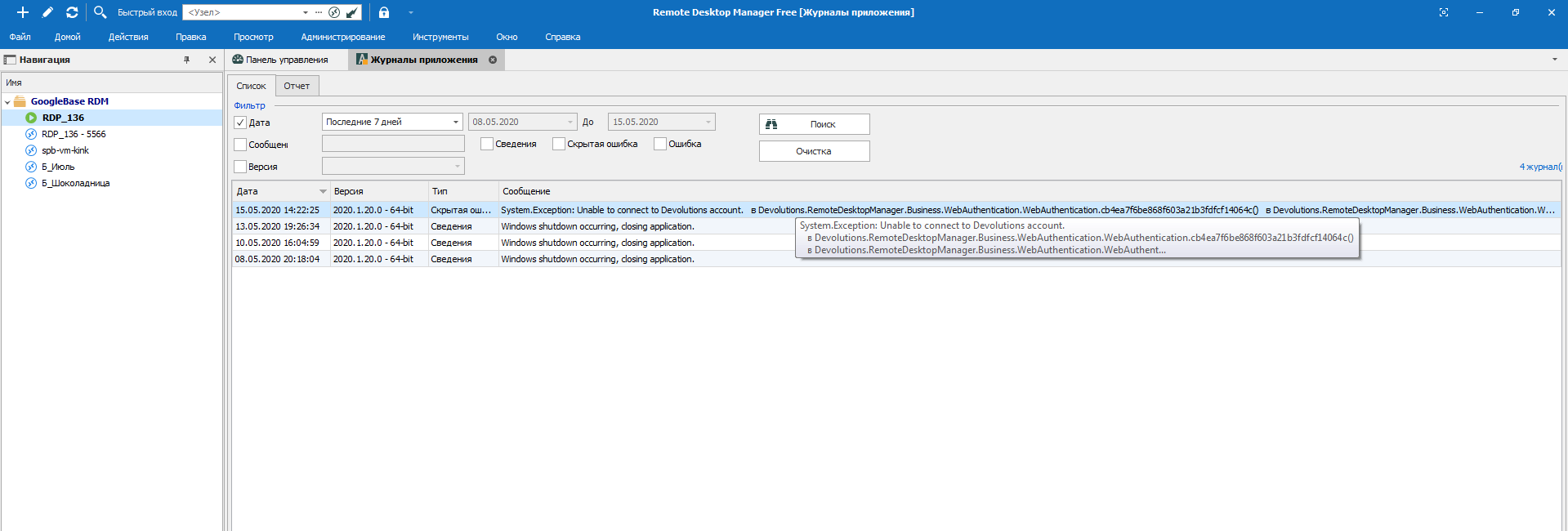 There is an error in the log
Error.xml
Screenshot_5.png
Hello,
Just for a test, could you create a new SQLite local datasource and see if you have CPU peak with this type of datasource?
You can easily transfer your session by following the steps in this article
https://help.remotedesktopmanager.com/tipsandtricks_data_migration.html
Best regards,
Jeff Dagenais
Hello,
Just for a test, could you create a new SQLite local datasource and see if you have CPU peak with this type of datasource?
You can easily transfer your session by following the steps in this article
https://help.remotedesktopmanager.com/tipsandtricks_data_migration.html
Best regards,
Hello, i did what you said, I'll watch. I will write about the results later.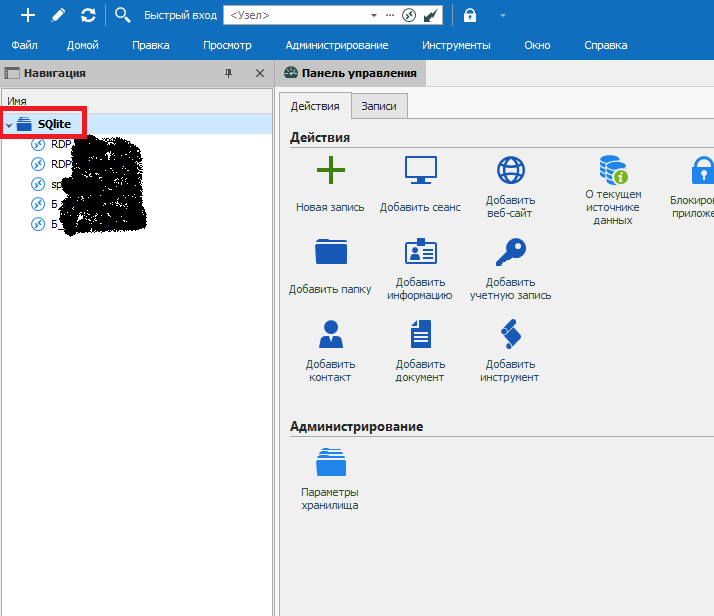
Screenshot_1.png
Hello,
Just for a test, could you create a new SQLite local datasource and see if you have CPU peak with this type of datasource?
You can easily transfer your session by following the steps in this article
https://help.remotedesktopmanager.com/tipsandtricks_data_migration.html
Best regards,
Hello! Today I woke up the laptop from sleep and the CPU load went again (on the RDP list from SQlite, the list Google Disk deleted earlier) Moreover, the load on Google Disk was 25%, and on SQlite it became 50% (I have a 2-core 4-stream intel 3210m)
It doesn't show anything in the log. Perhaps there is still some way to view / send you a log of what happens after sleep?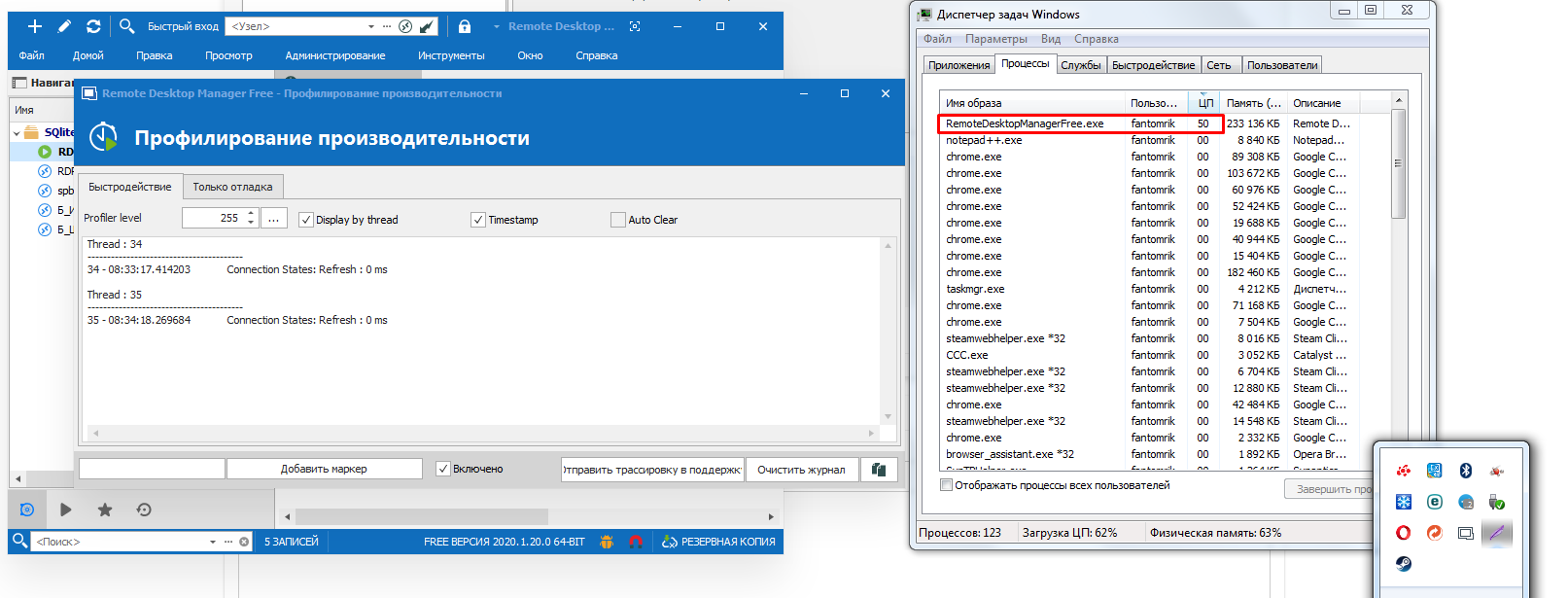
Screenshot_2.png
Hello,
Inside the profiler, under the performance tab, please leave it to 1.
Under the debug only tab, leave it to 1 as well.
Then, reproduce the issue and let us know if there's something in the profiler window under the 2 tabs.
Best regards,
Jeff Dagenais
Hello,
Inside the profiler, under the performance tab, please leave it to 1.
Under the debug only tab, leave it to 1 as well.
Then, reproduce the issue and let us know if there's something in the profiler window under the 2 tabs.
Best regards,
Hello,
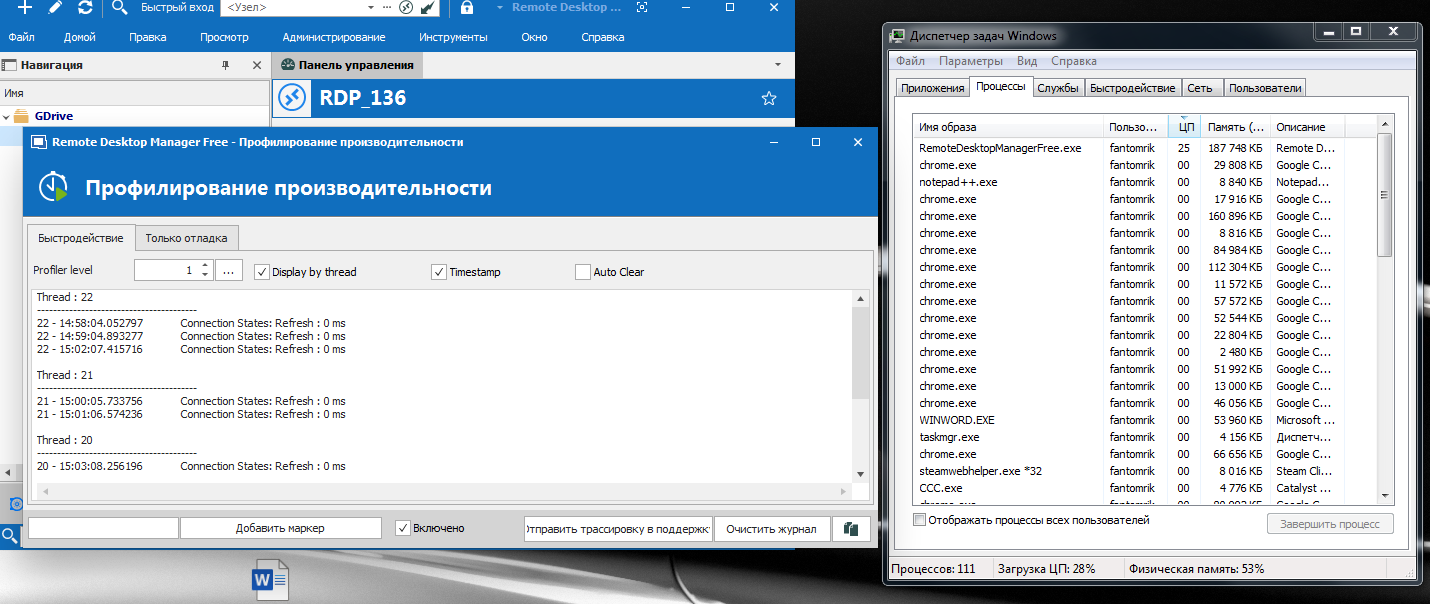
There's nothing in the log. I waited 15 minutes. With Sqlite, the list was similar.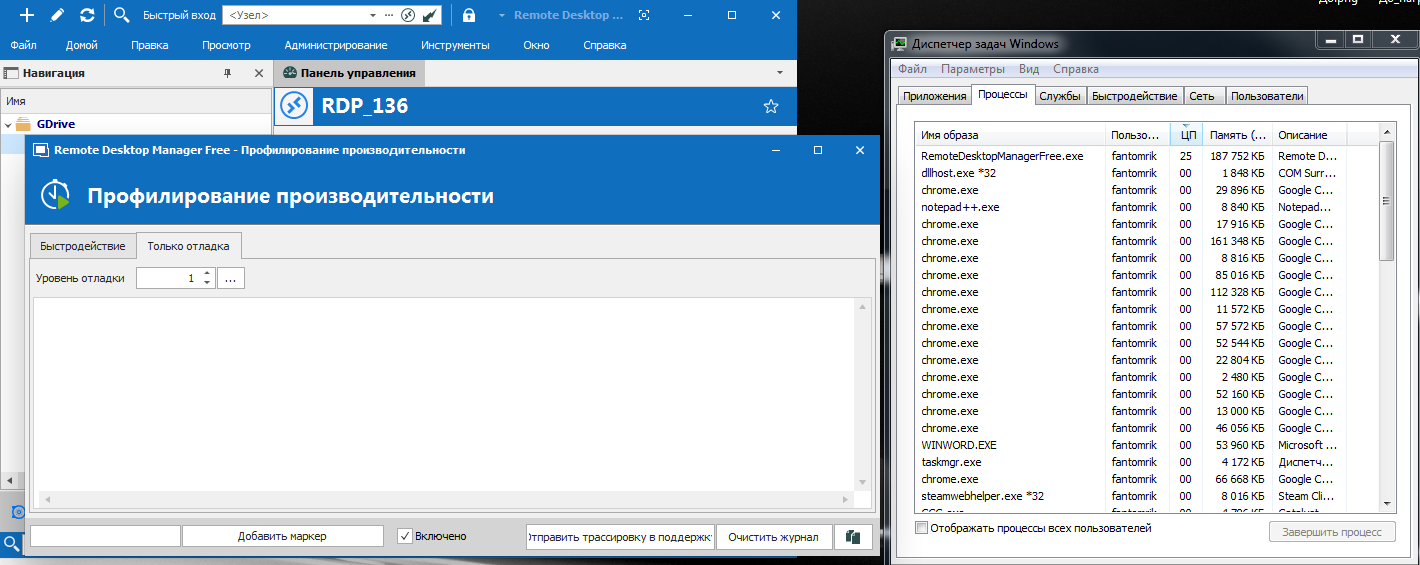
Screenshot_2.png
Screenshot_1.png
Hello,
Ok, please put back the Profiler to 1 and Debug Only to 0 and close the profiler window.
Could you go in the installation path of RDM, C:\Program Files (x86)\Devolutions\Remote Desktop Manager Free, and run OptimizeRDMFree.bat to see if that help?
Best regards,
Jeff Dagenais
Hello,
Ok, please put back the Profiler to 1 and Debug Only to 0 and close the profiler window.
Could you go in the installation path of RDM, C:\Program Files (x86)\Devolutions\Remote Desktop Manager Free, and run OptimizeRDMFree.bat to see if that help?
Best regards,
Hello,
I haven't had any problems in the last few days. I'm waiting for it to appear again and try your method. I will write about the result.
Hello,
Ok, please put back the Profiler to 1 and Debug Only to 0 and close the profiler window.
Could you go in the installation path of RDM, C:\Program Files (x86)\Devolutions\Remote Desktop Manager Free, and run OptimizeRDMFree.bat to see if that help?
Best regards,
Hello,
Should this help immediately or should I restart RDM?
Now there was CPU RAM loading again after sleeping, I started C:\Program files (x86)\Devolutions\Remote Desktop Manager Free\OptimizeRDMFree.the bat is both simple and with admin rights, but there is no effect, the process is also under load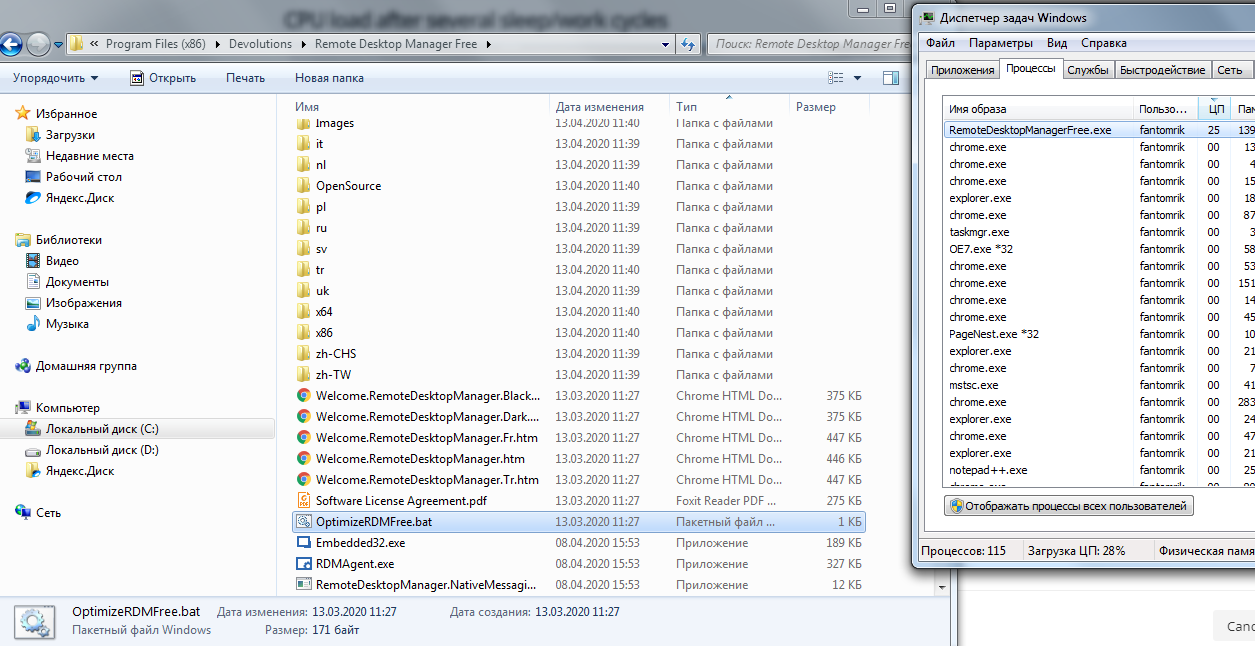
Screenshot_3.png
Hello,
The optimizeRDMFree.bat should be run only once while RDM is closed.
As of now, I suspect something with Windows 7, but not 100% sure at this point. Is it possible for you to test on another PC which is running Windows 8 or 10 and see if the same behavior occurs?
Best regards,
Jeff Dagenais
Hello,
The optimizeRDMFree.bat should be run only once while RDM is closed.
As of now, I suspect something with Windows 7, but not 100% sure at this point. Is it possible for you to test on another PC which is running Windows 8 or 10 and see if the same behavior occurs?
Best regards,
Hello,
unfortunately I don't have a computer with another Windows(
I tried running commands from OptimizeRDMFree.bat manually in cmd, shows some errors. But I don't understand what they mean.
Saved the list to a file
logRDM.txt
Hello,
Could you try to perform a .Net repair and SFC scannow as mentioned in this article and see if that help.
https://devolutions.atlassian.net/servicedesk/customer/kb/view/661028946
Best regards,
Jeff Dagenais
Hello,
unfortunately, it didn't help... Apparently not compatible with my old Windows 7
Hello,
At this point, I don't have anything else to propose. Is there a specific reason why you are still running Windows 7?
Best regards,
Jeff Dagenais
Hello,
At this point, I don't have anything else to propose. Is there a specific reason why you are still running Windows 7?
Best regards,
Hello,
I have a weak laptop, so I don't want to switch to other Windows. Thank you for your help anyway!
Hello,
At this point, I don't have anything else to propose. Is there a specific reason why you are still running Windows 7?
Best regards,
Good afternoon!
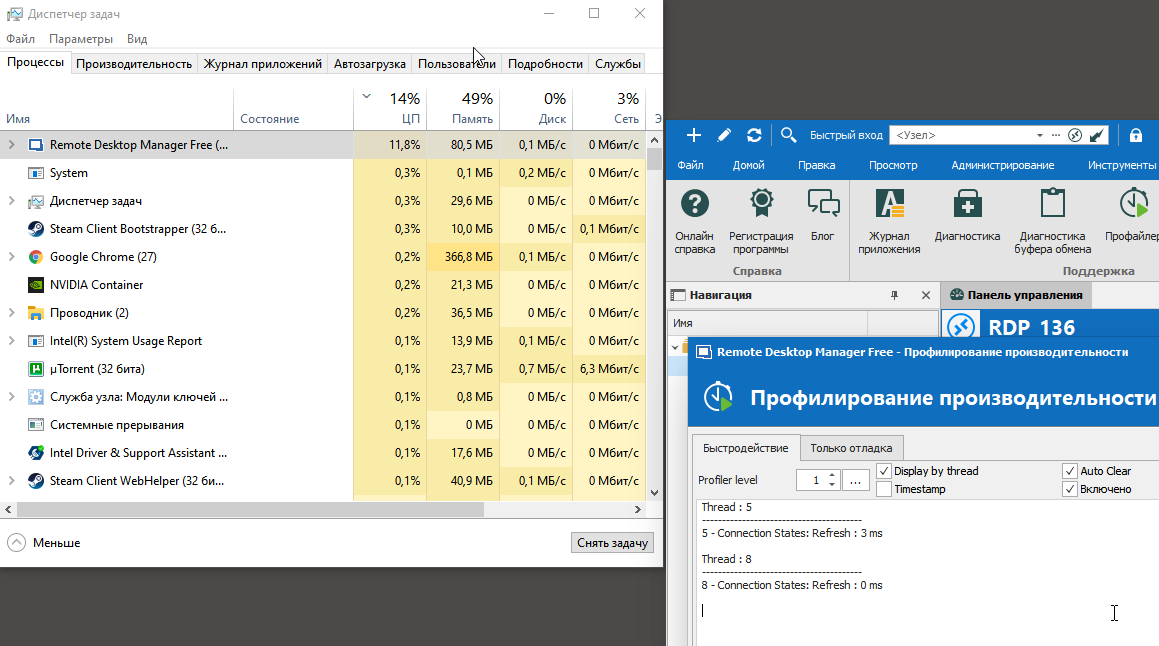
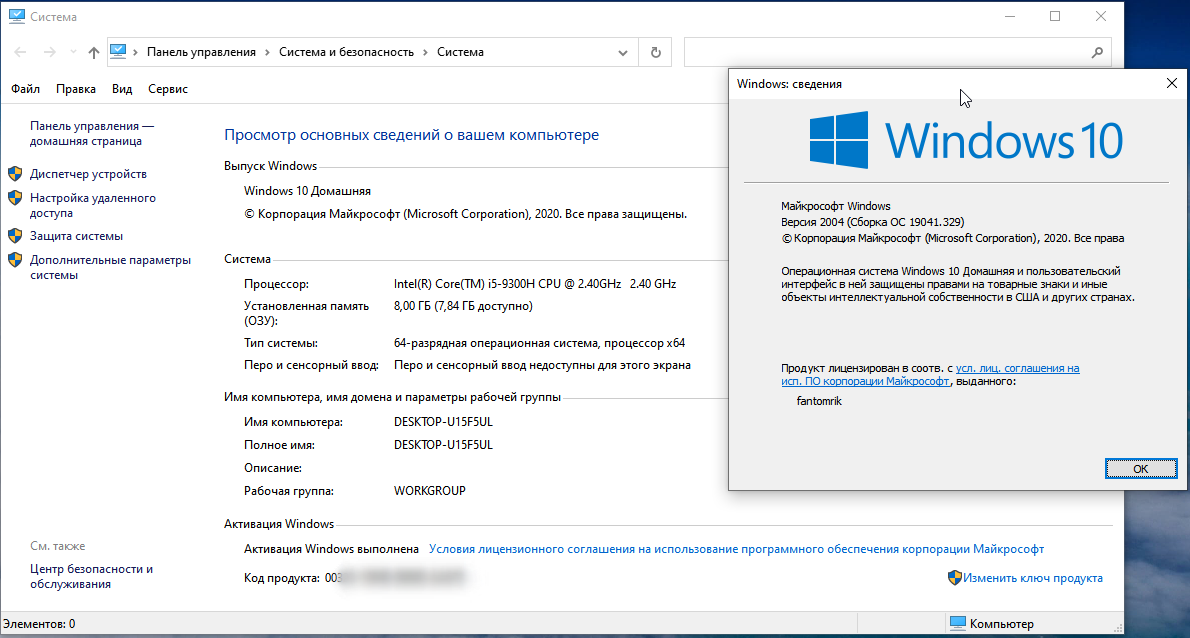
I bought a new laptop. Re-installed RDM Free, but the problem is still there.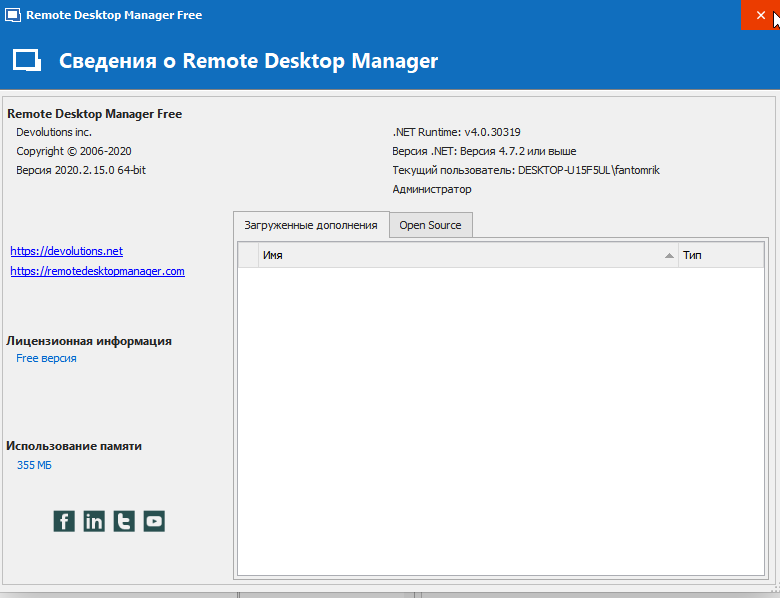
2020-07-03_16-14-44.png
2020-07-03_16-13-12.png
2020-07-03_16-12-28.png
Hello,
Thank you for reaching back to us on that matter!
In order to troubleshoot this issue on your new laptop, would it be possible for you to go under "Help" section of RDM's ribbon and use the "Submit a support ticket" button to open a support case with us? That way, we will be able to gather more information about this new installation and see what might cause this issue. Just make sure to mention this forum topic upon opening your request.
Best regards,
James Lafleur
Hello,
Thank you for reaching back to us on that matter!
In order to troubleshoot this issue on your new laptop, would it be possible for you to go under "Help" section of RDM's ribbon and use the "Submit a support ticket" button to open a support case with us? That way, we will be able to gather more information about this new installation and see what might cause this issue. Just make sure to mention this forum topic upon opening your request.
Best regards,
Hello,
Can I ask for a screenshot of where this button is located? I can't find the "Submit a support ticket" button
Hello,
My apologies, I had the Enterprise Edition of RDM in mind when I wrote my reply, sadly, this option is not available to the Free edition of the product.
That being said, I took the liberty of opening a ticket on your behalf in our system, you should receive an email on that matter shortly!
For further reference, the ticket number is DEVO-24040, it can be viewed directly from the customer portal using this link:
https://devolutions.atlassian.net/servicedesk/customer/portal
Best regards,
James Lafleur
thank you!