How to use Splashtop Intergration

Are there any instructions out there on how to use it?
I assume "Account" is the email I use to sign into Splashtop?
Host, I assume is the actual host name of the device? Curious because you can name devices however you like in Splashtop, it doesn't need to be the hostname...
MAC Address is the MAC of the device you are trying to connect to?
I have a Splashtop Business Account and have the Splashtop Business app installed (I'm assuming this is required), but have been unable to make a connection to one of my Splashtop devices via RDM.
Thanks,
Al
All Comments (24)
Hello,
What version of RDM are you running?
Are you receiving an error message at the connection?
Do you have something relevant in Help -> Application Logs?
Best regards,
Jeff Dagenais
No error message. Nothing happens when I try to connect. It's like I didn't click connect at all.
I was on an old version -- 2019 something, but I just upgraded to 2020.1.20.0 and I am seeing the same behavior.
Nothing in Help -> Application Logs..
All my other devices in RDM use RDP and they all work as expected.
This is how my connection is setup: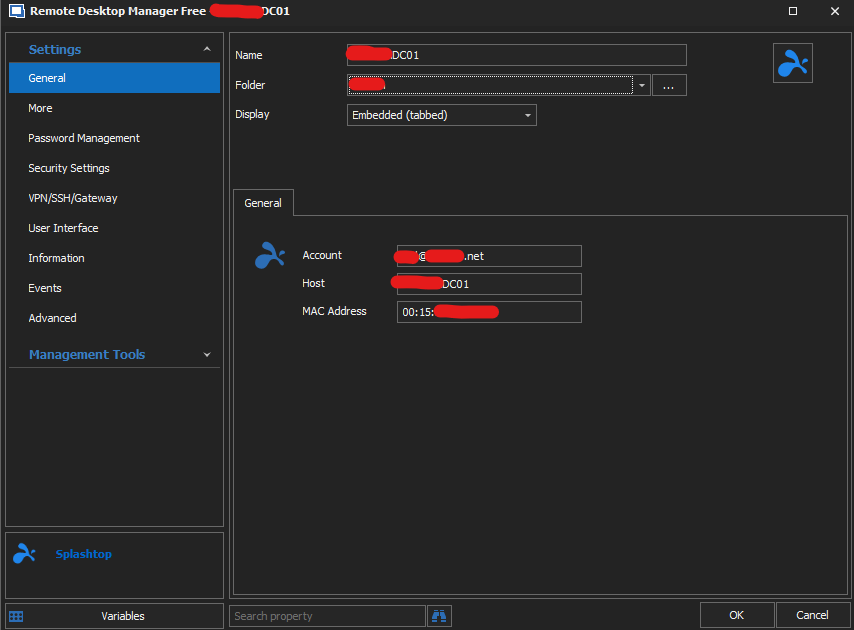
rdm_splashtop_setup.png
Hello,
Just for a test, could you switch the display mode from embedded to external?
Are you able to make it work in external mode?
Best regards,
Jeff Dagenais
Tried, still nothing. Nothing new in the Application Logs either.
Hello,
We have been able to reproduce your issue internally.
A ticket has been opened to our engineering department.
The ticket number is RDMW-4951.
Best regards,
Jeff Dagenais
Hello,
The Splashtop integration seems to be a lot more stable within the last couple of version, would you be able to give it a try and tell us if the issue still appears on your side?
https://remotedesktopmanager.com/home/downloadfree
Best Regards,
Etienne Lord
Did this ever get resolved? I am also looking to connect my Splashtop account through RDM.
Hello,
The ticket with the engineering is closed, so as per what I can see, it should work.
What version of RDM are you running?
What is not working exactly?
Best regards,
Jeff Dagenais
I'm running the most current version of RDM, 2020.2.20.0 (x64), and my Splashtop account is the Business version. Is the host and MAC address for the machine i'm connecting from? I get no logs, no errors, and i don't see where on the connection setup I can even reference the Splashtop application.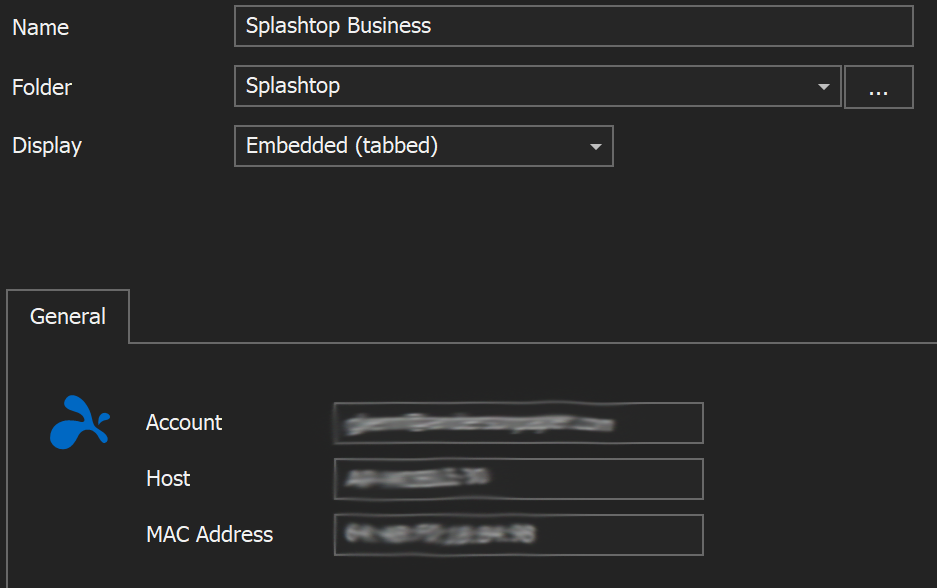
Untitled-1.png
Hello,
Are you using the "Open Session" action button from Remote Desktop Manager in order to launch the session?
Best Regards,
Etienne Lord
Yes. What is supposed to launch when opening the Splashtop session, is it supposed to use the web-based GUI? I normally use the Splashtop Business desktop client to browse my connections.
Hello,
I did more test on my side and there are indeed some strange behaviors regarding Splashtop. To answer your question, it uses the Desktop client.
Could you try to set the session's display to External - Launch it twice with either Open session or a double click on the session - Then set it back to Embedded Display mode?
Best Regards,
Etienne Lord
I've set it to external, switched it back to embedded, but there's no options on the session configuration to locate the client software, so when I click the "Open Session" button or double-click on the session there's literally no response. I've been able to set up LogMeIn, SonicWall NetExtender and RDP sessions without issue, so it seems like an issue with the Splashtop Add-On.
Hello,
Just to confirm, you do have the Splashtop Add-on Activated in Tools - Add-on Manager? 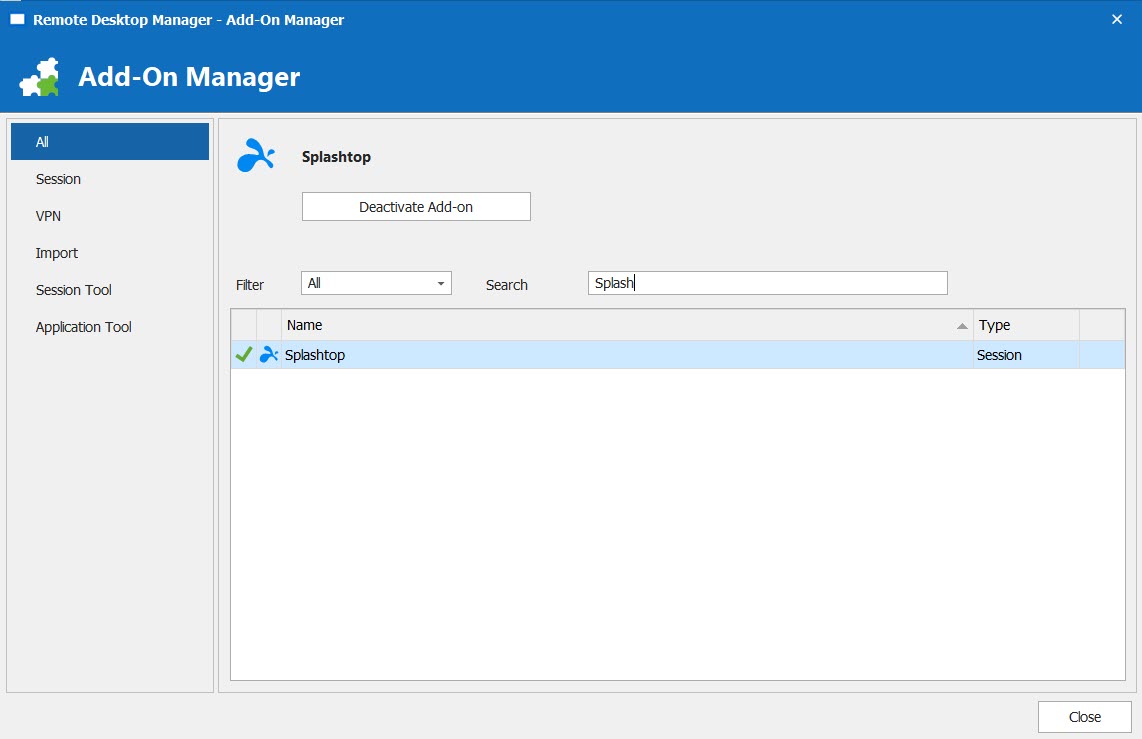
Best Regards,
Etienne Lord
splash.jpg
yep: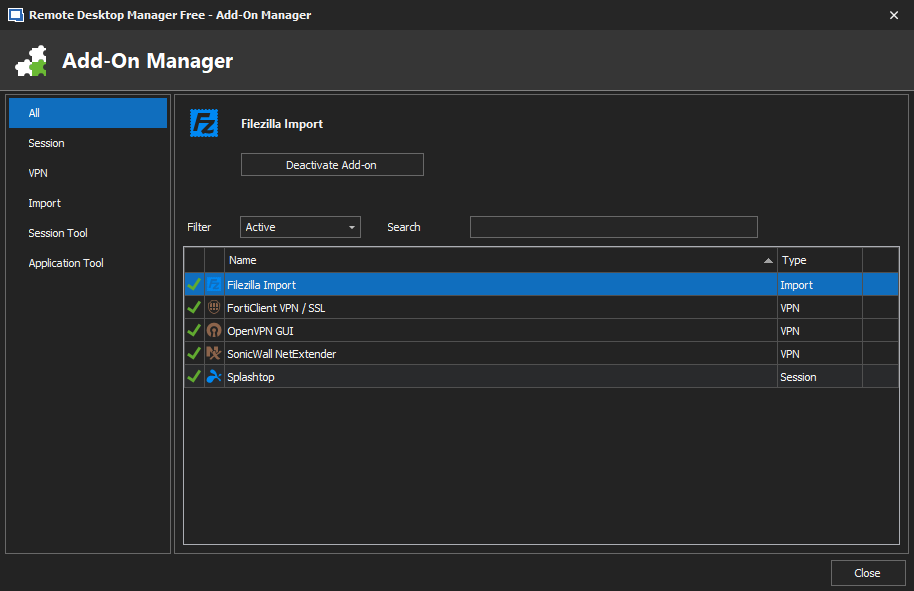
Screenshot 2020-10-26 084312.png
Hello,
Would you be able to give it a try with the Beta version? : https://cdn.devolutions.net/download/Setup.RemoteDesktopManagerFree.2020.3.11.0.msi
Best Regards,
Etienne Lord
same issue. Can I get some clarification on how the connection is supposed to be configured?
Here's what I have:
Account: email address I use to log in to Splashtop site and apps
Host: client computer name - this should be the "device name" field used in the Splashtop system properties screen?
MAC Address: the MAC address of the host machine in xx:xx:xx:xx format
I've tried subbing the ":" for "-" in the MAC address and no difference. The only thing I can think of is that one of these fields must be configured incorrectly. For every other session I've set up there has been some prompt to locate the installed program file, which isn't the case with the Splahstop session settings. Is this normal?
Hello,
The way you have it configured is indeed the correct way.
As for the installation, you can head over to File - Options - Path - Configure Installation Path - Splashtop. If you use another path than the default one, you can specify it : 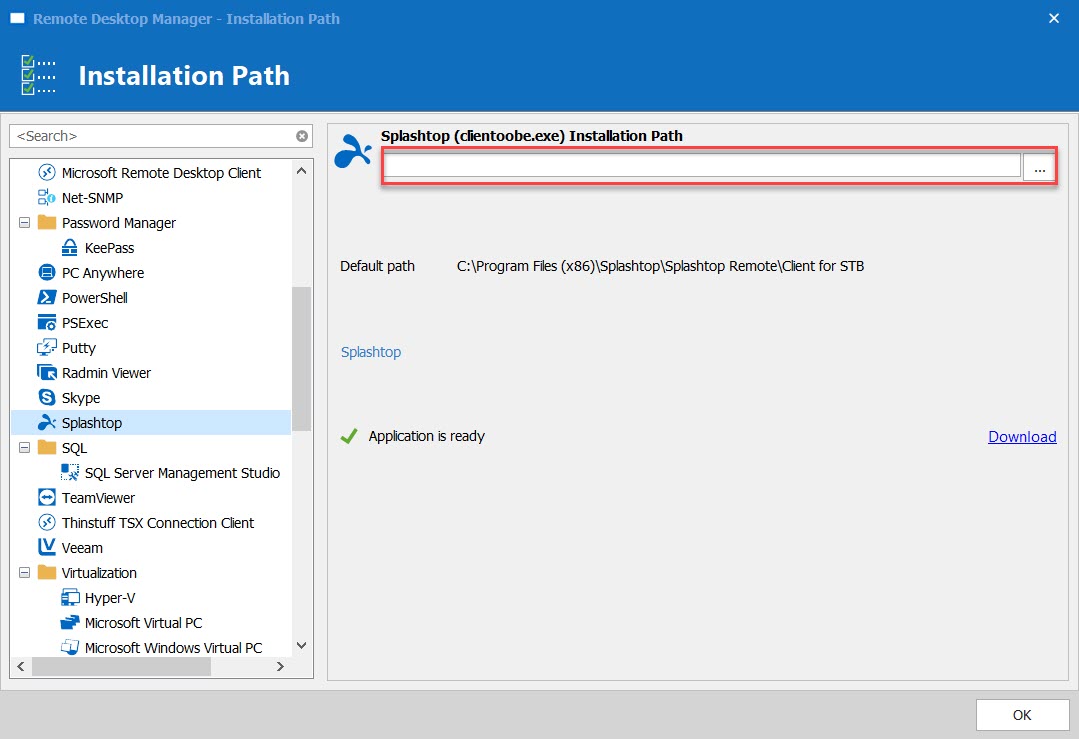
Best Regards,
Etienne Lord
path.jpg
My path was configured correctly according to the "application is ready" message in the path settings.
What about the MAC address format?
My only other thought was the subscription level required for Splashtop integration to work. I currently use the Splashtop Business client, ver. 3.4.2.0. I've tried launching a session with the desktop app open versus having it closed, no difference.
Hello,
I have version 3.4.0.0 installed on my side, I will check with the latest version and come back to you.
Best Regards,
Etienne Lord
Hello,
Would you be able to try with your Macaddress without any "-" or ":" and no spaces?
We use the method described here to launch the splash top session(s) : https://support-splashtopbusiness.splashtop.com/hc/en-us/articles/115001482866-How-to-create-a-desktop-shortcut-to-always-connect-to-a-specific-computer- (2)
Best Regards,
Etienne Lord
It works to connect only if I open the Splashtop Business App and launch the desired remote machine from there, then it docks/embeds the remote session into RDM. Am I missing something? I've tried external display and embedded options but neither one seems to allow the session to launch until I actually launch it from the Splashtop app.
Hello,
I updated Splashtop to version 3.4.2.0 with Remote Desktop Manager 2020.3.12.0.
With the Account email - the Host being the same as in Splashtop itself and the Mac without any "-", ":" or spaces, it was able to connect as it should.
Not quite sure why you need to have it opened in order to launch it. I will continue to investigate with the engineering department.
Best Regards,
Etienne Lord