Cannot open numeric keypad

I'm not able to open the numeric keypad when pressing the button it closes the regular keyboard and the icon changes to open, but the numeric keypad don't open I have tried to change to different keyboards to make sure it's not a problem with a certain keyboard
All Comments (14)
Hi,
Is this for RDP sessions? Can you attach a few screenshots?
Best Regards,
Nicolas Dufour
Yes all RDP sessions.
Cannot, screenshots are not allowed
Hi,
If you want to take screenshots, you can go in the application setting and under the section APPLICATION SECURITY, just disable "Protect data from screen capture"
This is a security feature that is enabled by default to prevent sensitive information from being displayed when the application is in the background. When you scroll through the applications that are in the background, Android often displays an image of the last screen that was presented to the user. If a password was displayed, we do not want that information to be displayed.
Best Regards,
Nicolas Dufour
As you can see there's a - as if the numpad was active but is's not shown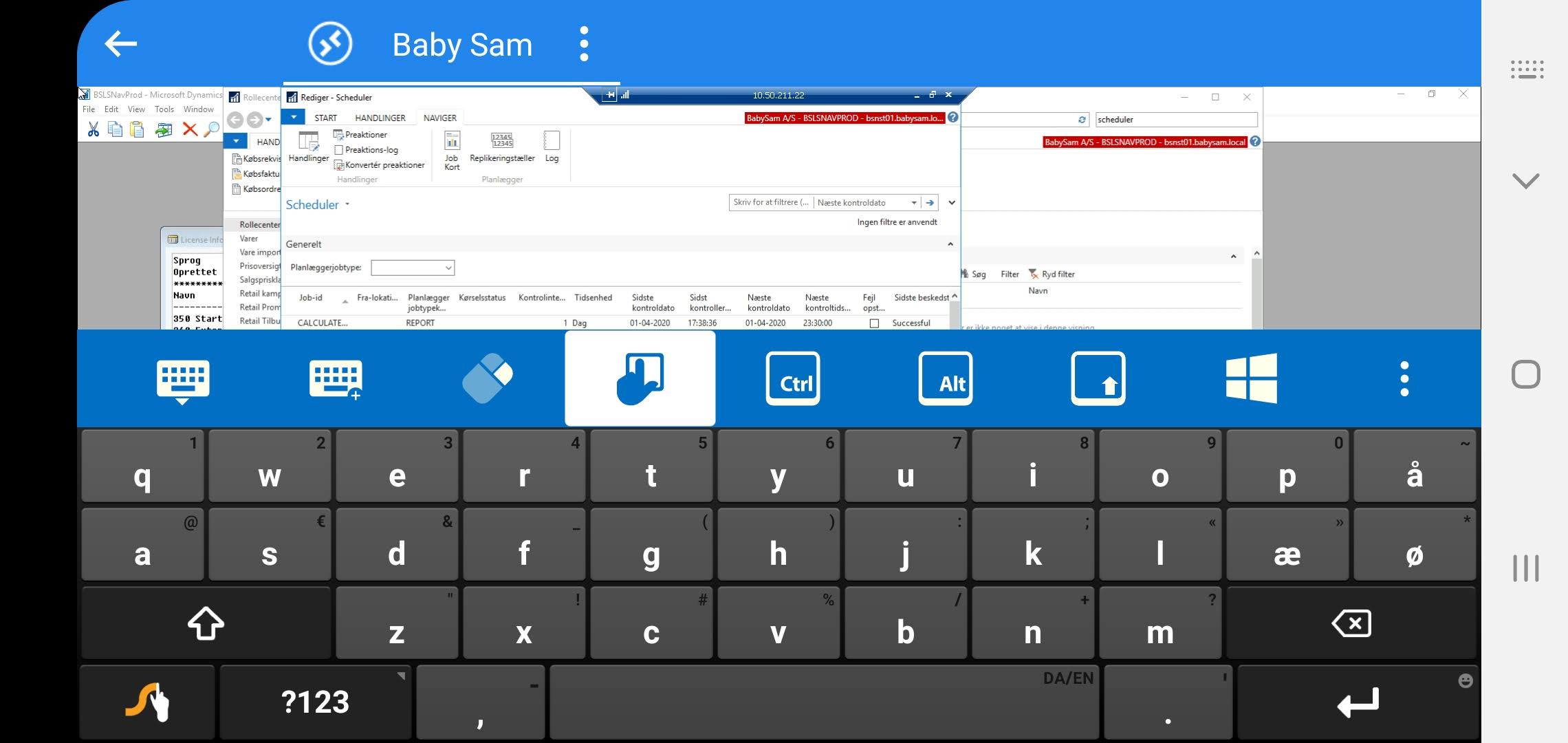
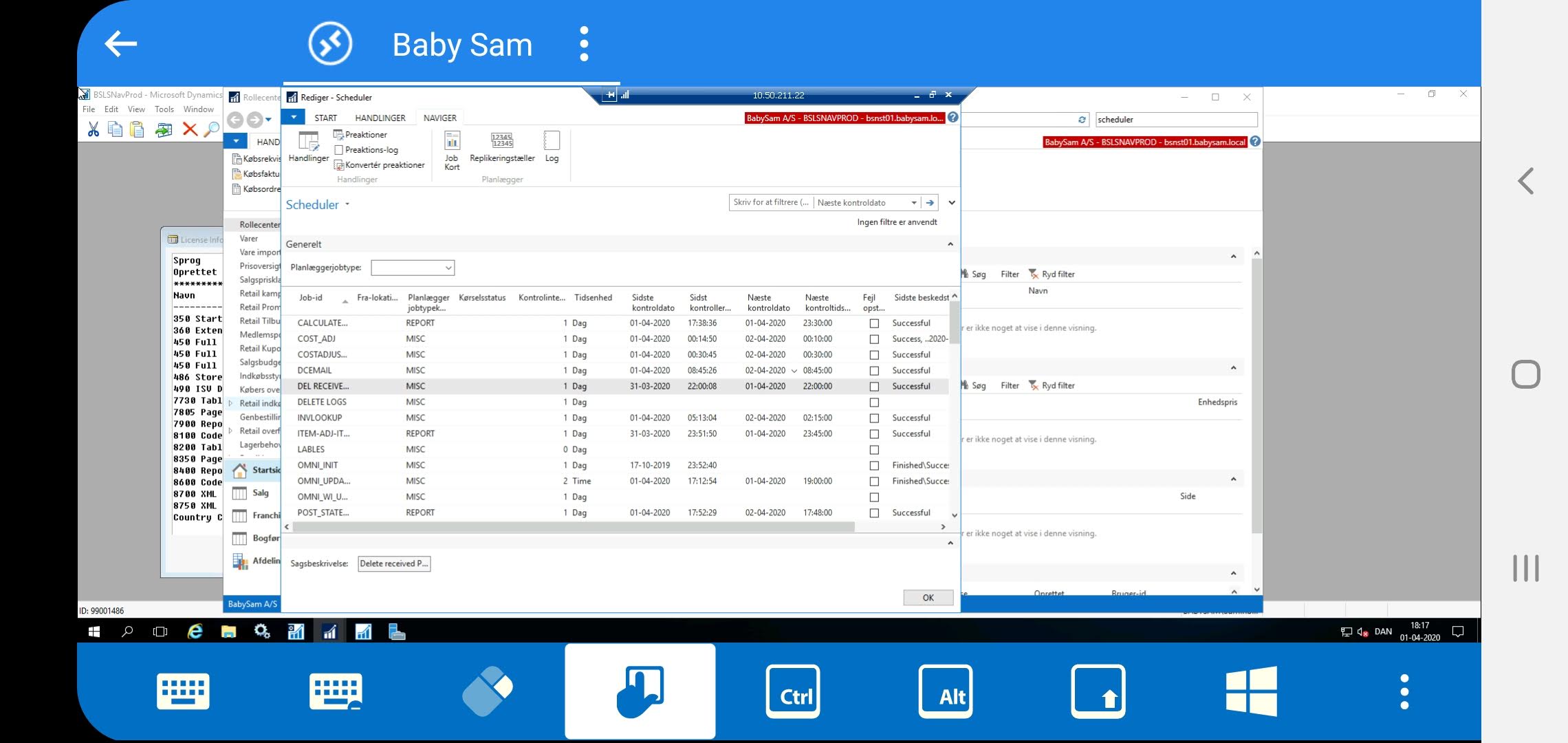
Screenshot_20200401-181742.jpg
Screenshot_20200401-181732.jpg
Hi,
That's weird. Pressing the extended keyboard should hide the regular keyboard and should display the extended keyboard with function keys and other keys.
We are not able to reproduce this issue. It could be device or OS version specific. Can you provide some info on the device you are using (Device, model number, OS version, keyboard)? Do you have another Android device? if so, can you test it on that other device?
Best Regards,
Nicolas Dufour
Yes and this has worked before at least on my Galaxy S7 and I think also on my S10, but I don't remember I only use the app occasionally.
I don't have any other device at hand now.
it's a Samsung Galaxy s10 (SM-G973F)
4.14.113-17806689.
keyboards:
Standard Samsung
Swype
And what is your OS version?
Nicolas Dufour
10?

I do not know, it can be Android Pie (9.0) or Android 10.0
In your device's general setting, About phone, Software information, you should see the version under Android version.
Best Regards,
Nicolas Dufour
Then as the screenshot says it's version 10
Hi,
We are not able to reproduce the issue with a Samsung Galaxy S10 running on Android 10.
Do you use RDM Windows? If so can you export your RDM session and send it to me at: ndufour@devolutions.net
You can change your ip/host and password before exporting your session.
Best Regards,
Nicolas Dufour
I do use RDM for Windows primarily, but I'm not sure what you mean with exporting the session, the stored connection?
and it's not just one, it's like this for all my connections
Hi,
Yes, your connection. Using RDM Windows, if you right click on your connection on the left tree view, a pop up menu will appear. You can then select Export, Export Selection (.rdm)...
This will save your connection to a file.
Best Regards,
Nicolas Dufour
Hi Berno,
We have tested on several devices and we haven't been able to reproduce the issue.
Could you have installed something on your device that would cause this issue?
Best Regards,
Nicolas Dufour