cant send keys from keyboard to rdp session from mac

Using an external keyboard on macbook however when connected to a winows box via rdp i cannot use the \ or numpad etc which is a bit of a pain
I have tried changing keyboard layout but there doesnt seem to be anything mac related etc also tried lots of options to no avail
would appreciate some assistance please
All Comments (5)
Hi,
I've moved your issue to the Mac forum.
What is the keyboard layout on your Mac and what is the keyboard layout of the remote host? By default, the keycodes (not the characters) are sent to the remote host and therefore the remote layout is applied. If you want to "share" your Mac layout with the remote host, you can try to enable the "Send input as unicode" option.
This can be done globally (Preferences -> Session Type -> RDP -> Keyboard -> "Send input as unicode") or for each individual sessions (RDP (Microsoft Remote Desktop) -> Local Resources -> Keyboard -> "Send input as unicode").
As for the numpad, I suspect it's simply turned off on the remote host. The state of the NumLock key is not shared between the local client (macOS) and the remote host (Windows). If you chose to enable "Send input as unicode", this should no longer be an issue.
Best regards,
Xavier Fortin
Hi
Have enabled send as unicode but still cant get a backslash to work and also the @ and " are swapped etc
The keyboard is similar to the attached image however mine has a control and Fn on the right hand side also.
thanks
Gavin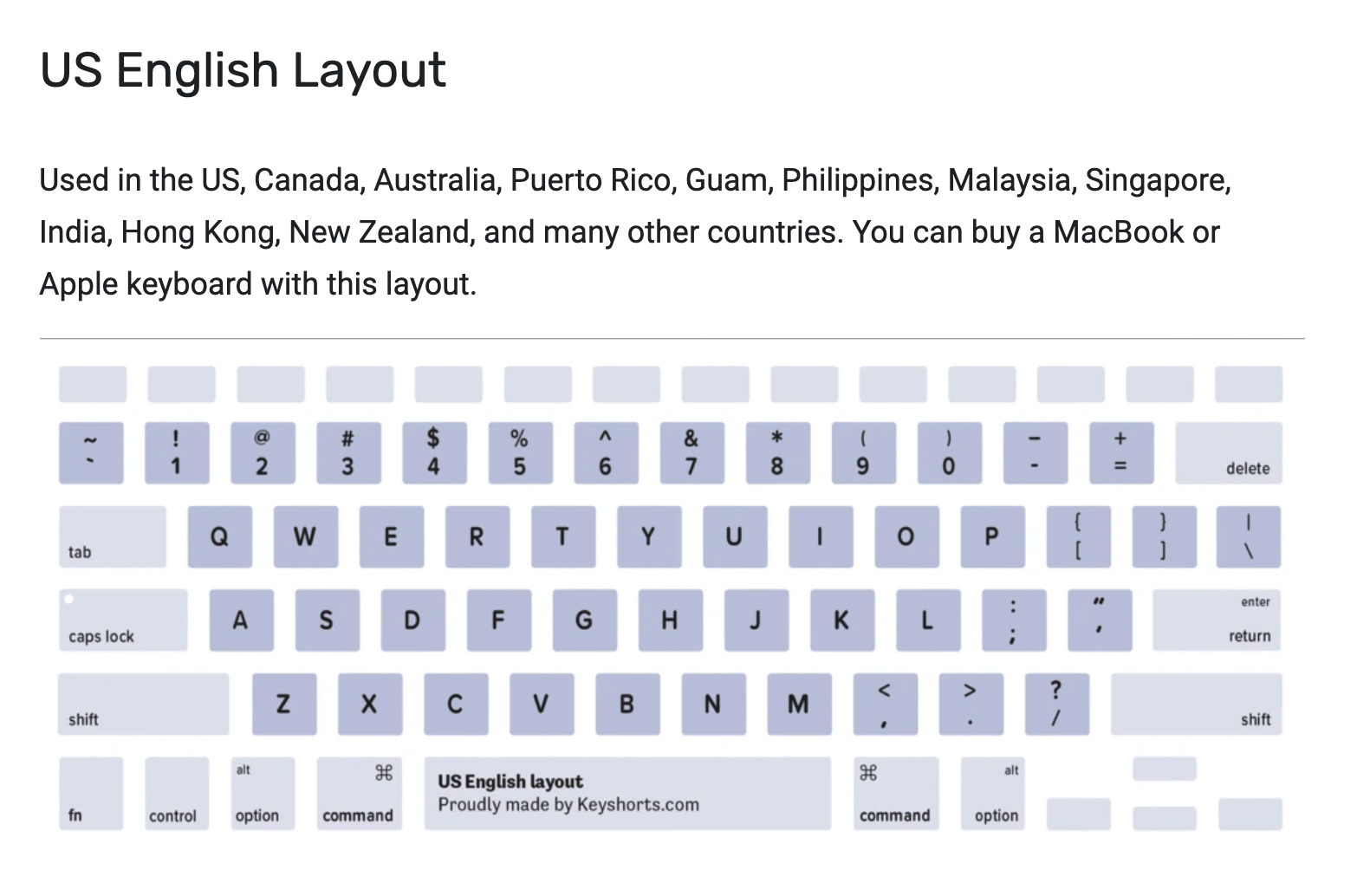
keyboard.png
Hi Gavin,
As mentioned, without "Send input as unicode", we send the Virtual Key Code to the remote host. For instance, in the case of '@', we send the Virtual Key Code 0x32 (which represents the '2' key) with the Shift Key Modifier Flags. How the remote host translates it is completely up to it and outside of our control. If pressing '@' on your local keyboard translate to " on the remote host, it is because the remote host's keyboard layout translates Shift+2 into ".
With "Send input as unicode" we send unicodes to the remote host, so if locally Shift+2 gives you '@', the remote host should receive '@'.
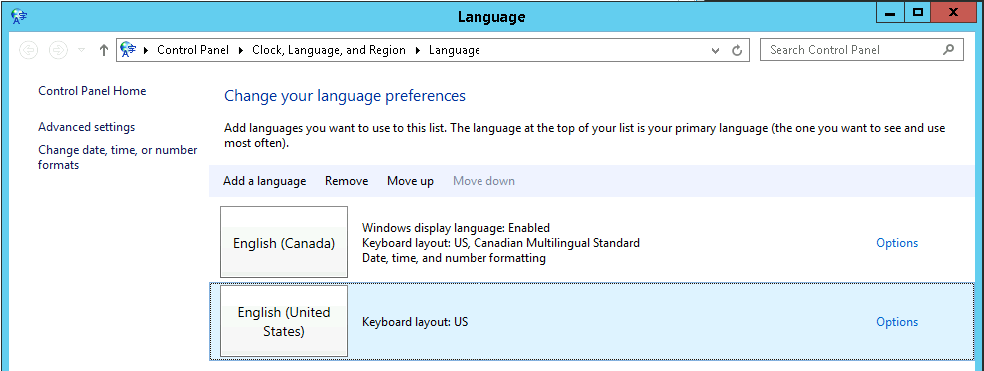
All that being said, I do not reproduce your issue. I use the macOS U.S. keyboard layout on my MacBook and the Windows US keyboard layout on the remote host and '@' translates to '@' and '\' translates to '\' without issue. With or without the "Send input as unicode" option enabled.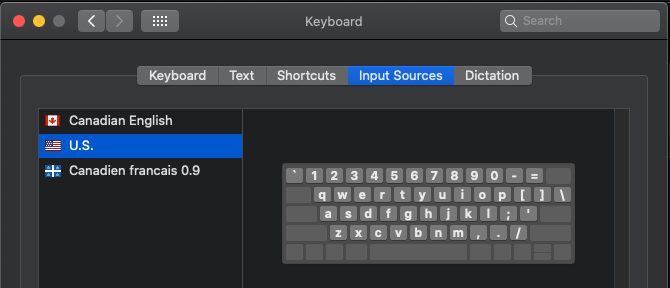
Best regards,
Xavier Fortin
WindowsUSKeyboardLayout2.png
MacUSKeyboardLayout.png
Hi
This may be because im using a wallix jumpbox it may be the case that it isnt passing through correctly.
Regards
Gavin
Hi Gavin,
If something in between the connection interfere with the transferred input, there is probably not much that can be done on our side. The first thing would be to test if you have the same issue with Microsoft Remote Desktop.app.
Best regards,
Xavier Fortin
