Custom Installer - Disable Menu Bar

Hello all,
For read only end-user access to select servers, I would like to provide a minimal version of Devolutions RDM via the custom installer. I have already configured permissions for this read only user and these credentials are passed through the custom installer as desired.
The custom installer saves all configuration settings from the install at the point when the installer is generated. This seems to work as intended, but I desire to have the menu bar not visible. The issue is that in order to create a custom installer one must utilize the menu bar (I toggle the visibility of the menu bar with ALT+F11).
Is there a way I can modify the installer to make the menu bar invisible or a hot key to open the Installer file generator window while the menu bar is invisible? I am unable to execute the hotkey ALT+F11 once the Installer file generator window becomes active.
Additionally, is there a way to disable the ability to make the menus I've made invisible, visible again. The intent is to have this variant as a read/execute only view to SSH Servers with minimum "clutter" in the window as not to confuse users that will have no need for these additional tools, merely the listing of servers they have access.
All Comments (8)
Hello,
Unfortunately it's not possible to do that in the custom installer. This setting is not saved in remotedesktopmanager.cfg and it's specific to the user/machine installation. Would it be possible for you to apply a GPO? This could be easier for us to add it in the ADML file?
Regards
David Hervieux
It would be possible to us to work with our AD/security team to have group policies put into place for certain domain groups. This option has already been considered for other policies already supplied for the application.
Ideally, we would like to be able to change this visibility on an application level. If it is a much easier path of resistance on the developer end to make it a group policy setting, I have no issue with that route. Would it be possible to have a GPO in place that locks down the application to a non-user configurable state? For means of our team supporting this application to these read-only end users: the less the user is capable of changing or tinkering around with, the better.
Thank you for your speedy reply and support!
Hello,
There's a lot of policies that can be enabled to block access to the configuration of RDM to the end-users. They are all listed here
https://help.remotedesktopmanager.com/how_to_modify_the_group_policy.htm
Best regards,
Jeff Dagenais
I cant see the menu bar. How can I get it back?
@francoisbonnin,
Could you try ALT + F11 ? This should bring back the ribbon if it's the menu bar that you are referring to.
If it's not working, please post a screenshot of the menu that is missing.
Best regards,
Jeff Dagenais
Thank you Jeff,
but sorry it didn't work.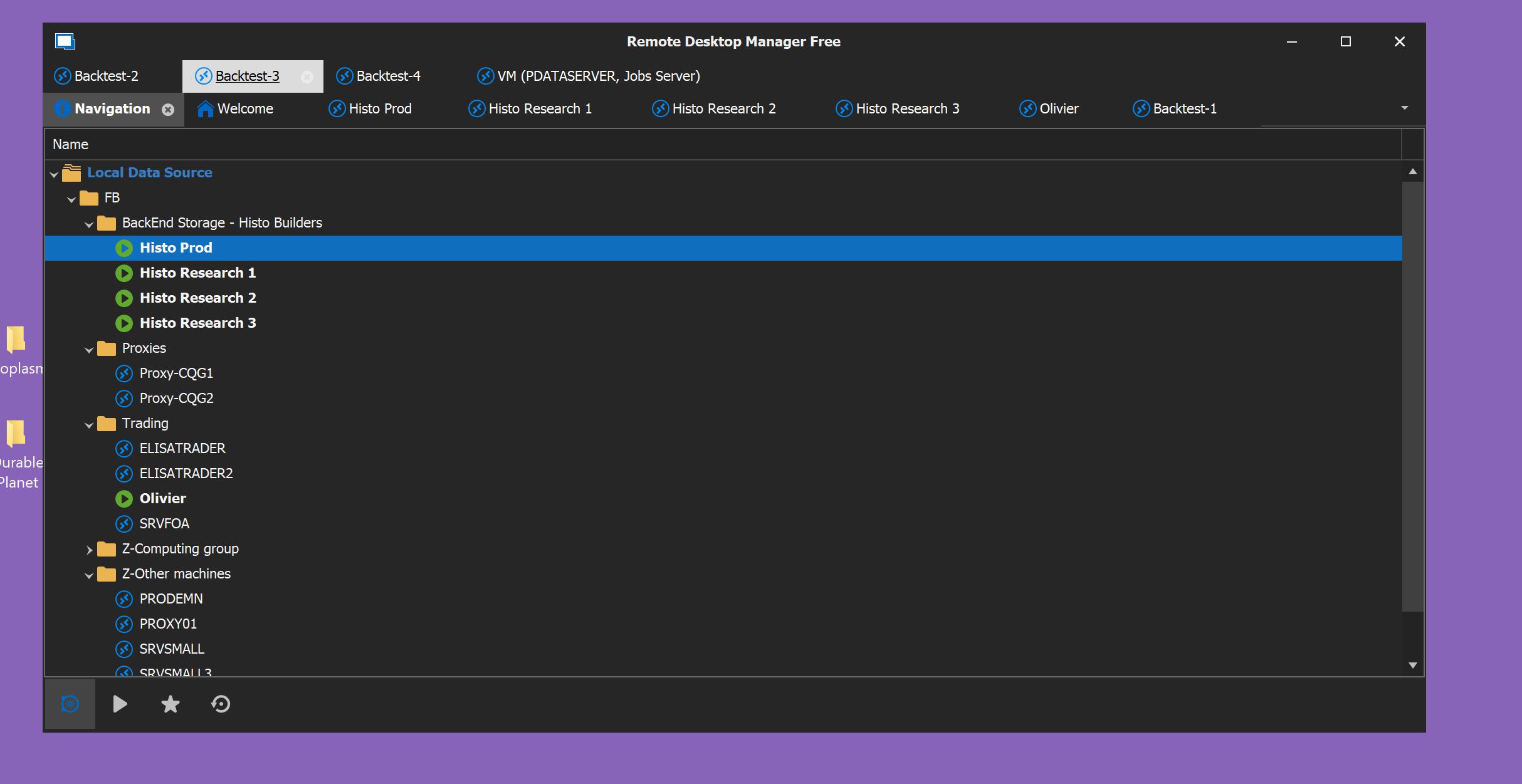
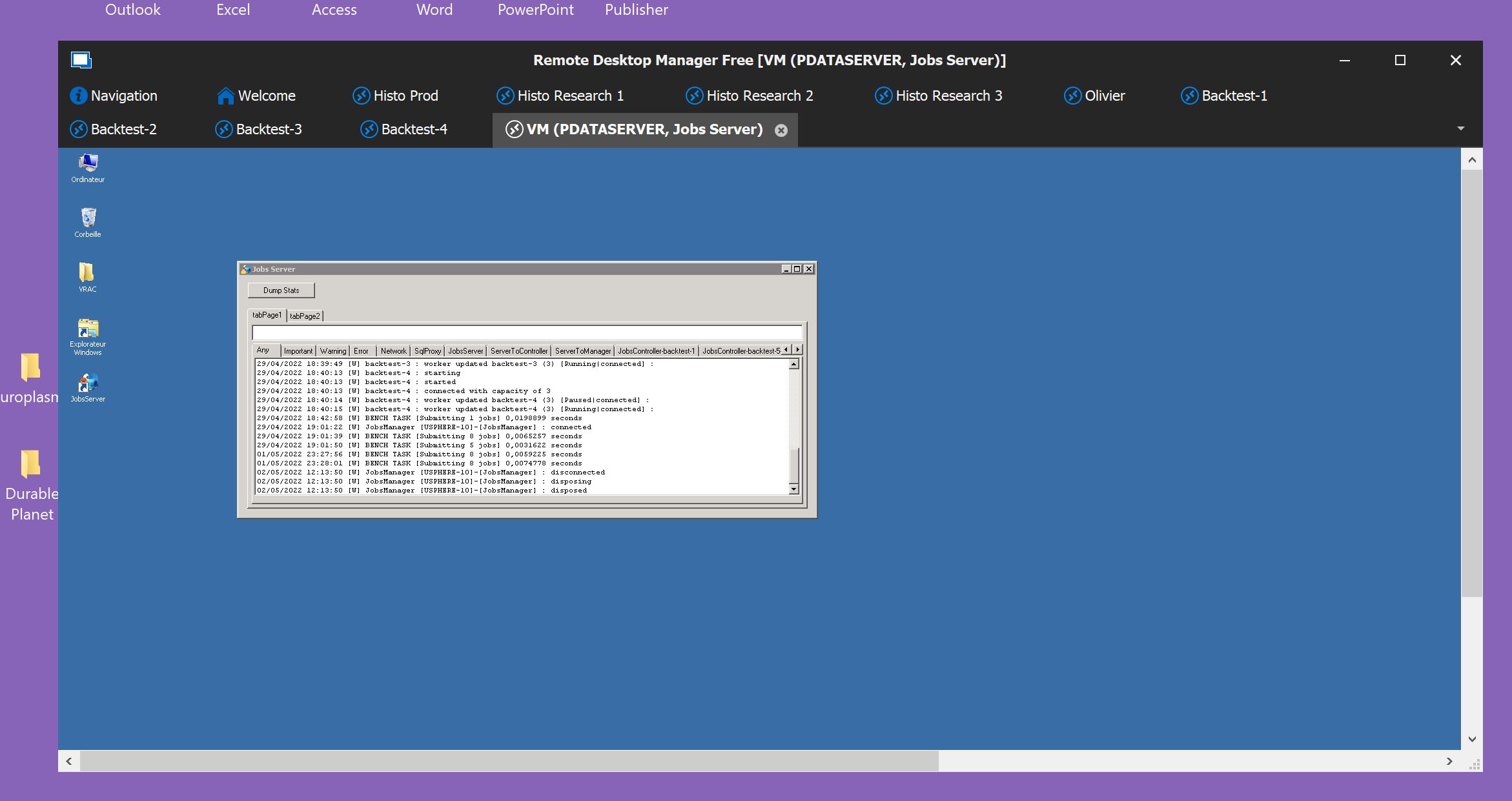
I tried Alt+F11 and it didn't bring back the ribon (capture 1).
I also have another GUI question. I would like to restore the navigation panel a left window in the app rather than it taking the full screen (capture 2).
Capture 2.JPG
Capture 1.JPG
I called tech support. It was really simple. Right click on the title in the center of the title bar. Check TopPane (Ribbon/MenuBar)
Hello Francois,
Thank you for your feedback, we are glad to see that everything is back in order.
Best regards,
James Lafleur