Remote connection with "HP ILO Application" shows password in command line
Remote connection with "HP ILO Application" shows password in command line

Disabled
We use "HP Integrated Lights Out (iLO Application)" as remote connection. When username and password are set, the credentials are exposed as soon as the connection is opened. This is problematic on shared systems like terminal servers. Is there a way to change this behaviour or is this by design?
001674.png
All Comments (1)
Hello,
Since we use a command line to execute this process, this is why you are seeing the username and password via the Task Manager.
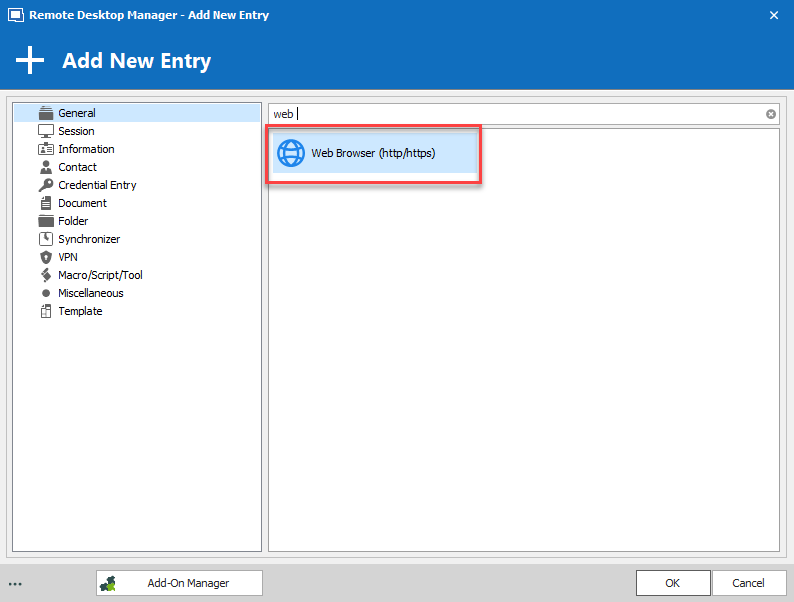
If you would like to hide the username and password during the process, I would recommend using a Web Browser entry type instead.
Best regards,
Jeff Dagenais
2019-09-09_11-37-55.png