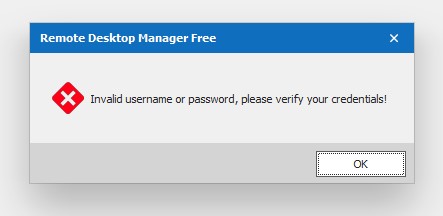
Invalid username or password, please verify your credentials
Hi,
In Remote Desktop Manager Free (Version 2019.1.38.0 and previous version) i get the message that my username or password is invalid so i reset my password but still i get the same message.
I tried to login on the website and that is working.
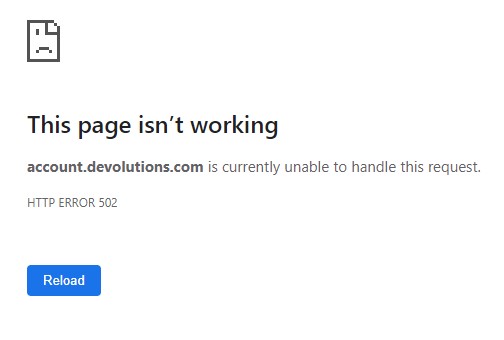
Also account.devolutions.com is not working, message i get is HTTP ERROR 502
Are there some known issues at the moment?
Aantekening 2019-07-19 102940.jpg
Aantekening 2019-07-19 102840.jpg
All Comments (61)

Disabled
Yes, i have the same problem
yes also have the same issue!
Disabled
And me!
I have the same issue too.
Yes, using enterprise here, i assume there is an issue with the cloud of Devolution right now.
Cannot Backup, or login to the cloud backup from RDM and WEB
Just be patient i'm pretty sure they know about this
RDM for Windows 11
Purchased Enterprise Edition v2026.x
Same Problem here - Well, the downside of the cloud services :)
Cannot login to any Client or RDP Session :)
Disabled
Same issue at my end too
Same issue!!
Don't flood the thread.
Everyone has the issue!
Keep it clean so we see the post from support saying that it is fixed
:looks:
RDM for Windows 11
Purchased Enterprise Edition v2026.x
They just updated the status for my reported incident, confirming they have a problem with the cloud :
SAME HERE
Disabled
Yes, i have the same problem
The same here. It is a disaster.
Same problem here are well
same problem!
Disabled
Is there any service status page available? it would be godd to see what is the current state of cloud service.
A status page would be nice, yes.
Hello,
We are currently having difficulties with our cloud service. We are working on it to bring it back.
Sorry about that.
Best regards,
Jeff Dagenais
All systems operational :)
https://status.devolutions.info/
https://status.devolutions.info/
"No issues in the last month."
https://account.devolutions.com/ not work...
Having the same issue . tried installing the latest version but still no luck..
Nice the status page is meaningless..
Hello,
Maybe you didn't see my post above, but indeed we have difficulties with the cloud service and we are working on it.
Sorry about that and sorry for the status page not showing the proper status.
Best regards,
Jeff Dagenais
@everyone,
It should be possible to authenticate on Online Drive and Online Database from RDM.
Could you give a try?
Best regards,
Jeff Dagenais
Working here thank you very much :)
Yes.
Everything is fine now.
Thank you!
Disabled
Seem to be back up for me too now!
Thanks for fixing.
Login works, but https://account.devolutions.com still gives me a blank page.
@everyone,
https://account.devolutions.net is indeed not working.
For Online Drive and Online Database, we have intermittent problems. If you are connected, stay connected.
We are working on both issues.
Sorry for the situation.
Jeff Dagenais
@everyone,
All cloud services should be back and running now.
Best regards,
Jeff Dagenais
goodmorning, had again login issues this morning (seem fixed now)
while that, devolution status were reporting all systems operational
@simone,
There was an issue with our cloud service again this morning, but now everything is back to normal.
Thank you for your feedback.
Best regards,
Jeff Dagenais
I just upgraded to Setup.RemoteDesktopManagerFree.2019.1.41.0.exe
When I attempt to login I am prompted for a "Database Login".
I can log into my account at https://customer-portal.devolutions.com/.
Not sure what password it wants other than my standard account for that portal.
Thanks,
David
Hello,
Would it be possible for you to join our online chat?
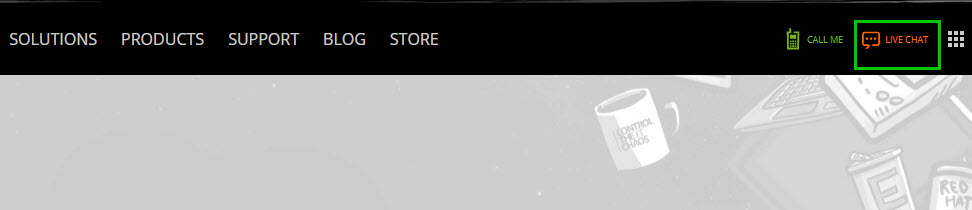
To do so, please use this link https://devolutions.net/ and press on the "Live Chat" button at the top right corner of the web page.
Best regards,
James Lafleur
LiveChat.jpg
I have the same issue too.
Mobdro Vip
Hello Martin,
Would it be possible for you to join our online chat as well? We will be able to assist you with this.
Best regards,
James Lafleur
had same issue but now its resolved shareit app vidmate apk
RDM for Mac 2020.1.8.0 on macOS 11.04 BigSur
When launching the app, authentication fails with wrong username and password. Authentication screen is blank. For a second I do see the spinning circle, and then goes away and the popup for bad username and password appears.
Selecting to prompt for crews is not working.
Adding the account again is not working.
Reinstalling the app is not fixing the issue.
Any recommendations?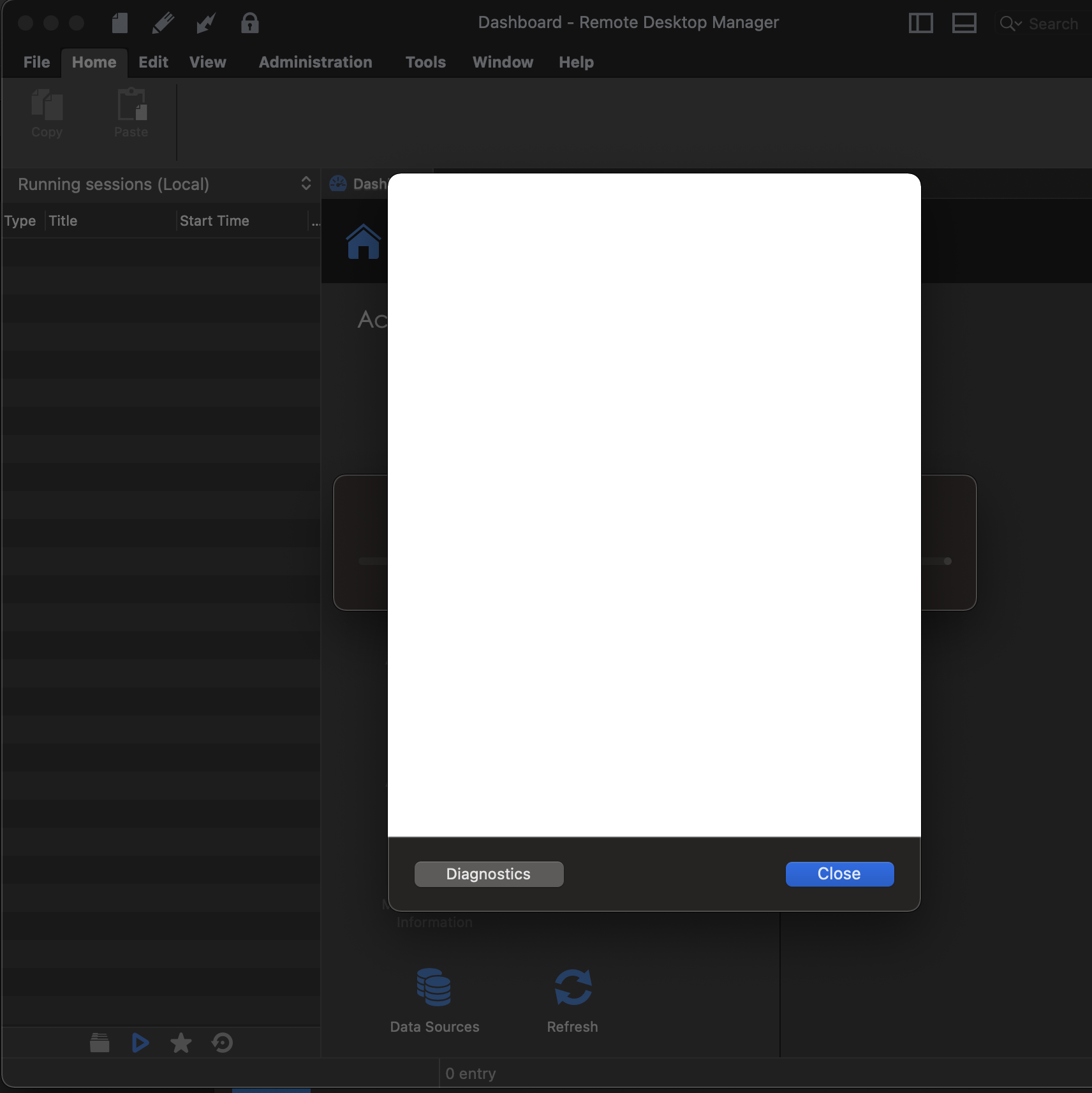
Screen Shot 2021-12-28 at 14.41.58.png
Hello,
Are you able to gather more details on this issue is you press on "Diagnostic"?
Best regards,
James Lafleur
Not much info from the diagnostic section. 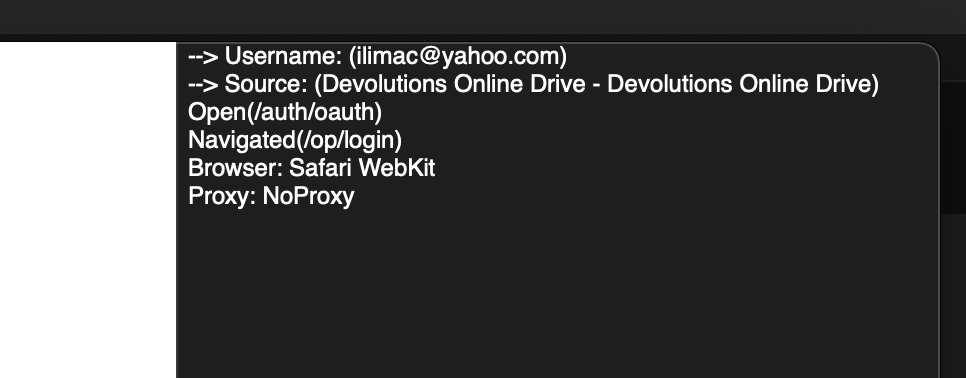
Screen Shot 2021-12-28 at 15.05.55.png
Hello,
Thank you for your swift reply!
Are you able to connect to your Devolutions Account using this link https://login.devolutions.com/op/login? Does the issue persist in RDM after clearing the cookies that you have on this page?
Best regards,
James Lafleur
Cleared all the cashed data and cookies from the website and was able to login without issue. This post is from Safari.
Exited RDM and relaunched. Still same issue.
Installed 2020.1.20.0 on a Windows 10 and got an error for username and password, but this time I was directed to create application password, by following this URL https://kb.devolutions.net/kb_rdm_application_passwords_setup.html. After completing the steps it worked without issue, but only on the PC.
In RDM for Mac, cannot find where I can enter the Application Password.
I used from the taskbar RDM-My Account Settings-Devolutions Password Server and entered the username and the Application Password, but the issue is still there. 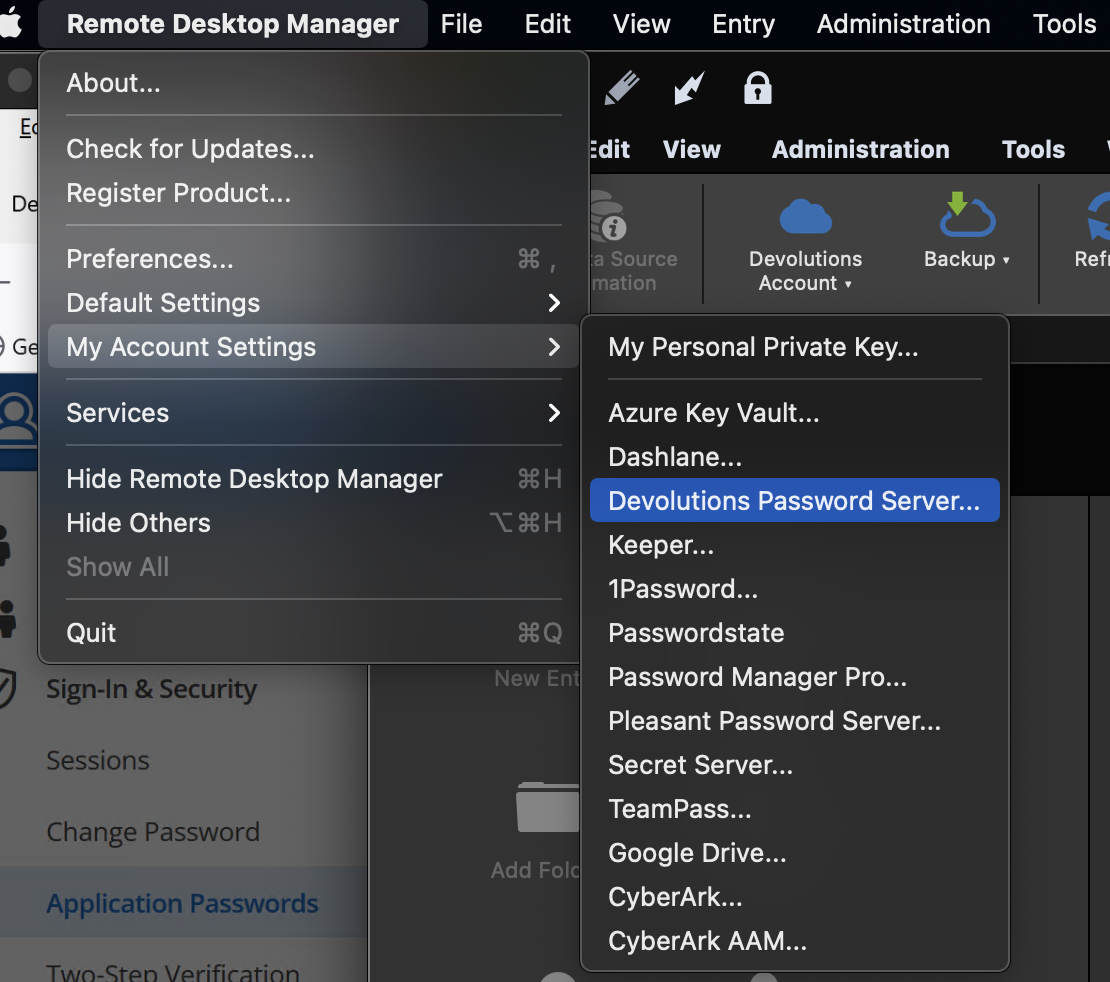
Screen Shot 2021-12-28 at 20.07.51.png
Hello,
Thank you for your reply,
From my understanding support for the "Application Password" was added in RDM Mac 2021.1.11.0 as mentioned in the release notes here: https://remotedesktopmanager.com/release-notes/mac
I would like to confirm which type of data source you're currently using in RDM?
Let me know,
Best regards,
Samuel Dery
Hi Samuel,
Sorry for the late response. Holiday season.
I am using Devolution Online Drive as Data source, and local data source. Local is not in use.
Ilija
Hello,
Thank you for your reply,
From my understanding support for the "Application Password" was added in RDM Mac 2021.1.11.0 as mentioned in the release notes here: https://remotedesktopmanager.com/release-notes/mac
I would like to confirm which type of data source you're currently using in RDM?
Let me know,
Best regards,
Hello,
Thank you for your reply,
No problem!
Since you're using a Devolutions Online Drive as the data source, my recommendation would be to update your instance of RDM to the latest version to see if the issue persists.
Could you give this a try? You can download the latest version from this link: https://remotedesktopmanager.com/home/thankyou/rdmmacbin
Let me know,
Best regards,
Samuel Dery
Installed the version you recommended and when I go online redirects me to Safari and devolutions logon page. After the successful logon, I got message to close the browser page. RDM is now online, because the authentication is happening.
The disadvantage is that I cannot used because my license is for older version.
The older version authentication is not happening, and not sure if it should be redirecting to Safari as the new version, or the authentication should happen in the popup windows.
Hello,
Thank you for your reply,
I see, indeed, this is due to changes we made in our authentication method in the newer versions of RDM. The reason you're attempting to access your Devolutions Account is to connect to your Devolutions Online Drive is that correct?
If that's the case then I suspect creating an application password for your DOD will resolve the issue, we have the following knowledge base article regarding this. https://kb.devolutions.net/kb_rdm_application_passwords_setup.html#devolutions-online-drive-and-online-database
Best regards,
Samuel Dery
Hi Samuel,
I did try to use the password option previously and I cannot get to that point since the option does not exists. It does on PC, but not on Mac. Here are 2 screenshots from File -> Devolution Account options; one from within the app, and the other one from the taskbar: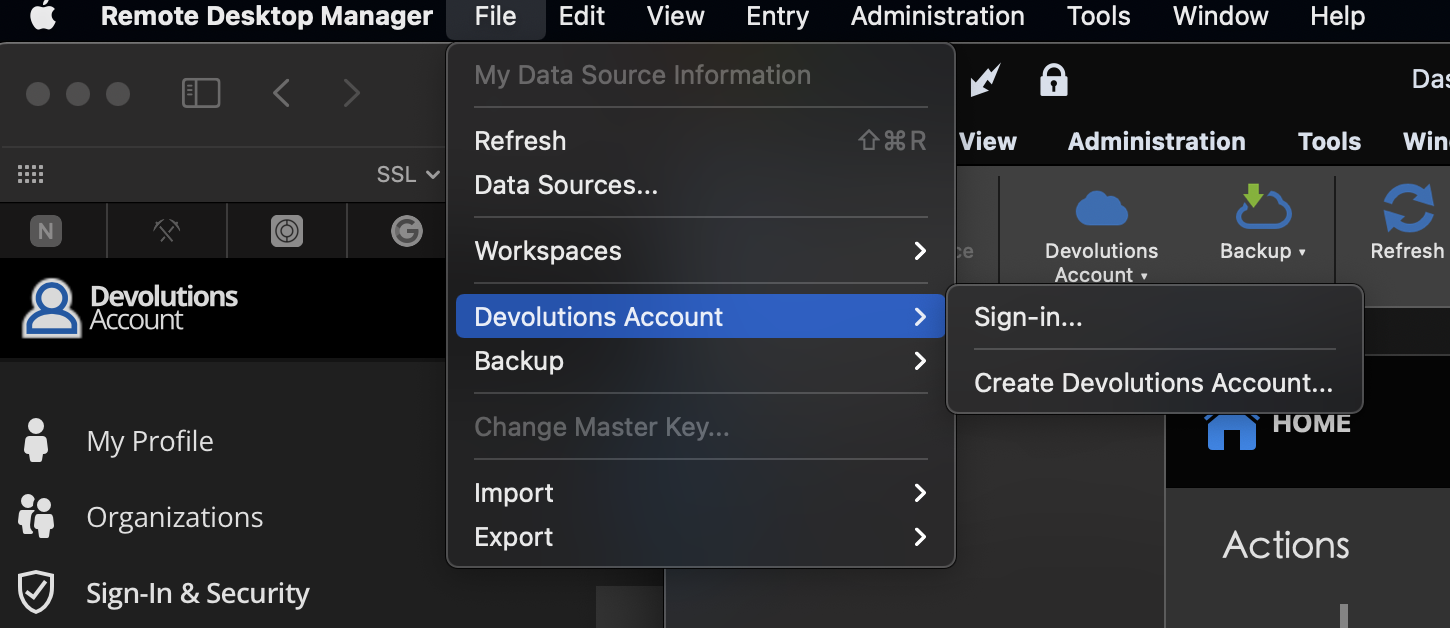
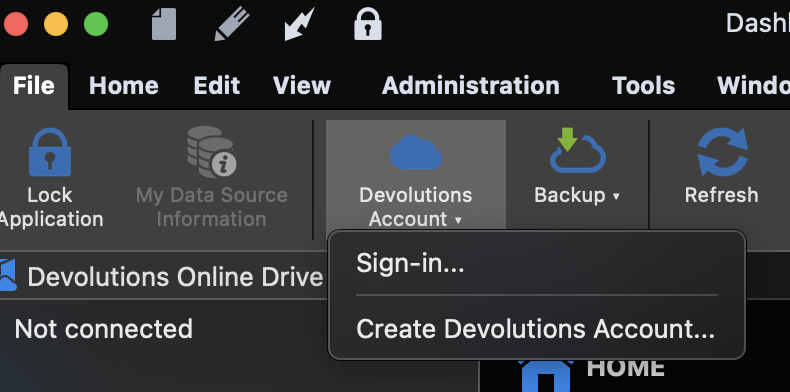
if I click on Sign-in, it gets to the white popup windows where it fails the sign in. Create Devolution Account gets me to the webpage.
Is it there any other place where the password can be added?
Regards,
Ilija
Screen Shot 2022-01-14 at 15.26.49.png
Screen Shot 2022-01-14 at 15.26.28.png
Hello,
The application password option exist on RDM Mac 
What version of RDM Mac are you using?
Is it possible for you to install RDM 2021.2.12.0? You can download this version here
https://remotedesktopmanager.com/home/download
Best regards,
Jeff Dagenais
Disabled
good luck trying to solve it. If you are using older license no help from Devolutions, except this forum.
on this forum the ones that respond they don’t read.
at the end, in my case, in a Wireshark trace, I discovered response from Devolutions DB error like “object not referenced as instance” or something like that. It is clearly issue with either the license or token used for the auth.
since my license was expired I moved to Microsoft RDP for RDP and another tool for the rest of the needs.
Hello Arsh,
Thank you for contacting us on that matter!
Which version of RDM are you currently using? Are you on RDM Mac as well?
Also, what type of data source are you on?
Best regards,
James Lafleur
Hi i have small but enoying problem
i have run the RDM Free 2022.1.17.0 64-bit on a local computer but i have done the registar and put in the serie number
and know i want to store it dev storage online but i allways point it to registrar "https://login.devolutions.com/op/register?login_hint"
and cant re-reg it and cant get it to work..
what have i done wrong ??
//Jonas
@jonas,
Could you post a screenshot of the online backup configuration please.
What type of datasource are you using? SQLite?
Best regards,
Jeff Dagenais
Hmm i use devolutions online drive or i want to use that anyway
but every time that i try to conenct to it A popup open the regestra link
and i have valid profile
after some time it says bad username och password ...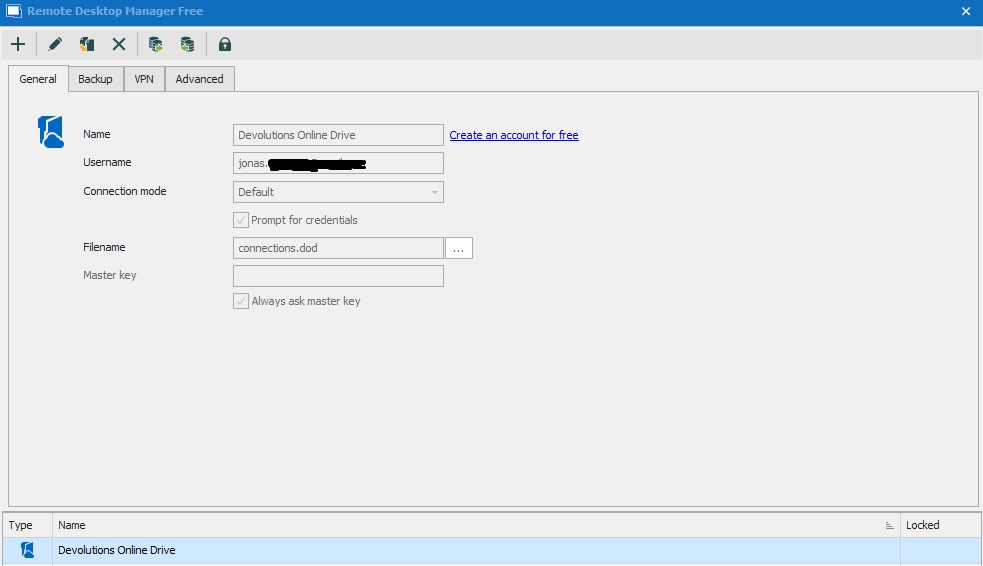
RDP_Manager_free.jpg
Hello,
Could you go in File -> Devolutions Account and sign-in with your Devolutions Account in that area. Is it working?
Also, are you able to connect properly on https://portal.devolutions.com ?
Best regards,
Jeff Dagenais
Hi Sure thing does are workning as i can tell
but i am not the developer or a pro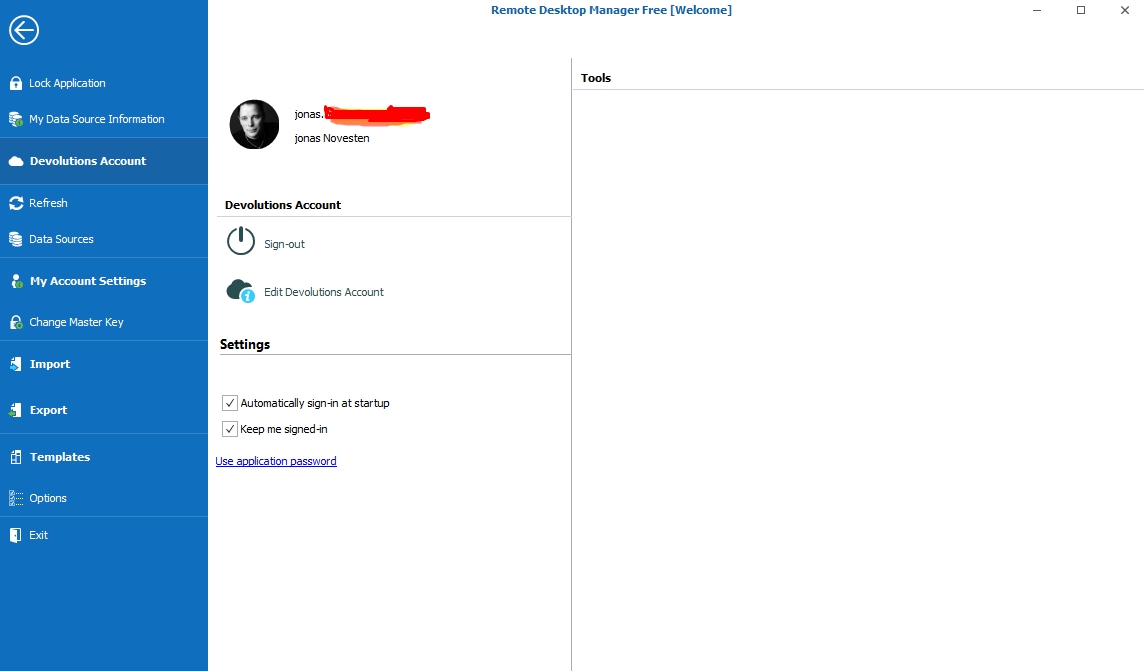
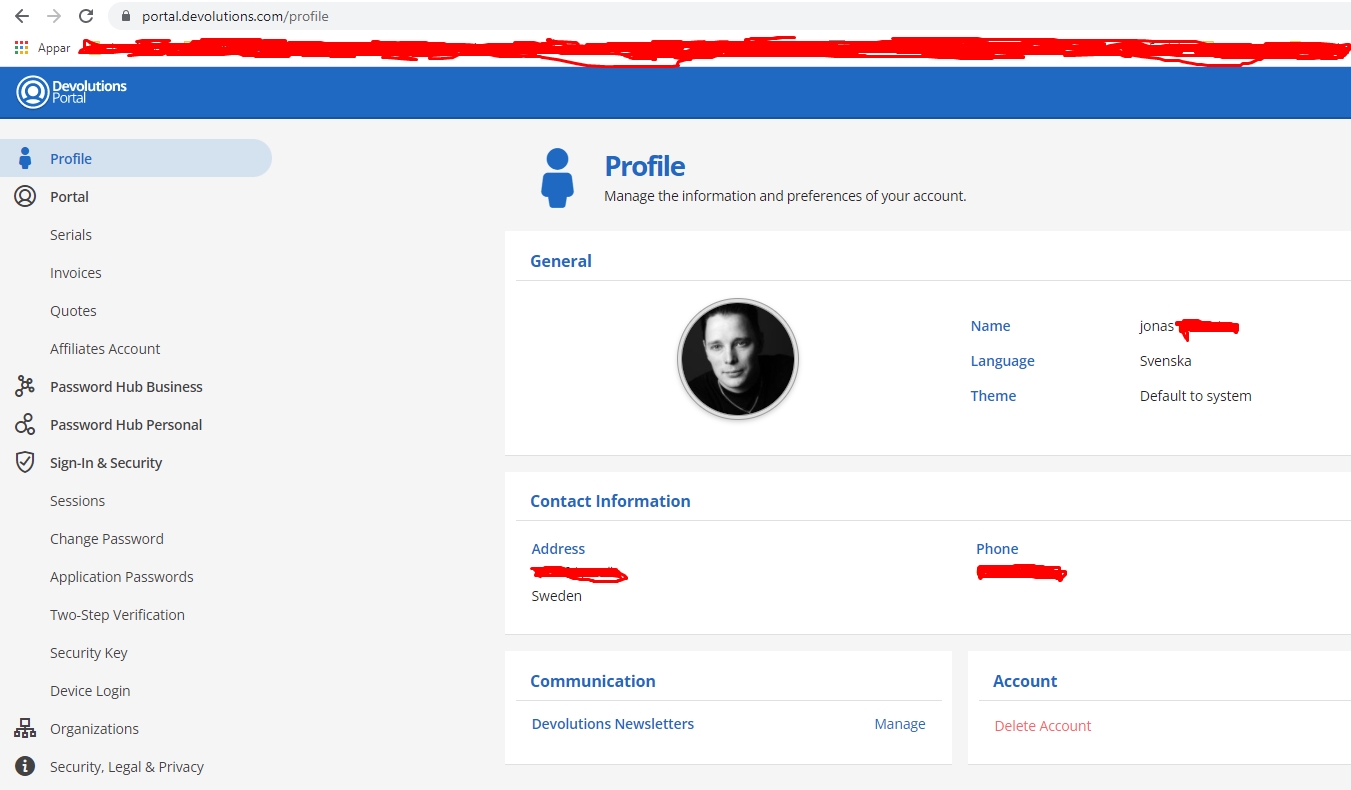
RDP_Manager_free_login.jpg
RDP_Manager_free_Portal_login.jpg
Hello Jonasnovesten,
Thank you for your reply,
From quickly testing on my end I did not encounter this issue,
I'd like to ensure that the "Username" field in your data source configuration is indeed your "Devolutions Account" email? That being said my configuration was slightly different from yours the "Prompt for credentials" option is unchecked and the same goes for "Always ask for master key".
That being said, from my understanding you've not started using Devolutions Online Drive yet is that the case? If that's the case, I would recommend using Password Hub Personal as a data source instead, we have the following knowledge base article regarding creating a Hub: https://helphub.devolutions.net/hub_password_hub_personal.html
Also, the following regarding its configuration in RDM: https://kb.devolutions.net/kb_rdm_how_integrated_hub_personal.html
Let me know,
Best regards,
Samuel Dery
same issue and its not resolved yet
Hello,
Would it be possible for you to confirm which version of RDM you are currently using?
Best regards,
James Lafleur