FortiClient add-on not working with FortiClient 6.0.0.0067

Hi support.
I've just installed the newest FortiClient and can connect directly to the VPN as needed.
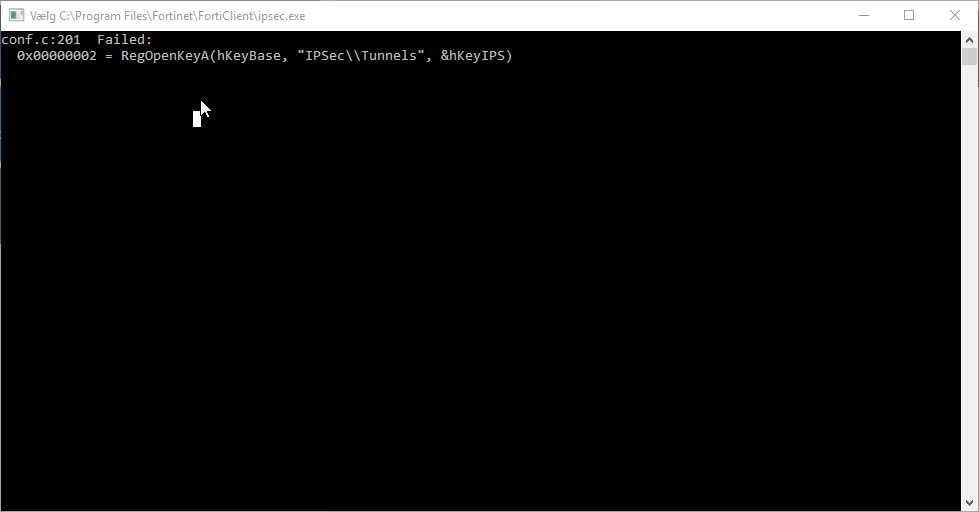
When I use the FortiClient add-on in RDM, I get the following error:
(I guess it shows the same as in the next cmd screenshot, but the window closes very fast, and this was all I got).
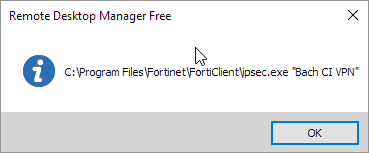
When adding "Show command", I get the command:
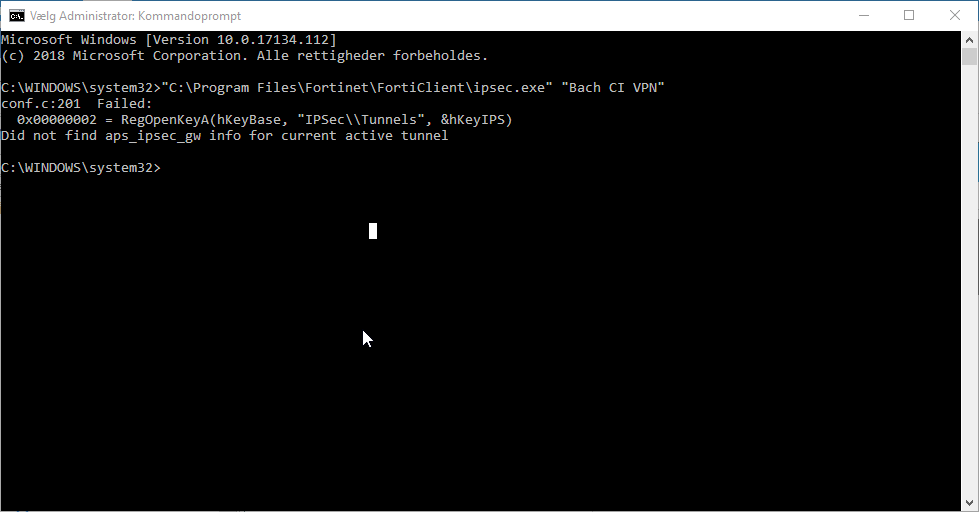
When trying to run the command directly in cmd.exe, the output is as following:
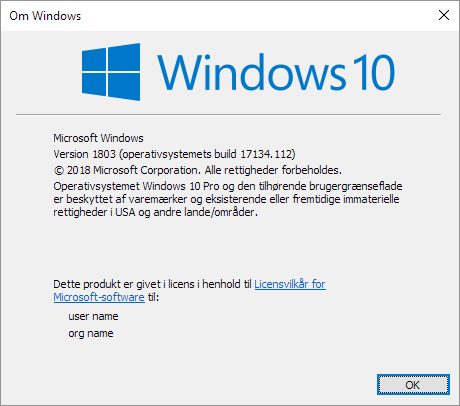
Winver:
RDM:
I used to work in FortiClient 5.x, but fails here in 6.x.
Let me know if you need any more information.
Best regards
/Jesper
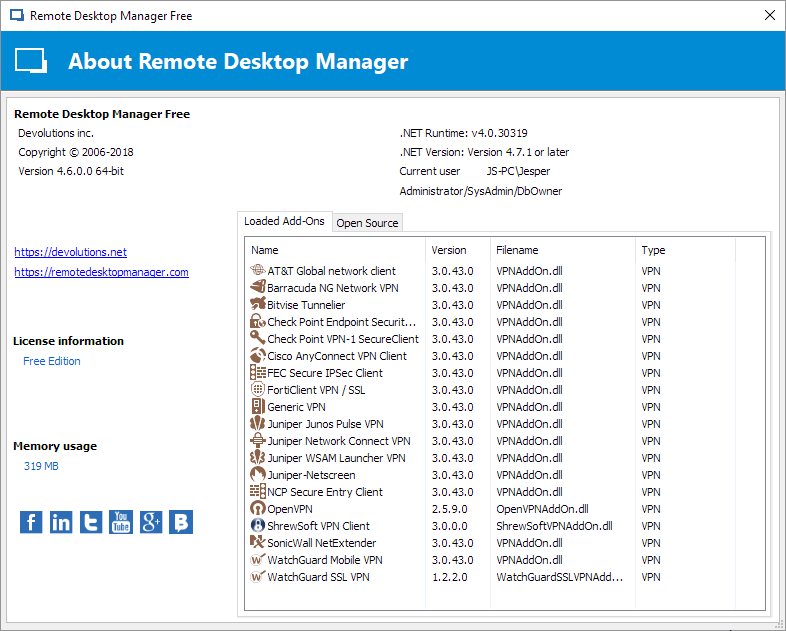
2018-07-05 08_41_16-Remote Desktop Manager Free.png
2018-07-05 08_40_39-Om Windows.png
2018-07-05 08_39_41-Vælg Administrator_ Kommandoprompt.png
2018-07-05 08_34_04-Remote Desktop Manager Free.png
2018-07-05 08_34_42-Vælg C__Program Files_Fortinet_FortiClient_ipsec.exe.png
All Comments (1)
Hello,
FortiClient exist in two different release but with the same version. Let me explain, you could download FortiClient and the GUI will work fine, but the CLI isn't activated on this version. To enable the CLI command you need to download FortiClient which is located in the Support section of Fortinet.
Is the version 6.x that you have is issue from the Fortinet customer portal?
Also you could find more information if needed on this thread (https://forum.devolutions.net/topic27572-forticlient--latest-version-not-connecting-using-forti-vpn-addon.aspx)
As a latest test could you look at our Fortinet Help topic please.
Best regards,
David Grandolfo