Web Browser (http/https) Entry Issue

Good morning all-
I'm trying to create an entry in RDM for the webpage for BMC Truesight Pulse. I had to do some inspection of the various form elements to find the proper Control ID's to get autofill to work since Discover did not locate all of them on its own. The problem is that the input method used by autofill does not trigger the "Log In" button to become active. The page expects to see keyboard input in both of the fields (confirmed by opening my entry and adding a character at the end of each autofill entry).
My question to you is how can I make this page "see" that there is input present so the Log In button will enable?
The page in question: https://pulse.truesight.bmc.com/home
The attached file shows the proper Control ID's for autofill to work.
Thank you in advance!
Josh
Senior Infrastructure Engineer
2017-11-15_8-54-58.jpg
All Comments (4)
Hello,
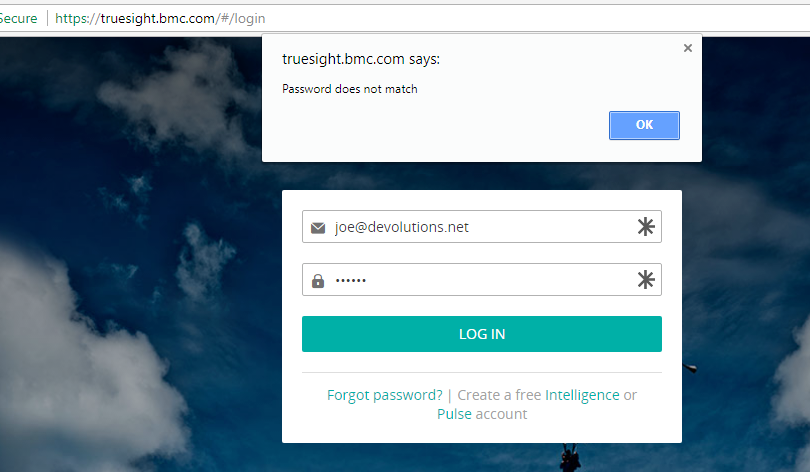
I simply changed the url to https://truesight.bmc.com because thats where we are redirected to when opening your link
For me, in external mode using Chrome, it works fine. It didnt work initially because my fake user name was not an email address, but when I figured that out it does fill-in and submit.
Could you try with that change?
Maurice
2017-11-15_11-18-03.png
Thanks for the reply Maurice!
I should have specified that we want this to be an Embedded session. The URL I specified will take us directly to the Pulse application (with valid credentials).
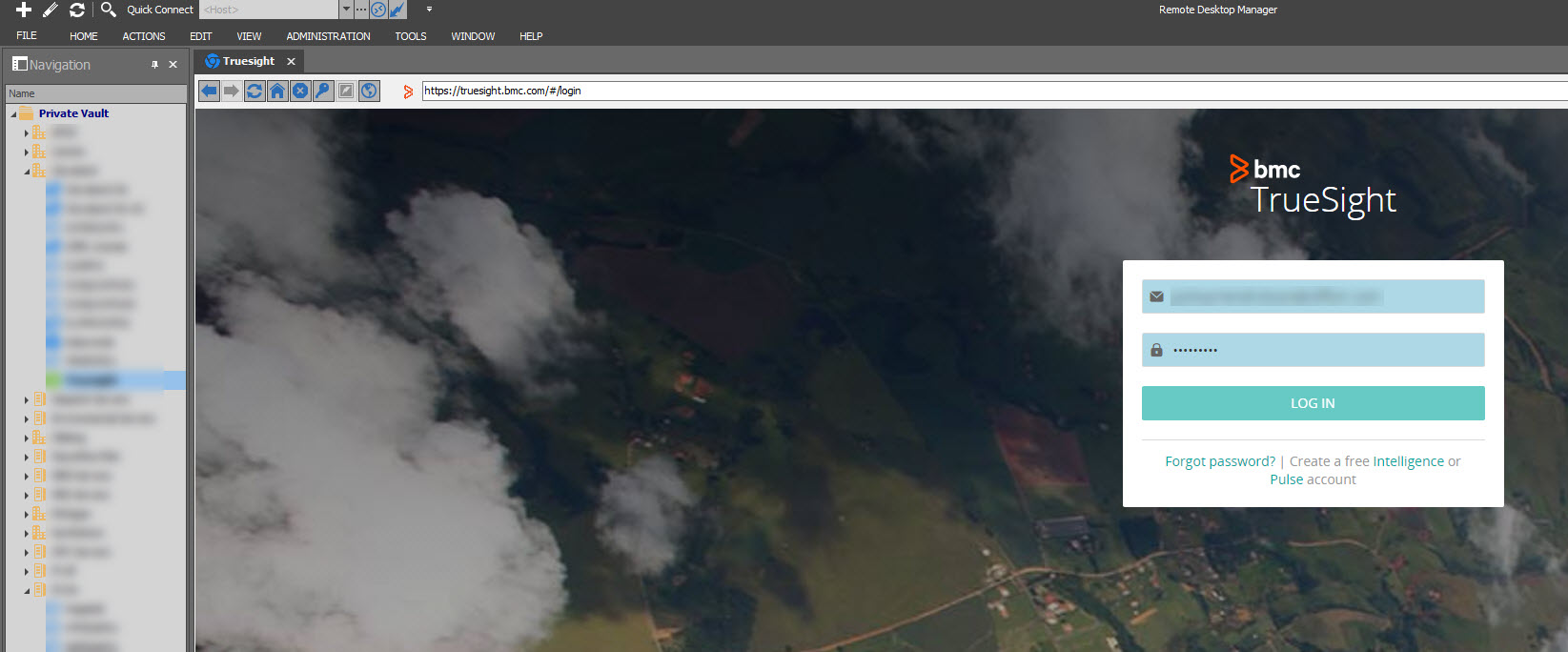
In any case, I did try your suggestion, and here is what I have found.
Both the original URL and the URL you provided will open properly (and auto-login) when opened to an external window. Neither will function properly in an Embedded session.
I'm afraid that you are going to say there is some sort of limitation when it comes to embedded sessions that will prevent us from achieving the configuration we're after. But l remain optimistic that there is an option in the session configuration I haven't ticked that would enable this to work for us.
I appreciate your help!
Josh
Senior Infrastructure Engineer
2017-11-15_11-53-32.jpg
Hi Josh,
I had a chat with our engineering department and the refereed web site require that the username and password are manually type. Good news, we found with Google Chrome Embedded the way to do it automatically. So in our next release RDM 13.0.4, the function will be applied automatically to the Web Browser (http/https) entry.
Best regards,
David Grandolfo
You guys are awesome. Thanks!
Senior Infrastructure Engineer