VNC not scaling correctly

When running VNC I can only see a quarter of the screen with no way of resizing the display. RDP works correctly however.
Any ideas?
All Comments (11)
Hi,
Could you post a print screen and the details about what VNc engine do you use? Do you use the UltraVNC or the default?
Regards
David Hervieux
I use the default VNC engine. How can I change this?
I have attached the screenshot.
The attachment is missing. You can change this in the VNC properties. It's called VNC application
David Hervieux
Tried with all VNC options and I get the same issue
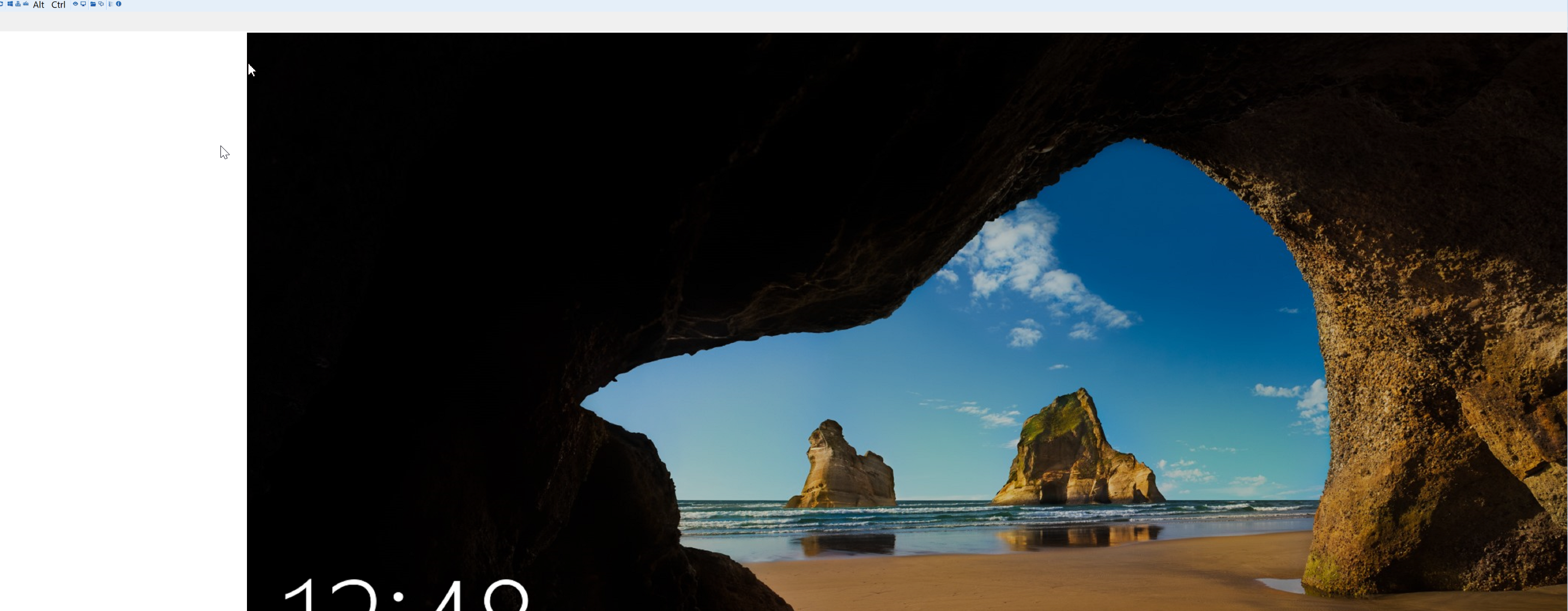
rdm vnc issue.png
What RDM version do you use. Do you also have an HDPI monitor?
Regards
David Hervieux
I'm using the latest 64 bit version. I use display port when plugged into my monitor but just off my laptop it scales the same way.
Just to confirm, in external everything is fine?
Regards
David Hervieux
When I use another VNC client it works fine. It only looks this way using the RDM app.
I will ask Jonathan next week to check with you if he can reproduce it.
Regards
David Hervieux
Tried it with the 32bit version of RDM and it works ok! Looks like an issue when using the 64bit version.
32bit version is however painfully slow to open any RDP sessions. It takes up to 30 seconds to prompt me for credentials. Regular windows RDP is instant.