Update removing User Specific Settings

Each time I update my local application to a new version, my user specific credentials are being removed. Is this normal?
All Comments (16)
Hello Chris,
This is really strange since the user specific settings are stored in the database. What data source type do you use?
Regards
David Hervieux
we are using a SQL database.
Could you go in File->My Account Settings and check user specific setting list?
Regards
David Hervieux
I have defined user specific settings at the database level, so that my inherited groups / rdp sessions all pull from here...
However, my user specific settings list is empty...
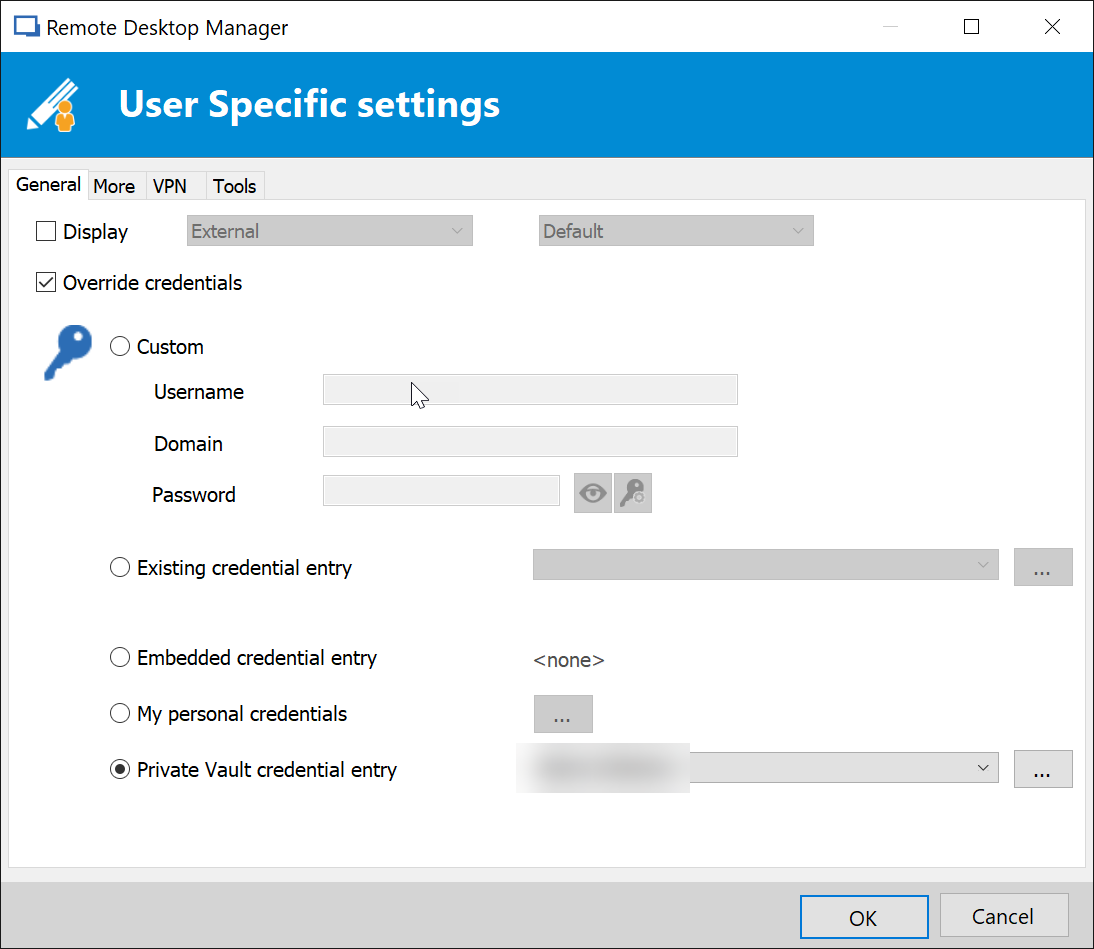
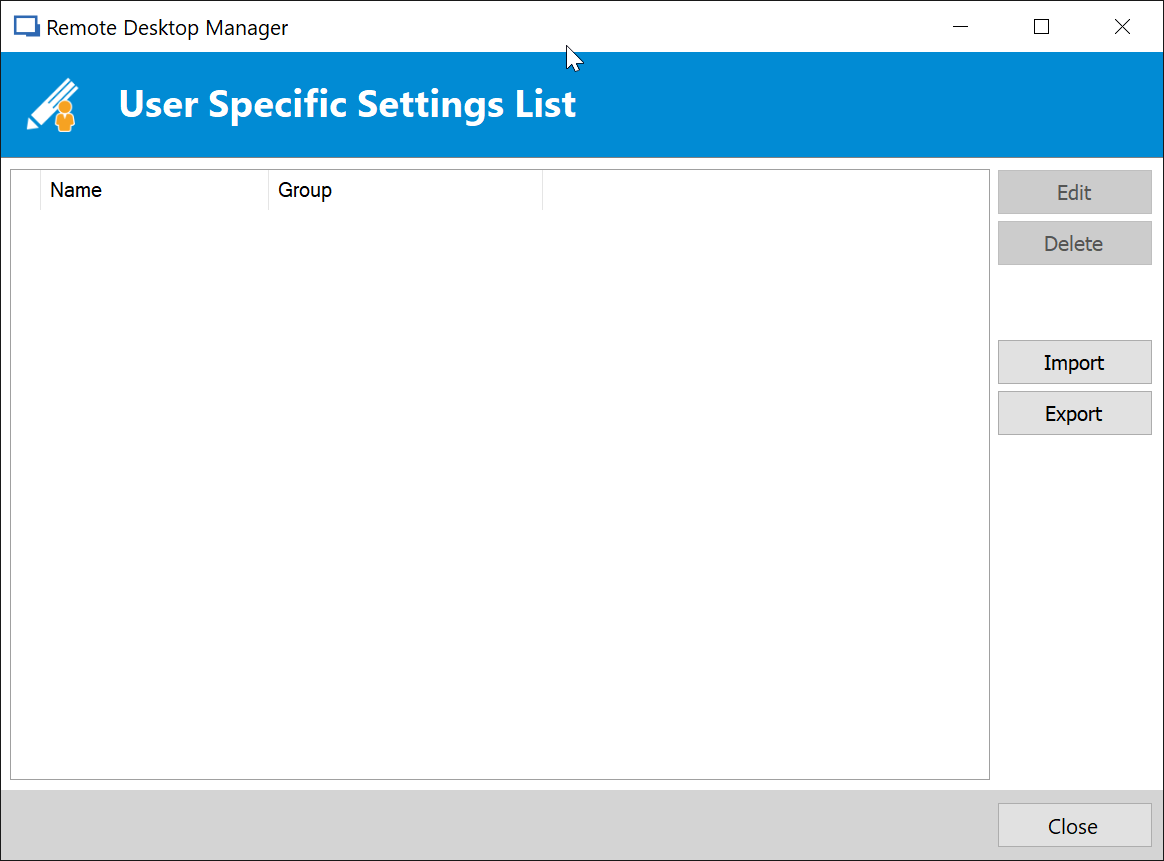
UserSSList.png
UserSpecificSettings-DB.png
Could you verify in Help->View application logs if you have an error?
Regards
David Hervieux
Hi
We have users experiencing this issue where they lose their user specific settings and are on RDM v12.6.8 with DVLS 4.6.1.
It seems to happen when they upgrade.
Brenden
Hello,
@Brendan
Do you have duplicate users in the User Management dialog?
If so, could you please check which user has the User Specific Settings? You can view it from the User Management dialog.
Is there any difference in the username format between those duplicate accounts?
If not, please reply to this post and we will reply by email to investigate further more in the database.
Best regards,
Érica Poirier
How do I access the user management dialog?
Hello,
You can access the User Management dialog in Administration - Users. You must be an administrator of the data source to have access to it.
Best regards,
Érica Poirier
I have no duplicate users in my data source. All are globally unique domain accounts.
Hello,
@Chris, my post about duplicate users was for a DVLS data source that @Brenden uses actually.
What version of RDM are you using right now?
Do you have something relevant about this in Help - View Application Logs when you try to create a new User Specific Setting?
And do you now see that new User Specific Setting in File - My Account Settings - User Specific Settings List?
Best regards,
Érica Poirier
I am currently using 12.6.6.0
I have the update available for 12.6.8.0
I currently have a number of things listed in my user specific settings list.
If I edit one of these, yes the edit is reflected in the application log.
However, we started using RDM Enterprise in September of last year, and each time we install updates, user specific settings are removed. I imagine that if I run the update right now, the same thing will happen.
Hello,
I would recommend to export your Users Specific Settings before the upgrade of RDM. If you lose them after the upgrade, you can import them again in RDM.
Just remember that you must have enough permissions on the database when you upgrade RDM because sometimes it involves database upgrades. Please consult the following link for more information.
https://help.remotedesktopmanager.com/database_upgrade.htm
Best regards,
Érica Poirier
I have full access to the database, so I don't think permissions are causing the problem.
Hi Erica
No, there are no duplicate userids.
Hello,
@Chris, could you please go in File - Diagnostic and click on the Send button to send us that report?
Best regards,
Érica Poirier